CreativeMode is the most powerful and easiest use modding tool ever made for Minecraft! Over 500,000 mods have been made with CreativeMode. The best part is that anyone can use it. You don't need to know how to code, you just need your idea and CreativeMode handles the rest. Oh, and it works for Java and Bedrock!
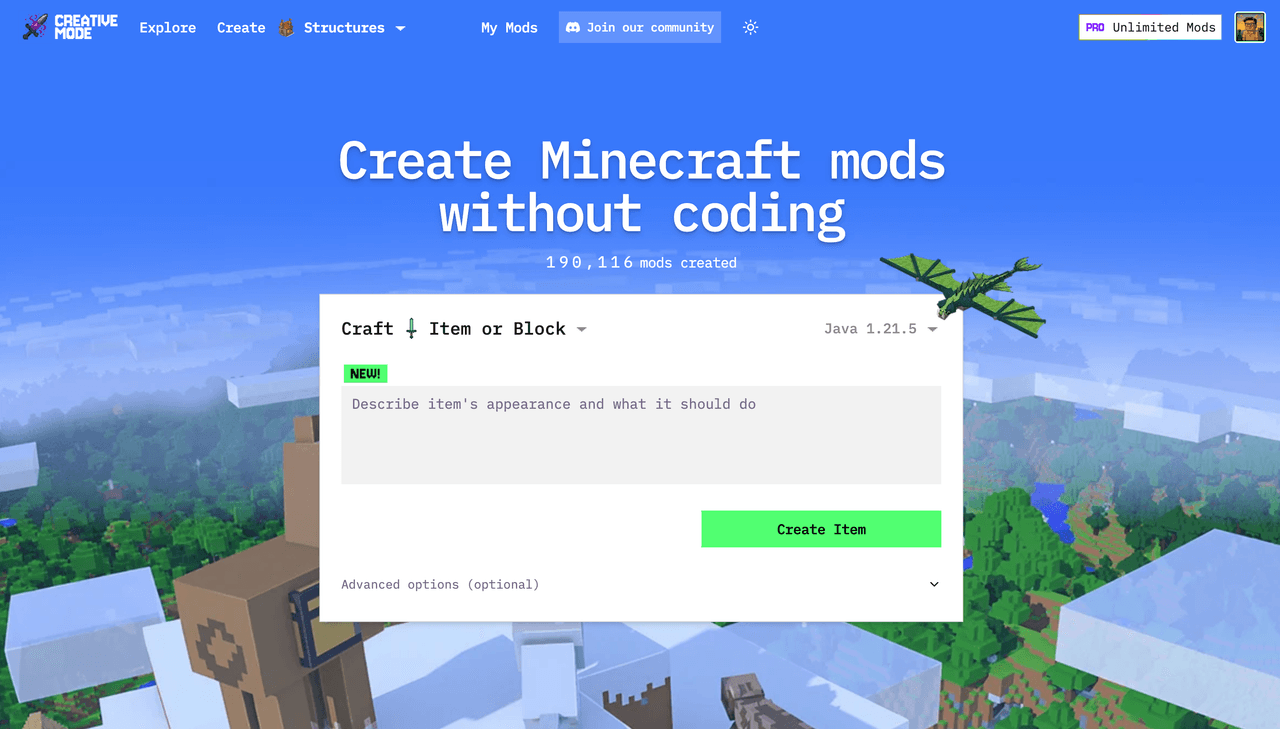
With CreativeMode, you can make items and blocks, mobs, structures, biomes, 3D objects, and player skins.
We also have a Full Mod creation tool for more complicated ideas - like mods with multiple game systems, mobs, and items. Use CreativeMode Studio to craft the textures, 3D models, sound effects, and speech before you make your mod.
See Choosing What to Create for a comparison between these tools.
Generation usually takes a few minutes. Larger Full Mods, Biomes, and complex edits may take longer.
For detailed instructions, use the interactive install guide or the wiki installation overview. Both cover Java and Bedrock, including mobile, Xbox, PlayStation, and Nintendo Switch.
The CreativeMode Launcher is the easiest way to test Java creations with Quickplay - the Launcher automatically installs everything you need for the mod. Manual installation is available for Java and Bedrock.
Browse Explore to find community creations, follow creators, save favorites, or take part in a ModJam.
Follow the Quick Start Guide, review Supported Editions & Versions, or join the CreativeMode Discord for community help.
