Custom user interface menus and GUIs are supported in CreativeMode! You can create anything from new furnace-style interfaces to completely custom menus like Tetris (someone really did this!). Simply describe the interface you want to create in your mod prompt.
UI menus are custom graphical user interfaces that include:
UI menus are created through prompting. Simply describe the interface you want to create in your mod prompt. You can tweak and make changes to the menu later using .
Custom Furnace: "Create a magical smelter block that has a custom UI with 3 input slots and 1 output slot. It should smelt ores 2x faster than a normal furnace."
Trading Interface: "Create a merchant NPC with a custom trading UI showing 6 trade slots. Players can trade emeralds for custom items."
Configuration Menu: "Create a settings block that opens a custom menu where players can toggle different game options."
Interactive Game: "Create a game block that opens a custom Tetris-style UI where players can play a block-matching game."
Join our Discord to share your custom UI creations and see what others have built. Email support@creativemode.net with questions about UI menu features.
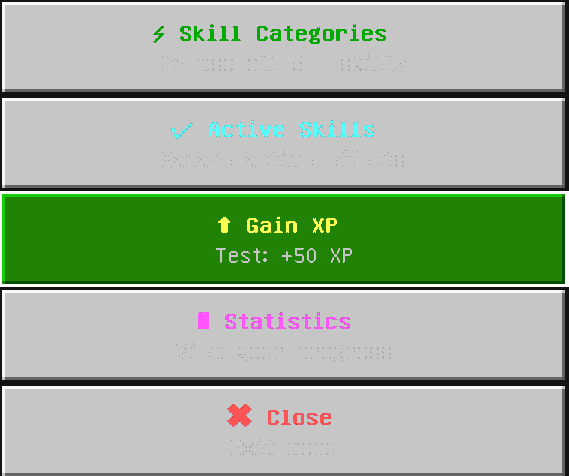
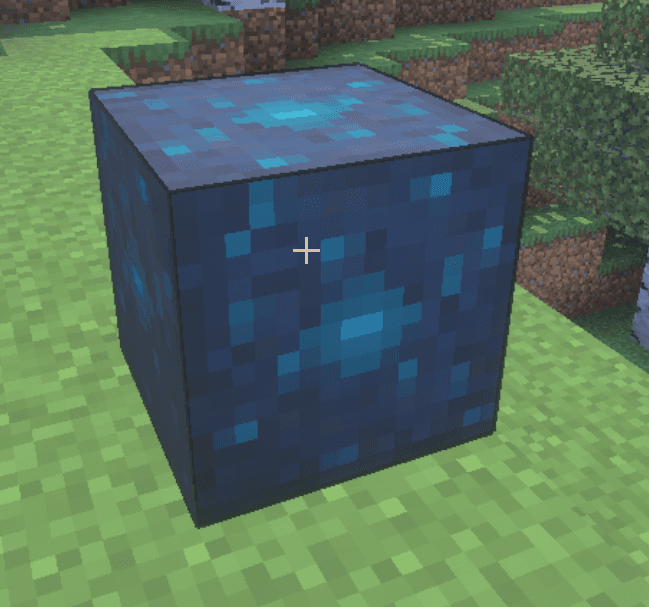
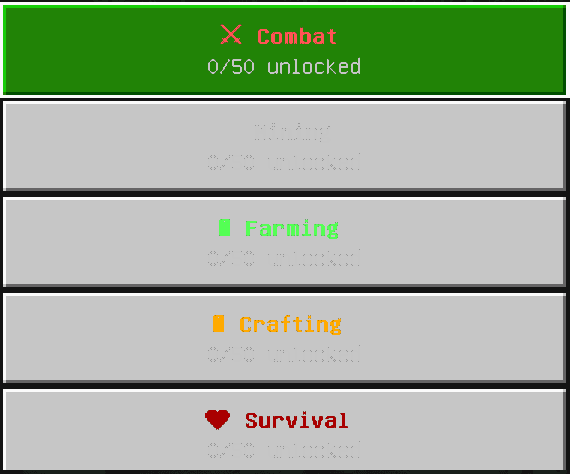
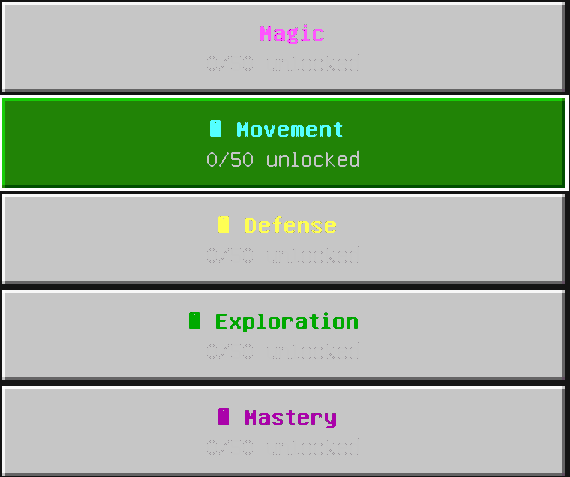
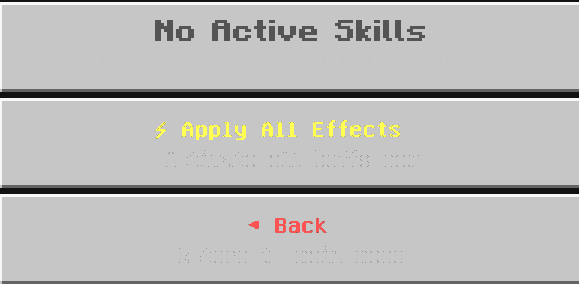

Placeable Progressional Skill Tree Block that opens a clean UI allowing players to progressively unlock up to 500 skills as they gain levels, with level-gated nodes, configurable unlock timing, visual progress indicators, and per-node requirements. To use, place the block and interact with it (use/right-click) to open your personal skill-tree UI, then spend XP/skill points to unlock and activate nodes — leveling now stops at Level 500 and the UI shows your level as X/500; all progression is saved per player and is Realms- and dedicated-server-safe.
USER PROMPT:
create a minecraft item that has the following description: make me a full on 500 skill, skill tree block that u can unlock over time with levels with a clean UI and is progressional Edit v2: make this work on realms and make it individual to each player that opens it Edit v3: make max level u can get 500
