CreativeMode

Creative
Mode

ExploreModJamsCreateJoin our community
Sign in
Craft first mod
CreativeMode

Creative
Mode

Sign in
Introduction
Quick Start Guide
Bedrock Edition
CreativeMode Launcher
Vanilla Launcher
Modrinth Launcher
CurseForge Launcher
Prism Launcher
Fabric Mods with Forge
Items
Blocks
Mobs
Structures
Armor
Weapons
Food
Custom 3D Objects
UI Menus and Custom GUIs
Sound and Dialogue
Full Mods
Port Versions
Using a texture from Blockbench
Prompt Templates
Publishing Mods
Mod Edits
Remix
Publishing mods on other sites
Modpacks
Multiplayer
Overview
Setup
Quickplay
Modpacks
Multiplayer
Auto-Heal
Creator Leaderboard
Discord
FAQ
Billing
Create
Account
Community
Resources

Create without limits.

Privacy PolicyTerms of Use

© 2026 CreativeMode. Not an official Minecraft product. Not approved by or associated with Mojang or Microsoft.

CREATIVEMODE

    Create
    Account
    Community
    Resources

    Create without limits.

    Privacy PolicyTerms of Use

    © 2026 CreativeMode. Not an official Minecraft product. Not approved by or associated with Mojang or Microsoft.

    CREATIVEMODE

    Custom 3D Objects

    You can create placable objects with custom three-dimensional models on the Item Creation page.

    What Are They#

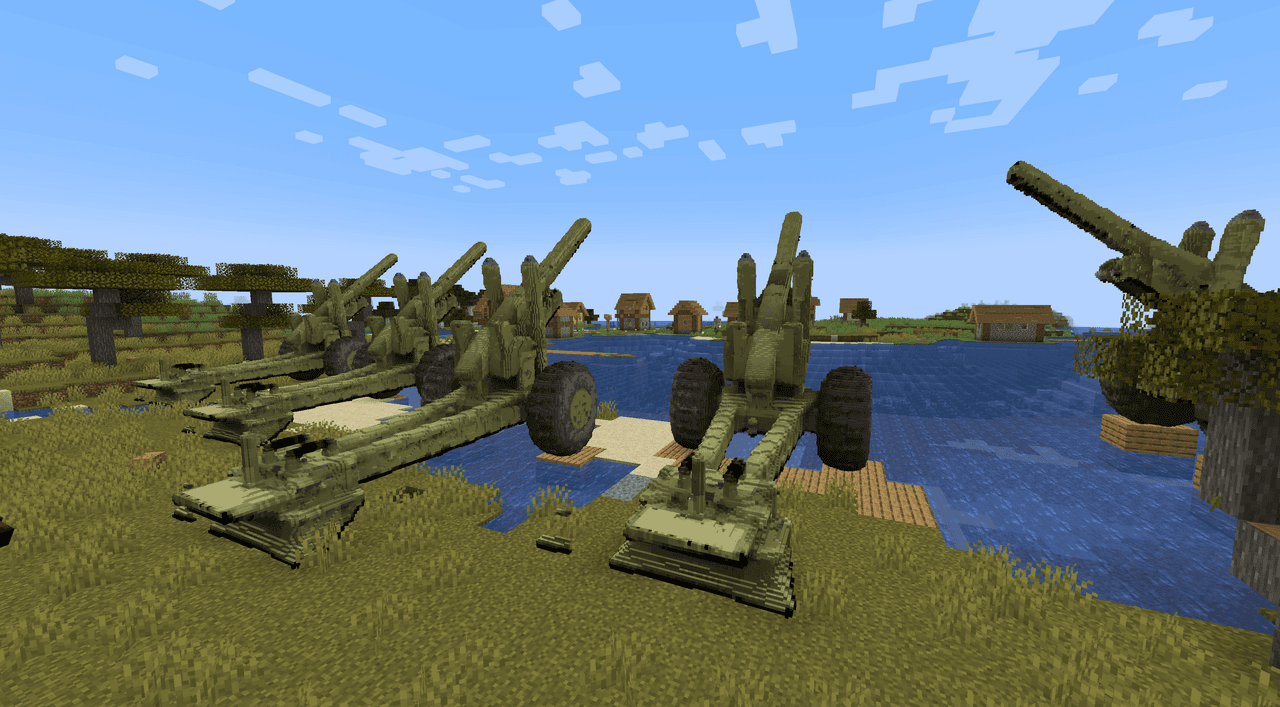
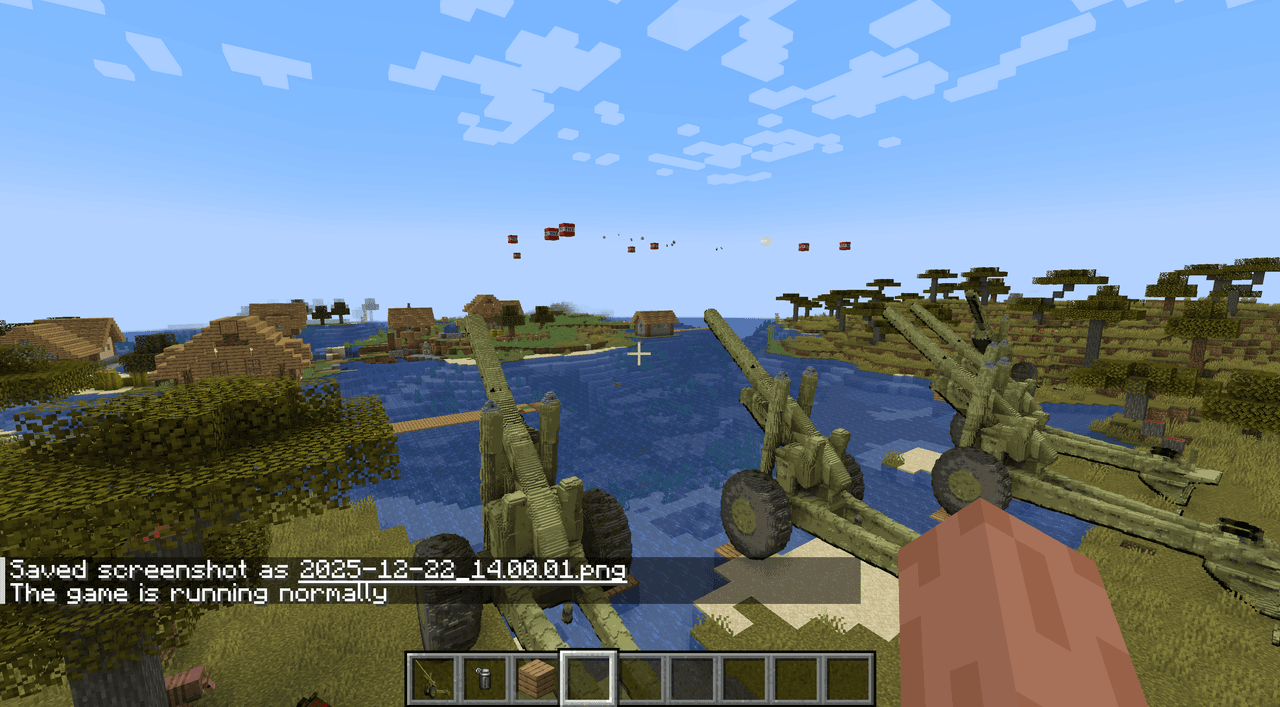
    These are items with custom geometry beyond standard cubes. They can be placed in the world and have unique features when you interact with them. You can create things like an artillery cannon that fires TNT or an oil refinery that slowly collects coal from the world.

    You can upload reference images to get accurate Minecraft-versions of anything you want to bring into the game - even your own house from real life!

    Creation#

    Visit Create Items and select your edition. Describe the object you want and include it's dimensions (1 block up to 16 blocks). You can upload reference images if you want. Then generate (this takes 2-5 minutes).

    It works best if you specifically request a "custom 3D object" in the prompt.

    Limitations#

    Animations are not supported yet.

    Custom 3D objects are not supported in Bedrock yet, but we are working on it.

    See also: Items, Blocks, Mod Edits, Discord, support@creativemode.net.

    Still have questions?

    Join our Discord to get help from the developers!

    Join Our Discord
    CreativeMode

    Creative
    Mode

    ExploreModJams
    Create
    Items or Blocks icon

    Items or Blocks

    Join our community
    Craft first mod
    CreativeMode

    Creative
    Mode

    Craft first mod
    Mega Artillery Gun - image 2
    Mega Artillery Gun - image 3
    Mega Artillery Gun - image 4
    Mega Artillery Gun - image 5
    Mega Artillery Gun - image 6

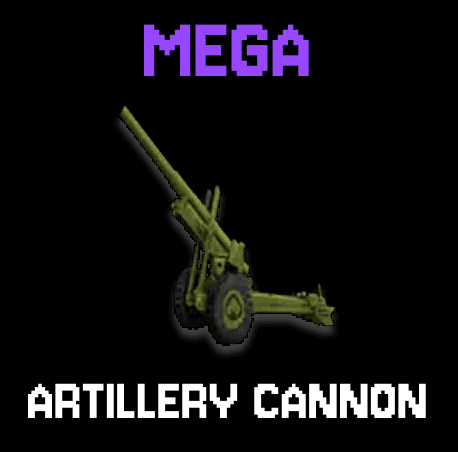
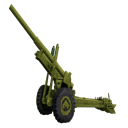
    Mega Artillery Gun

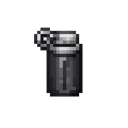
    Place the Artillery Gun as a 16x16x16 multiblock by right‑clicking (it needs clear space and breaking any part of the structure destroys it and returns the single gun item), and throw a Smoke Grenade (right‑click to throw) to call in an artillery strike: each Artillery Gun within 100 blocks fires three staggered TNT shells from a visible muzzle point that travel in a smooth ballistic arc with up to 10 blocks of spread. This update improves long‑range reliability by compensating muzzle velocity for distant targets, fixes ballistic timing so rounds reach their aim point, makes the TNT fuse dynamic (with a small safety buffer) so shells detonate shortly after landing, and adds a launch sound at the gun.

    305 downloads
    View Mod