May 30, 2026
7 downloads


cool backroom pack

By jpishim123
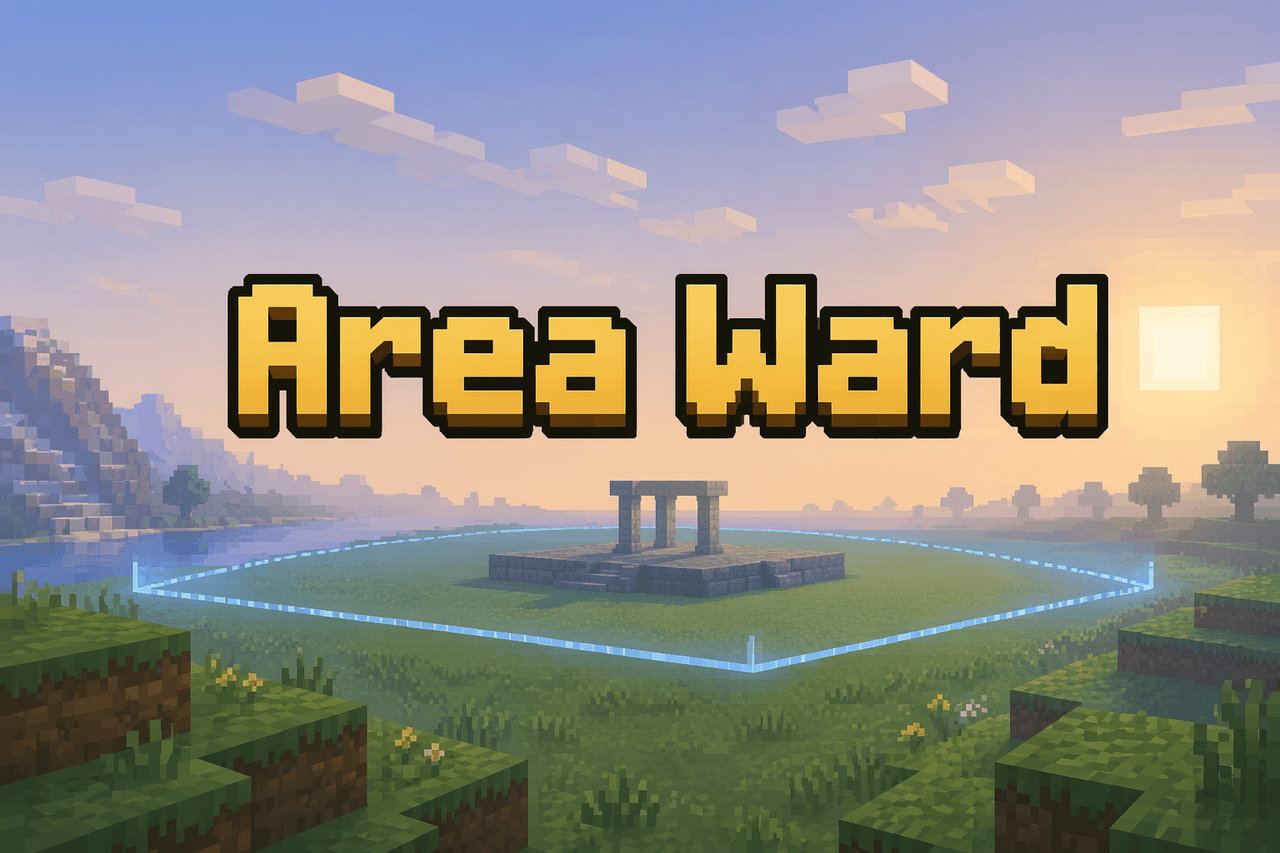
Area Ward prevents non-operator players from breaking, placing, or right-click editing blocks inside configured cuboid regions on your server, keeping protected areas intact. Server operators create and manage wards with commands like /areaward create <name> <from> <to>, /areaward remove <name>, /areaward list, /areaward here, /areaward check <pos>, and /areaward help; wards are saved to the world and persist across restarts, and operators automatically bypass protections. Players who try to modify a protected area receive an in-game notification, and anyone can inspect existing wards with the list, here, and check commands.

By jpishim123
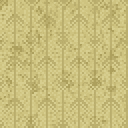
The Backroom Block is a buildable block inspired by the iconic yellow wallpaper aesthetic of the backrooms. It shares the same durability and mining requirements as stone, so you will need a pickaxe to break it efficiently. Place it anywhere in your world to create atmospheric backrooms-themed builds, and find it in the Building Blocks creative tab.

By jpishim123
The Backrooms Ceiling Tile is a decorative building block inspired by the iconic dropped ceiling tiles found in the Backrooms. It has stone-like durability, making it a sturdy choice for building atmospheric interior spaces. Craft it by arranging 4 Quartz Blocks in a 2x2 pattern to receive 4 tiles, then place them just like any other block.

By jpishim123
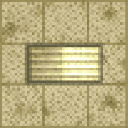
The Backrooms Light is a 4x4x4 multiblock fluorescent light fixture that emits a blinding level 15 light when active. Once placed, it automatically begins flickering on and off with realistic, unpredictable timing, complete with electric spark particles and ambient buzzing sounds for a true backrooms atmosphere. Right-click any part of the structure to toggle the flickering, locking the light into a steady always-on state, or right-click again to resume the eerie flickering.

By jpishim123
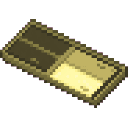
The Flickerlight Backrooms is a placeable light block that recreates the unsettling atmosphere of flickering fluorescent lights. When placed, it glows at full brightness, but randomly flickers off and back on over time, creating a creepy backrooms-style ambiance. It is fragile and easy to break, making it a purely decorative lighting option best suited for atmospheric builds.

By jpishim123
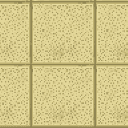
The Backrooms Floor is a decorative block that brings the unsettling aesthetic of the backrooms into your world. Simply place it like any other block to tile floors, walls, or ceilings with its eerie, familiar look. It has the same durability and mining properties as stone, making it a sturdy choice for builds.

By jpishim123
The Melius Vanish is a powerful utility item that grants you 10 seconds of invisibility when right-clicked, perfect for sneaking past enemies or escaping a dangerous situation. Alongside the invisibility, you also receive a brief speed boost for 3 seconds to help you slip away quickly. The item can only be used once every 15 seconds, so make sure to time your vanish wisely!

By jpishim123
The Operator Vanish Interface is a powerful administrative tool that allows server operators to become completely hidden from other players. Right-clicking the item toggles vanish mode on and off — when activated, a fake disconnect message is broadcast to the server, your name disappears from the player list, and your character becomes invisible to everyone else. Deactivating vanish works the same way in reverse, broadcasting a fake join message and making you visible again as if you just connected. This item can only be obtained and used by server operators via the /give command.

By jpishim123
The Trader Tag is a handy item for setting up quick player-run shops directly in the world. Simply hold the Trader Tag and right-click near any dropped item on the ground (within 5 blocks) to instantly convert it into a floating shop entity, which is consumed in the process. Other players can then right-click the glowing "[Shop]" marker to open a trading menu and purchase the item for emeralds equal to the quantity being sold. Each shop only allows one purchase before disappearing, and the shop can also be removed by attacking it.