Description
Phantom God Menu adds a sleek, GTA V–style overlay panel to your HUD that gives you direct control over four powerful player-specific abilities. The menu has a dark background with a blue title bar, displays each option with a green ON or red OFF indicator, and never requires you to leave the game world to use it. All toggles are server-authoritative, meaning they work correctly in both singleplayer and multiplayer and cannot be spoofed by the client.
| Toggle | What It Does |
|---|---|
| God Menu | Cancels all incoming damage. You become completely invulnerable. |
| Player Invisible | Hides your character model from other players. |
| Mob Invisible | Prevents hostile mobs from targeting you and continuously clears any nearby hostile mobs that already have you as their target (within ~80 blocks). |
| Unlimited Oxygen | Continuously refills your air bar to maximum, letting you breathe indefinitely underwater or in any suffocation scenario. |
The menu only responds to keyboard input when no other screen (inventory, chat, etc.) is open. Closing the menu does not disable any active toggles — they stay active until you manually turn them off.
| Key | Action |
|---|---|
| F5 | Open / Close menu |
| Up Arrow | Select previous option |
| Down Arrow | Select next option |
| Left or Right Arrow | Toggle selected option On/Off |
God Menu intercepts damage events on the server before they apply, so no health is ever deducted regardless of damage source — fall damage, fire, explosions, mob attacks, and more are all blocked.
Player Invisible applies the vanilla invisibility flag to your player entity on the server each tick, keeping you hidden from other players at all times while active.
Mob Invisible works on two levels: it blocks hostile mobs from ever acquiring you as a target in the first place, and every server tick it scans for any hostile mob within about 80 blocks that is already targeting you and clears that target, stopping their pathfinding immediately.
Unlimited Oxygen sets your air supply to its maximum value every server tick. This means the oxygen bar never has a chance to decrease, making drowning, powder snow suffocation, or any other air-depleting situation impossible.
All four toggles are independent and can be combined freely. A common setup for exploration is enabling God Menu alongside Mob Invisible to move through dangerous areas without combat interruption, then adding Unlimited Oxygen when diving for ocean monuments or underwater ruins. Player Invisible is useful on multiplayer servers when you want to observe other players or move through populated areas undetected.
Because the state is managed server-side, your toggle settings persist across menu opens and closes for the duration of your session. They reset when you disconnect or the server restarts.
This Java mod can be used on Windows and Mac PCs with the CreativeMode Launcher or any Minecraft launcher of your choice.

1. Download and install the new CreativeMode Launcher

2. Click to play on the top of the screen.
3. That's it — launches instantly. No complicated setup required.
Want to use on a different launcher? Download mod and manually install.



This mod adds the Lyran Star Regent, a peaceful, ancient wanderer that appears rarely in the Overworld; tall and regal like an enderman but it never attacks or teleports, instead moving gracefully and occasionally gazing at nearby players. Right-click the Lyran Star Regent to ope…




Press Shift+M to open the Super Duper Stuff Menu — a sleek item browser that hides vanilla items and creates alphabetically sorted tabs for each installed mod while still offering smart categories like Building Blocks, Cool Weapons, Tasty Treats, Wacky Mobs, and Magical Stuff; cl…
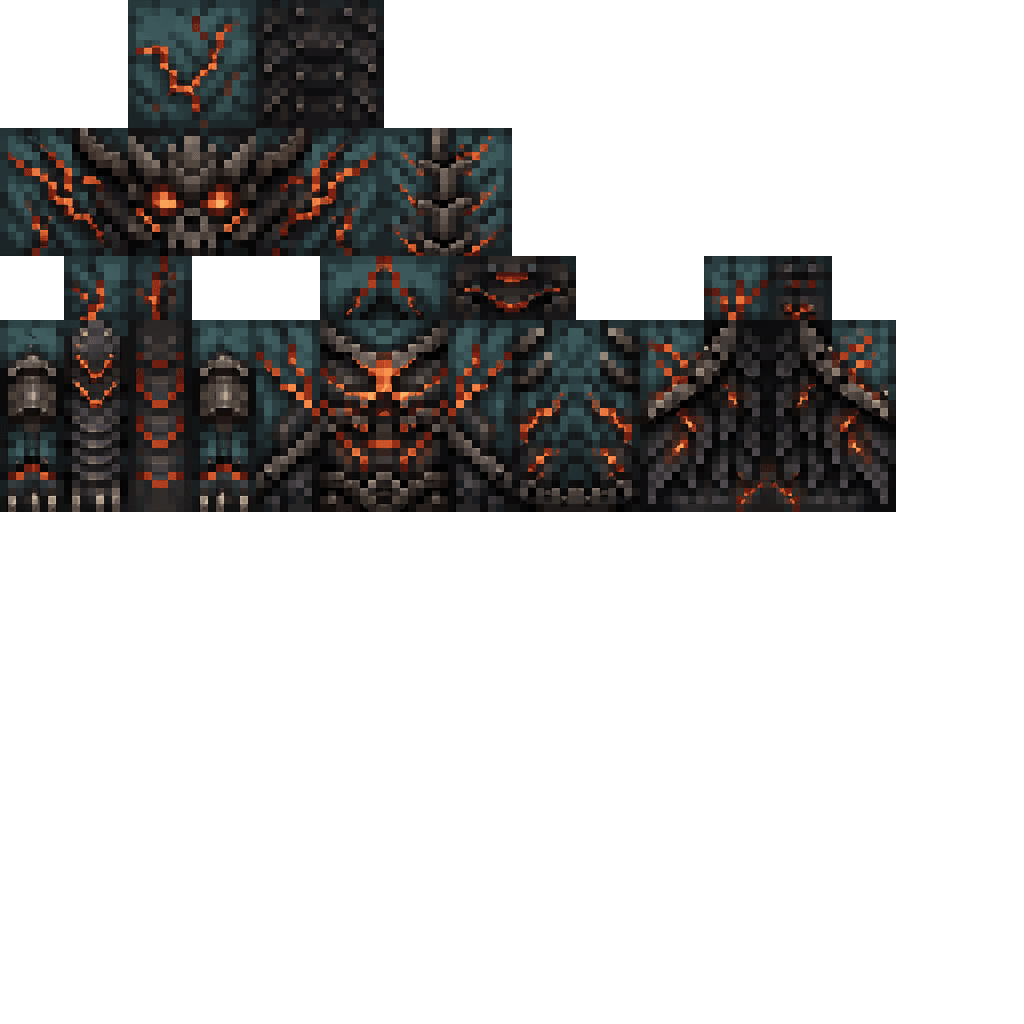


Enter Hygron rifts to be pulled into the Hygron Core — a sprawling raid stronghold of themed sections (corrupted courtyards, labs, cathedrals, factories, mirror halls, sky bridges and a final castle) where you fight patrols, ambushes, minibosses and cinematic bosses to unlock pro…
This mod is licensed under the CreativeMode Mods License.