Description

By voidpulse
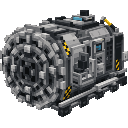
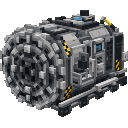
The Andesite Tunnel Bore is a rideable multiblock mining vehicle modeled after a subway tunnel-boring machine, complete with a large circular cutterhead, steel ring, shield, industrial panels, venting and hazard striping. Right-click the main block to mount (camera switches to third-person) and drive forward to carve a 5x4 tunnel up to three blocks ahead while automatically laying a polished andesite floor and, now, building a polished-andesite tunnel shell as it moves—placing side walls just outside the 5-wide opening and a ceiling cap above the 4-tall interior. It preserves bedrock and obsidian, steers with WASD relative to your look direction, press Shift to dismount and leave the bore in place, or hit it to destroy and retrieve the item; all original behavior is preserved.

By stronghold
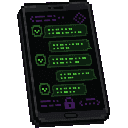
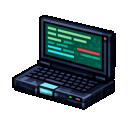
Sneaking while right-clicking a dealer opens the revamped dealer editor; using the "Pack" key converts a dealer into a custom spawn egg that stores their name, trade offers, assigned account, and any legacy skin data. When you purchase a dealer from the Mothership, the GUI closes, a large cloud of smoke appears, and the henchman materializes—accompanied by a teleport sound—after a brief period of invisibility; he walks slowly toward you, hands over the dealer spawn egg (or drops it if your inventory is full), and vanishes back into smoke. The Darkweb terminal and the purchase/trade window are now wider and better organized, with payments and results displayed more clearly; right-clicking the Dark Chat item opens a login page—log in with an account created at the Darkweb terminal to access the general chat, and manage private chats via the chat list (the plus sign creates and selects new chats locally, while the "X" removes chats and returns you to the Mothership). The Dark Chat GUIs support mouse-wheel scrolling, long contact names are truncated, and messages are synchronized server-side up to a limit of 8,192 characters. Crafting recipes for Dark Chat, the police system, and the terminal are automatically unlocked upon loading or joining; the Darkweb terminal is once again craftable; and the selection outline and collision hitbox of the placed Darkweb terminal block have been corrected so that they align with the block's orientation.

By rubberduck
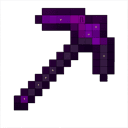
The Developer Pickaxe is an ultra-powerful mining tool with 9,999 durability that can harvest any block—even bedrock and other normally unobtainable blocks when you choose. While holding it, press G to open a settings menu where you can toggle Fortune III, Silk Touch, adjust Efficiency (1–5), enable 9×9 area-mining, Vein Mine, Insta-Mine, or turn Unobtainables mode on and off. All active settings are displayed in the tooltip with clear, colour-coded ON/OFF indicators, so you always know exactly how your pickaxe is configured. WARNING: Unobtainables Will Only Work When InstaBreak and Unobtainable are both turned on.

By guns67
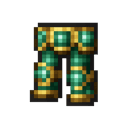
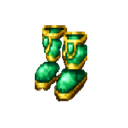
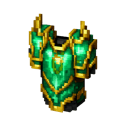
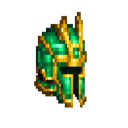
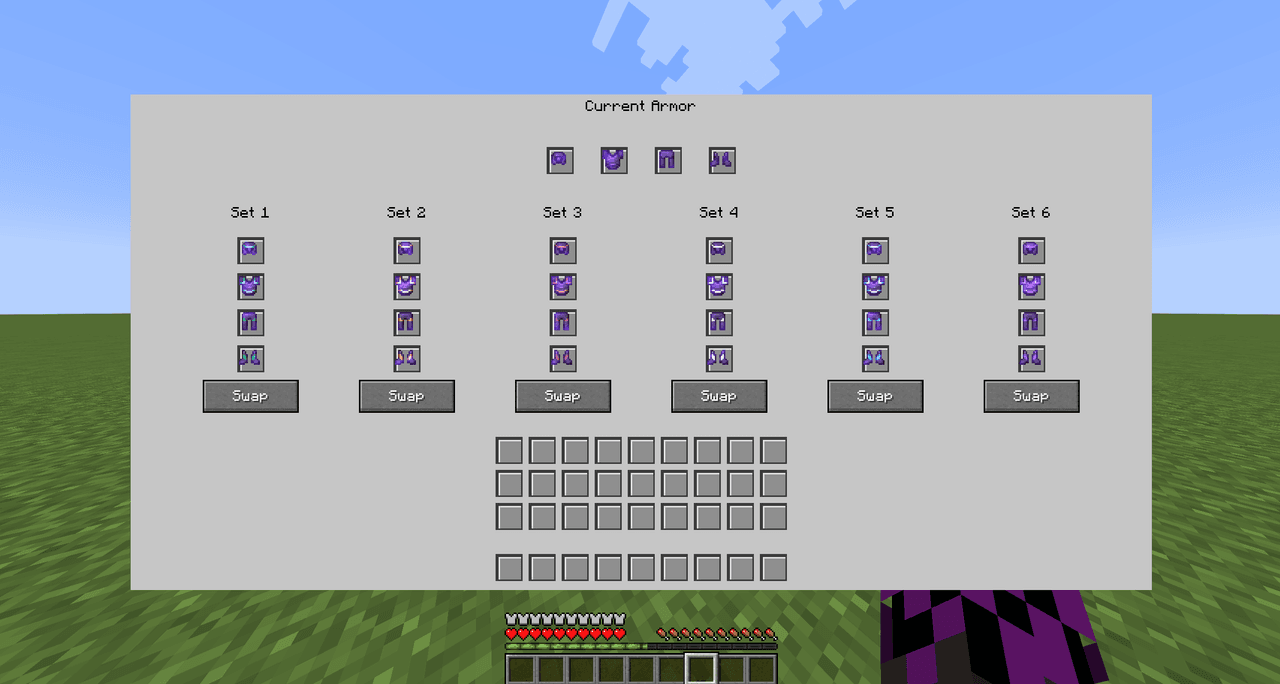
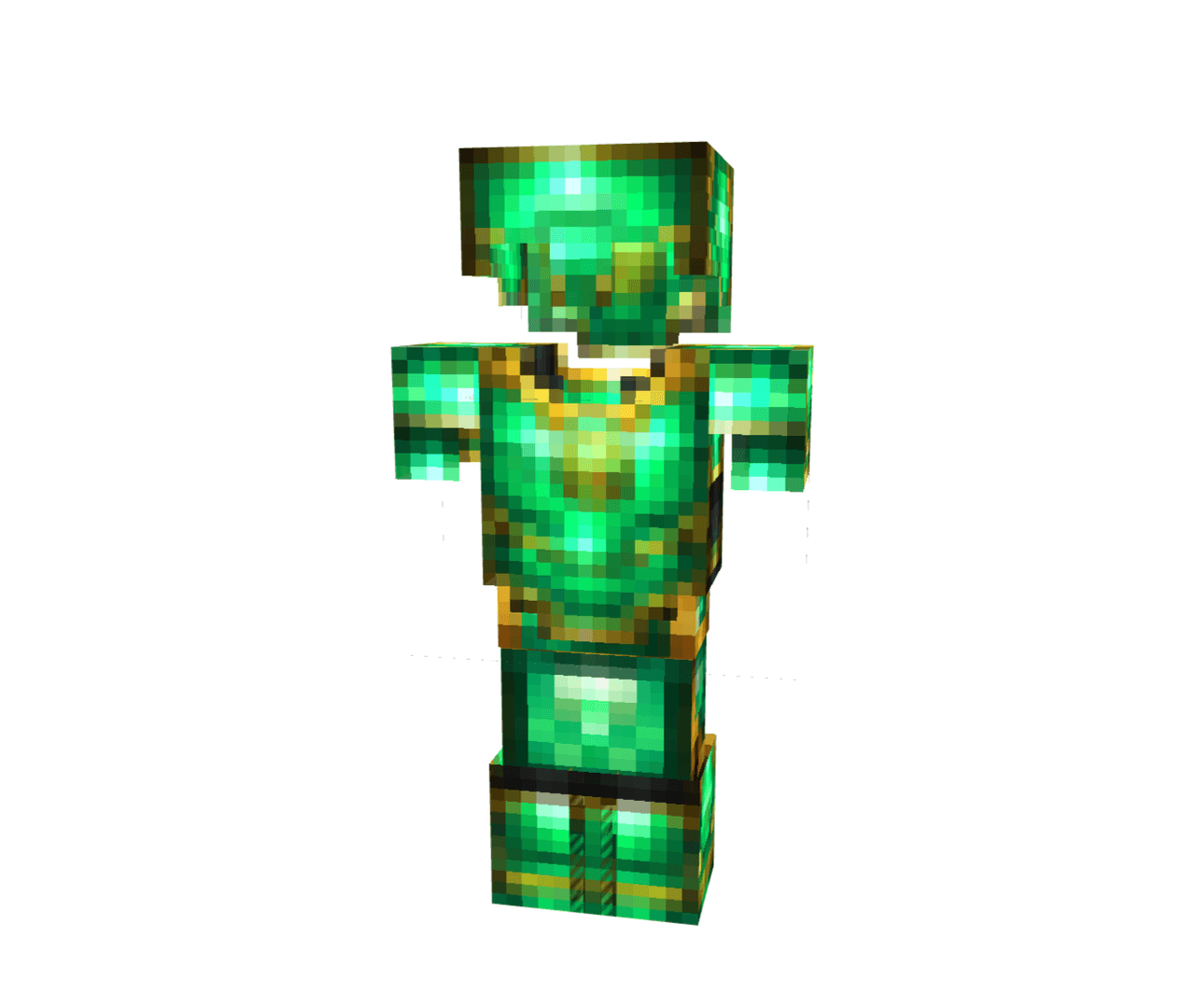
The Emerald Trader Armor is a complete four-piece armor set designed for players who frequently trade with villagers. When wearing the full set, you receive the Hero of the Village effect for trading discounts and Resistance I to reduce incoming damage by 20%. Each individual armor piece provides its own bonus: the helmet grants Night Vision, the chestplate provides Fire Resistance, the leggings give Speed I, and the boots offer Jump Boost plus Slow Falling for safe exploration.

By cakari
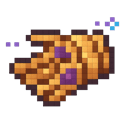
(1.20.1 version) The Infinite Reach Gauntlet extends your interaction range to 1000 blocks, allowing you to interact with blocks, mechanisms, and entities from extreme distances. Simply hold the gauntlet in either your main hand or off hand to activate its power—no special controls needed. Use it to press buttons, open doors, access chests, and interact with mobs from anywhere within range.

By glitter
The Whimsy Pocket Cottage is a magical pocket-house item that teleports you to your own private floating-island cottage — right-click while holding it to enter and right-click again to return to the exact spot you came from; it works from the Overworld, Nether, and End and includes a short cooldown to prevent immediate reuse. This updated version refreshes the generated cottage with a softer lavender-inspired roof in pastel pinks and lavenders with brighter birch trim and flowering vine accents, and adds a clearer framed front entrance with stripped birch framing and a spruce door, while preserving the original teleport functionality.

By theminecraftcontentcreator
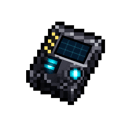
The Modern Teleporter is a handheld device that lets you save and instantly travel to any location across all dimensions: right-click to open its compact, scrollable interface, use Create Teleport to name and store your current spot, then select any saved entry to teleport instantly or remove entries with the red X. The interface shows up to five quick-select entries and includes an energy/carrier indicator you can click to choose carrier chips (the naming screen shows the carrier chosen on the main page). A new SFX On/Off toggle in the top status bar lets you enable or disable click and teleport sounds per device; the toggle is available on both the main and naming screens, persists with the teleporter, stays in sync across screens, and now renders at half size with a smaller button area and hitbox so it takes up less space while remaining clickable and readable.

By spookygamer236
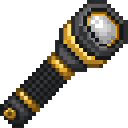
The Torchbeam Flashlight is a handheld light that projects a straight, focused beam one block in front of your eyes out to 20 blocks with consistent brightness, stopping at the first non-air/non-light block; hold it in either hand and right-click to toggle it on and off — flashlights start toggled off by default if they have no saved state, the on/off state is saved to the item and shown in the tooltip, toggling gives brief action-bar feedback, and the beam disappears the moment you put the flashlight away. The flashlight’s crafting recipe no longer unlocks automatically: it is granted only after you craft sticks for the first time, and the previous join/load recipe-grant behavior has been removed.