

Description
Build networks, share messages, and practice IT skills with interactive servers, routers, and training exercises.
Mod Wiki
Redstone Signal Tower
Quickstart
- Craft and place a on clear ground. It creates a multi-block tower.
- Craft and place a within 128 blocks of the tower, in the same dimension. Interact with the Signal Server and connect it to the tower.
- Craft a and use it to check your connection, select a network, or run the Speed Test app.
- For IT practice, place a and a . Interact with either device to open its training or configuration menus.
Overview
The mod combines a simulated mobile network with hands-on IT training. Build signal coverage with towers, connect towers to servers to bring the World Feed online, and check your connection with the Signal Phone. Training equipment offers networking, Linux, server administration, and security exercises.
The network and “internet” features are simulations within the world; they do not connect to external internet services or run commands on a real operating system.
What It Adds
| Item | What it does |
|---|---|
| Network Fundamentals Tower | Broadcasts a mobile signal and can connect to a Signal Server. |
| Signal Server | Provides server controls and training; link it to a tower to enable the World Feed. |
| Signal Phone | Shows network status and opens the Speed Test and, when available, World Feed apps. |
| IT Training Workstation | Offers IT labs, a subnet calculator, terminal practice, and host network settings. |
| Network Router | Provides router configuration and troubleshooting practice. |
How To Use
Towers and mobile signal
Interact with a tower to open its menu. You can rename it; the player who placed it can also set its mobile generation. The available generations are 2G, 3G, 4G, and 5G, with 4G as the default.
A tower provides signal within 128 blocks in the same dimension. Signal strength decreases with distance. The Signal Phone shows the selected connection, distance, and mobile signal strength. Use Select Network to choose a nearby tower or an online server network.
The Speed Test reports simulated download, upload, ping, and jitter. Higher generations offer higher throughput near a tower, while distance reduces speeds and worsens latency.
Signal Servers and the World Feed
Interact with a Signal Server to open its console. From there, you can configure its simulated network, connect it to a nearby tower, or try the server administration lab. A tower must be within 128 blocks of the server and in the same dimension to be linked.
A linked server network makes the World Feed available to players in the world. Open it from the Signal Phone to read recent posts, refresh the feed, or write a post. Posts are limited to 240 characters, and a short posting cooldown applies.
Training equipment
Interact with the IT Training Workstation to open its options. Its networking, Linux and systems, and security operations labs are multiple-choice exercises with explanations. It also has a subnet calculator and a Linux terminal lab.
Interact with the Network Router to configure its LAN, DHCP, and DNS settings or take its troubleshooting lab. The Signal Server also has a network configuration menu and a server administration lab.
Workstation, router, and server settings form a practice network: matching IP, subnet, gateway, DNS, and server settings can show an in-game simulated connection. Configure the devices in the menus and use the connection status to check your setup.
Crafting And Obtaining
Craft these items at a crafting table. Recipe shortcodes open the full recipe when selected.
| Item | Recipe |
|---|---|
| Network Fundamentals Tower | |
| Signal Phone | |
| Signal Server | |
| Alternate Signal Server placement item | |
| Network Router | |
| IT Training Workstation |
Abilities And Mechanics
- Network range: Towers provide local phone signal within 128 blocks in the same dimension. Linking a tower to a server makes that server network available world-wide within the world.
- Generation and speed: Tower owners can select 2G, 3G, 4G, or 5G. Speed Test results are simulated and vary with both generation and distance.
- World Feed: Requires at least one Signal Server linked to a tower. Players can post messages for others in the world to read.
- Training XP: Answer a practice question correctly to master that concept and earn 10 XP the first time. Repeating a mastered question does not grant extra XP; attempts, mastered concepts, and XP are tracked for each player.
- Terminal sandbox: The terminal lab checks your submitted command text only. It does not execute commands.
Progression And Strategy
Start with a tower and phone to explore signal range and compare Speed Test results at different distances. Add a Signal Server and link it to the tower to unlock the World Feed.
For IT practice, try the workstation’s networking lab, then use its subnet calculator to check an address and prefix. The Linux terminal exercises accept safe diagnostic examples such as systemctl status nginx, journalctl -u nginx -n 50, and df -h. Use the router and server menus to practice matching network settings and explore more troubleshooting scenarios.
How to install
Download the mod and follow the step-by-step installation guide.
Players also liked


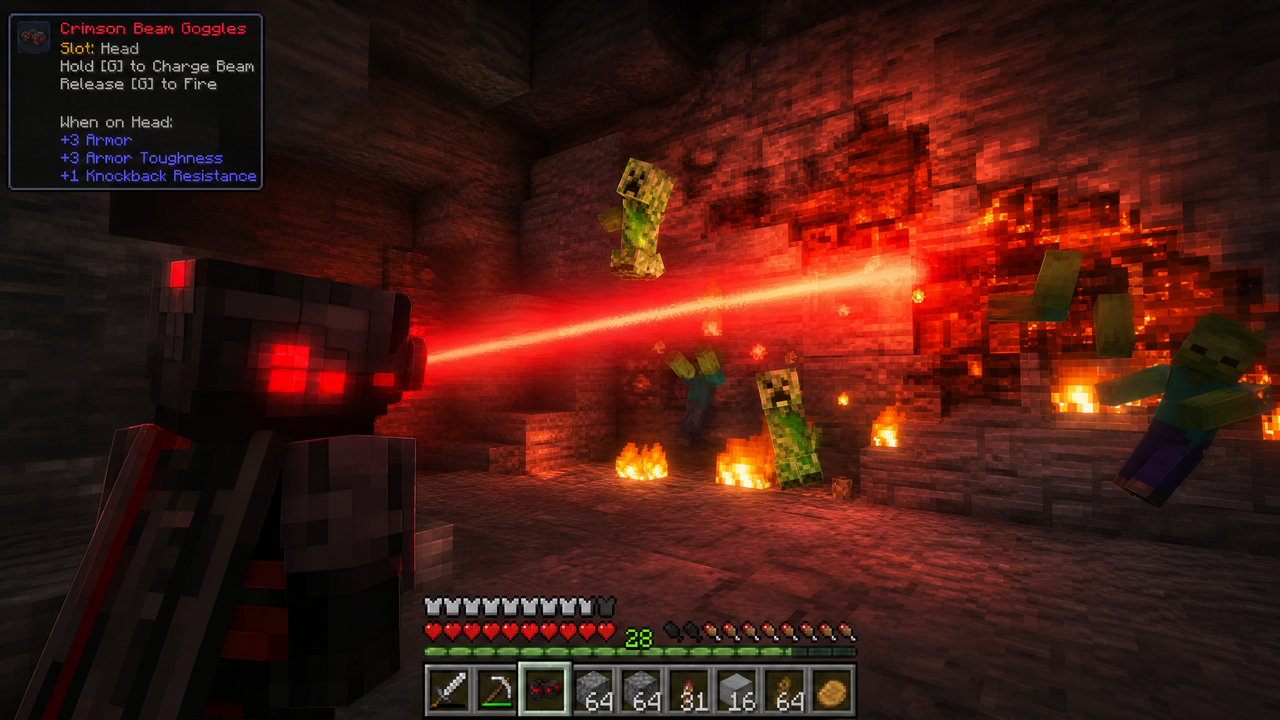
Homeland-boy Goggles


You must equip a pair and also hold one in your hand to aim and fire. Crimson Beam Goggles (Homeland-boy Goggles) are an equippable helmet that makes your eyes glow bright red and grants a laser-eye ability when worn: use the normal Use Item control (right-click / tap / use butto…

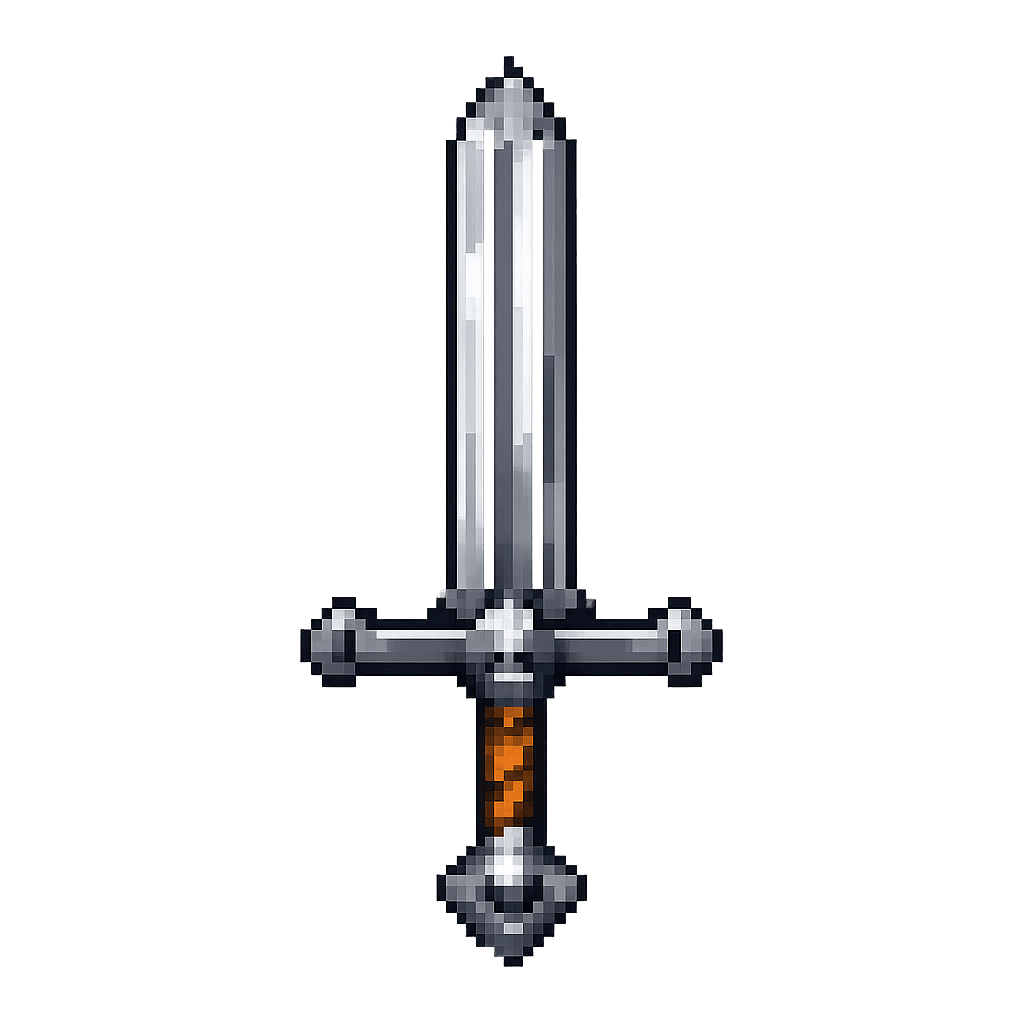
Orebound Katanas


craft an item called the forger.insert any 4 types of ore to forge. Forging creates different katanas based on which ores you use.
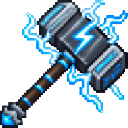
Stormforged Thunder Hammer

Wield the storm and crush foes with thunderous, lightning-charged blows.
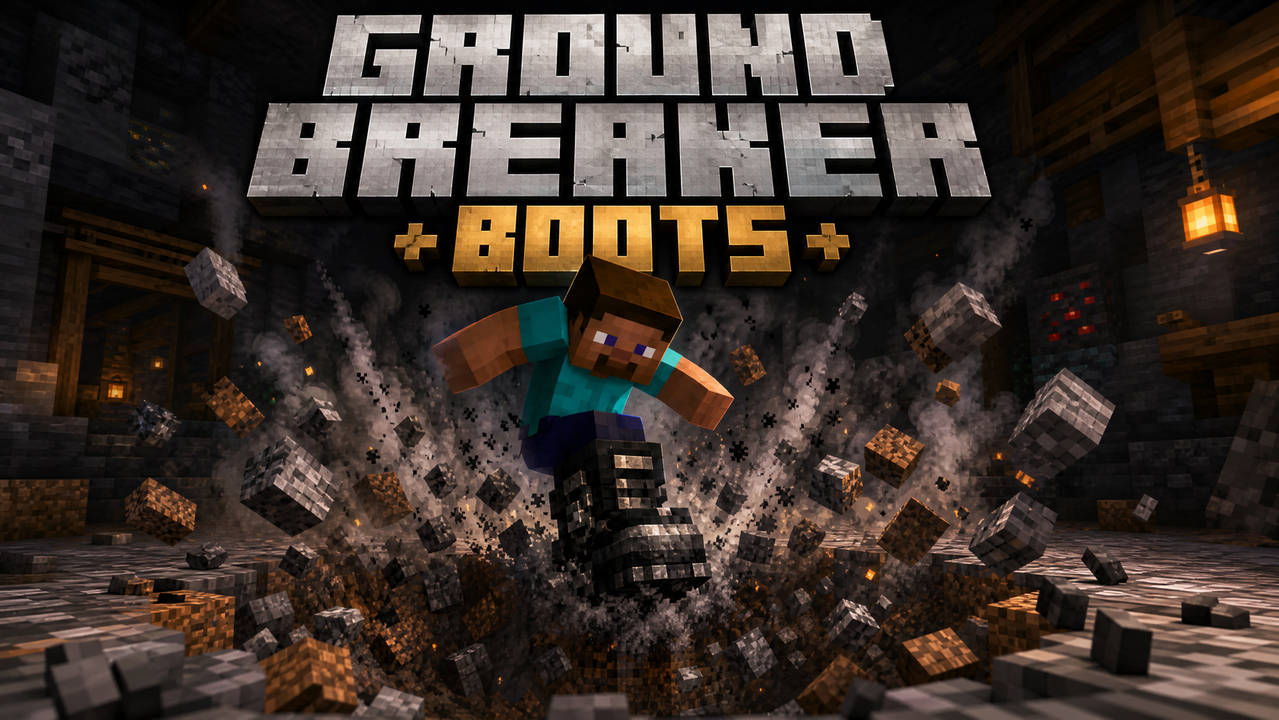
Ground Breaker Boots
Jump/fall 3 blocks to mine. Tired of mining? Need a little upgrade? Ground Breaker Boots are wearable boots that, when you fall 3 or more blocks, automatically smash out a 4x4x4 area (up to 4 layers) beneath you, preserving all item drops while playing a loud anvil impact sound w…
This mod is licensed under the CreativeMode Mods License.