

Description
Pull enchantments off your gear and into a book — quick, handy, XP-powered.
Mod Wiki
Enchant Extractor
Quickstart
- Craft the Enchant Extractor using the recipe below.
- Put an enchanted item in your offhand (Swap Hand key, default
F). - Hold the Enchant Extractor in your main hand and use it (right-click/attack action).
- If you have enough experience levels, the enchantments are stripped from the offhand item and turned into enchanted books, and levels are deducted from you.
Overview
Enchant Extractor is a single-item tool that lets you pull every enchantment off an item and turn each one into its own Enchanted Book. It's a way to "undo" enchanting, salvage enchantments from gear you no longer want, or split a multi-enchanted item into separate reusable books. The catch is that this convenience isn't free — the more enchantments you strip, the more experience levels it costs.
What It Adds
- Enchant Extractor — a single-use-per-activation tool item that removes all enchantments from an item held in your offhand and converts them into enchanted books.
How To Use
- Place the enchanted item you want to strip into your offhand slot.
- Hold the Enchant Extractor in your main hand.
- Activate the item (right-click). This must be done with the Extractor in your main hand — it does nothing if held in the offhand.
- If everything succeeds:
- The offhand item loses all of its enchantments.
- You receive one Enchanted Book for each enchantment that was removed, with the same enchantment and level it had.
- Books go into your inventory if there's room, or drop on the ground if not.
- You'll see a message confirming how many enchantments were extracted and how many experience levels it cost.
- If the offhand item has no enchantments, you'll get a message telling you to hold an enchanted item in your offhand.
- If you don't have enough experience levels, you'll be told how many levels you need, and nothing is removed or charged.
Crafting And Obtaining
Craft the Enchant Extractor from gold, diamonds, and a book:



Abilities And Mechanics
- Target selection: The Extractor always acts on whatever is in your offhand, while it must be wielded in your main hand to activate.
- Experience cost: The level cost scales with how many different enchantments are on the target item. More enchantments means a steeper price — stripping a heavily enchanted item can be very expensive in experience levels.
- All-or-nothing: Enchantments are only removed once you have paid the full experience cost. If you can't afford it, the item and your levels are untouched.
- Book output: Each enchantment becomes its own separate Enchanted Book at the same enchantment level it had on the original item — useful for re-applying enchantments individually later via an anvil.
Progression And Strategy
- Save up experience levels before attempting to strip heavily enchanted gear, since costs rise quickly with more enchantments on a single item.
- Use the Extractor to recover valuable enchantments (like Mending or Silk Touch) from damaged or unwanted tools instead of losing them entirely.
- Consider stripping and rebuilding gear with an anvil to reorganize enchantments across different items, since each extracted enchantment becomes an independent, reusable book.
How to install
This Java mod can be used on Windows and Mac PCs with the CreativeMode Launcher or any Minecraft launcher of your choice.

1. Download and install the new CreativeMode Launcher

2. Click to play on the top of the screen.
3. That's it — launches instantly. No complicated setup required.
Want to use on a different launcher? Download mod and manually install.
Players also liked
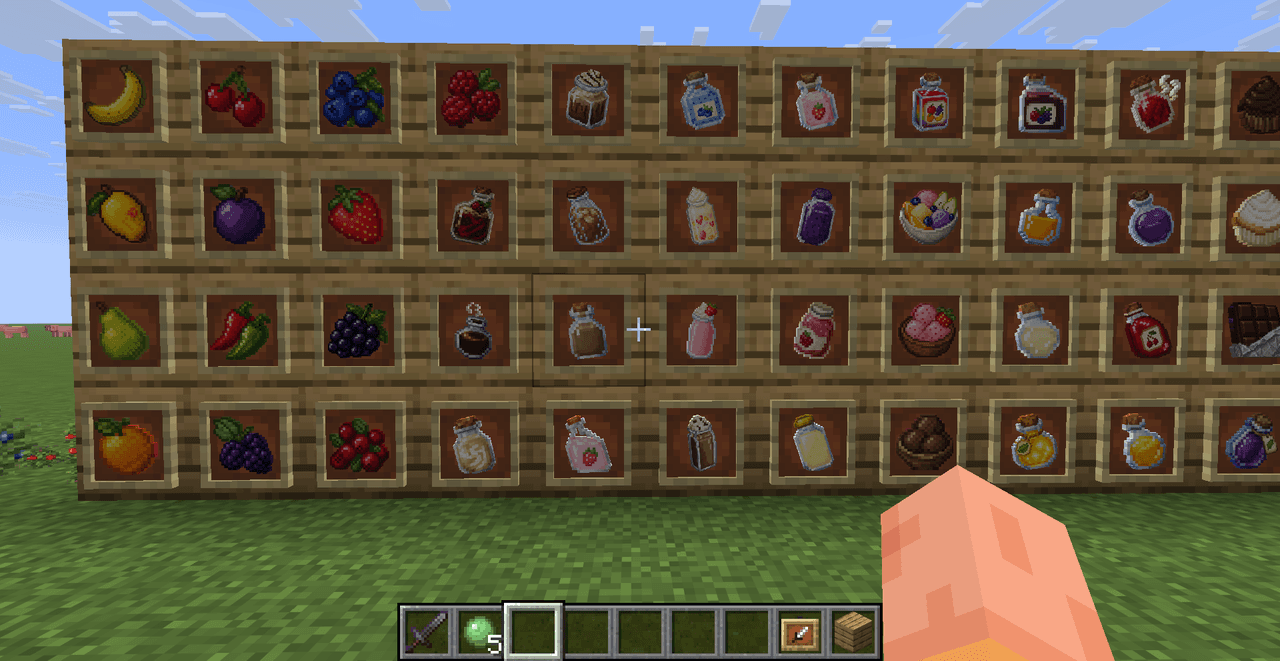
Falling Fruit Fields


Turn your world into a full orchard, garden and kitchen experience: harvest oranges, pears, mangos, bananas, cherries, plums and many berries from bushes, trees, grass and chests, grow vegetables like tomatoes, lettuce, corn, cucumbers, garlic, onions and bell peppers, grind whea…

Not Enough Challenge


NotEnoughChallenge/ ├── 🎯 Goal │ └── Competitive challenge framework with server-side lobbies and synced settings. │ ├── ⚡ Classic Speedrun │ ├── 🐉 Race to defeat the Ender Dragon. │ ├── 👤 Solo or 👥 team. │ └── 🌪️ Optional Chaos Mode with random maluses. │ ├── 🎲 Spe…
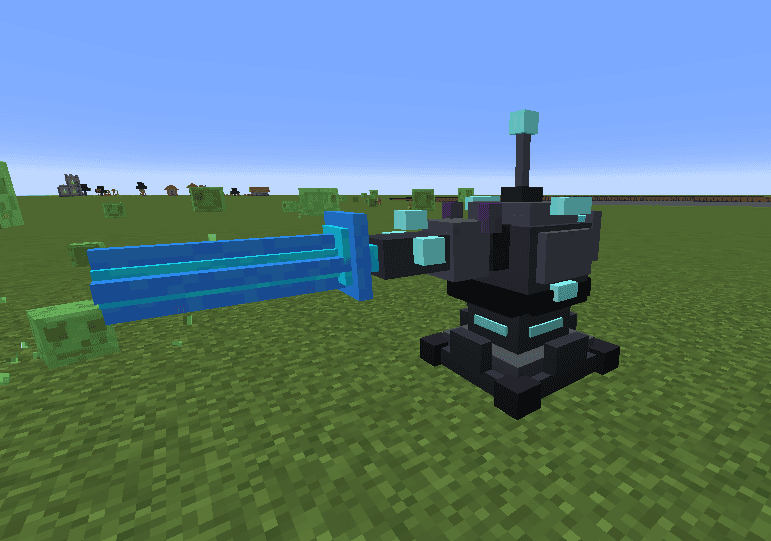
Azure Oblivion Turret

The Turret Block is a powerful automated defense structure that scans for hostile mobs within a 150-block radius and obliterates them with a devastating blue laser beam. When a target is detected, the turret charges for 3 seconds with a spiraling blue particle effect and an escal…




This mod is licensed under the CreativeMode Mods License.