CreativeMode

Creative
Mode

ExploreModJamsCreateJoin our community
Sign in
Craft first mod
CreativeMode

Creative
Mode

Sign in
Create
Account
Community
Resources

Create without limits.

Privacy PolicyTerms of Use

© 2026 CreativeMode. Not an official Minecraft product. Not approved by or associated with Mojang or Microsoft.

CREATIVEMODE

    Create
    Account
    Community
    Resources

    Create without limits.

    Privacy PolicyTerms of Use

    © 2026 CreativeMode. Not an official Minecraft product. Not approved by or associated with Mojang or Microsoft.

    CREATIVEMODE

    v6
    MC Java 26.1

    Custom Crafter

    by
    p01nt_bl4nk
    p01nt_bl4nk

    4 downloads

    Functional
    v6
    MC Java 26.1

    Custom Crafter

    by
    p01nt_bl4nk
    p01nt_bl4nk

    4 downloads

    Functional

    Description:

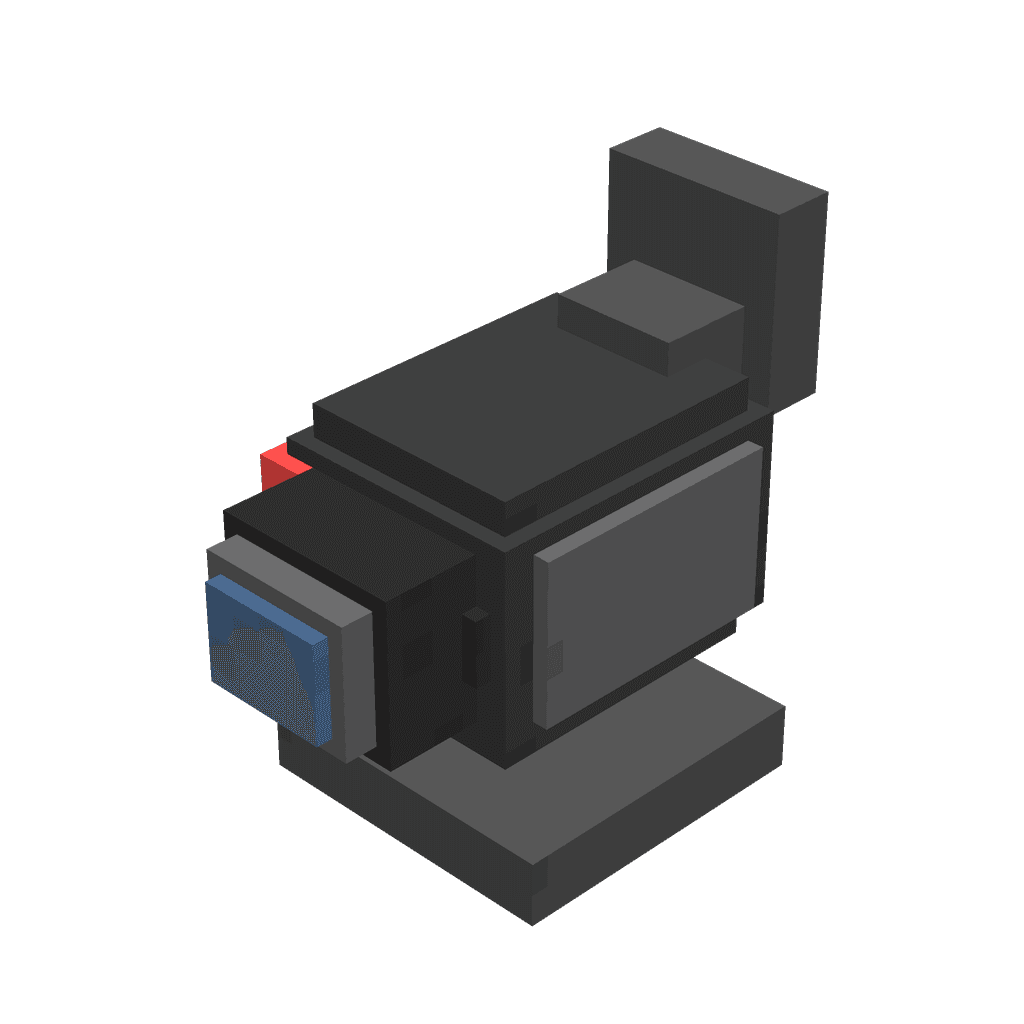
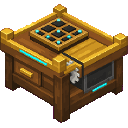
    The Custom Crafter is a placeable 3D workstation that faces the direction you place it; right-click it to open a three-tab recipe creator UI (Crafting, Furnace, Stonecutter). In the Crafting tab place ingredients into the input slots and the desired output into the output slot, then use the new two-state Shaped/Shapeless switch—now shown as a visible knob positioned above the crafting grid—to toggle recipe type (click the switch to move the knob), and press Confirm Recipe to register the recipe for your session or Delete Recipe to remove a matching recipe (deletion respects shaped vs shapeless). In Furnace mode the fuel slot is decorative and automatically cycles through valid fuels, and Stonecutter recipes can be defined in the UI though they are not yet active in the stonecutter block.

    Mod Wiki

    Custom Crafter

    Quickstart

    1. Craft the Custom Crafter block using the recipe below and place it in the world — it faces the direction you place it.
    2. Right-click the block to open the recipe creator UI.
    3. In the Crafting tab, fill the 3×3 input grid with your desired ingredients, place the result item in the output slot, choose Shaped or Shapeless with the toggle above the grid, then press Confirm Recipe.
    4. Head to any regular crafting table and place those ingredients — your custom recipe will produce the result you set.
    minecraft:diamond
    minecraft:comparator
    minecraft:diamond
    minecraft:comparator
    minecraft:crafting_table
    minecraft:comparator
    minecraft:diamond
    minecraft:comparator
    minecraft:diamond
    Arrow
    custom-crafter-fwn62u6i:custom_crafter_fwn62u6i

    Overview

    Custom Crafter adds a placeable 3D workstation that lets you define your own recipes for three types of vanilla stations: crafting tables, furnaces, and stonecutters. Recipes are registered for your current play session and work seamlessly alongside vanilla recipes in their respective blocks.


    What It Adds

    ContentDescription
    Custom Crafter blockA directional 3D workstation you right-click to open the recipe creator
    Custom crafting recipesShaped or shapeless recipes that work in any crafting table
    Custom furnace recipesSmelting recipes that work in any furnace or smoker
    Custom stonecutter recipesStonecutter recipes defined in the UI (UI-only for now)

    The block is found in the Tools & Utilities creative tab and stacks to 1.


    How To Use

    Opening the UI

    Place the Custom Crafter block and right-click it. The UI opens on whichever tab (Crafting, Furnace, or Stonecutter) you last used. Click the tab buttons at the top to switch modes — switching reopens the UI in the new mode.

    Crafting Tab

    • Fill the 3×3 input grid with ingredients in the pattern you want.
    • Place the desired result item in the output slot (to the right of the grid).
    • Use the Shaped / Shapeless toggle (the knob button above the grid) to choose the recipe type:
      • Shaped [●| ] — ingredient positions in the grid must match exactly.
      • Shapeless [ |●] — only the set of ingredients matters, not their positions.
    • Press Confirm Recipe to register the recipe.
    • Press Delete Recipe to remove a matching recipe (respects the current Shaped/Shapeless setting).

    Furnace Tab

    • Place one input item in the input slot and your desired output item in the output slot.
    • The fuel slot is decorative and automatically cycles through valid fuel items — you don't need to manage it.
    • Press Confirm Recipe to register the smelting recipe.
    • Your custom recipe will then function in any vanilla furnace, blast furnace, or smoker.

    Stonecutter Tab

    • Place one input item and one output item, then press Confirm Recipe to define the recipe.
    • Note: Stonecutter recipes defined here are stored but are not yet active inside the stonecutter block itself.

    Crafting And Obtaining

    Craft the Custom Crafter block at a regular crafting table:

    The recipe unlocks automatically when you join a world — no advancements required.


    Abilities And Mechanics

    • Directional placement — the block rotates to face you when placed, like a furnace or loom.
    • Session-only storage — all custom recipes are stored in memory for the current session and are cleared when the server restarts. Re-register your recipes each session.
    • Non-destructive — custom recipes only activate if vanilla finds no matching recipe first, so they never override existing vanilla results.
    • Per-player modes — each player's last-used tab (Crafting, Furnace, Stonecutter) and Shaped/Shapeless preference are tracked individually.
    • Shift-click support — items in the recipe slots can be shift-clicked to move them to your inventory.

    Progression And Strategy

    • Register your most-used custom shortcuts early in a session, since recipes reset on server restart.
    • Use Shapeless mode for simple ingredient combinations where placement doesn't matter, reducing setup effort.
    • Define furnace recipes to smelt unusual items or create custom smelting shortcuts for resources you process often.
    • The Custom Crafter itself requires diamonds and comparators to craft, making it a mid-to-late-game tool — plan your ingredient setups accordingly.

    How to install

    CreativeMode Launcher

    1. Download and install the new CreativeMode Launcher

    Click to play

    2. Click to play on the top of the screen.
    Launches instantly

    3. That's it — launches instantly. No complicated setup required.

    Install manually

    Download the mod and follow the step-by-step installation guide.

    Players also liked

    Voidstorm Plasma Cannon - media 1
    Java 26.1
    Voidstorm Plasma Cannon

    The Voidstorm Plasma Cannon is a handheld energy weapon you hold in first or thi…

    13 plays

    Uncrafting Table - media 1
    Java 1.21.5
    Uncrafting Table

    reverse crafting 2.0 this is a block OF 1930s Art Deco The Uncrafting Table is a…

    14 plays

    get random op items - media 1
    Java 1.21.5
    get random op items

    Right-click the Surprise Box to receive a random surprise! Each use consumes the…

    9 plays

    The Modern Jukebox - media 1
    Java 1.20.1
    The Modern Jukebox

    Modern Jukebox is a placeable music player that scans your config/Modern Jukebox…

    32 plays

    Simple Fps Counter - media 1
    Java 1.21.5
    Simple Fps Counter

    Adds a lightweight FPS counter to your HUD that displays the current frames-per-…

    37 plays

    This mod is licensed under the CreativeMode Mods License.

    CreativeMode

    Creative
    Mode

    ExploreModJams
    Create
    Items or Blocks icon

    Items or Blocks

    Join our community
    Craft first mod
    CreativeMode

    Creative
    Mode

    Craft first mod