

Description
Master Yamato’s nine techniques, chain devastating combos, and tear through enemies with dimensional slashes.
Mod Wiki
Yamato
Quickstart
- Obtain Yamato by crafting it or by finding it in the Combat tab of the Creative inventory.
- Equip it in your main hand. Yamato is a sword and cannot be damaged.
- Press Use to activate the current technique. Yamato starts in Judgment Cut mode.
- For your first attack, hold Use for about 0.6–0.8 seconds, then release it to perform an enhanced Judgment Cut.
- Hold Sneak and press Use to cycle through Yamato’s nine modes. The selected mode appears in the action bar.
- Strike enemies with the sword to build combos and concentration. The action bar shows the current mode, cooldown, and concentration level.
Overview
Yamato is a fireproof, unbreakable sword built around nine selectable techniques. Use it for normal melee attacks, charge certain abilities, dash through enemies, teleport, create temporary portals, and unleash dimensional slashes.
Yamato’s techniques resolve when you release the Use key. Each technique has its own cooldown. Its special attacks do not affect you, your teammates, or tameable mobs that you own. Players can be targeted only when PvP is enabled.
What It Adds
- The Yamato sword
- Nine selectable combat modes:
- Judgment Cut
- Rapid Slash / Rising Star
- Upper Slash / Aerial Cleave
- Void Slash
- Judgment Cut End
- Dimensional Rift
- Air Trick
- Mirage Blades
- Doppelganger
- Melee combo bonuses
- Concentration-based damage increases
- Temporary dimensional rifts
- A sword that does not lose durability and is immune to fire
How To Use
Selecting a Mode
Hold Sneak and press Use while Yamato is in your main hand. Each press advances to the next mode in this order:
- Judgment Cut
- Rapid Slash / Rising Star
- Upper Slash / Aerial Cleave
- Void Slash
- Judgment Cut End
- Dimensional Rift
- Air Trick
- Mirage Blades
- Doppelganger
After Doppelganger, the selection loops back to Judgment Cut.
Activating Techniques
With Yamato in your main hand, press and hold Use, then release it to activate the selected technique. The action bar displays:
- The current technique
- Its remaining cooldown
- Your concentration from 0 to 100
If a technique is cooling down or does not meet its charge or concentration requirement, releasing Use will not activate it.
Crafting And Obtaining
The crafting recipe is unlocked when you enter a world. Craft Yamato with a netherite sword, a nether star, an amethyst shard, and two ender pearls.


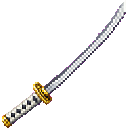
In Creative mode, Yamato is available in the Combat item group. Its item ID for commands is yamato-rrizskl5:yamato_rrizskl5.
Abilities And Mechanics
Judgment Cut
Hold Use for at least 12 ticks, then release it to cut a target or location up to 32 blocks away.
- Affects enemies in a 2.5-block area around the target point
- Deals a powerful area slash
- Releasing after roughly 12–16 ticks performs the enhanced version
- Holding longer still activates the normal version
- Grants concentration when it hits
- Cooldown: 2 seconds
Rapid Slash / Rising Star
Release Use to dash forward for six ticks, damaging enemies in your path.
- The dash travels in the direction you are looking
- Enemies near you can be struck during the dash
- Hold Use for at least 6 ticks before releasing to finish with Rising Star
- Rising Star launches you upward and strikes nearby enemies
- Grants concentration once when the dash connects
- Cooldown: 4 seconds
Upper Slash / Aerial Cleave
Release Use to perform an upward or aerial slash.
- From the ground, launches you upward and can knock nearby enemies into the air
- While airborne, drives you downward and deals more damage
- Grants brief protection from fall damage while Yamato remains in your main hand
- Grants concentration when it hits
- Cooldown: 2 seconds
Void Slash
Release Use to strike enemies in a wide area in front of you.
- Reaches approximately 5 blocks forward
- Deals area damage
- Applies strong Slowness for 2 seconds
- Pulls affected enemies toward the space in front of you
- Grants concentration when it hits
- Cooldown: 8 seconds
Judgment Cut End
Hold Use for at least 30 ticks and release it while your concentration is full.
- Requires 100/100 concentration
- Affects enemies within 12 blocks of you
- Deals massive area damage
- Applies Slowness for 1.5 seconds
- Resets concentration to zero after activation
- Cooldown: 45 seconds
Dimensional Rift
Release Use to create a temporary pair of linked rifts.
- One rift appears at your current position
- The other appears at a safe location up to 48 blocks in the direction you are looking
- Walk into either rift to teleport to the other
- Rifts remain for 10 seconds
- Rifts require enough open space for a player
- Cooldown: 15 seconds
The technique will not activate if a safe destination cannot be found, such as inside solid blocks, still fluids, or above lava.
Air Trick
Release Use to teleport through the air.
- When aiming at an enemy within 24 blocks, teleports you behind that target
- When no enemy is targeted, teleports you up to 8 blocks forward
- Requires a safe, open destination
- Cooldown: 3 seconds
Mirage Blades
Release Use to launch six spectral blades toward your aim point.
- Blades travel up to 32 blocks
- Each blade disappears when it hits a block, strikes an enemy, or travels for 3 seconds
- Each blade damages the first eligible enemy it hits
- Cooldown: 6 seconds
Doppelganger
Release Use to activate an echoing melee effect for 12 seconds.
- Your melee hits produce an additional strike
- The extra strike deals reduced damage
- The effect is useful for building pressure during close-range combos
- Cooldown: 30 seconds
Progression And Strategy
Build Combos
Every valid melee hit within 3 seconds continues your combo. Every third consecutive hit triggers bonus damage and resets the combo. You can continue hitting different enemies while maintaining the combo window.
Melee hits also grant 10 concentration.
Manage Concentration
Concentration increases when several damaging techniques connect, including Judgment Cut, Rapid Slash, Upper Slash, and Void Slash. Taking damage reduces concentration by 20.
At 100/100 concentration, Yamato’s technique and bonus-hit damage is increased by 25%. Save full concentration for Judgment Cut End when several enemies are within range.
Suggested Combat Flow
- Start with Void Slash to pull enemies together and slow them.
- Use Rapid Slash to dash through the group, or charge it for Rising Star.
- Follow with normal sword strikes to trigger the third-hit combo bonus.
- Use Air Trick to reposition behind a dangerous target.
- Fire Mirage Blades against enemies that are difficult to approach.
- Activate Doppelganger before a melee-focused attack sequence.
- When concentration reaches 100, use Judgment Cut End against a crowded group.
Keep Yamato in your main hand when using techniques, and watch the action bar so you do not waste a release during a cooldown.
How to install
This Java mod can be used on Windows and Mac PCs with the CreativeMode Launcher or any Minecraft launcher of your choice.

1. Download and install the new CreativeMode Launcher

2. Click to play on the top of the screen.

3. That's it — launches instantly. No complicated setup required.
Want to use on a different launcher? Download mod and manually install.
Players also liked
Thunderwarp Hover Bike


Take to the skies on a Thunderwarp Hover Bike and blast across the world with electric teleporting power!

Infinite Halo Sword


Wield the Infinite Halo Sword and unleash godlike power beneath a radiant ring of light.
Swinghook Grapple

Swing across Minecraft with a grappling hook whose rope fires from your hand.
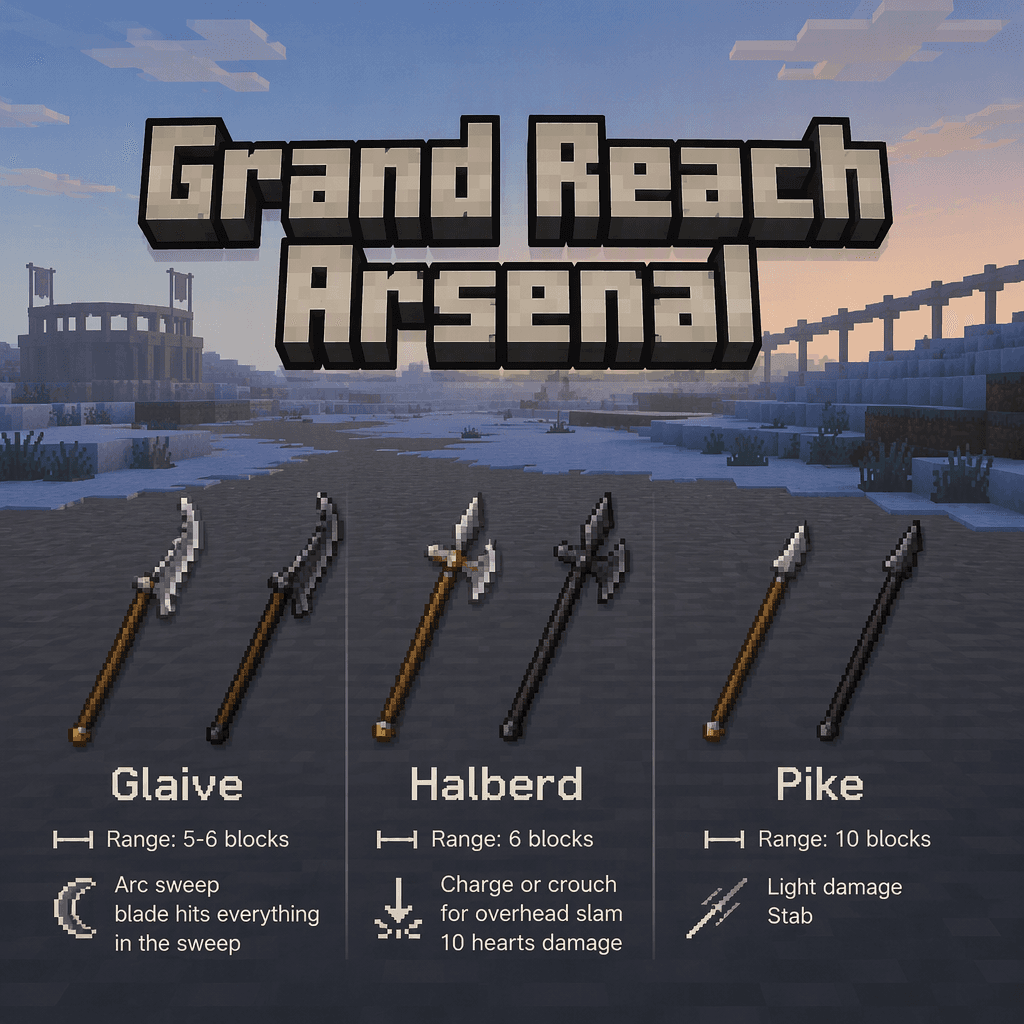
Grand Reach Arsenal


Wield colossal glaives, halberds, and pikes with sweeping, slamming, and long-range attacks.
Boomeraxe

The Boomeraxe adds tiered throwable axes (wood, stone, iron, gold, diamond, and netherite) that also function as effective handheld pickaxes and multipurpose tools: hold right-click to charge and release to throw — a full-charge throw sends it far and it returns to you like a loy…
This mod is licensed under the CreativeMode Mods License.