
Description
Work Box is a job-based kit delivery mod for Minecraft Bedrock that allows players to instantly request specialized equipment sets delivered right in front of them ranging from plain, to good, to best.
Mod Wiki
Work Box
Quickstart
- Craft a Work Box at a crafting table.


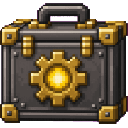
- Hold the Work Box in your hand.
- Face the direction where you want the kit chest to appear. You can use the Work Box normally or use it on a block.
- Choose a job from the Work Box menu, then choose a kit tier or setup.
- Open the chest that appears in front of you and take the supplies.
The chest is placed in the first suitable empty space ahead of you, checking nearby levels above and below. It must have a non-empty supporting block beneath it. Existing blocks are not replaced.
Overview
The Work Box is a reusable kit selector. It delivers supplies for common activities in a chest placed ahead of you:
- Fishing
- Mining
- Chopping
- Battle
- Farming
- Exploring
- Furnace Work
Each selected kit is delivered as a complete set of items in the new chest. Supplies are not placed directly in your inventory or equipment slots.
What It Adds
The mod adds one item:
- Work Box — opens the job and kit selection menu.
The Work Box can be used from the hand or used on a block. It has a maximum durability of 36 and does not stack.
How To Use
Opening the menu
With the Work Box selected:
- Use it normally to open the menu.
- Use it on a block to open the same menu.
First select a job. The next screen lists the kits available for that job. Selecting a kit immediately attempts to place and fill a chest in front of you.
Receiving a kit
The chest is placed in the direction you are facing. It is oriented toward you and contains the selected kit in its inventory.
If there is no suitable empty space ahead, the kit is not delivered. Move to a clear location with supporting ground and try again.
Using delivered supplies
Take the items from the chest and use them like their normal Minecraft counterparts. Armor, tools, weapons, food, fuel, and other supplies must be removed from the chest manually.
Each delivery creates a chest for that kit. Place yourself where a new chest can be created before selecting a kit.
Crafting And Obtaining
Craft the Work Box at a crafting table using the recipe below.
The recipe uses gold ingots, iron ingots, a chest, redstone, and a lever.
Abilities And Mechanics
- The Work Box presents a menu instead of delivering a predetermined kit.
- Kit contents are placed into a chest ahead of the player.
- The chest is only placed in an empty location with a supporting block.
- The Work Box does not overwrite existing blocks.
- Items are split into normal Minecraft stack sizes when necessary.
- Kits contain standard Minecraft items and are not automatically equipped.
- Canceling either menu leaves the Work Box unused.
- If a kit cannot be placed, a message explains that there is no valid chest location.
Available Kits
Fishing
| Kit | Contents |
|---|---|
| Plain | Fishing Rod, Bucket, 32 Cooked Cod |
| Best | Fishing Rod, Water Bucket, 64 Cooked Salmon |
Mining
| Kit | Contents |
|---|---|
| Plain | Full Iron Armor, Iron Sword, 3 Iron Pickaxes, 64 Torches |
| Good | Full Diamond Armor, Diamond Sword, 2 Diamond Pickaxes, 128 Torches |
| Best | Full Netherite Armor, Netherite Sword, 2 Netherite Pickaxes, 128 Torches |
Chopping
| Kit | Contents |
|---|---|
| Plain | 2 Iron Axes, Iron Sword, Shield, 32 Bread |
| Good | 2 Diamond Axes, Diamond Sword, Shield, 64 Cooked Beef |
| Best | 2 Netherite Axes, Netherite Sword, Shield, 64 Golden Carrots |
Battle
| Kit | Contents |
|---|---|
| Plain | Full Iron Armor, Iron Sword, Shield, Bow, 64 Arrows |
| Good | Full Diamond Armor, Diamond Sword, Shield, Bow, 64 Arrows, 4 Golden Apples |
| Best | Full Netherite Armor, Netherite Sword, Shield, Bow, 1 Arrow, 8 Enchanted Golden Apples |
Farming
| Kit | Contents |
|---|---|
| Plain | Iron Hoe, 64 Bone Meal, 64 Wheat Seeds, Water Bucket |
| Good | Diamond Hoe, 128 Bone Meal, 64 Potatoes, 64 Carrots, Water Bucket |
| Best | Netherite Hoe, 256 Bone Meal, 64 Golden Carrots, 2 Water Buckets |
Exploring
| Kit | Contents |
|---|---|
| Plain | Full Leather Armor, Compass, Map, Spyglass, 64 Torches, 32 Bread |
| Good | Full Iron Armor, Compass, Clock, Spyglass, 64 Firework Rockets, 64 Torches, 64 Cooked Beef |
| Best | Full Netherite Armor, Elytra, 192 Firework Rockets, Compass, Clock, Spyglass, 128 Torches, 64 Golden Carrots |
Furnace Work
| Setup | Contents |
|---|---|
| Smelting Setup | 4 Furnaces, 2 Blast Furnaces, 4 Lava Buckets, 64 Coal Blocks |
| Cooking Setup | 4 Smokers, 2 Campfires, 128 Dried Kelp Blocks, 64 Coal |
Progression And Strategy
- Use the Plain kits for basic early-game supplies.
- Choose Good kits when you have access to diamond equipment and need stronger tools or armor.
- Reserve Best kits for demanding work, dangerous areas, or late-game expeditions.
- The Furnace Work setups are useful for establishing a temporary processing station.
- Face an open area before selecting a kit so the delivery chest does not fail.
- For mining, battle, and exploration, take the armor and equipment from the chest before setting out.
- For farming and furnace work, place the delivery chest near the work area so its supplies remain convenient.
How to install
Download the mod and follow the step-by-step installation guide.
Players also liked
Power Miner


A handheld cannon/drill that carves huge tunnels in seconds, leaving behind the broken blocks for you to collect.
Demon speech mask

Wield cursed speech, command nearby foes, and endure the devastating recoil.
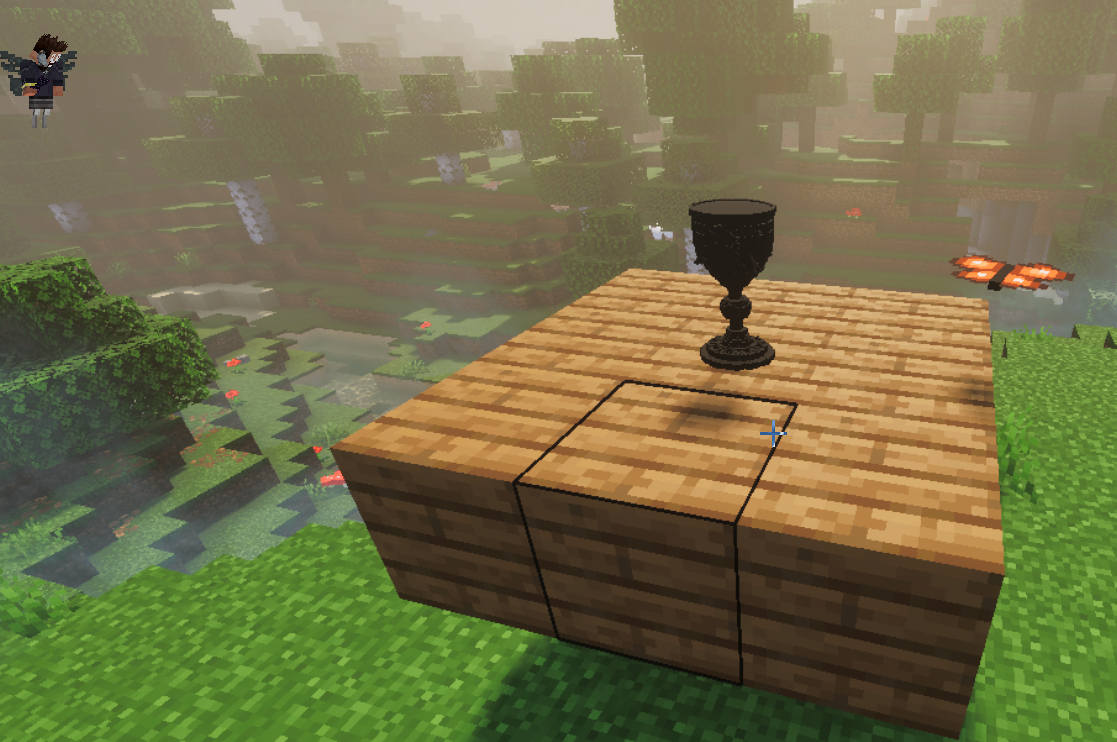
Obsidian Goblet

A goblet made of obsidian. My 5/10 Furniture model I am sharing here on creativemode from my portfolio! :)
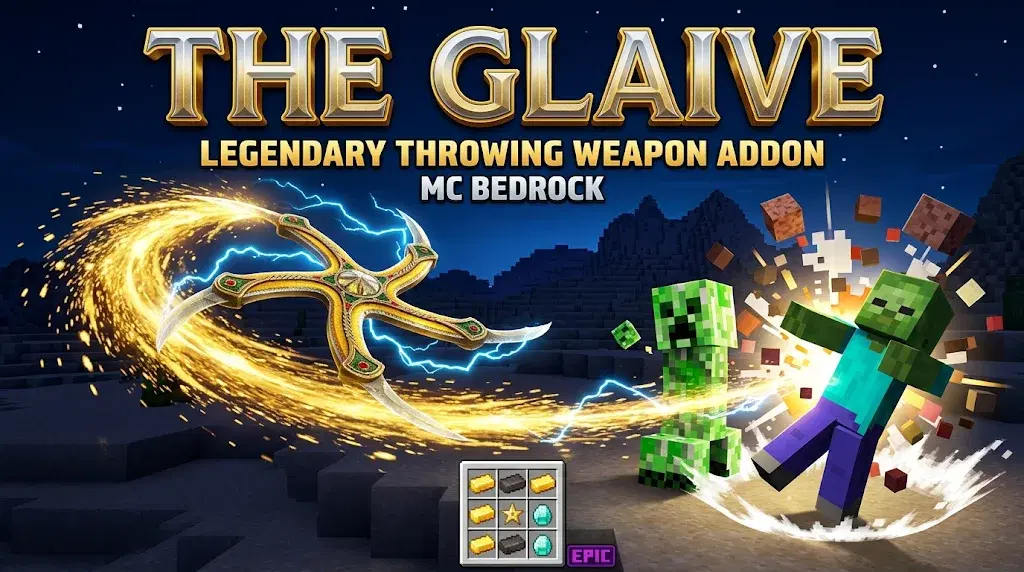
The Glaive
Hey guys, look what I made this time... I brought the Glaive from Krull into Minecraft. So now you can have your own fidget spinner... with blades... that kills... and kind of has it's own brain. It’s basically a sentient, homing fidget spinner of death. Toss it into a crowd, an…
Elven Arrowstorm Bow


The Elven Arrowstorm is an enchanted bow that allows the wielder to fire multiple arrows in rapid succession. Crafted with ancient elven techniques, this lightweight yet powerful weapon grants increased draw speed and accuracy. When fully charged, it releases a flurry of arrows t…
This mod is licensed under the CreativeMode Mods License.