

Description
Wield cursed speech, command nearby foes, and endure the devastating recoil.
Mod Wiki
Cursed Command Mask
Quickstart
- Obtain the Cursed Command Mask Helmet from the Creative inventory under equipment, or use:
/give @s com_cursed_command_mask_hy2sufyt:my_helm 1 - Equip it in your helmet slot.
- Crouch or sneak once to open the Cursed Speech menu.
- Stand near a target and choose Blast Away, Die, or Get Crushed. Every other living entity within five blocks is affected.
- Move away or prepare to heal: the mask inflicts a delayed recoil of two to three hearts on you after each command.
To craft the helmet:



Overview
The Cursed Command Mask Helmet lets you issue supernatural commands to nearby living entities. Its power affects every valid target within five blocks of you, but each command comes with devastating delayed recoil.
The helmet is an equipment item rather than a handheld tool. Once equipped, crouching opens its command menu.
What It Adds
- Cursed Command Mask Helmet
- Protection: 3
- Durability: 200
- Maximum stack size: 1
- Enchantable as a helmet
- Repairs with sticks
- Epic rarity with an enchanted glint
- Cursed Speech menu
- Blast Away
- Die
- Get Crushed
- Create Custom Command
How To Use
Opening the Menu
Equip the Cursed Command Mask Helmet and press your crouch or sneak control. The Cursed Speech menu opens when you begin sneaking.
The helmet must remain equipped while selecting a command. You do not need to hold a second copy of it in your hotbar.
Selecting a Command
The menu displays the three standard commands and any custom commands you have created. Select a command to activate it immediately.
All other living entities within five blocks of your position are targeted at the same time. The mask does not affect you as a target, but its recoil does damage you after the command.
Creating Custom Commands
Choose Create Custom Command, then:
- Enter a command name.
- Select one of the three available effects.
- Confirm the form.
Your named command appears in the Cursed Speech menu with its assigned effect. Creating another command with the same name replaces that command’s previous effect.
Custom commands are labels for existing abilities; they do not create new effects.
Crafting And Obtaining
The helmet is crafted at a crafting table using obsidian, an echo shard, redstone, and a netherite ingot.
You can also obtain it directly from the Creative equipment inventory or with the item identifier:
com_cursed_command_mask_hy2sufyt:my_helm
Abilities And Mechanics
| Command | Effect on targets |
|---|---|
| Blast Away | Throws targets away from you with strong horizontal knockback and a vertical lift. |
| Die | Deals 1,000 damage, which is lethal to most ordinary entities. |
| Get Crushed | Deals 8 damage and applies strong Slowness for 3 seconds. |
Target Range
The command affects every other entity with health within five blocks of you in the same dimension. This can include mobs and other players, so check your surroundings before activating an area-wide command.
Recoil
About three seconds after using a command, the helmet deals a random 4–6 points of damage to you—equivalent to 2–3 hearts. The recoil occurs even if the command hits no targets, so keep enough health available before using the mask.
Progression And Strategy
- Gather obsidian, an echo shard, redstone, and a netherite ingot before crafting the helmet.
- Use Blast Away to clear space or push enemies away from hazards.
- Use Get Crushed to damage and slow groups before repositioning.
- Reserve Die for dangerous targets, and account for the incoming recoil before using it.
- Keep healing supplies nearby and avoid activating the mask while already at low health.
- Fight from the edge of the five-block range when possible so you can command targets and retreat before the recoil arrives.
How to install
Download the mod and follow the step-by-step installation guide.
Players also liked
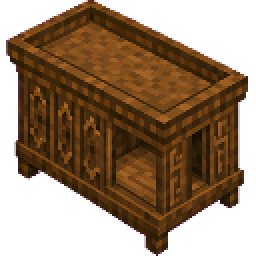
Carved Box Bed


Carved bed luxury with real vanilla sleep, safe spawn points, and atomic multiblock placement.
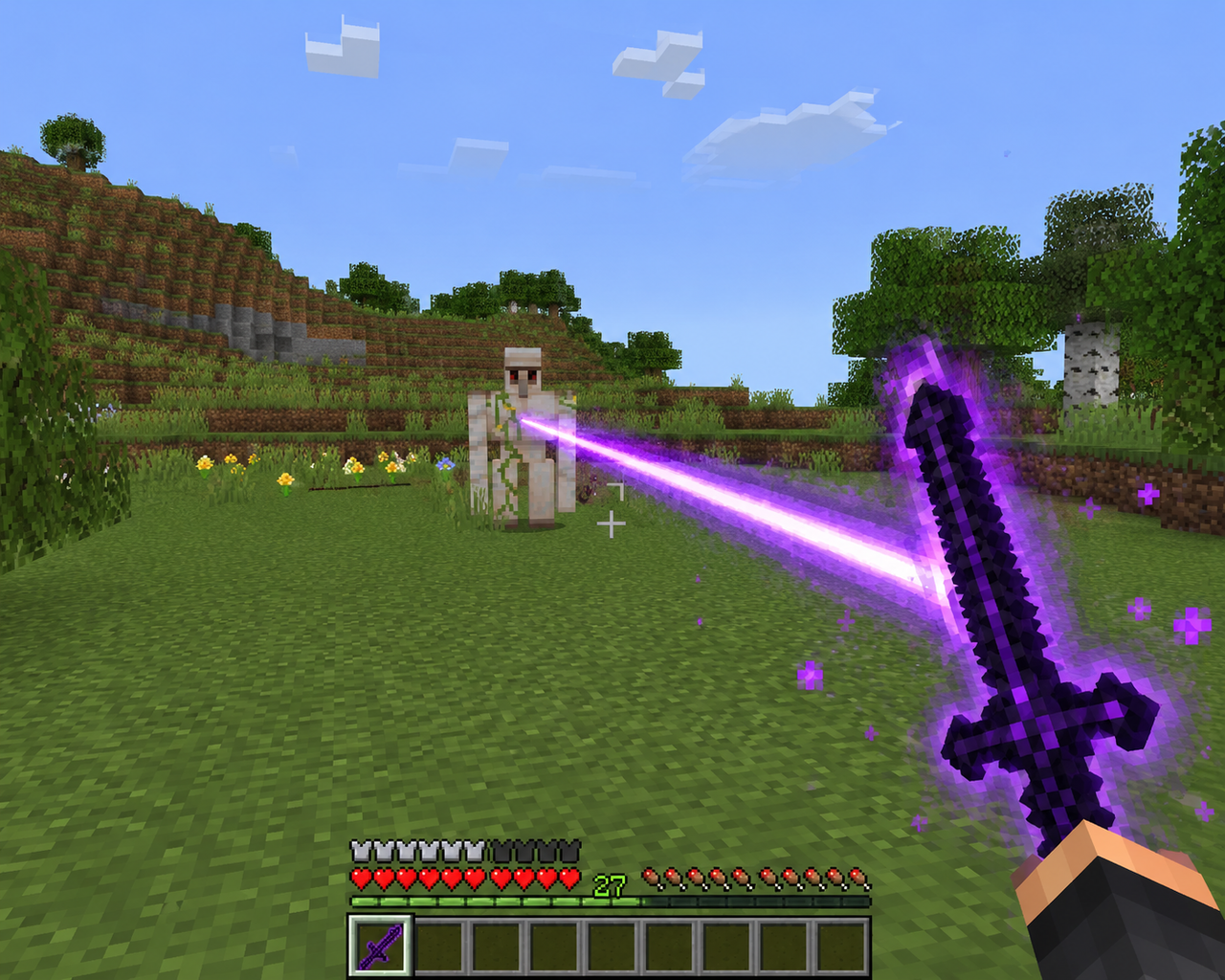
Ender Eclipse Blade

Wield the Ender Eclipse Blade, summon the dragon, and unlock a 16-block one-shot ability.

Apple Of Temporary Euphoria And Invincibility


Delicious red apple that, when eaten, grants Regeneration V for 5 minutes; Health Boost +15 for 7 minutes; Resistance V for 30 seconds; Fire Resistance II for 80 seconds.
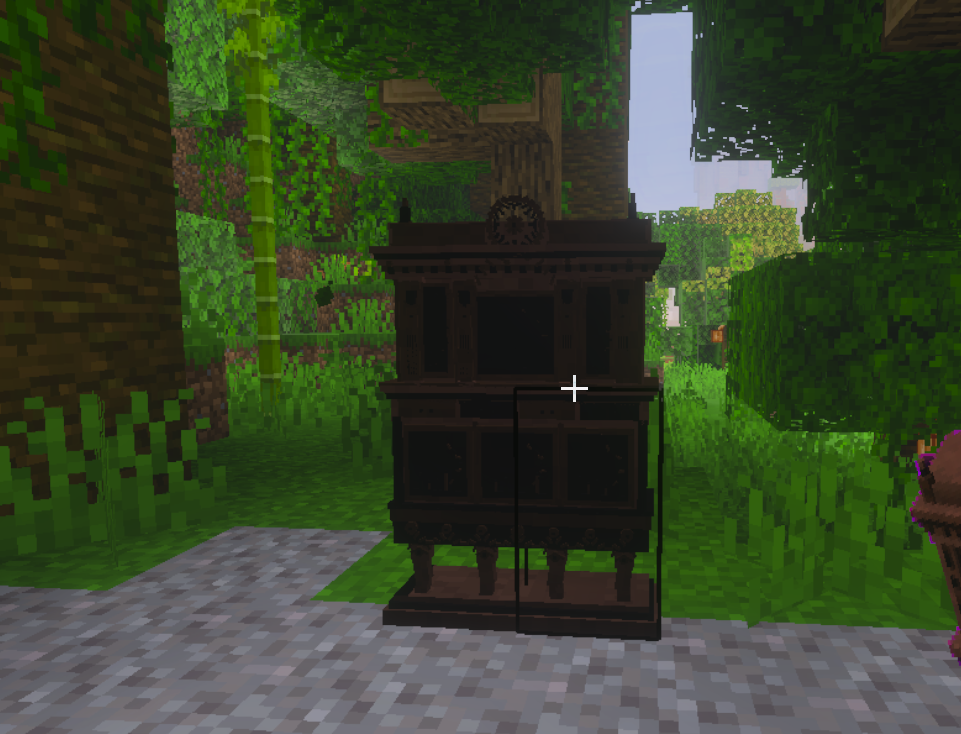
Grand Walnut Dresser
My 2nd of 10 furniture pieces I am releasing for the creativemode community. Hope you enjoy!
Elven Arrowstorm Bow

The Elven Arrowstorm is an enchanted bow that allows the wielder to fire multiple arrows in rapid succession. Crafted with ancient elven techniques, this lightweight yet powerful weapon grants increased draw speed and accuracy. When fully charged, it releases a flurry of arrows t…
This mod is licensed under the CreativeMode Mods License.