

Description
Placeable ATM kiosk is a realistic single-block dark metal cabinet with a screen, keypad, card slot, and cash dispenser — place it like any other block and it now appears correctly in the world (the previous invisible-placement bug has been fixed). Use your ATM Card on the kiosk to open the ATM UI: deposit Vault Coins from your inventory (they are removed on deposit), withdraw stored balance as physical Vault Coins (withdrawn coins go to your inventory and any overflow drops at your feet), and view your bank balance and Vault Coin count; the ATM accepts only Vault Coins. Operators no longer receive chat notifications; instead the ATM menu includes an Operator Activity Log (operator-only) where staff can select a player and view that player’s recent recorded ATM activity.
Mod Wiki
Vault Card Atm
Quickstart
- Craft a kiosk placer and an ATM Card at a crafting table:


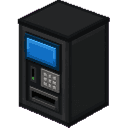

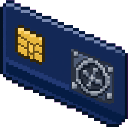
- Place the kiosk like a block. Hold the ATM Card and interact with the kiosk to open its menu.
- Put physical Vault Coins in your inventory, then choose Deposit Vault Coins. Deposited coins are removed from your inventory and added to your bank balance.
- Choose Withdraw Vault Coins to turn stored balance back into physical coins.
Overview
Vault Card ATM is a personal banking kiosk for storing and withdrawing Vault Coins. The kiosk is a dark metal cabinet with a screen, keypad, card slot, and cash dispenser. The ATM accepts only physical Vault Coins.
What It Adds
- Vault Card ATM: A placeable kiosk for banking.
- ATM Card: Used to open the kiosk menu.
- Vault Coin: The physical currency used for deposits and withdrawals.
How To Use
Interact with a placed kiosk while holding an ATM Card. Its menu shows your bank balance and how many Vault Coins you carry, and offers options to deposit, withdraw, or check your balance.
Withdrawn coins go into your inventory; if there isn’t room, the overflow drops at your feet.
Operators also have access to an Operator Activity Log in the ATM menu. Select a player to view their recent recorded ATM activity. This option is restricted to operators.
Crafting And Obtaining
Craft the kiosk placer and ATM Card at a crafting table using the recipes in Quickstart. Place the kiosk placer to set up an ATM. Vault Coins are physical items used for banking; only Vault Coins can be deposited or withdrawn.
How to install
Download the mod and follow the step-by-step installation guide.
Players also liked

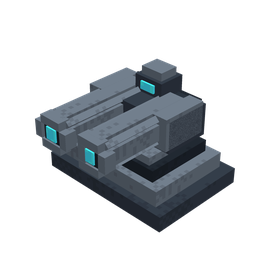
Azure Twin Turret


Deploy a twin-barrel laser turret to defend your base—or target your rivals.
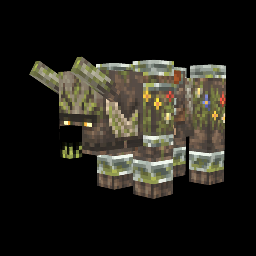
Flowered Beast


The Flowered Beast is a neutral, grass-covered ravager-like creature with yellow eyes and colorful flowers along its back that appears mainly in swamps and mangrove swamps and less commonly in forests, and it no longer spawns in snowy or plains/grass biomes. It hits hard, inflict…
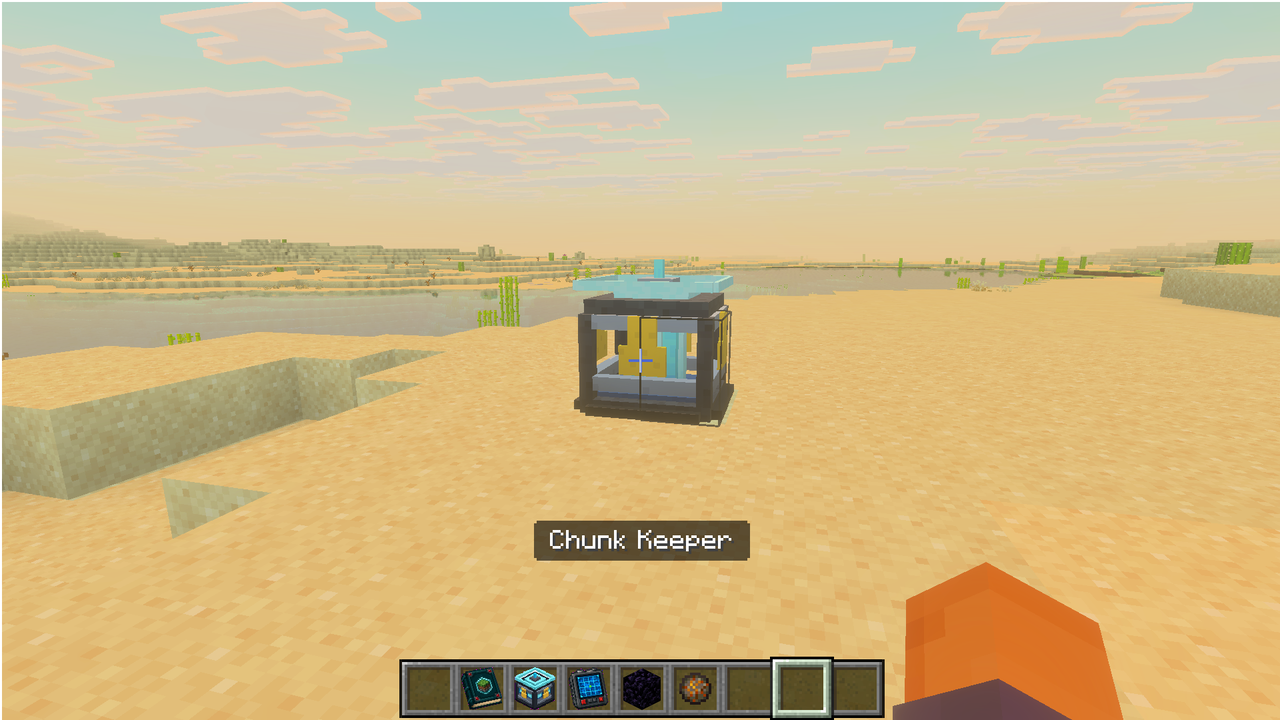
Chunk Keeper

Statues keep chunks loaded while cameras let you watch farms from any dimension and return safely.
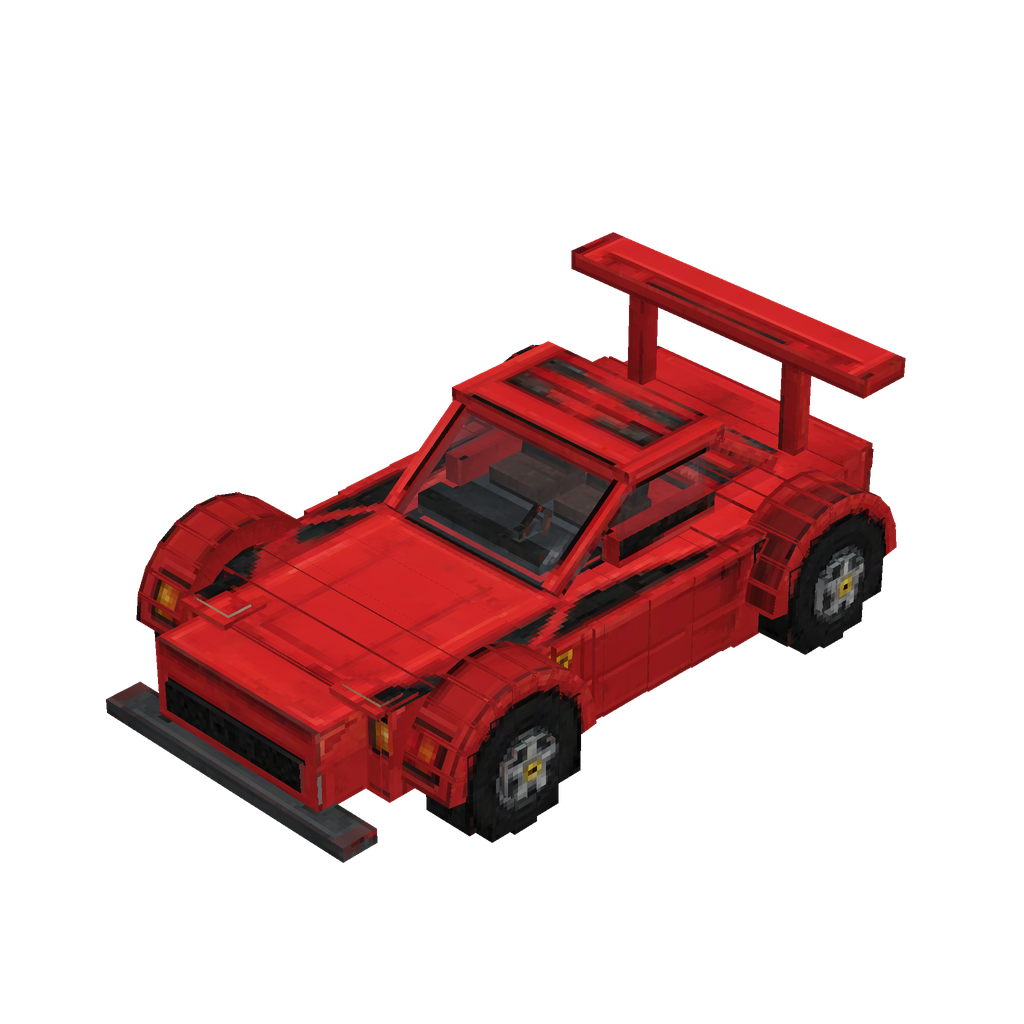
Scarlet Speedster

Tear across the Overworld in a scarlet supercar inspired by the Ferrari F40.
This mod is licensed under the CreativeMode Mods License.