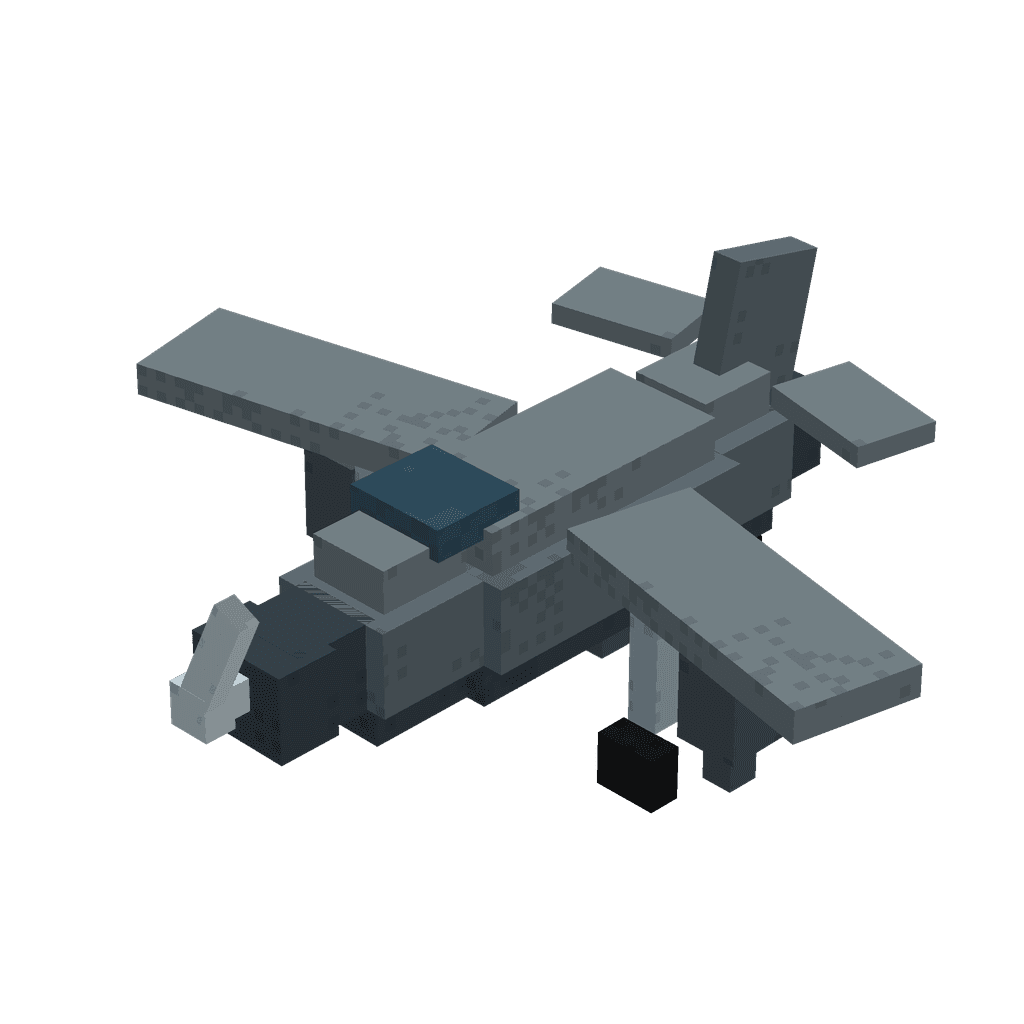
Statues keep chunks loaded while cameras let you watch farms from any dimension and return safely.
Mod Wiki
Chunk Keeper
Quickstart
Craft a Chunk Keeper Guide book to keep as a reference item:
Craft the Chunk Keeper placer item:
Craft a Chunk Monitor:
Use the placer item to place a Chunk Keeper statue near the farm, base, or area you want kept loaded.
Right-click the Chunk Monitor onto the placed statue to link it, then give it a label in the popup.
Right-click (use) the Chunk Monitor anywhere to teleport your view to that statue. Sneak and use it again to return safely to where you started.
Overview
Chunk Keeper adds two paired tools for managing far-away parts of your world: a Chunk Keeper statue that keeps the chunks around it actively loaded and simulated, and a Chunk Monitor that lets you remotely check in on any statue you've linked, from any dimension, without actually traveling there.
This is ideal for AFK farms, mob grinders, redstone contraptions, or any location that needs to keep running while you're elsewhere — you can build a Chunk Keeper next to it, then use a Chunk Monitor to peek in on it whenever you like.
What It Adds
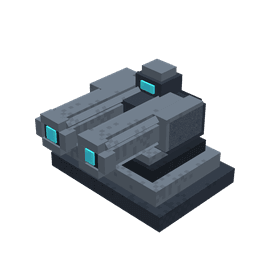
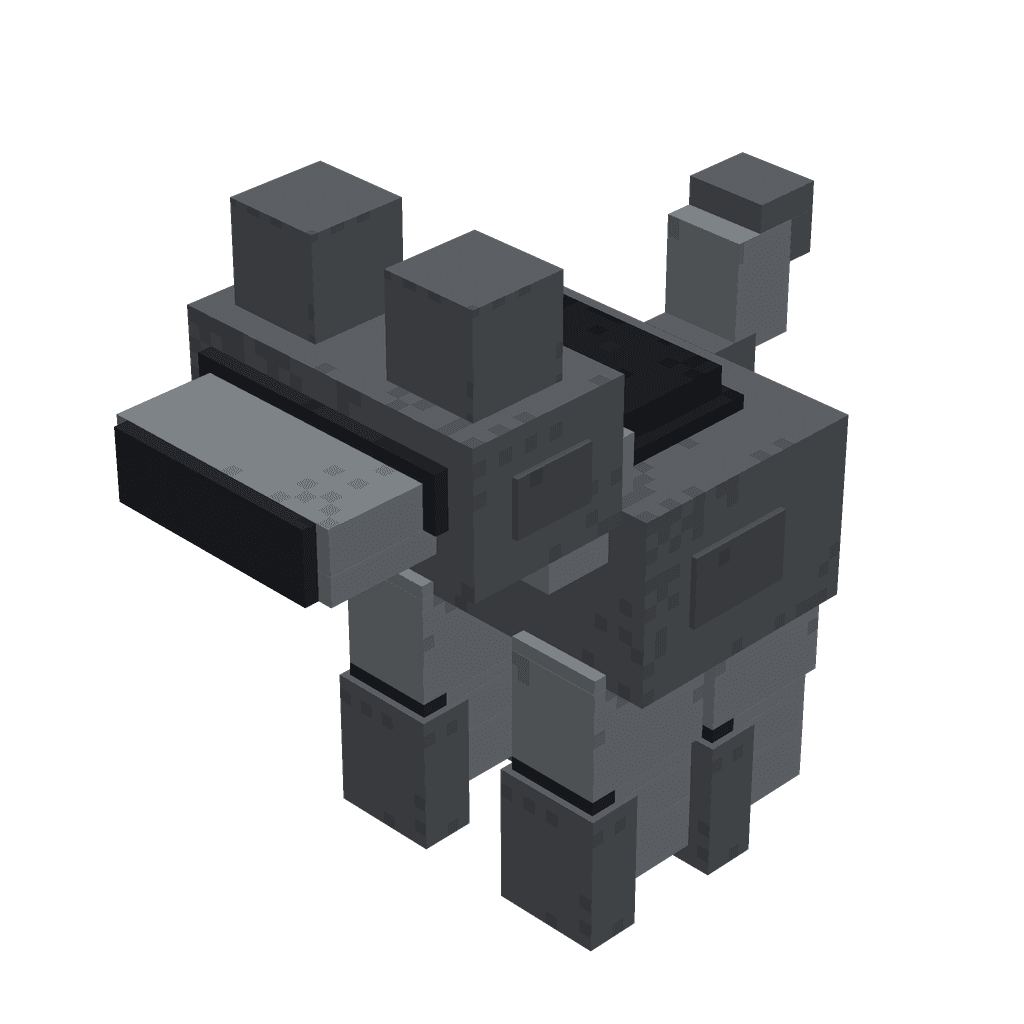
Chunk Keeper — a multi-part statue block placed in the world. It keeps the surrounding chunks loaded and ticking even when no players are nearby.
Chunk Monitor — a handheld camera-like item. Link it to a Chunk Keeper statue, then use it to view that location remotely and return to your original position afterward.
Chunk Keeper Guide — a book-style reference item that explains how the system works.
Crafting And Obtaining
Item
Recipe
Chunk Keeper Guide
Chunk Monitor
Chunk Keeper (placer)
The Chunk Keeper placer builds a full statue structure across multiple blocks in the direction you're facing, so make sure you have clear space in front of you (a few blocks wide and two tall) before placing it.
How To Use
Placing a Chunk Keeper:
Hold the Chunk Keeper item and place it like a normal block. It automatically assembles into a full statue facing the direction you placed it.
Once placed, it immediately begins keeping its surrounding chunks loaded — no additional setup needed.
Breaking any part of the statue removes it and stops the chunk-loading effect for that area.
Linking and using a Chunk Monitor:
Right-click the Chunk Monitor directly on a placed Chunk Keeper statue to link them together. You'll be prompted to type a label so you can tell multiple keepers apart.
Once linked, simply use (right-click in the air) the Chunk Monitor to be moved to view from that Chunk Keeper's location, in whichever dimension it's in.
While viewing, sneak and use the Chunk Monitor again to return to exactly where you were standing before, in your original dimension.
Right-clicking the Chunk Monitor onto the same keeper it's already linked to will unassign it, letting you link it to a different statue later.
If you use the Chunk Monitor without linking it to a statue first, it will tell you it isn't assigned yet.
Abilities And Mechanics
Chunk loading: A placed Chunk Keeper statue creates a persistent loaded area around itself. This area continues to load and simulate even when you are far away or in another dimension, and it survives world reloads until the statue is destroyed.
Remote viewing: The Chunk Monitor doesn't teleport you permanently — it moves your view to the linked statue's location so you can check on farms, mobs, or machines, then safely brings you back to your exact starting point and dimension when you're done.
One monitor, one keeper: Each Chunk Monitor can be linked to a single Chunk Keeper at a time. Re-link it whenever you want to watch a different location.
Progression And Strategy
Place a Chunk Keeper next to any build that needs to keep running unattended, such as farms, mob grinders, or redstone machines.
Craft multiple Chunk Monitors and label each one after a different Chunk Keeper so you can quickly hop between checking on several bases or farms.
Because viewing returns you to your original spot, Chunk Monitors are a safe way to inspect distant or dangerous areas without any travel risk.
Work Box is a job-based kit delivery mod for Minecraft Bedrock that allows players to instantly request specialized equipment sets delivered right in front of them ranging from plain, to good, to best.