
Description
Unearth a colossal ruined Nether portal and uncover its forgotten depths.
Mod Wiki
The Portal Nether
Quickstart
- Open the Equipment section of the Creative inventory and take The Portal Nether Wand.
- Travel to a large, open area where a huge build can fit. The structure rises high above its placement point, so avoid villages, bases, and other important builds.
- Hold the wand and use it while aiming at the ground or another solid surface.
- The wand launches a projectile. When it hits, the colossal ruined Nether portal appears around the impact point.
- Wait about 2 seconds before firing the wand again.
If commands are enabled, obtain the wand with:
/give @s com_the_portal_nether_xrzow7wz:structure_wand
In a non-Creative game, the wand searches your inventory for its projectile ammunition. You can obtain that ammunition with:
/give @s com_the_portal_nether_xrzow7wz:wand_projectile_item
Overview
The Portal Nether is a large exploration structure centered on a ruined Nether portal. Use the included wand to place the structure wherever you want, then explore its towering exterior and forgotten interior spaces.
The structure is designed to be colossal, extending hundreds of blocks across and rising to great heights. Choose the placement area carefully before triggering it.
What It Adds
- The Portal Nether Wand — a Creative equipment item that places the main structure.
- Wand projectile — the projectile launched by the wand.
- The Portal Nether structure — a massive ruined portal build with deep, elevated, and enclosed areas to explore.
- Custom structure blocks — decorative blocks used throughout the portal ruin.
How To Use
Placing the Portal
Aim at the surface where you want the structure to begin and use the wand. The projectile travels forward and activates the structure when it strikes a block or another target.
For the best results:
- Aim at a level, open area.
- Fire at the ground rather than at a distant wall or ceiling.
- Leave plenty of room around the impact point.
- Keep important builds and terrain well away from the placement area.
- Explore from the outside first before entering the higher sections.
The structure is placed in a fixed orientation and is not rotated to match the direction you are facing.
Wand Controls
The wand fires immediately when used rather than requiring a long draw. It has a short cooldown of roughly 2 seconds, so repeated shots are possible but not instantaneous.
The projectile does not deal normal damage. Its purpose is to activate the structure placement.
Exploring
Once placed, enter through the ruined portal area and follow the structure through its interior passages, vertical sections, and hidden depths. Bring normal exploration supplies such as food, blocks, light sources, and tools if you intend to investigate or remodel the ruin.
Crafting And Obtaining
The Portal Nether Wand has no crafting recipe. Obtain it from the Creative inventory under Equipment, or use its command identifier:
/give @s com_the_portal_nether_xrzow7wz:structure_wand
Creative players can use the wand without separately carrying ammunition. For other game modes, the wand uses the following projectile item:
/give @s com_the_portal_nether_xrzow7wz:wand_projectile_item
Abilities And Mechanics
| Feature | Details |
|---|---|
| Placement trigger | The structure is placed when the wand projectile hits a target. |
| Placement scale | The ruin is hundreds of blocks wide and tall. |
| Orientation | The structure uses a fixed orientation. |
| Wand cooldown | Approximately 2 seconds. |
| Projectile damage | No direct damage; the projectile can knock targets back on impact. |
| Building materials | The ruin uses custom opaque decorative blocks. |
| Modification | The placed structure can be mined and remodeled like a normal build. |
Progression And Strategy
The Portal Nether has no crafting-based progression. Its main challenge is choosing a suitable location and navigating the enormous ruin.
- Place it in a test world first if you are unsure how much space it needs.
- Mark the entrance and create a safe path through the lower sections.
- Build stairways, bridges, or towers to reach elevated areas.
- Use light sources to make explored routes easy to recognize.
- Treat the structure as a large building and adventure site: preserve sections you want to explore, or mine the custom blocks for a complete redesign.
How to install
Download the mod and follow the step-by-step installation guide.
Players also liked
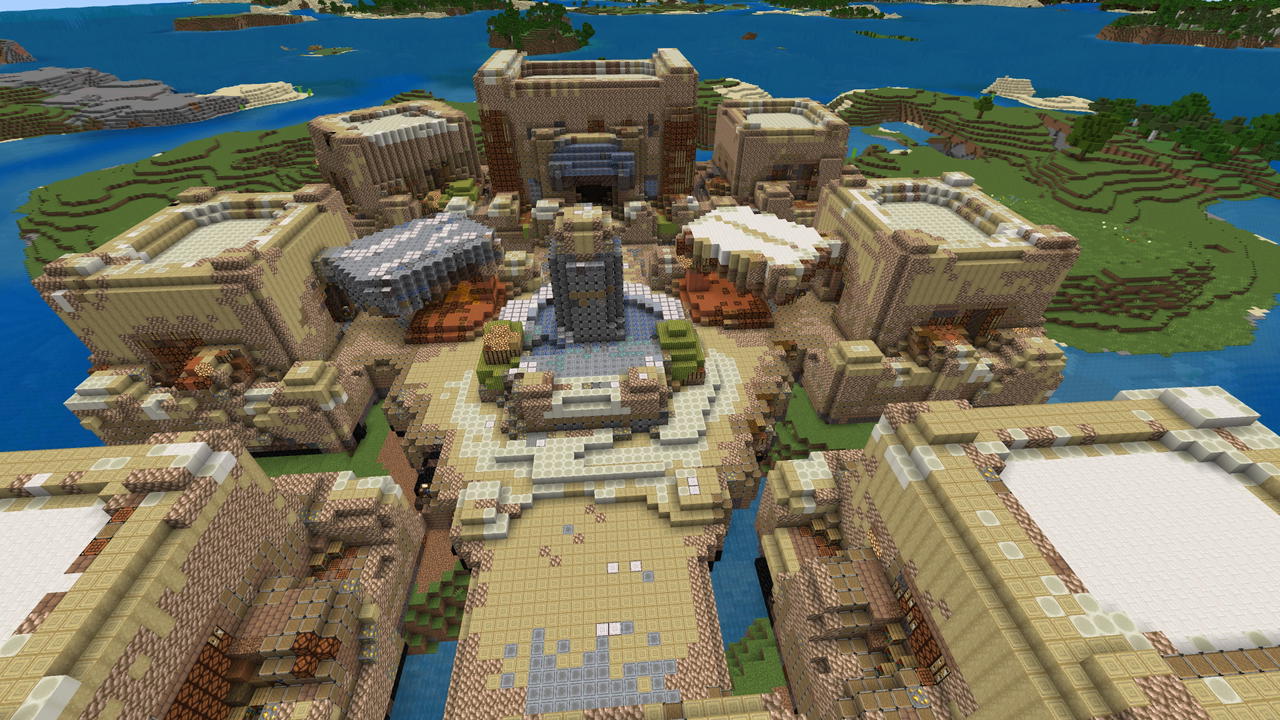
Prefab Village


Build a somewhat charming stone village around a peaceful fountain plaza... just ignore the random blocks used to create it. Think of it as a "Fixer Upper" opportunity! If you place this about 30 blocks under water and light it up with some well placed sea lanterns it makes for a…
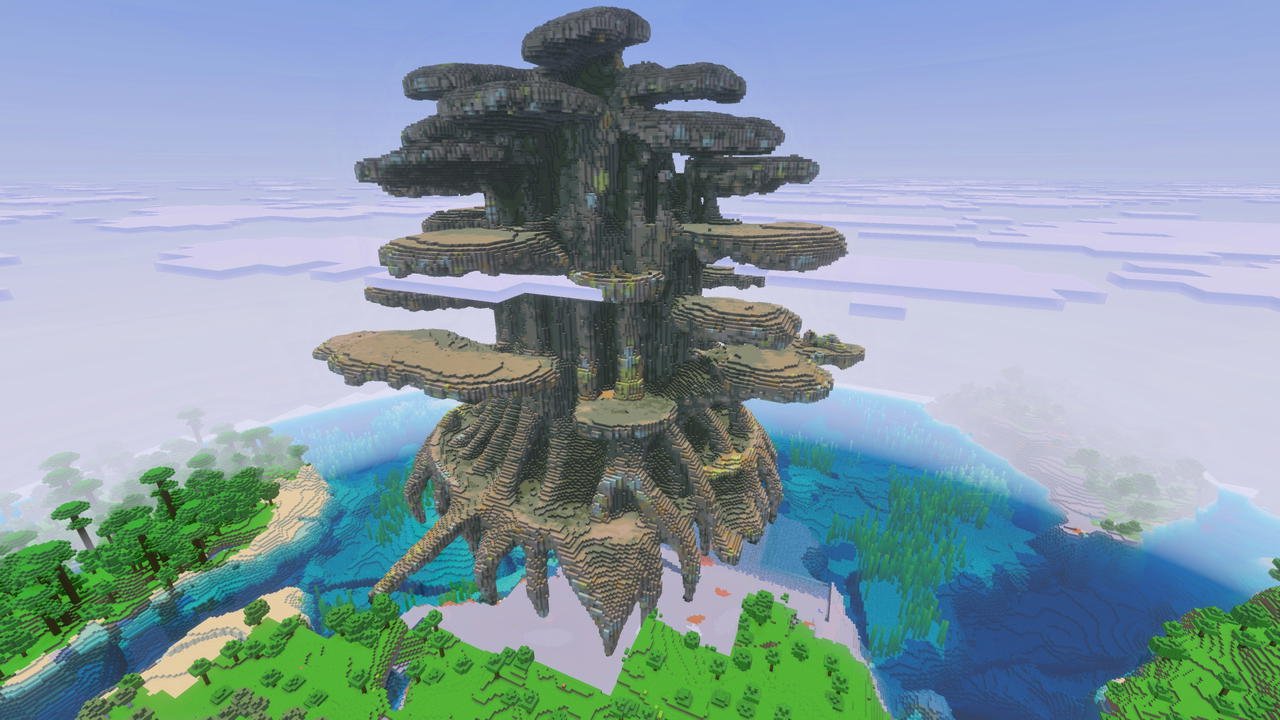
Teldrassil (or just a huge tree)
Teldrassil — was SUPPOSED to be an exact, large-scale replica of the World of Warcraft World Tree. A single colossal tree built to reach 360 blocks tall ... it looks nothing like Teldrassil, but it is really cool and if you use it you should place it in the ocean and at least 36…
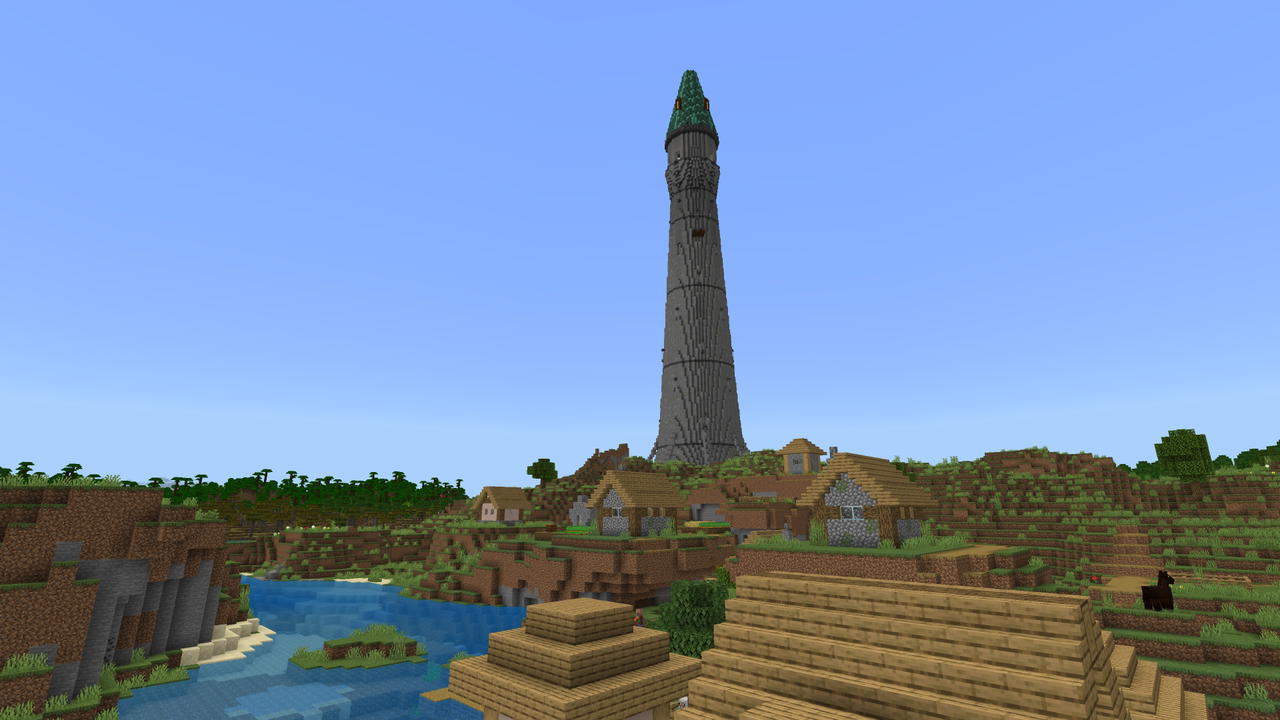
The Greybeard
Welcome to tower Greybeard. Yes, I know it isn't looking like it used to when it was first built, but a little touch up here and there and your new home will be a fantastical new place for many to live. Oh, you didn't know? The inside of the spire has enough room for several vill…
This mod is licensed under the CreativeMode Mods License.