
Description
Claim this legendary palace as your own, make your village proud!
Mod Wiki
Epang Palace
Quickstart
- Enter a Creative world with Epang Palace enabled.
- Open the Creative inventory and find the Epang Palace Wand in the Equipment category.
- Travel to a large, open area. The palace is very large, so clear space around the placement point.
- Hold the wand and use it while aiming at the ground where you want the palace to appear.
- The wand fires a projectile. When it hits, the Epang Palace is assembled around the impact point, starting just above the hit location.
- Wait while the structure finishes loading block by block, then explore the palace and find its throne.
The wand has a short cooldown between uses. In Creative, it can fire without separate ammunition.
Overview
Epang Palace brings a legendary imperial palace into your world as a placeable structure. Use the Epang Palace Wand to summon the palace at the location you choose, then explore its grand halls and claim the throne.
Because the structure covers a large area, use the wand in an open location away from buildings, farms, terrain you want to preserve, and other players.
What It Adds
- Epang Palace Wand — Fires the projectile that places the palace.
- Epang Palace — A large imperial palace structure assembled around the projectile’s impact point.
- Palace building blocks — Custom solid blocks used throughout the structure.
How To Use
Placing the Palace
Hold the Epang Palace Wand and press the normal use or attack-with-item button while aiming at a suitable target. The wand launches a projectile rather than placing the structure instantly.
When the projectile hits:
- The palace is placed around the impact location.
- The structure begins assembling block by block.
- Existing terrain and blocks in the placement area may be replaced.
- The projectile disappears after activating the placement.
For the best result, aim at a flat area with plenty of room. Aim at the ground at the approximate center of the area where you want the palace.
Exploring
Allow the placement to finish before exploring the palace. Use its entrances, corridors, rooms, elevated sections, and central areas to find the throne. The palace can serve as:
- A royal headquarters
- A landmark or adventure location
- A roleplay setting
- A showcase build
- A large base to customize
Removing or Customizing It
The palace is made from solid blocks that can be mined. You can remodel rooms, remove sections, add furniture, or clear the structure when you are finished with it. Explosions can also damage or destroy palace blocks, so avoid using explosives nearby unless you intend to alter the build.
Crafting And Obtaining
There are no crafting recipes for the Epang Palace or the Epang Palace Wand.
The wand is available from the Creative inventory under Equipment. If you need to obtain it with a command, use:
/give @s com_epang_palace_3n2dzar2:structure_wand 1
In non-Creative play, the wand uses projectile ammunition. You can obtain ammunition with:
/give @s com_epang_palace_3n2dzar2:wand_projectile_item 64
Carry the ammunition in your inventory or offhand, then use the wand normally.
Abilities And Mechanics
Palace Summoning
The wand’s projectile has enough power to travel toward the location you are aiming at. It activates when it collides with a block or other target, placing the palace at that point.
The projectile does not deal damage. Its impact can knock targets back, but its purpose is to summon the structure.
Placement Scale
Epang Palace is substantially larger than an ordinary Minecraft building. Before firing the wand:
- Look for a broad, unobstructed area.
- Keep valuable builds outside the expected palace footprint.
- Avoid aiming inside cramped interiors or near cliffs.
- Leave space for players to move around the completed structure.
Repeated Placement
The wand can be used again after its cooldown ends. Each successful impact attempts to place another palace, so check the area carefully before firing a second time.
Progression And Strategy
Epang Palace has no item-based progression or crafting chain. Your main objective is to choose an impressive location, summon the palace, and make it your own.
For a reliable first setup:
- Create a backup or use a test world if you want to inspect the palace safely.
- Find a level plain or prepare one with world-editing tools available in Creative.
- Fire the wand near the intended center of the site.
- Wait for the full structure to finish assembling.
- Locate the throne and establish the palace as your base or ceremonial headquarters.
- Add lighting, storage, defensive features, farms, or decorative rooms to customize your imperial domain.
How to install
Download the mod and follow the step-by-step installation guide.
Players also liked
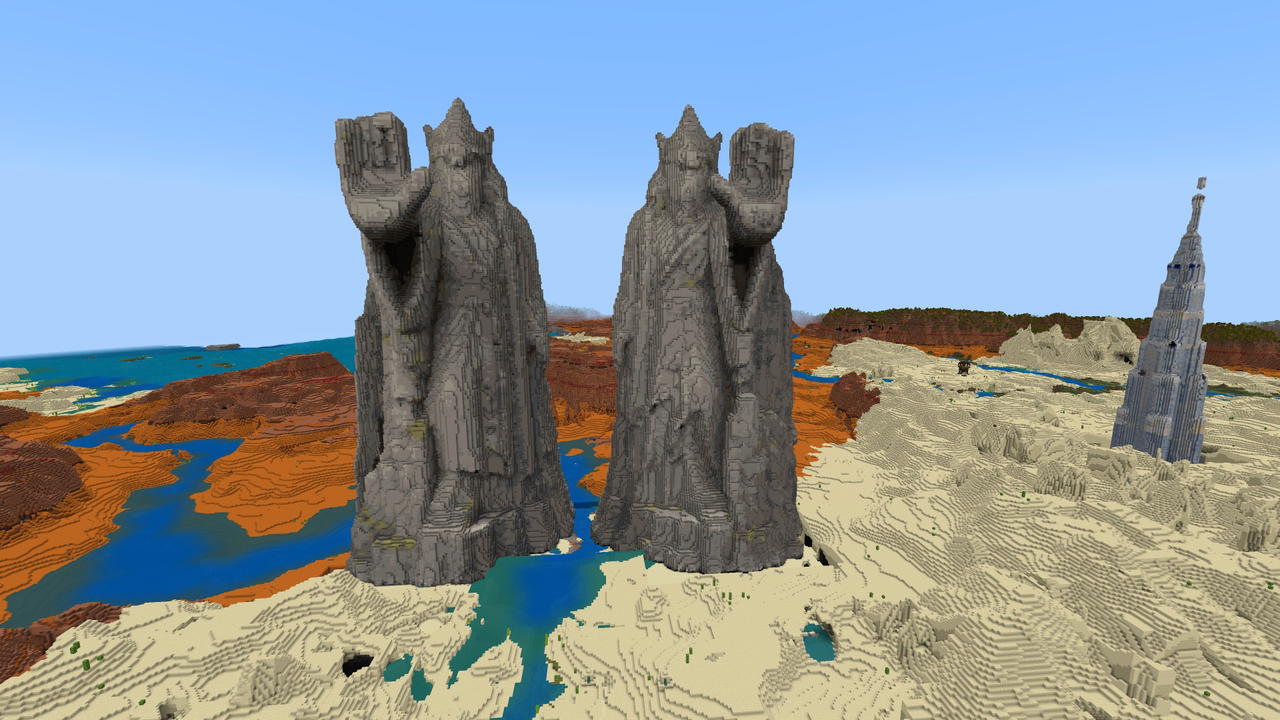
Gates Of Argonath


Not perfect, but you can make it part of your LOTR build and get the general feeling or you an do some editing to it and have it more to your liking. Pass beneath colossal guardians carved into the cliffs of a forbidden river gorge.
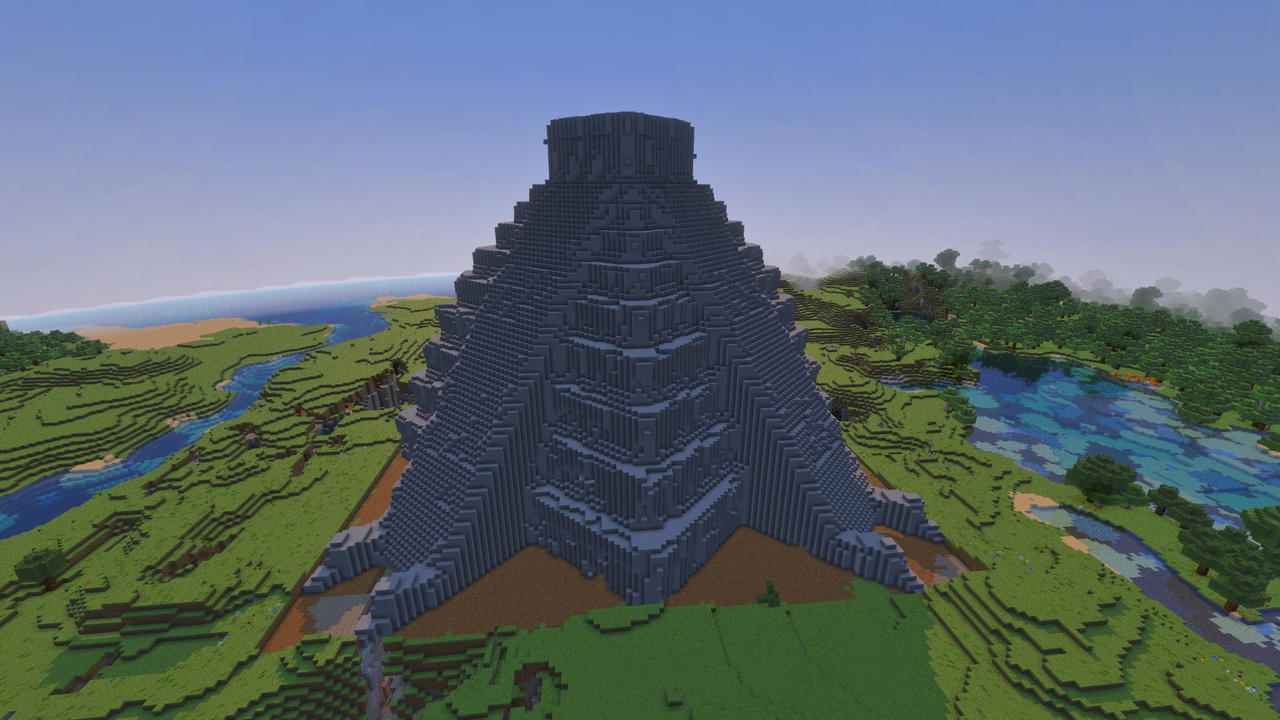
El Castillo
A monumental structure to accent your skyline with. This is a rendering of a 3D model of the famous step pyramid El Castillo at Chichen Itza.
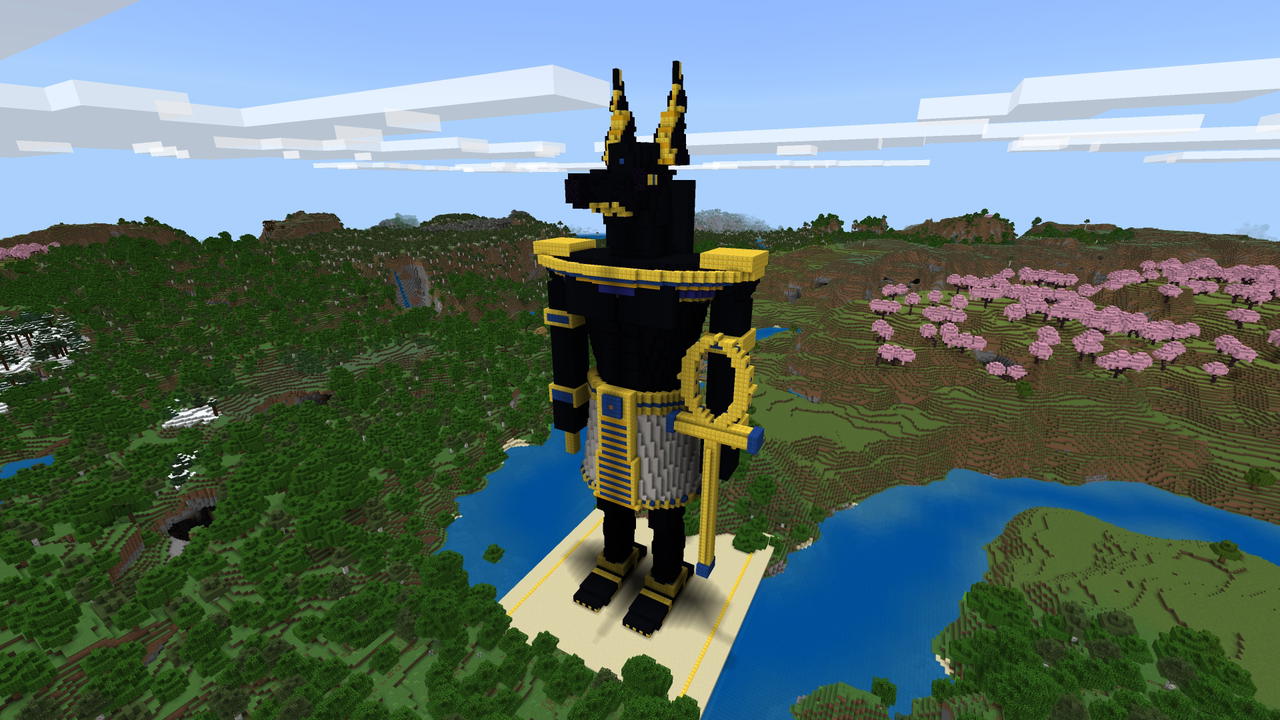
Anubis
A massive statue of Anubis to tighten up that Egyptian build you have going.



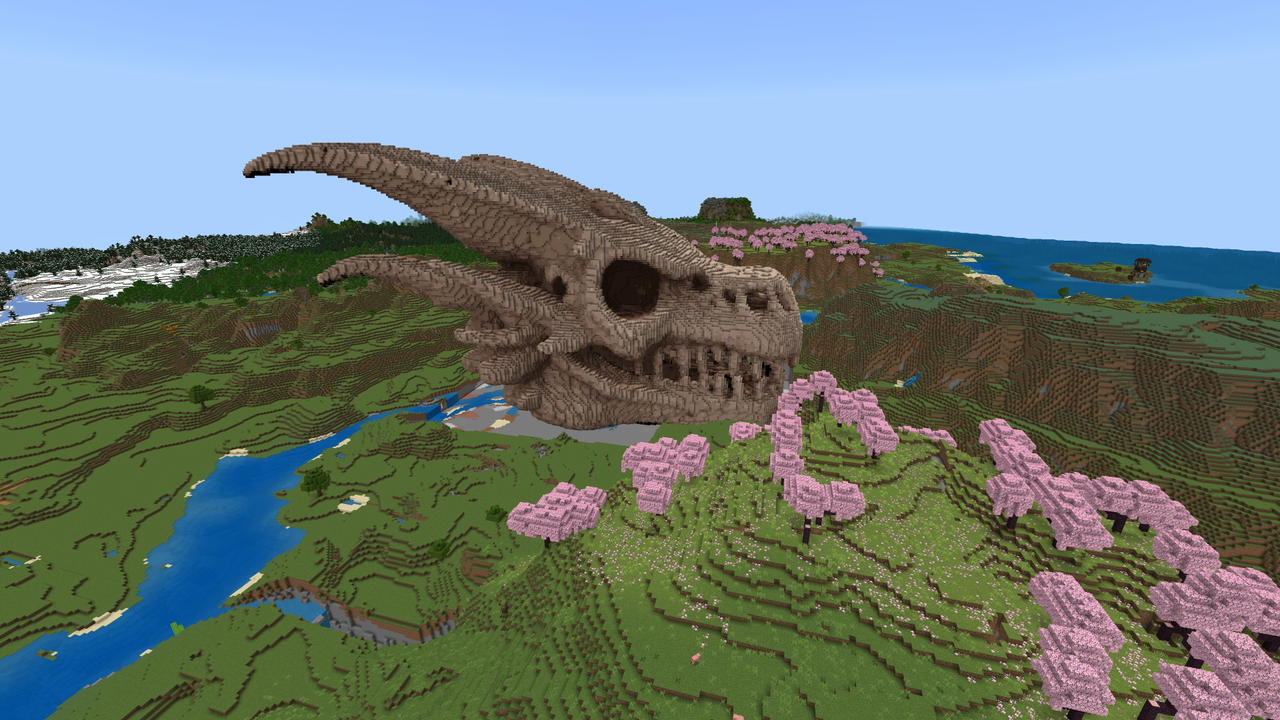
It Once Lived
Unearth a colossal fossilized dragon skull to be the back drop for your world's horizon.
This mod is licensed under the CreativeMode Mods License.