

Description
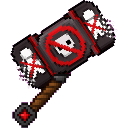
Ban anyone on impact with the Sibling Ban Hammer.
Mod Wiki
Sibling Ban Hammer
Quickstart
- Craft the Sibling Ban Hammer at a crafting table, or obtain it with:
/give @s com_sibling_ban_hammer_vuhuuka6:my_sword - Equip it in your hand.
- Hit another player with the hammer.
- The struck player is immediately kicked from the world and banned from re-entering it.
Use the hammer carefully in multiplayer: a successful hit permanently marks the target for this world, so they will also be kicked if they try to join or respawn later.
Overview
The Sibling Ban Hammer is a one-of-a-kind melee weapon designed for multiplayer moderation and pranks. It functions as a powerful hammer in combat, but its defining ability activates when it hits a player: the target is kicked and denied re-entry to the world.
The hammer affects players only. Hitting mobs or other non-player entities does not trigger the ban.
What It Adds
- Sibling Ban Hammer
- Melee damage: 14
- Maximum durability: 500
- Maximum stack size: 1
- Can be enchanted as a sword
- Can mine several stone, ore, and Nether blocks efficiently
- Bans a player when the hammer hits them
How To Use
Banning a Player
Hold the Sibling Ban Hammer and attack another player. If the attack connects:
- The target is kicked immediately.
- The target is marked as banned in the current world.
- Attempting to rejoin causes the target to be kicked again.
- Respawning in the world also causes the ban to be reapplied.
The ban does not activate by merely holding, swinging, or using the hammer on a block. You must hit a player.
Using It as a Tool
The hammer can also destroy the following blocks at a speed of 8:
- Stone and cobblestone
- Deepslate
- Coal, iron, gold, diamond, redstone, and lapis ore
- Nether gold ore
- Nether quartz ore
- Ancient debris
It can destroy blocks while playing in Creative mode.
Crafting And Obtaining
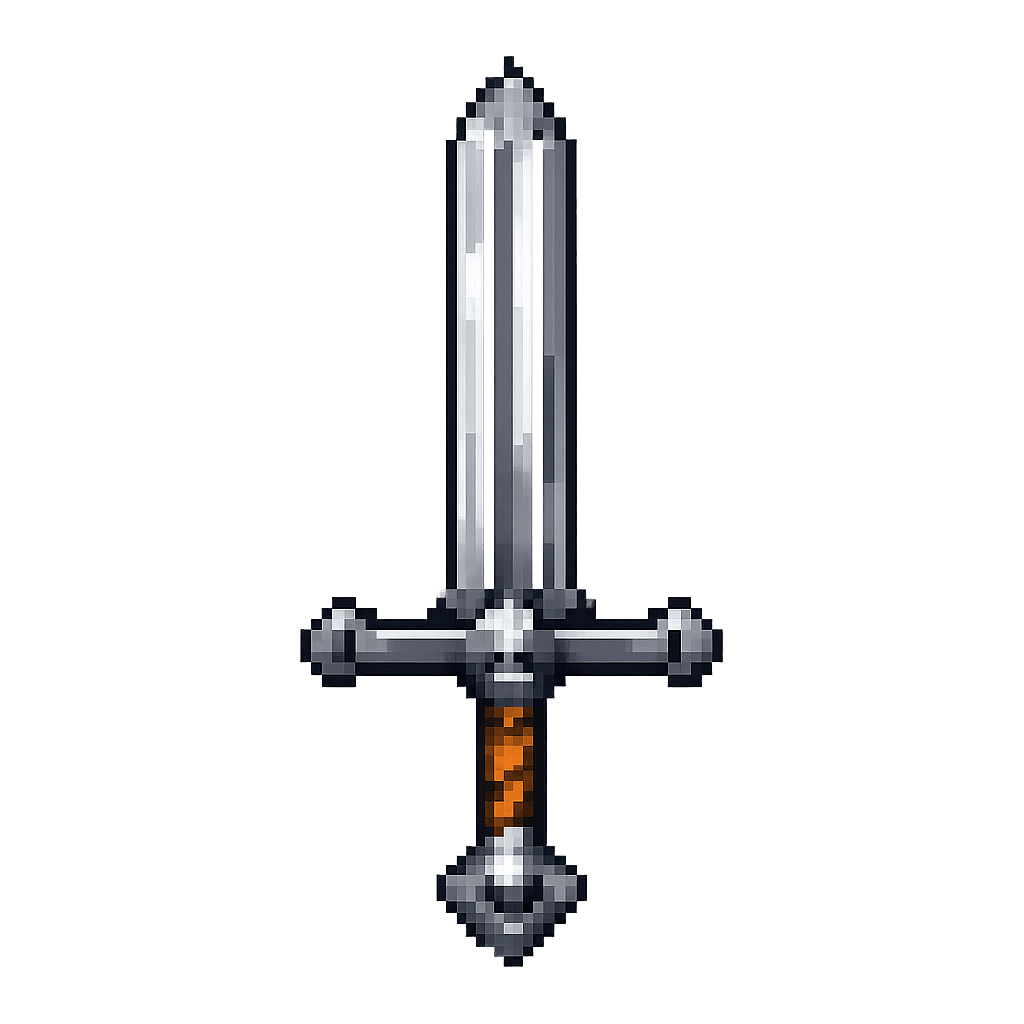
Craft the hammer in a crafting table using iron ingots and sticks:


The recipe produces one Sibling Ban Hammer.
Repairing
Repair the hammer with iron ingots. Each repair item restores 100 durability.
Abilities And Mechanics
- The hammer deals 14 melee damage.
- Only a player hit by the hammer is banned.
- Non-player entities are unaffected by the ban ability.
- The hammer has 500 durability and cannot be stacked with another hammer.
- Its sword enchantment category allows it to receive compatible sword enchantments.
- A banned player remains unable to return until the ban mark is removed by a world administrator.
Progression And Strategy
The hammer is inexpensive compared with its power, so treat every player hit as a serious multiplayer action. Keep it in a secure chest or reserve it for trusted moderators.
For safe testing:
- Test the hammer on mobs first to confirm its normal melee behavior.
- Use a separate test player account before striking a real player.
- Avoid carrying it during casual PvP if an accidental hit could remove someone from the world.
- Repair it with iron ingots before using it as a mining tool or combat weapon.
World administrators who need to restore a banned player can reset that player’s ban score with:
/scoreboard players reset <player> sbh_vuhuuka6_ban
Recipes
How to install
Download the mod and follow the step-by-step installation guide.
Players also liked
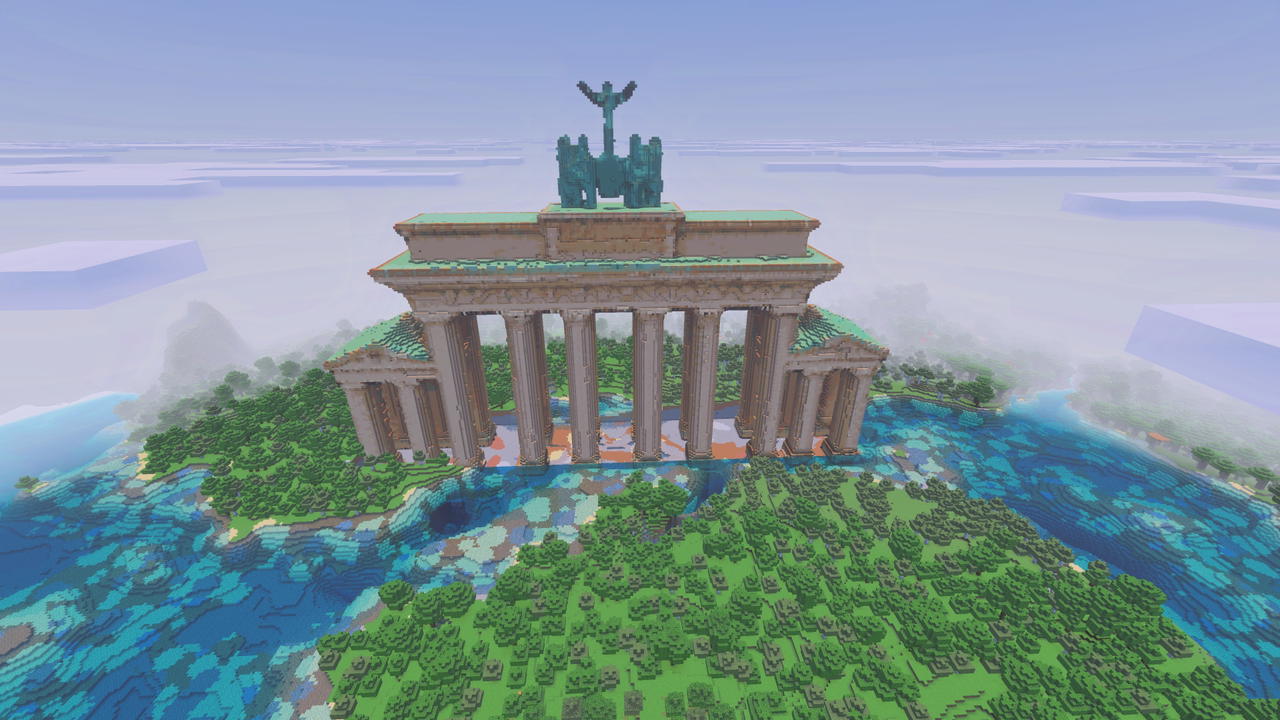
The Brandenburg Gate


Rebuild Berlin's iconic Brandenburg Gate and bring a historic landmark to life.

Coconuts
Have you run out of money while making your movie epic, but still need horses... here I found some coconuts in Mercia that were left behind by a family of European Swallows.


World Light Cube


The World Light Cube is a crafted block that becomes invisible and indestructible when placed, emitting maximum light (level 15) to banish darkness across the dimension and granting all players in that dimension permanent night vision for effortless exploration. Because it has no…
The Musical Number
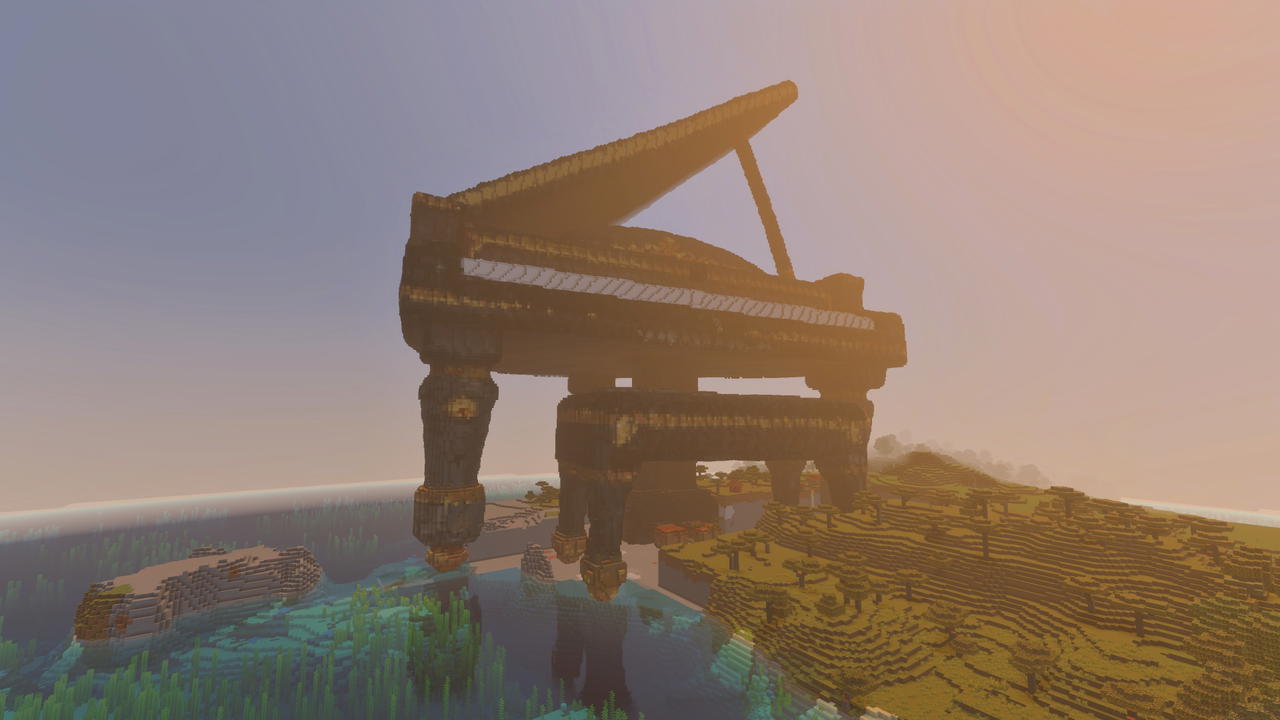
Explore a colossal baby grand piano brought to life as a monumental Minecraft landmark that you can build in.
This mod is licensed under the CreativeMode Mods License.