
Description
Explore a colossal baby grand piano brought to life as a monumental Minecraft landmark that you can build in.
Mod Wiki
The Musical Number
Quickstart
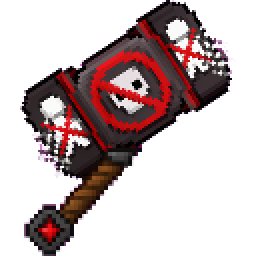
- Open the Creative inventory and find The Musical Number Wand in the Equipment category.
- Select the wand and aim at the ground or a block surface in a large, open area.
- Use the wand to fire its projectile. When the projectile hits, the colossal baby grand piano begins assembling at the impact location.
- Wait for the landmark to finish loading before exploring it. Leave plenty of room around the target area—the structure is roughly 256 blocks wide, deep, and tall.
- Wait briefly between shots. The wand has a short cooldown, and each successful impact starts another piano placement.
You can also obtain the wand with:
/give @s com_the_musical_number_e5vcradj:structure_wand
Overview
The Musical Number turns a carefully chosen location into a monumental baby grand piano landmark. Use the wand to call the structure into the world, then explore its enormous form, use it as a centerpiece, or incorporate it into a larger Creative build.
The piano is placed in a fixed orientation and rises from the impact area. Firing from a different direction does not rotate the structure.
What It Adds
- The Musical Number Wand — a Creative equipment item that launches the placement projectile.
- Wand projectile — travels toward the point you aim at and triggers the build when it collides.
- Colossal baby grand piano — a massive decorative structure assembled in sections around the impact point.
- Custom piano blocks — decorative blocks used throughout the landmark.
How To Use
Placing the Piano
Choose a flat, unobstructed site before firing. Aim at the ground or a block near the desired base of the piano and use the wand.
The projectile has a slight arc, so aim directly at a nearby surface for accurate placement. On impact, a visual particle effect marks the trigger point and the piano begins loading.
Because the structure is extremely large:
- Clear nearby buildings, terrain, and other important builds.
- Make sure there is enough vertical space above the impact point.
- Avoid firing inside a cramped room or underground tunnel.
- Allow the build to finish before moving through it.
- Do not fire repeatedly at the same location unless you intentionally want overlapping structures.
Firing Controls
Use the wand's normal item-use control:
- Keyboard and mouse: right-click
- Controller: use the item button
- Touch: press the use-item control
The wand fires immediately rather than charging. It has a cooldown of about two seconds between shots.
Crafting And Obtaining
The Musical Number Wand has no crafting recipe. In Creative Mode, obtain it from the Equipment category or use:
/give @s com_the_musical_number_e5vcradj:structure_wand
Creative Mode provides the wand's projectile ammunition automatically. If ammunition is required in another game mode, place the following item in your inventory or offhand:
/give @s com_the_musical_number_e5vcradj:wand_projectile_item 1
Abilities And Mechanics
Structure Placement
When the wand projectile hits a block or entity, it triggers the complete piano placement. The structure is assembled from many sections, so the landmark may appear progressively rather than all at once.
The build is placed in its preset orientation. The wand does not provide rotation, mirroring, scaling, or alternate piano variants.
Impact Behavior
The projectile does not deal damage. Its impact can knock entities back, then the projectile disappears after triggering the structure.
Multiple Landmarks
You can use the wand again after its cooldown to place another piano at a different location. Each impact is an independent placement, making it possible to create a piano garden, a monumental avenue, or a series of landmarks across a Creative world.
Progression And Strategy
There is no progression system or upgrade path. The main challenge is choosing a suitable location and making the most of the piano's scale.
- Build on a broad, open landscape for the best view.
- Mark the intended center or base before firing.
- Keep the surrounding area free of valuable builds in case the structure overlaps them.
- Use flight to inspect the piano from above and to navigate its tallest sections.
- Add paths, lighting, stages, seating, or a surrounding concert hall to turn the landmark into a complete destination.
- Use multiple placements to create a large-scale musical district or visual landmark network.
How to install
Download the mod and follow the step-by-step installation guide.
Players also liked
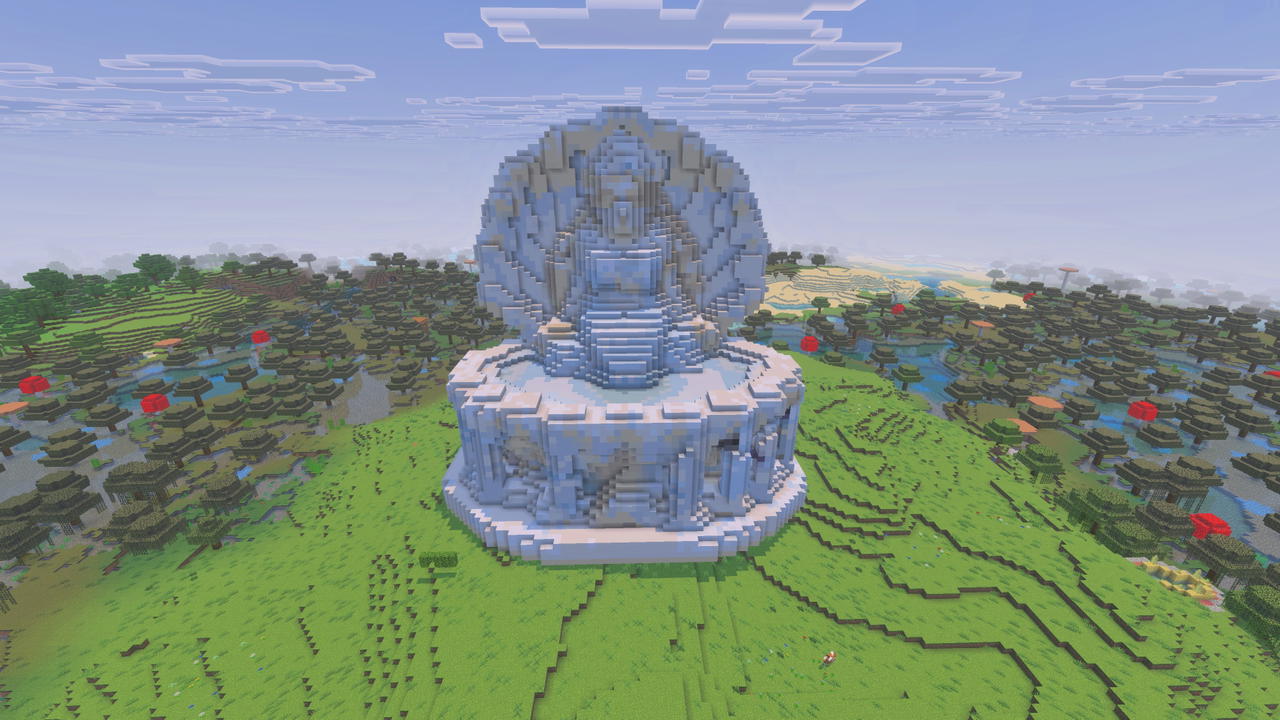
Mermaid Tribute


What you have here is a ginormous Mermaid in a clamshell statue... it is ready for the player to decorate and add details to finish its appearance, but as it it is still an excellent addition to any aquatic based theme. Actually looking at it from a distance it might could be a s…
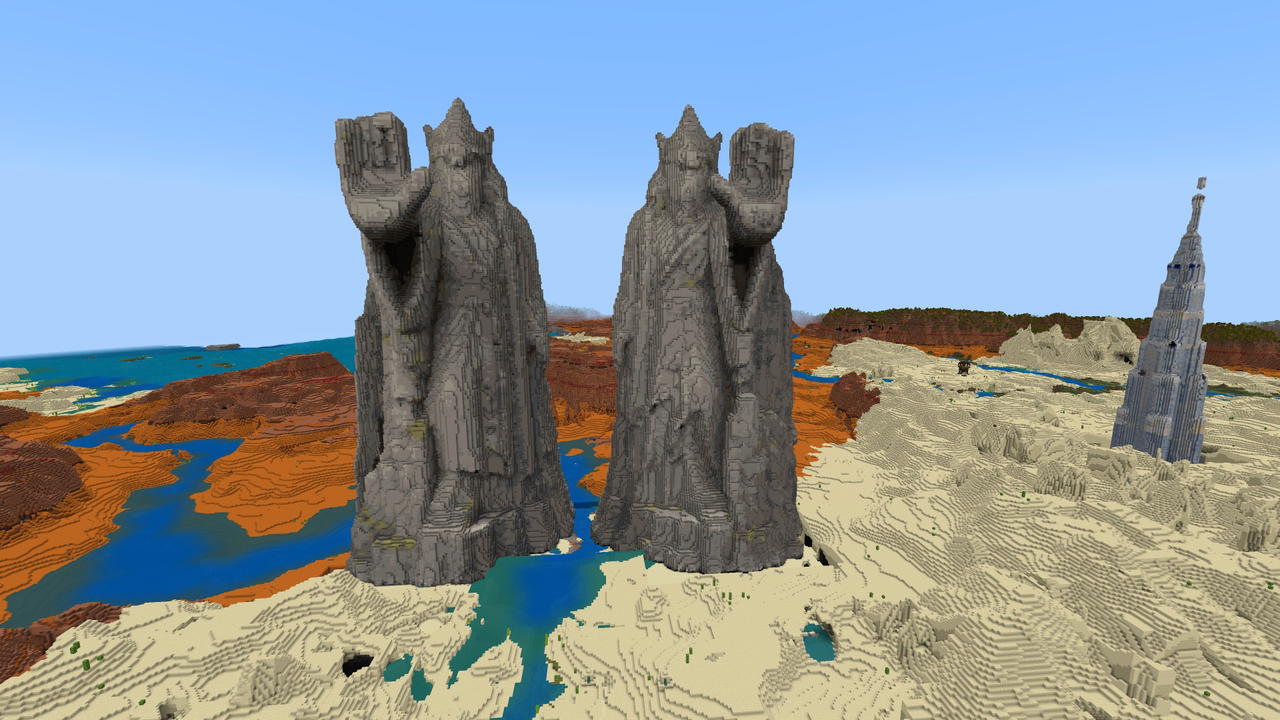
Gates Of Argonath
Not perfect, but you can make it part of your LOTR build and get the general feeling or you an do some editing to it and have it more to your liking. Pass beneath colossal guardians carved into the cliffs of a forbidden river gorge.
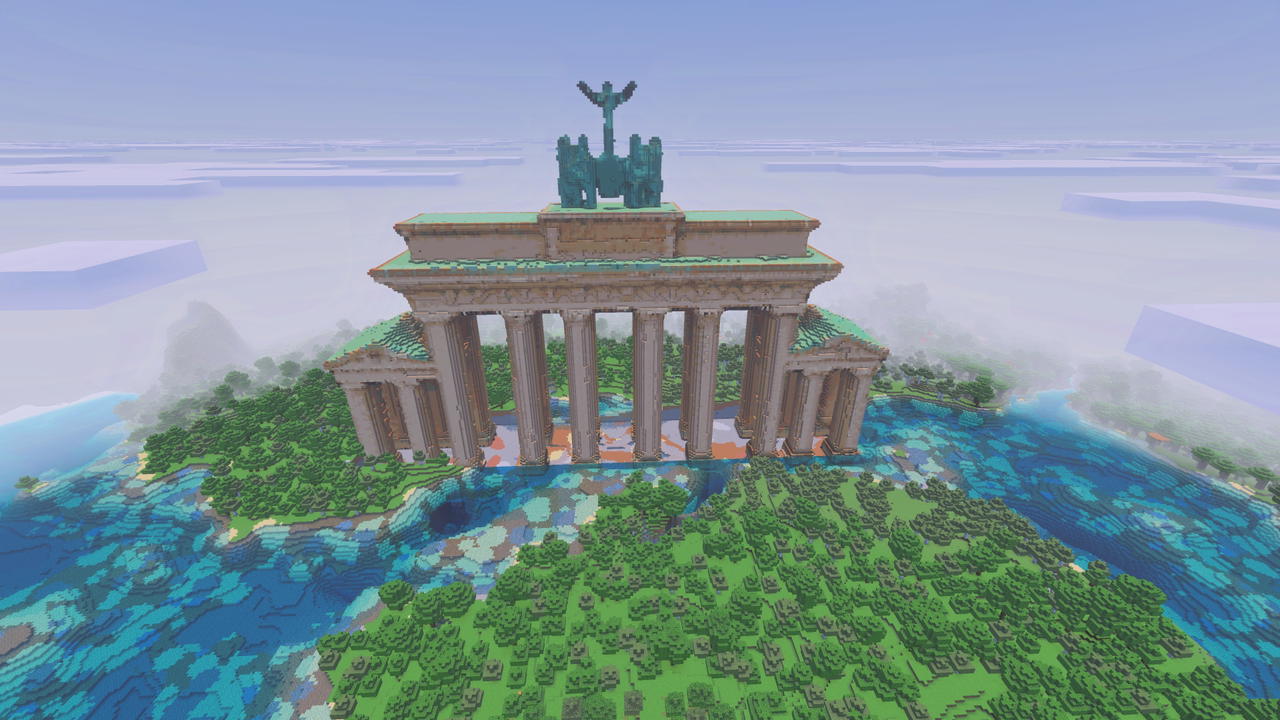
The Brandenburg Gate
Rebuild Berlin's iconic Brandenburg Gate and bring a historic landmark to life.
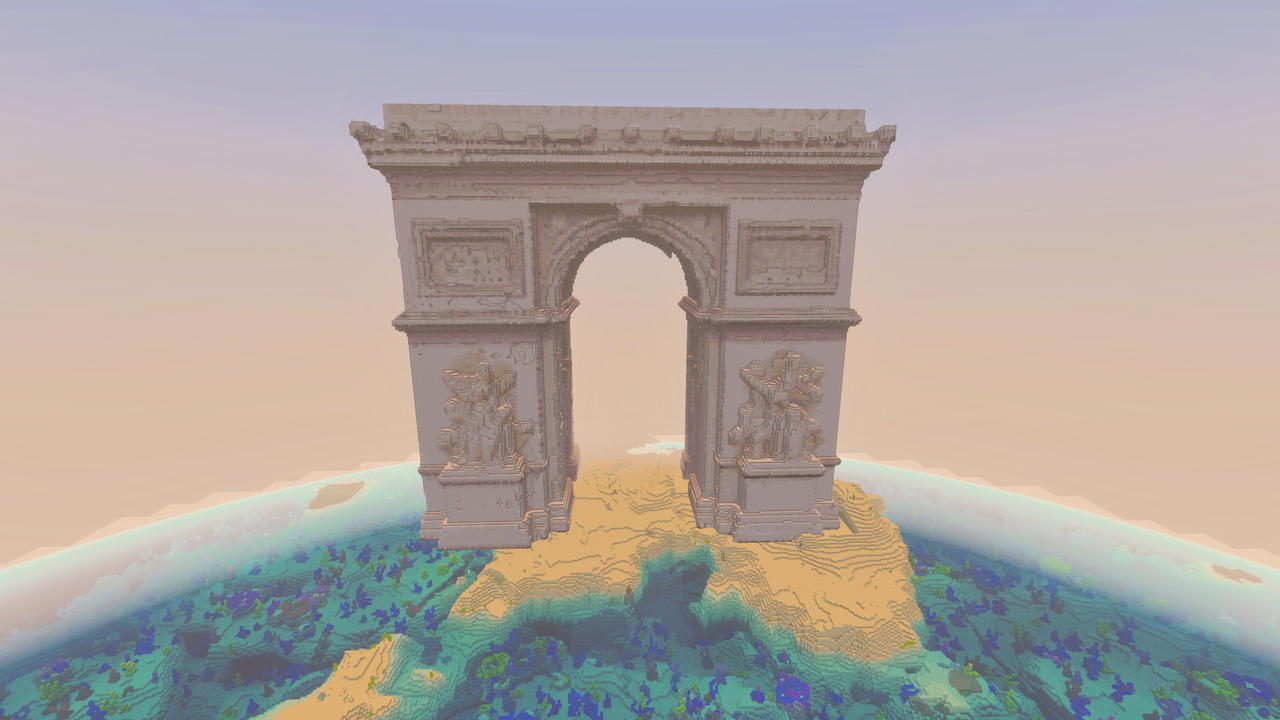
Arc De Triomphe
Bring Parisian grandeur to your world with a massive Arc de Triomphe replica.

This mod is licensed under the CreativeMode Mods License.