

Description
Select and place any Minecraft block, even normally unplaceable ones.
Mod Wiki
Test Block Selector
Quickstart
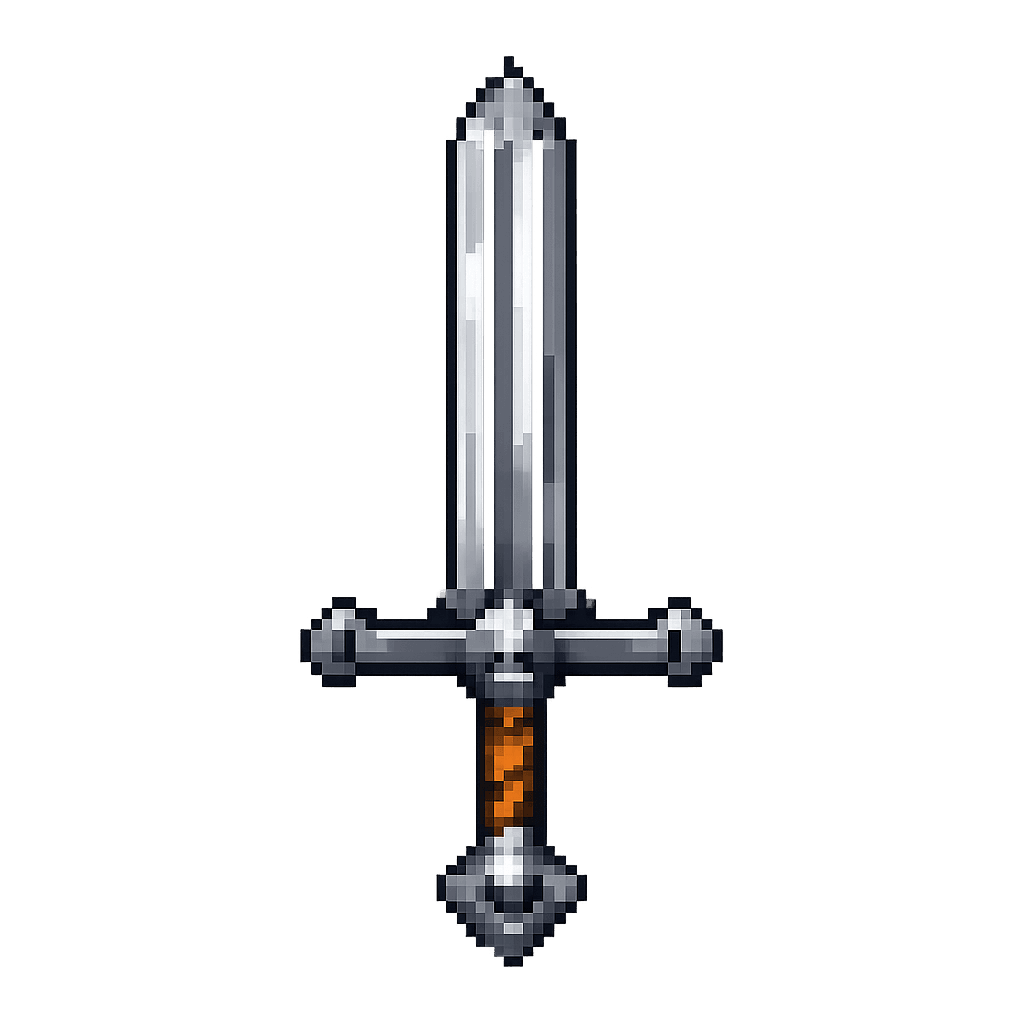
- Obtain the Test Block Selector from the Creative inventory under Equipment, or use:
/give @s com_test_block_selector_227ausdg:my_sword 1 - Equip it in your active hotbar slot.
- Use the item to open the Test Block Selector menu.
- Choose a block from the list, or select Search blocks and search by name or block ID.
- Aim at a block face within 8 blocks and use the item on it to place the selected block in the adjacent position.
You can also choose Place selected block in the selector menu while looking at a suitable block face.
Overview
Test Block Selector lets you select vanilla Minecraft blocks from an in-game menu and place them directly, including blocks that normally cannot be placed by hand.
The item is single-use-slot equipment with 36 durability. It is intended for creative building, testing unusual blocks, and quickly experimenting with different block types.
What It Adds
- The Test Block Selector item
- A searchable block-selection menu
- A paginated list of available vanilla block types
- Placement of selected blocks against a targeted block face
- Support for normally unplaceable blocks when the target location accepts the placement
The menu includes blocks such as End Portal blocks, Fire, Farmland, Flowing Water, Frosted Ice, and many other vanilla block types.
How To Use
Open the selector
Use the Test Block Selector while not placing it on a block to open its menu.
The menu displays:
- The current search query
- The number of matching blocks
- The current page
- Your selected block
The first button opens block search. The block list follows it.
Select a block
Choose any listed block to make it your current selection. The item displays a confirmation message with the selected block's name.
The list shows up to 40 blocks per page. Use Previous page and Next page to browse the full list.
Search for a block
- Open the selector menu.
- Choose Search blocks.
- Enter part of a block's name or its ID.
- Confirm the search to return to the filtered list.
Searches can use display names such as stone or IDs such as minecraft:oak. Clear the search field to show all blocks again.
Place the selected block
Aim at a block face within 8 blocks, then use the Test Block Selector on that face. The selected block is placed in the adjacent position.
The selector can target liquid and passable blocks, making it useful for testing blocks in locations where ordinary placement would be difficult. If the selected block cannot be placed at the target location, the item reports that placement failed.
You can also open the menu and choose Place selected block to place the current selection at the block face you are looking at.
Crafting And Obtaining
Craft the Test Block Selector at a crafting table using gold ingots, black dye, and a stick:



You can also obtain it from the Creative inventory in the Equipment category.
Abilities And Mechanics
- The item opens the block-selection menu when used normally.
- Using it on a block attempts to place the currently selected block.
- Placement occurs in the block position adjacent to the face you are targeting.
- The target block face must be within 8 blocks.
- The selection menu includes search and page controls.
- Blocks that are normally unplaceable may be placed through the selector, provided the target location accepts the command.
- The item has a maximum durability of 36.
- Each item use has a 50%–100% chance to consume durability.
- The item does not stack.
If no block has been selected, using the item on a block prompts you to select one first.
Progression And Strategy
Test Block Selector has no progression tree or unlock system. Once you obtain it, the full selector list is available immediately.
For efficient building and testing:
- Search for blocks by a distinctive part of their name instead of browsing every page.
- Select a block once, then place it repeatedly with the item.
- Use the menu's Selected display to confirm which block is active.
- Aim at existing block faces to control the exact placement position.
- Experiment with unusual blocks in a separate creative test area, since some blocks may fail to place at particular locations.
- Keep an extra selector available if you plan to perform many placement tests because its durability is limited.
Recipes

How to install
Download the mod and follow the step-by-step installation guide.
Players also liked

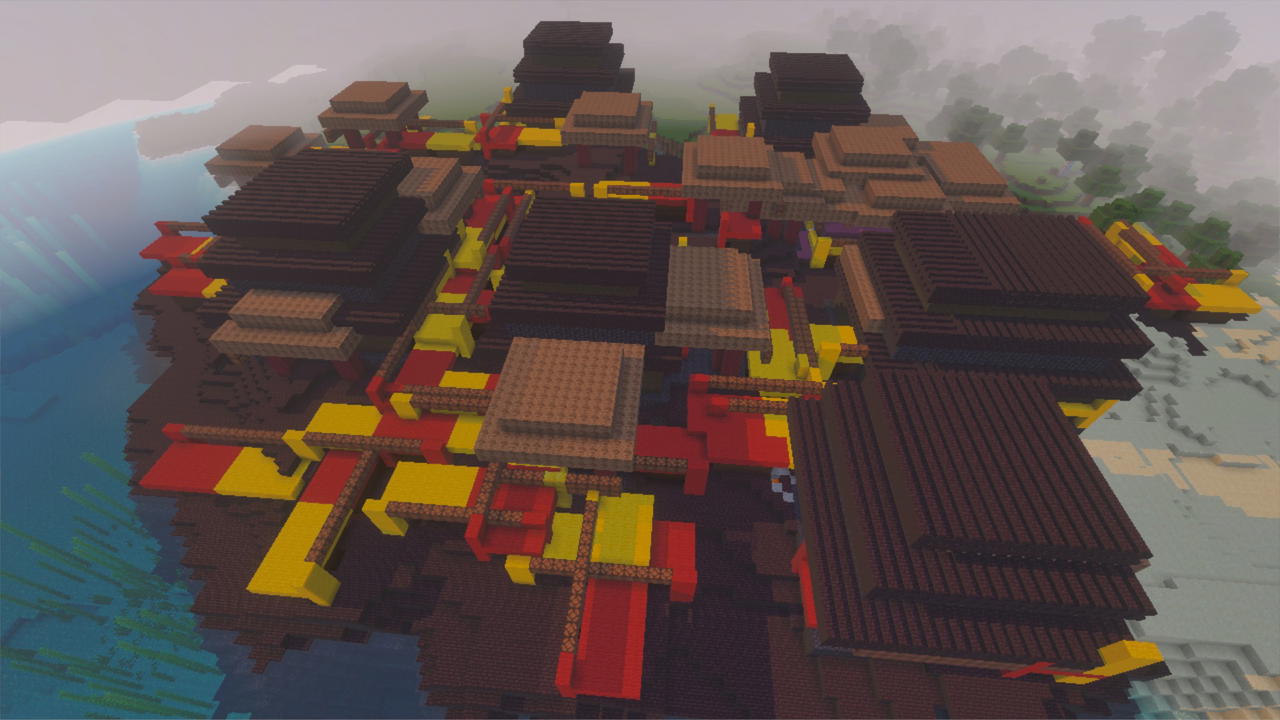
Crimson Lantern Ghost City


Explore the haunted Crimson Lantern City—lantern-lit streets, gambling dens, masked ghosts, and rare loot.

Bounty Sheep


create a mob that looks like a sheep which has the following appearance: 'normal sheep' and the following behavior/capabilities: 'when killed drops 5 to 50 wool blocks, when killed drops 3 to 30 raw mutton,'
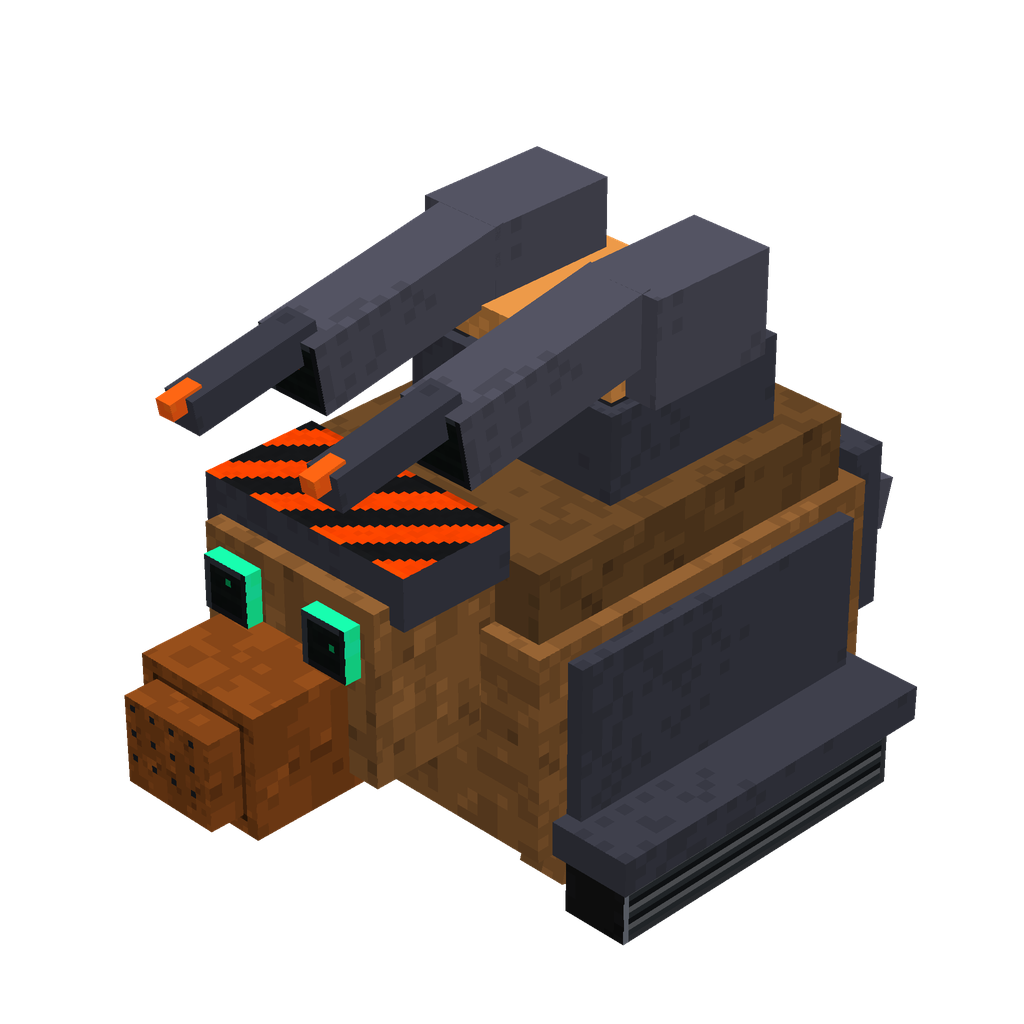
Nightfire Sniffer Tank

Ride a cannon-toting Sniffer tank and blast through the night with powerful vision.

This mod is licensed under the CreativeMode Mods License.