

Description
Ride a cannon-toting Sniffer tank and blast through the night with powerful vision.
Mod Wiki
Nightfire Sniffer Tank
Quickstart
- Craft the Nightfire Sniffer Tank placer at a crafting table:


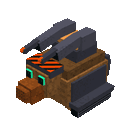
- Select the placer and use it on any block face. The item is not consumed.
- You are placed in the tank automatically. Use your normal movement controls to drive it.
- Aim in the direction you want to fire, then tap the Use button or press Jump to fire the mega cannon.
- The cannon launches a TNT projectile. Wait for the reload timer before firing again.
- Use your normal sneak or dismount control to leave the tank.
You can also obtain the placer with:
/give @s com_nightfire_sniffer_tank_qjinope3:my_vehicle_placer
Overview
The Nightfire Sniffer Tank is a single-seat, player-controlled vehicle styled as a heavily armed Sniffer. It combines ground movement with a powerful TNT-firing cannon for nighttime combat, clearing terrain, and explosive exploration.
While mounted, the camera switches to third person and your player model and equipment are hidden so the tank remains unobstructed.
What It Adds
- Nightfire Sniffer Tank — A rideable, cannon-equipped vehicle.
- Mega cannon — Fires TNT in the direction you are looking.
- Automatic mounted presentation — Uses third-person view and hides the rider while mounted.
- 40 health — The tank can withstand substantial damage before being destroyed.
- One rider seat — Only one player can control the tank at a time.
- Nameable vehicle — Use a name tag to give the tank a custom name.
How To Use
Placing the Tank
Hold the Nightfire Sniffer Tank placer and use it on a block. The tank appears against the face you target and immediately seats you as its driver. The placer remains in your inventory, allowing you to place another tank.
Driving
The driver controls the tank with the usual movement controls. Look around to aim the cannon while moving.
Firing the Mega Cannon
The mounted action is shown on the action bar as Tap: Fire Mega Cannon.
- Tap the Use button to fire.
- Press Jump to fire as an alternative.
- The cannon launches a TNT projectile in your viewing direction.
- The cannon has a 3-second reload, so allow time between shots.
- TNT can damage terrain, so keep valuable builds and close-range targets in mind.
Dismounting
Use the normal sneak or dismount control to leave the tank. The third-person camera, invisibility, and hidden equipment presentation end when you dismount.
Crafting And Obtaining
Craft the placer in a crafting table. The recipe requires:
- 4 Iron Blocks
- 2 Redstone Blocks
- 2 TNT
- 1 Golden Carrot
In Creative mode, search for Nightfire Sniffer Tank in the Items tab. The tank entity can also be summoned directly with:
/summon com_nightfire_sniffer_tank_qjinope3:my_vehicle
A summoned tank does not use the placer’s automatic placement step; approach it and interact with it to ride.
Abilities And Mechanics
Explosive Cannon
The cannon fires TNT forward from the tank. Aim carefully before firing, especially near structures or while fighting at close range.
Mounted Visibility
The tank automatically:
- Forces a third-person camera while you are riding.
- Hides your player model.
- Hides your worn and held equipment.
- Restores your normal view and equipment after dismounting.
Vehicle Durability
The tank has 40 health. It can be pushed by entities and pistons, so secure it if you leave it unattended.
Progression And Strategy
- Gather TNT before taking the tank into dangerous areas; every shot consumes a TNT projectile internally.
- Use the tank for nighttime patrols, clearing hostile mobs, and opening paths through terrain.
- Keep moving between shots during the reload period.
- Fire from a safe distance to avoid being caught in the explosion.
- Avoid aiming at important structures unless you intend to demolish them.
- Name multiple tanks with name tags to distinguish them in a base or vehicle yard.
How to install
Download the mod and follow the step-by-step installation guide.
Players also liked

Coconuts


Have you run out of money while making your movie epic, but still need horses... here I found some coconuts in Mercia that were left behind by a family of European Swallows.
Silicon City President

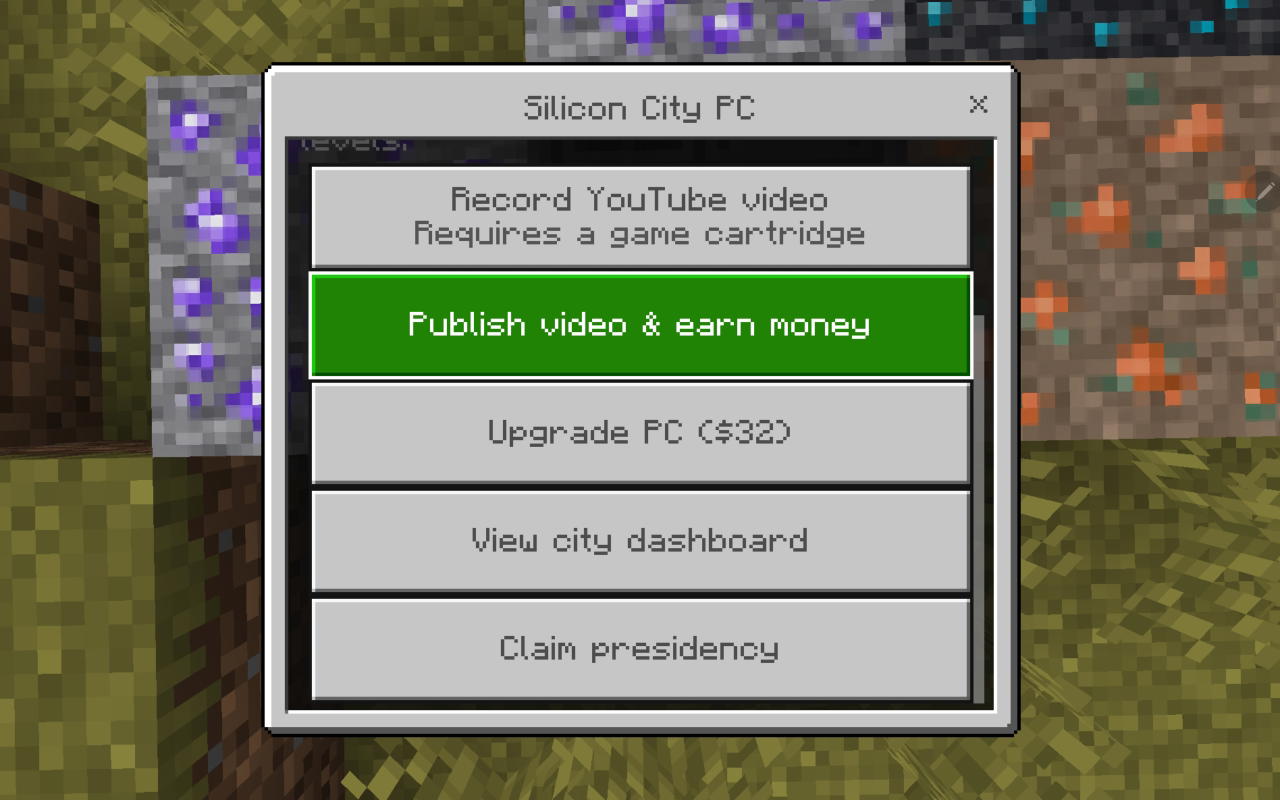
In your laboratory in a big city you want to become the president you must mine New ors and make electronic parts then make a pc then buy games from villagers and make videos in YouTube To make money then upgrade your level by doing tasks for upgrading the villagers trading and m…
Propeller Gunship

Take to the skies in a gunship, fire bullets, and drop devastating bombs.

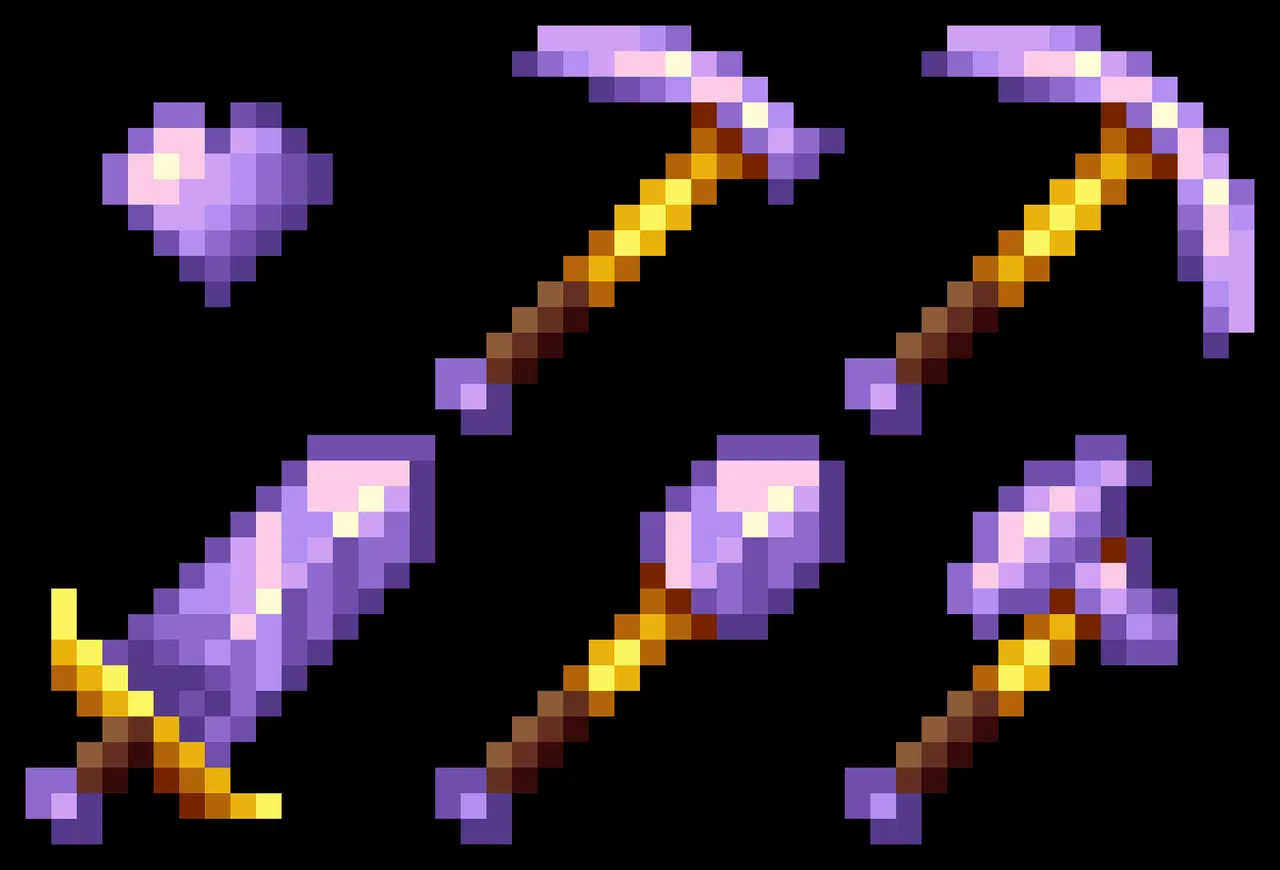
Amethyst armor and tools and daggers


Amethyst gear grows stronger as you battle, now with deadly daggers for every tier.
This mod is licensed under the CreativeMode Mods License.