
Description
A monumental structure to accent your skyline with. This is a rendering of a 3D model of the famous step pyramid El Castillo at Chichen Itza.
Mod Wiki
Stone Arch Structure
Quickstart
- Open your inventory and find the Stone Arch Structure Wand in the Equipment tab.
- Hold the Wand in your main hand.
- Stand on flat ground and aim at the spot where you want the arch to appear.
- Use the Wand (tap/click with it equipped) — it fires a short-range projectile. Where the projectile lands, the full stone arch structure is built instantly at that location.
- Walk through the arch's open passage to admire your new gateway!
Tip: Place the Wand in your main hand and make sure you have room — the arch is a large multi-block structure. Flat, open ground works best.
Overview
Stone Arch Structure adds a single, grand decorative build to your world: a freestanding single-span stone arch. It is a low, wide masonry arch constructed from large dressed stone blocks, featuring a pronounced central keystone and tapered voussoirs (the wedge-shaped stones that form the curve). Thick end piers anchor both sides of the arch, with slightly chamfered edges and a weathered, rubble-like surface texture that gives it an ancient appearance.
The arch is symmetrical and designed to sit naturally on flat ground, oriented along its span so that players can walk through the curved passage underneath. The underside is hollow, creating a proper open gateway, while the base has a solid footing that roots it firmly to the ground.
What It Adds
| Item | Description |
|---|---|
| Stone Arch Structure Wand | A handheld wand used to place the stone arch structure in the world. Found in the Equipment tab of the inventory. |
The wand is the only item you need. There are no additional crafting components or separate building blocks to gather — the entire arch is summoned in one action.
How To Use
Placing the Arch
- Equip the Stone Arch Structure Wand in your main hand.
- Aim at your desired build location on flat ground.
- Activate the wand — it launches a projectile in the direction you are facing.
- When the projectile hits a surface, a particle effect flashes and the complete stone arch assembles itself block by block at the impact point.
- The wand has a short cooldown (about 2 seconds) between uses.
Orientation
The arch is designed to be oriented along its span — meaning you should aim so the projectile travels through the intended "entrance" axis of the arch. The structure always builds facing the same direction relative to your aim, so consider your approach angle before firing.
Removing the Arch
The custom stone blocks that make up the arch can be mined by hand or with tools. Each block takes about 1.5 seconds to break by mining. Note that the blocks have no explosion resistance, so explosions will also destroy them.
Abilities And Mechanics
- Projectile placement: The wand shoots a lightweight projectile (similar in behavior to a snowball) that travels in a slight arc. Aim slightly above distant targets to compensate for gravity.
- Instant assembly: The arch builds itself block by block upon impact, creating a satisfying construction effect.
- Particle effect: A visual particle burst marks the exact placement point when the arch is summoned.
- No ammunition management: The wand fires freely in Creative mode without needing a separate ammo item in your inventory.
Progression And Strategy
- Gateway: Position the arch over a road, path, or entrance to a base or castle courtyard for an imposing entryway.
- Bridge underpass: Place the arch at the edge of a riverbank or ravine as a decorative underpass or aqueduct element.
- Ruined architecture: Drop the arch into a jungle, desert, or overgrown biome and let the weathered stone texture blend naturally with the environment for a ruined-ruin aesthetic.
- Modular builds: Because the arch is symmetrical, multiple arches can be lined up in a row to form a colonnade or arcade.
- Flat ground matters: The arch is designed to sit flush on level terrain. Placing it on slopes or uneven ground may result in the structure floating or partially buried — flatten the area first for the cleanest result.
How to install
Download the mod and follow the step-by-step installation guide.
Players also liked
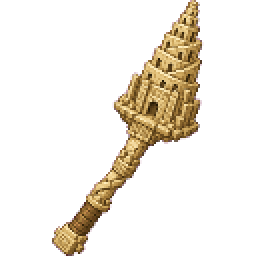
Tower Of Babel


Enormous ziggurat-style Tower of Babel modeled in sandstone and going from ground level to Y-300. Takes about 45 seconds to generate due to it's size.
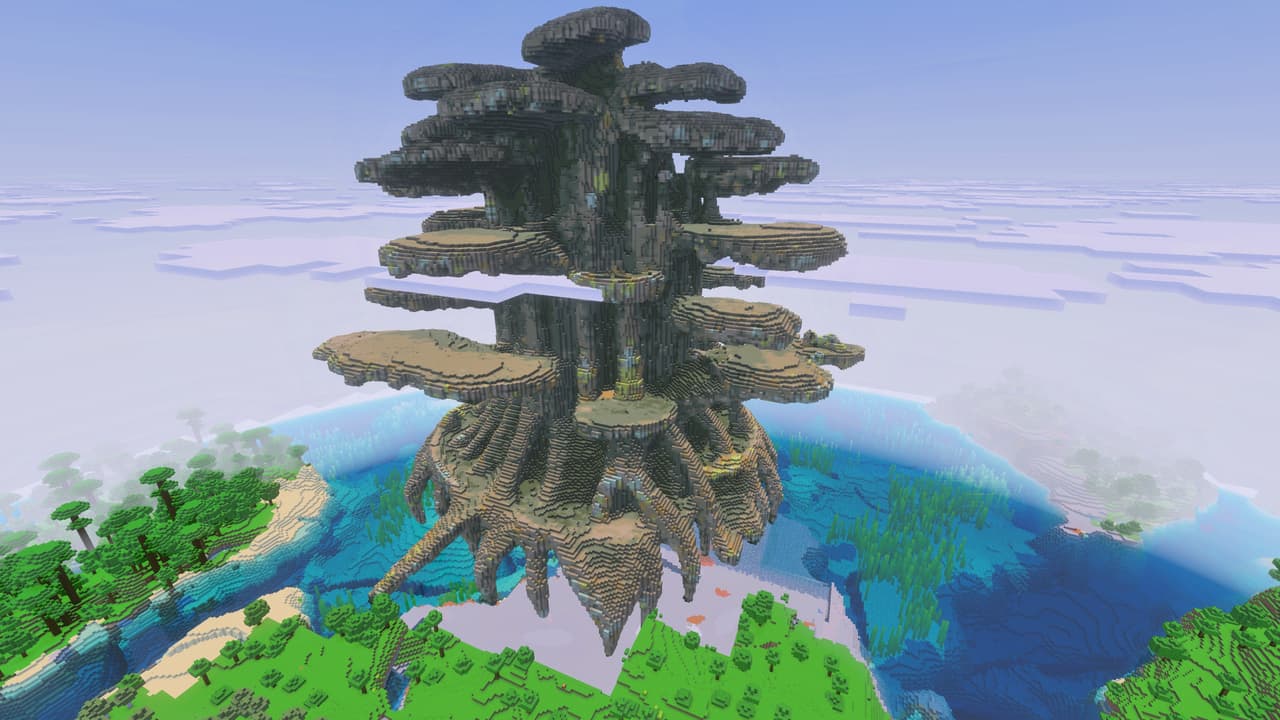
Teldrassil (or just a huge tree)
Teldrassil — was SUPPOSED to be an exact, large-scale replica of the World of Warcraft World Tree. A single colossal tree built to reach 360 blocks tall ... it looks nothing like Teldrassil, but it is really cool and if you use it you should place it in the ocean and at least 36…
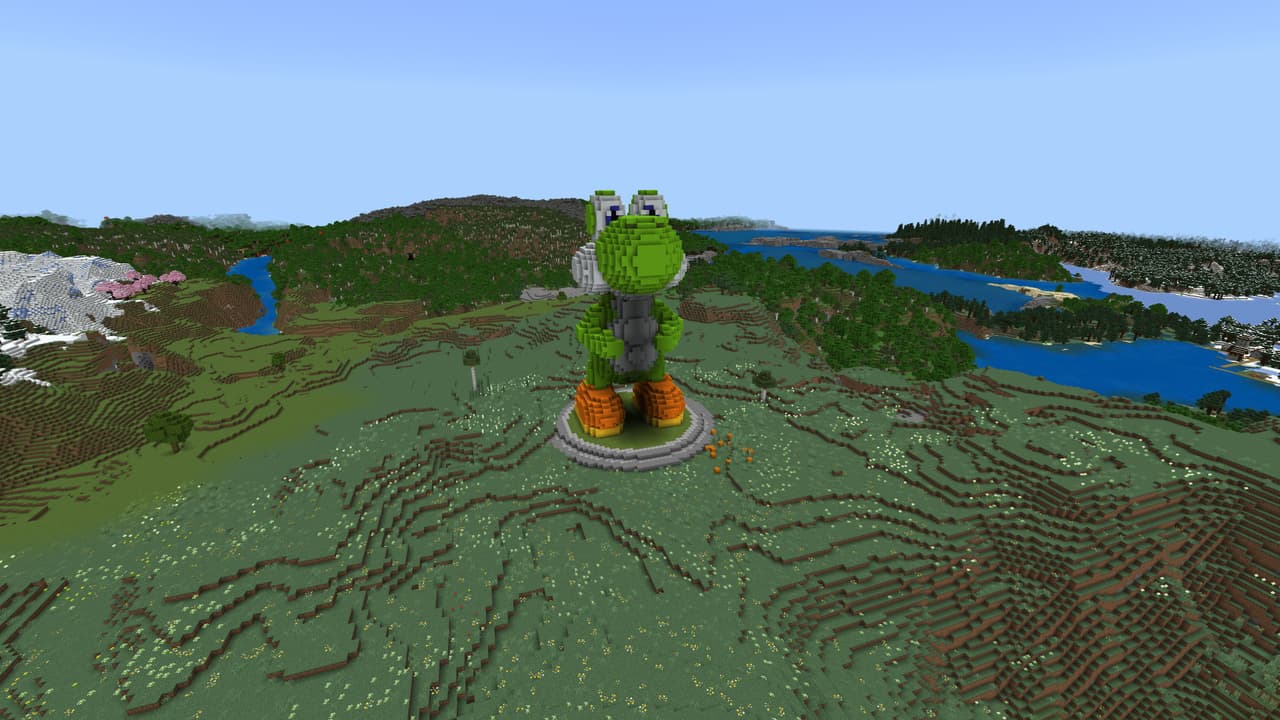
Yo Shi
Oh look, a dinosaur type creature that looks like you could ride him through a mushroom stomping adventure!
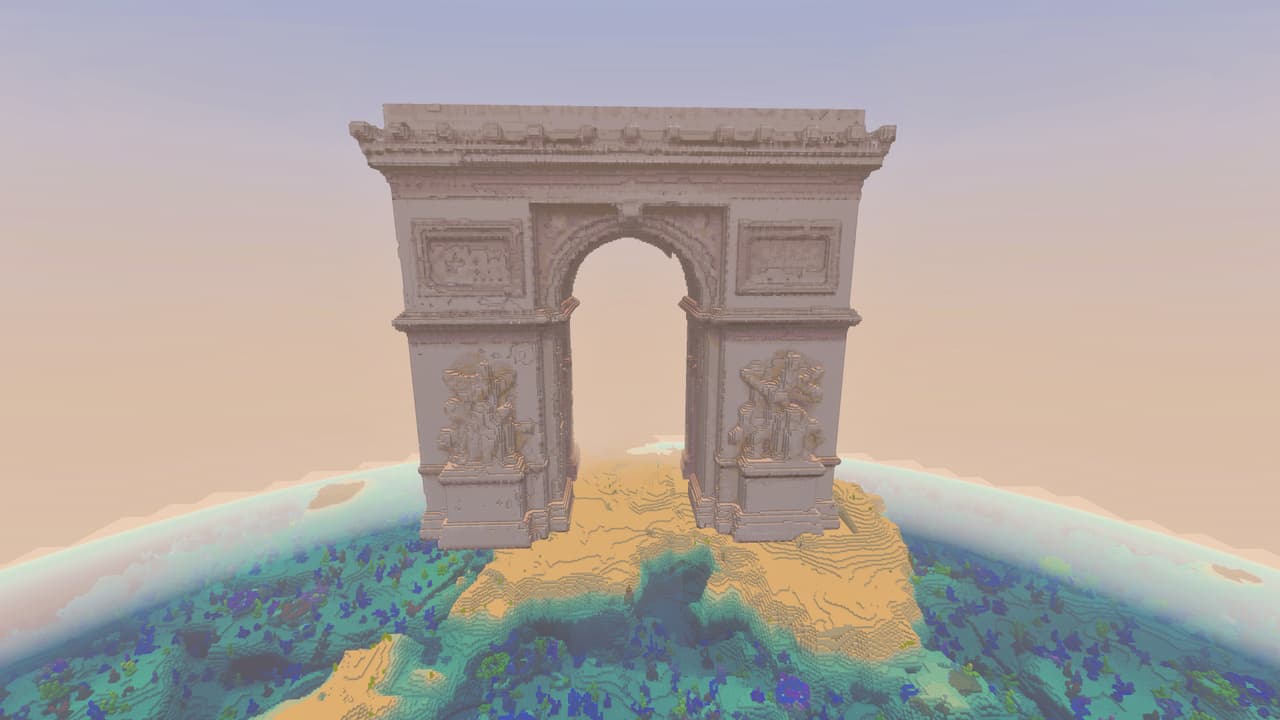
Arc De Triomphe
Bring Parisian grandeur to your world with a massive Arc de Triomphe replica.
Mermaid Tribute
What you have here is a ginormous Mermaid in a clamshell statue... it is ready for the player to decorate and add details to finish its appearance, but as it it is still an excellent addition to any aquatic based theme. Actually looking at it from a distance it might could be a s…
This mod is licensed under the CreativeMode Mods License.