
Description
Build a somewhat charming stone village around a peaceful fountain plaza... just ignore the random blocks used to create it. Think of it as a "Fixer Upper" opportunity! If you place this about 30 blocks under water and light it up with some well placed sea lanterns it makes for a nice set of under water ruins.
Mod Wiki
Prefab Village
Quickstart
- In Creative mode, open the Equipment section of the inventory and take the Prefab Village Wand.
- Find a large, open area with enough room for a village-sized structure.
- Hold the wand and use it while aiming at the area where you want the village to appear.
- The wand launches a projectile. When it hits, the complete stone village is placed around the impact area.
- Wait for the wand’s short cooldown before using it again.
The village is assembled as a large 4×4 layout, so clear nearby terrain and avoid placing it over important builds.
Overview
Prefab Village creates a charming stone village centered around a peaceful fountain plaza. The entire village is placed at once when the wand’s projectile reaches its target.
The structure is approximately 128×128 blocks in total, making it best suited to a broad, mostly level location.
What It Adds
- Prefab Village Wand — A Creative equipment item used to place the village.
- Prefab Village Wand Projectile — The projectile launched by the wand.
- Stone village structure — A large prebuilt village arranged around a fountain plaza.
- Fountain plaza — A peaceful central area that forms the village’s focal point.
How To Use
Place a Village
Hold the Prefab Village Wand and use it while looking toward the desired placement area. The wand fires a projectile with a slight arc. When the projectile hits a location, the village is generated there.
For the best results:
- Choose a wide, open area.
- Aim at or near the ground where you want the village placed.
- Clear tall trees, cliffs, and other obstructions first.
- Leave plenty of room around the target for the full village layout.
- Back away after firing so you can view the completed plaza and surrounding buildings.
The village is placed one block above the projectile’s impact height. Terrain and existing blocks within the structure’s footprint may be affected, so use an unbuilt area whenever possible.
Use the Wand Again
The wand has a two-second cooldown between uses. Once the cooldown ends, you can fire it again to place another village in a different location.
Crafting And Obtaining
The Prefab Village Wand has no crafting recipe. In Creative mode, find it in the Equipment section of the inventory.
You can also give yourself the wand with:
/give @s com_prefab_village_g2apuis6:structure_wand
Abilities And Mechanics
- The wand fires instantly without a charge-up period.
- Its projectile travels forward with a small amount of gravity, so aim slightly above distant targets.
- The projectile places the village when it collides with a location.
- The projectile does not deal damage.
- One projectile is used per wand activation, and the wand can draw ammunition from the inventory while in Creative mode.
- The complete village is built from multiple connected sections, producing a broad 4×4 settlement layout.
- A short cooldown prevents the wand from being fired continuously.
Progression And Strategy
Prefab Village is designed for immediate Creative-mode building rather than material-based progression. Try placing the village near roads, farms, rivers, or other custom builds to create a ready-made settlement.
For a clean showcase:
- Flatten or prepare a large plot.
- Place the village near the center of the plot.
- Add paths, lighting, crops, storage, and landscaping around the fountain plaza.
- Use additional villages as separate settlements connected by roads or bridges.
How to install
Download the mod and follow the step-by-step installation guide.
Players also liked
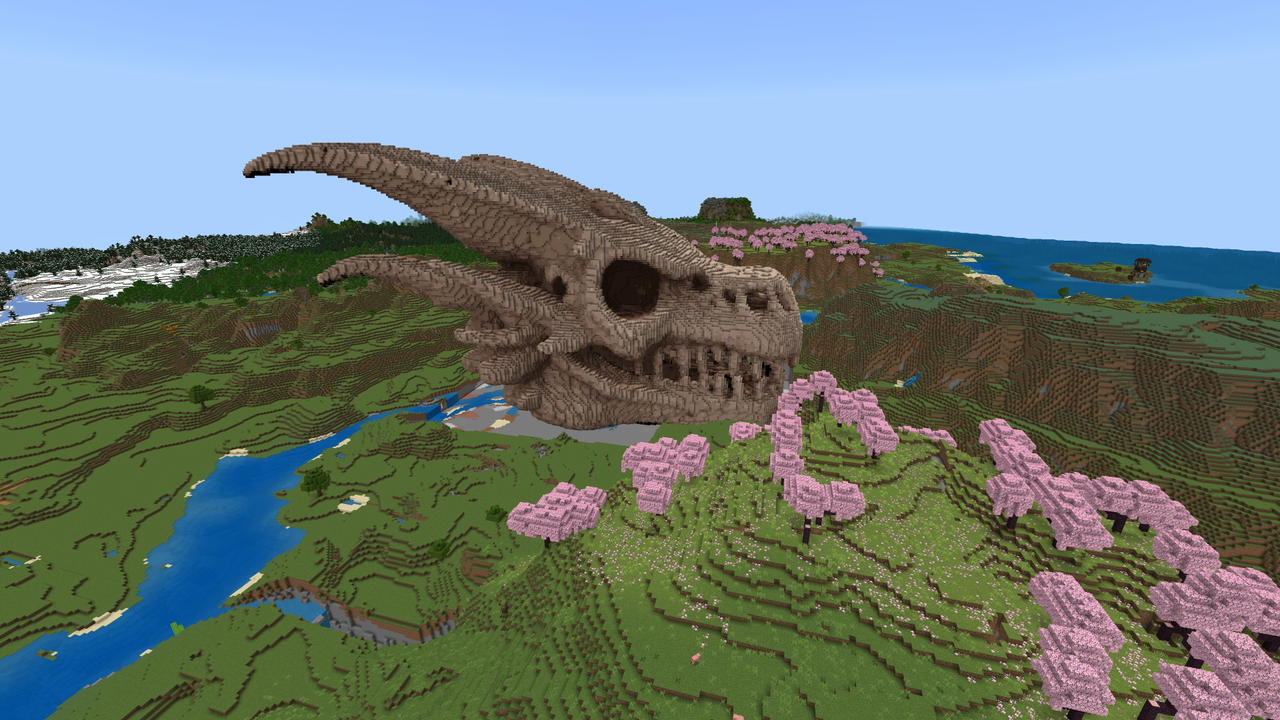
It Once Lived


Unearth a colossal fossilized dragon skull to be the back drop for your world's horizon.
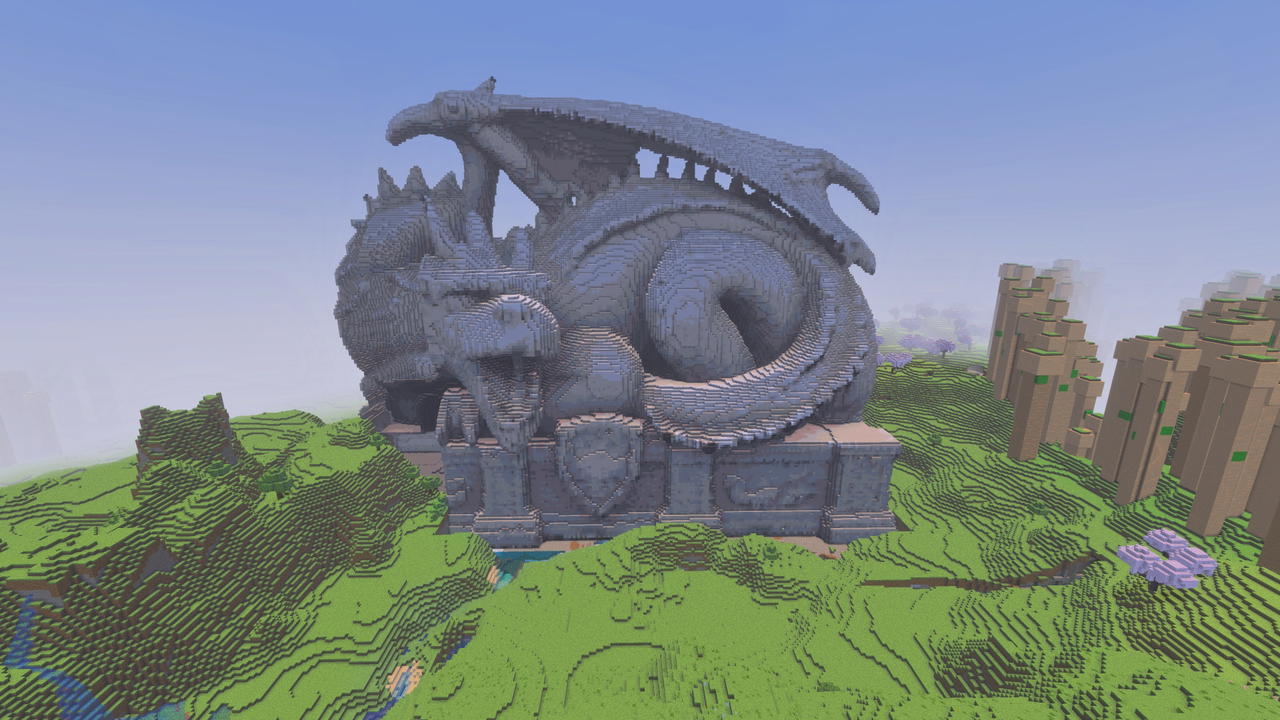


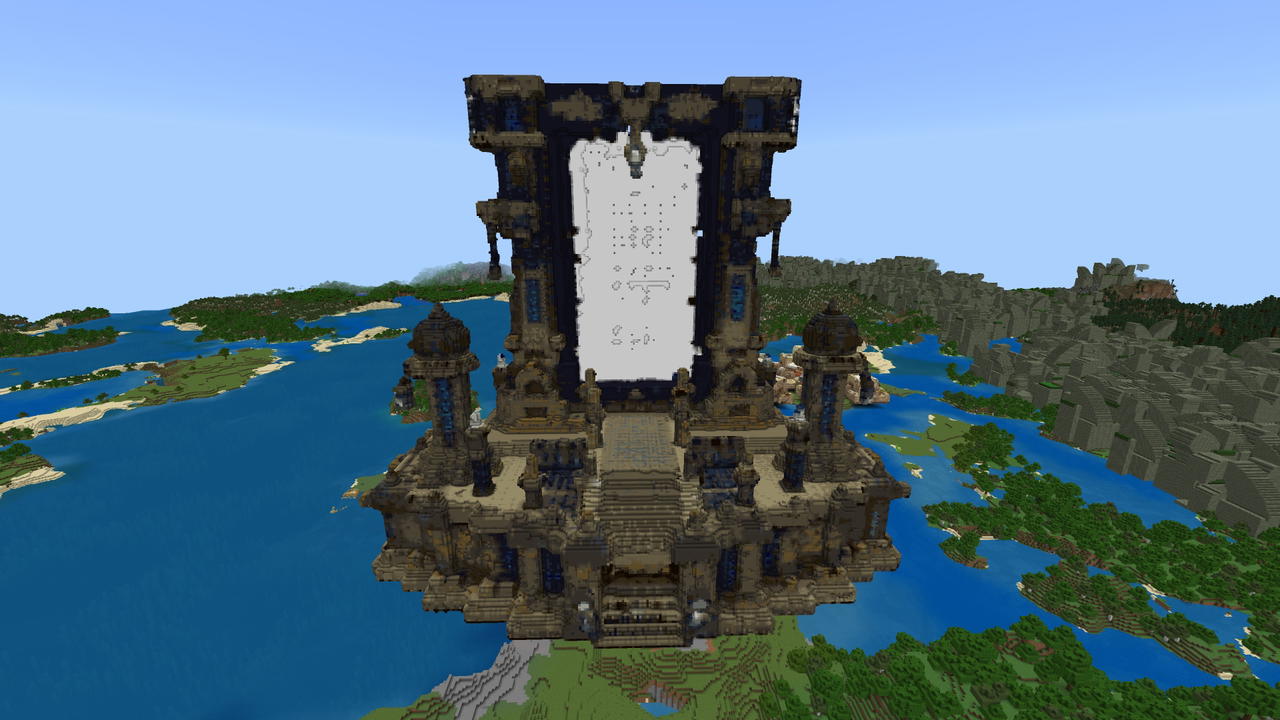
The Portal Nether
Unearth a colossal ruined Nether portal and uncover its forgotten depths.
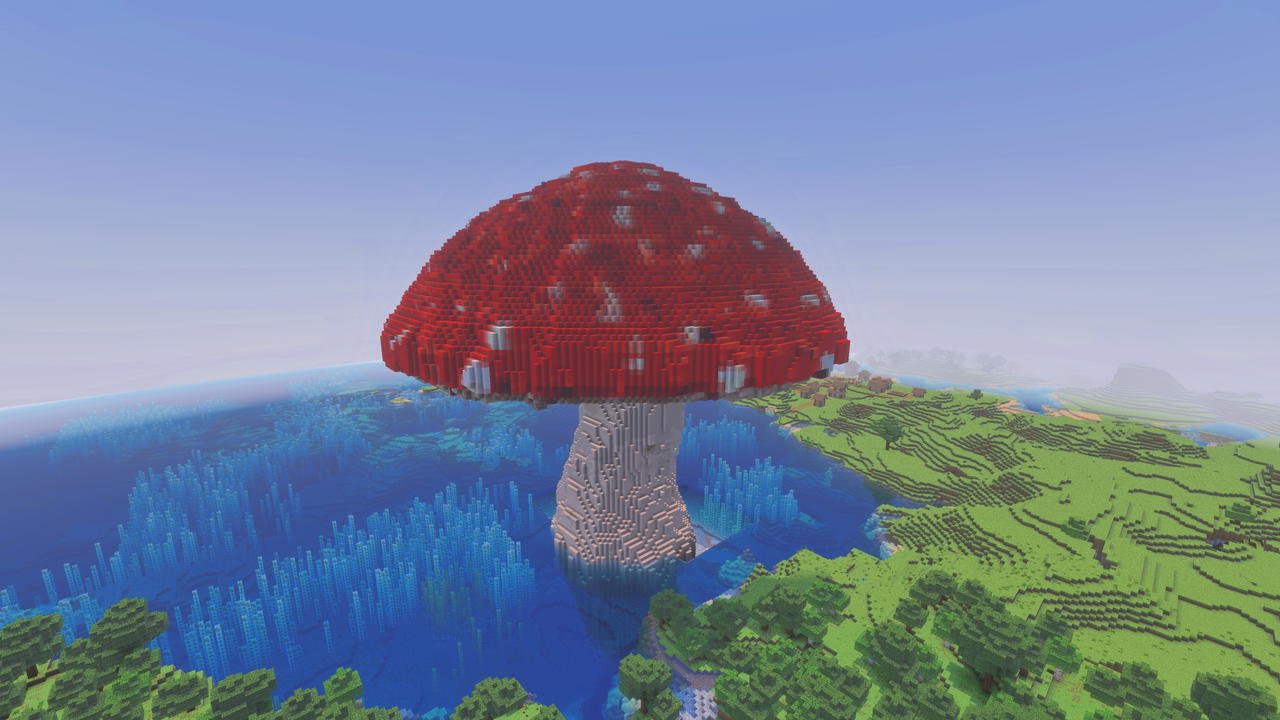
Giant Mushroom
Pretty straight forward, wave the wand and get a giant Fly Agaric mushroom like in Mario.
This mod is licensed under the CreativeMode Mods License.