
Description
Done building your house and don't like the blocks you used for the flooring? Swap them out. Don't like the walls, swap them out. Want diamond trees with pink leaves instead of the ones you have? Swap them out. Simply pick the target block category, the target block, the replacement block category, the replacement block, then select the distance around yourself to make these changes, and submit... See the example images in the media section.
Mod Wiki
Swap Box
Quickstart
- Obtain a Swap Box by crafting it at a crafting table or by using:
/give @s com_swap_box_4orz37p2:my_sword - Hold the Swap Box and use it to open its five-step menu.
- Choose a Target Block Category, then choose the exact Target Block to find.
- Choose a Replacement Block Category, then choose the exact Replacement Block to place instead.
- Select a radius from 5 to 50 blocks and press Submit.
The swap is centered on your current block position and affects a cube around you. Only blocks that exactly match the selected target are replaced. The Swap Box is reusable, and simply holding it does not perform an operation.
Overview
Swap Box is a reusable builder’s tool for changing matching blocks throughout a selected area. It is useful for remodeling, recoloring builds, replacing construction materials, clearing spaces, and filling areas with a chosen block.
The tool changes blocks in your current dimension without requiring replacement blocks in your inventory.
What It Adds
Swap Box provides a menu-driven area replacement tool with:
- Separate target and replacement block selections
- A large collection of building, natural, decorative, Nether, End, ore, and storage blocks
- Radius choices from 5 to 50 blocks
- Exact-match replacement, leaving all other blocks untouched
- Support for
Air, water, lava, snow, ice, and other environmental blocks - A reusable, single-item tool
How To Use
Use the Swap Box while holding it to open the selection menu.
Selection Steps
-
Target Block Category
Choose the group containing the block you want to find. -
Target Block
Choose the exact block to replace. Variants such as slabs, stairs, panes, colored blocks, and weathered blocks are separate choices. -
Replacement Block Category
Choose the group containing the new block. -
Replacement Block
Choose the exact block that will replace the target. -
Radius
Choose a radius of 5, 10, 15, 20, 25, 30, 35, 40, 45, or 50 blocks, then press Submit.
Use Back to return to an earlier step. Closing or canceling the menu stops the operation without changing blocks.
Crafting And Obtaining
Craft the Swap Box at a crafting table:


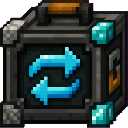
The item can also be obtained in Creative mode or with the /give command shown in the Quickstart.
Abilities And Mechanics
Area Shape
The Swap Box creates a cube centered on the player’s current block position:
- The horizontal area extends the selected radius in each direction.
- The vertical area extends the same radius upward and downward.
- The area is limited by the dimension’s vertical build limits.
For example, a radius of 10 checks a cube 21 blocks wide, 21 blocks tall, and 21 blocks deep.
Exact Block Matching
Only the selected target block is replaced. Other blocks in the cube remain unchanged.
Different block states and variants are separate choices. For example, stone, stone slabs, stone stairs, and cobblestone are not treated as the same target.
Air And Environmental Blocks
Air is an available target and replacement. This allows you to:
- Replace selected blocks with air to clear them.
- Replace air with a chosen block to fill empty spaces.
- Work with water source blocks, flowing water, lava, flowing lava, snow, ice, packed ice, and blue ice.
Available Categories
The target and replacement menus include these categories:
| Category | Examples |
|---|---|
| Wood Structural Blocks | Planks, logs, stripped wood, slabs, and stairs |
| Stone, Cobblestone and Deepslate Blocks | Stone, cobblestone, tuff, and deepslate variants |
| Ground and Natural Blocks | Dirt, grass, mud, sand, gravel, clay, moss, and natural Nether or End ground |
| Sand, Sandstone and Desert Blocks | Sandstone, red sandstone, cut, smooth, chiseled, slab, stair, and wall variants |
| Ores and Solid Storage Blocks | Ores, raw-material blocks, metal blocks, copper variants, diamond, emerald, quartz, and netherite blocks |
| Bricks and Masonry | Brick, stone brick, deepslate brick, mud brick, resin brick, Nether brick, End stone brick, and related variants |
| Concrete | All 16 concrete colors |
| Concrete Powder | All 16 concrete powder colors |
| Wool | All 16 wool colors |
| Terracotta and Glazed Terracotta | Plain, colored, and glazed terracotta |
| Glass and Glass Panes | Glass, stained glass, panes, and tinted glass |
| Nether Blocks | Netherrack, nylium, soul blocks, basalt, blackstone, Nether brick, quartz, obsidian, and related blocks |
| End Blocks | End stone, purpur, obsidian, crying obsidian, and end rods |
| Decorative Building Blocks | Water and lava-related blocks, sponge, honey, slime, hay, bookshelves, bone, glowstone, sea lanterns, amethyst, prismarine, and more |
| Environmental / Fluids / Snow / Ice | Air, water, lava, snow, ice, packed ice, and blue ice |
Protected Blocks
Swap Box does not offer or replace protected infrastructure and container blocks, including:
- Bedrock, barriers, structure blocks, and structure voids
- Command blocks
- Chests, trapped chests, and ender chests
- Hoppers, dispensers, and droppers
- Furnaces, blast furnaces, and smokers
- Brewing stands
- Shulker boxes
The operation affects blocks only; it does not move entities or manage inventories.
Progression And Strategy
- Start with a small radius to test a target and replacement pair before working on a large build.
- Use exact variants deliberately. For example, select a specific colored concrete, slab, stair, or weathered copper block rather than a broad material family.
- Use
Airas the replacement when clearing a repeated material from a build. - Use
Airas the target when filling empty sections with a chosen block. - Keep the Swap Box in your hotbar while building so you can reopen the menu whenever you need another area operation.
- Avoid selecting a large radius near areas where you want to preserve a block type; every matching block inside the cube is replaced.
How to install
Download the mod and follow the step-by-step installation guide.
Players also liked
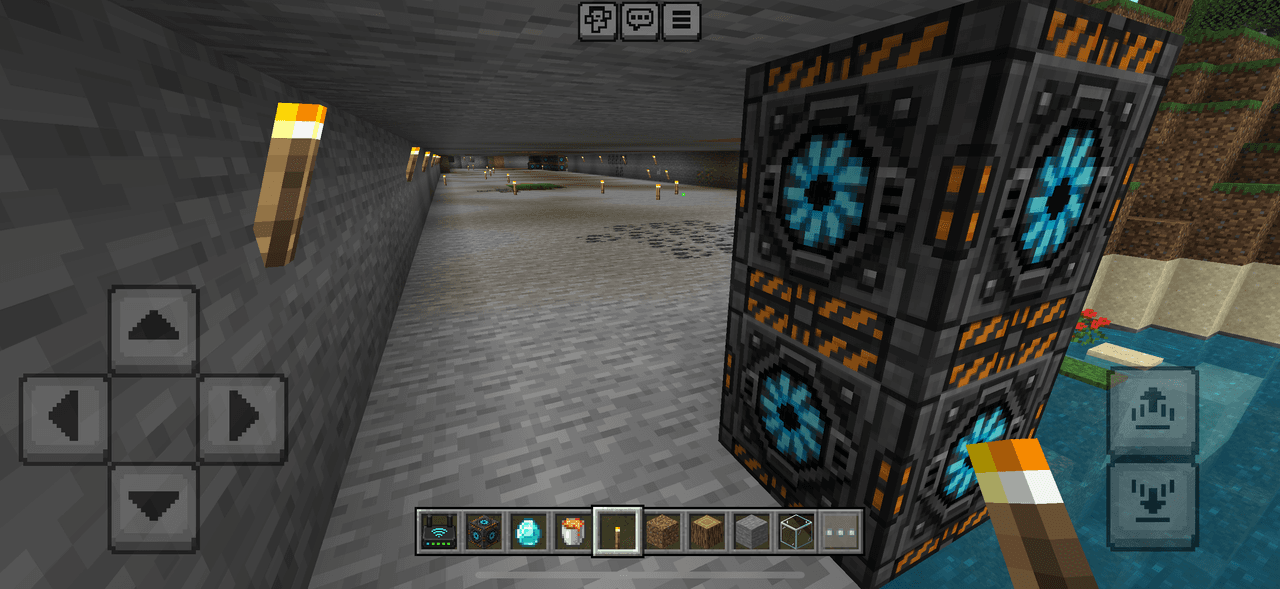
Endless Tunnel Miner


Automated miner automatically digs for 256 blocks in whatever directions your facing when placed

Skybound Wings


A new end-game upgrade for the Elytras. This chespiece will both protect you, and grant you creative-like flight. Features include: Ability to fly upwards, hover in a set altitude, crouch mid-air to place blocks without interacting with chests and other interactible blocks, pass…
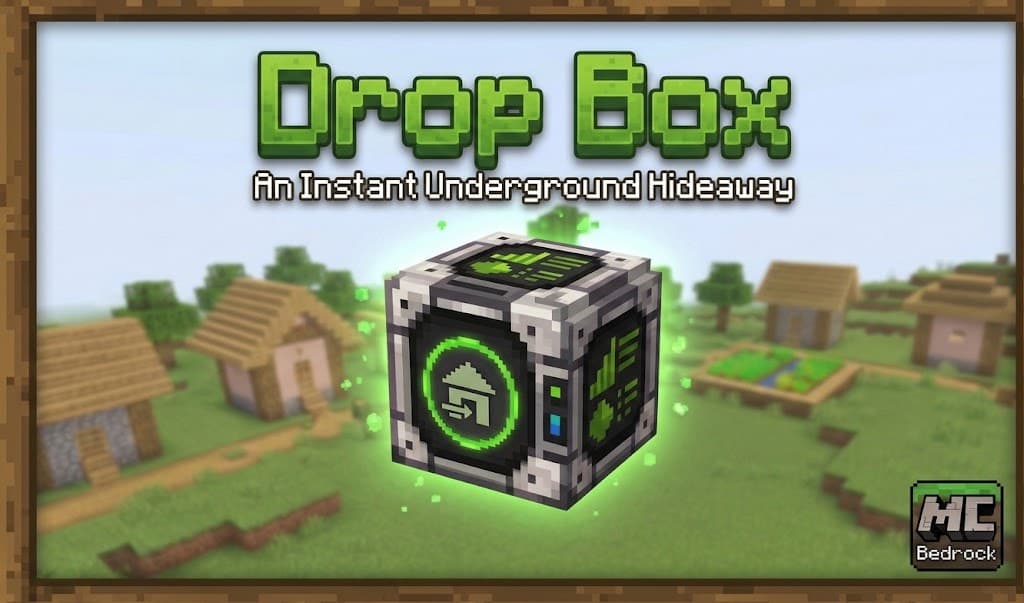
Drop Box

Quick escape to a safe room where you can do some crafting, sleep, and restore your health. Just use the handheld remote and instantly be delivered to your safe room. Using the remote once again returns you to the exact spot you were before.

World Cutting Slash


harness the power of the king of curses Ryomen Sukuna to Unleash a devastating slash that tears through blocks and destroys everything in its path.
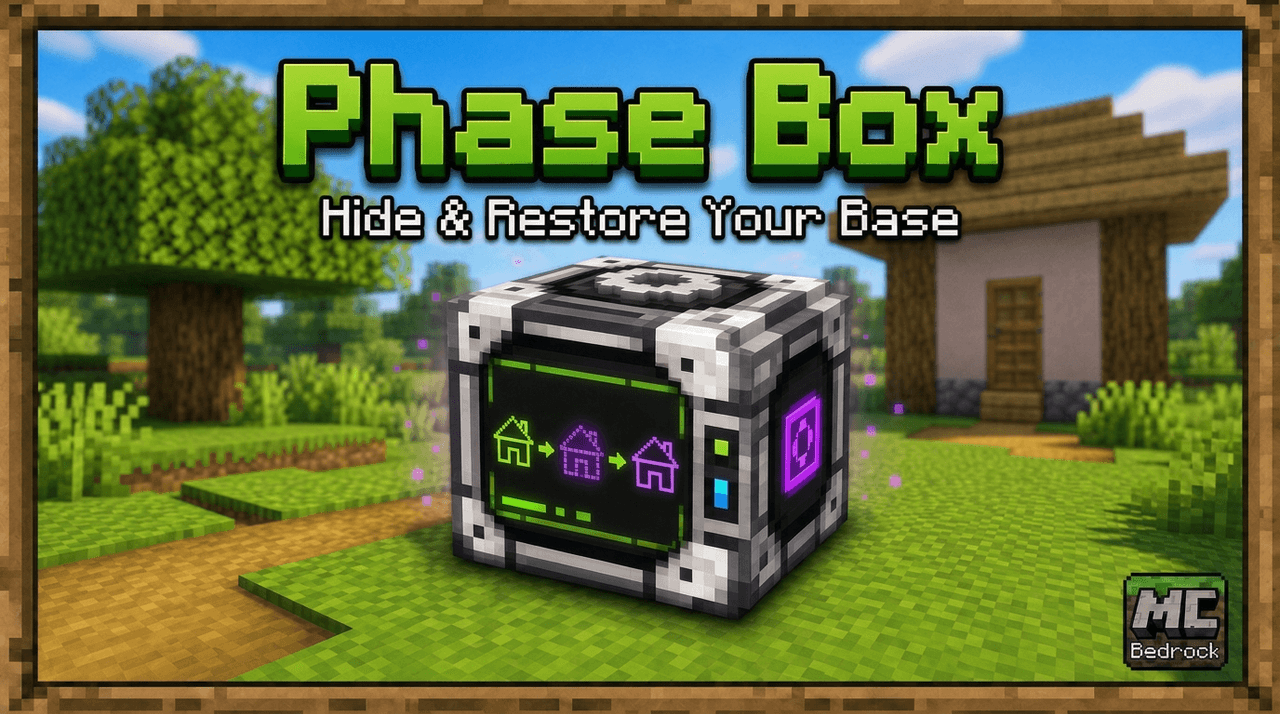
Phase Box
Keep your home safe while you aren't in it. Just use the Phase Box outside one corner bottom block, then the block on the opposite corner (at the same level), and finally above your house/base, and submit. From then on until you remove the mod or pick a new place, the selected ar…
This mod is licensed under the CreativeMode Mods License.