
Description
Quick escape to a safe room where you can do some crafting, sleep, and restore your health. Just use the handheld remote and instantly be delivered to your safe room. Using the remote once again returns you to the exact spot you were before.
Mod Wiki
Drop Box
Quickstart
- Craft the Drop Box at a crafting table:


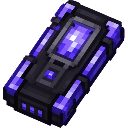
- Hold the Drop Box in your hand and use it. Your current position and dimension are saved, and you are teleported to a survival shelter in the Overworld.
- Explore the shelter and open its chest for starter supplies.
- Use the Drop Box again while standing inside the shelter to return to the exact position where you activated it.
You can also obtain the item in Creative mode or with:
/give @s com_drop_box_3aguirri:my_sword
Overview
The Drop Box is a reusable teleportation item that connects your current location to a fixed survival shelter. The shelter is an enclosed room made from obsidian, crying obsidian, and sea lanterns, with a prepared chest inside.
The shelter is located in the Overworld around X 0, Y -40, Z 0. Your return location is saved separately for each player when you enter.
What It Adds
- The Drop Box item
- A fixed underground survival shelter
- A stocked chest containing:
- Crafting table
- Furnace
- Coal block
- 64 torches
- Full iron armor
- Iron pickaxe
- Iron axe
- Iron shovel
- Iron hoe
- Bed
- Two-way teleportation between the shelter and your saved location
How To Use
Entering the shelter
Hold the Drop Box and use it while outside the shelter. The item saves:
- Your exact position
- Your current dimension
You are then teleported to the shelter in the Overworld.
Leaving the shelter
Use the Drop Box while standing inside the shelter. You return to the saved position and dimension from which you entered.
The item only treats you as being inside when you are within the shelter’s open interior. Standing nearby or against the outside of the structure does not activate the return function.
Controls
- Bedrock touch controls: Select the Drop Box and tap the use button.
- Keyboard and mouse: Hold the Drop Box and use the item.
- Controller: Hold the Drop Box and press the use-item button.
Crafting And Obtaining
Craft the Drop Box in a crafting table using the displayed recipe:
The recipe uses obsidian, an iron ingot, amethyst shards, glass panes, redstone, and an ender pearl.
The Drop Box is also available from the Creative inventory under equipment.
Abilities And Mechanics
- The Drop Box has a maximum stack size of 1.
- It has 36 durability.
- The shelter’s floor is made from sea lanterns, its roof from obsidian, and its walls from crying obsidian.
- The shelter includes a chest at the interior edge of the room.
- The shelter and its chest are maintained automatically. If the structure is damaged or the chest is removed, the shelter is restored.
- The shelter’s interior is kept clear except for the supplied chest, so it is intended as a compact survival room.
- Entering from a new location replaces the saved return point for that player.
Progression And Strategy
Use the Drop Box as a portable emergency base:
- Enter the shelter before dangerous mining trips or exploration.
- Take the supplied tools, armor, torches, and bed from the chest to get started.
- Use the bed to establish a safer respawn point before leaving.
- Return to the shelter to regroup, smelt materials, craft equipment, or resupply.
- Activate the Drop Box from your current location whenever you want that location to become your next return point.
How to install
Download the mod and follow the step-by-step installation guide.
Players also liked
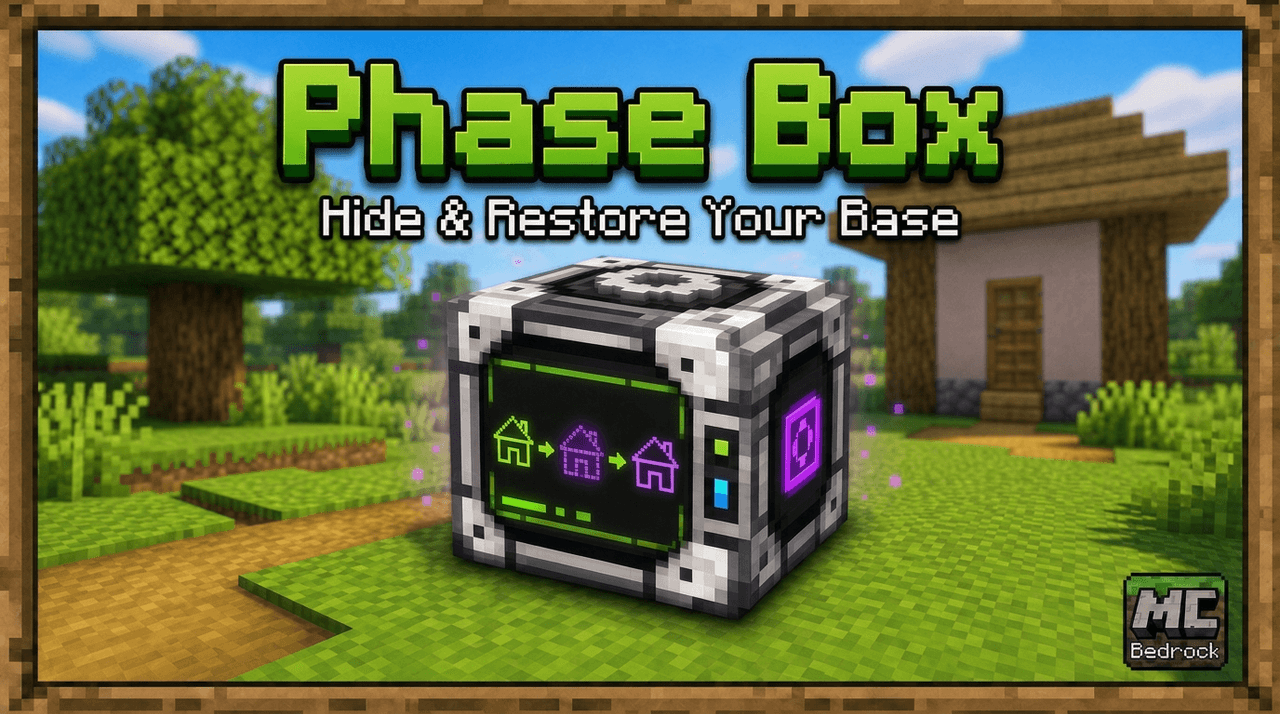
Phase Box


Keep your home safe while you aren't in it. Just use the Phase Box outside one corner bottom block, then the block on the opposite corner (at the same level), and finally above your house/base, and submit. From then on until you remove the mod or pick a new place, the selected ar…
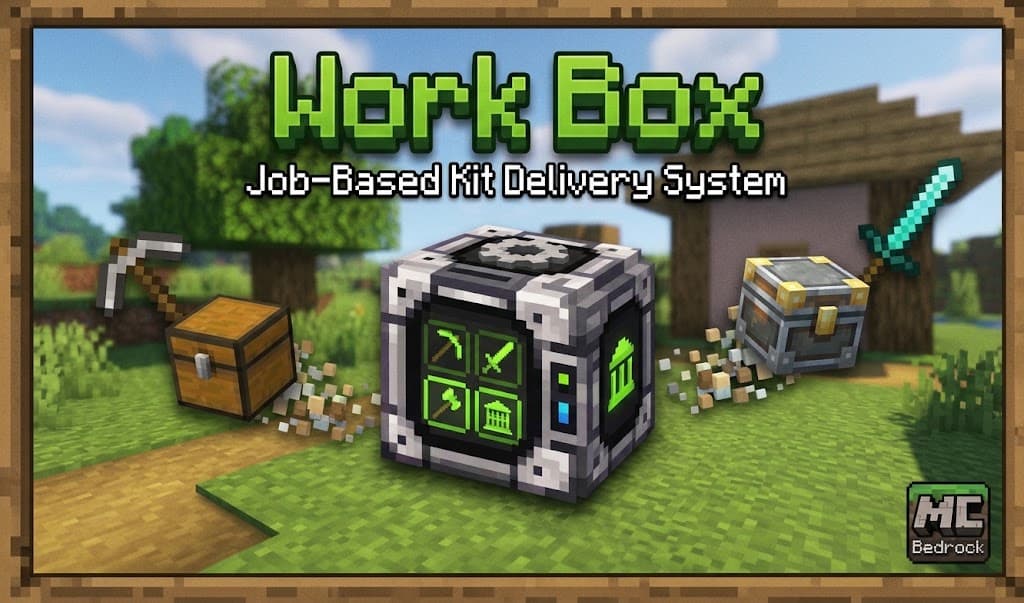
Work Box
Work Box is a job-based kit delivery mod for Minecraft Bedrock that allows players to instantly request specialized equipment sets delivered right in front of them ranging from plain, to good, to best.
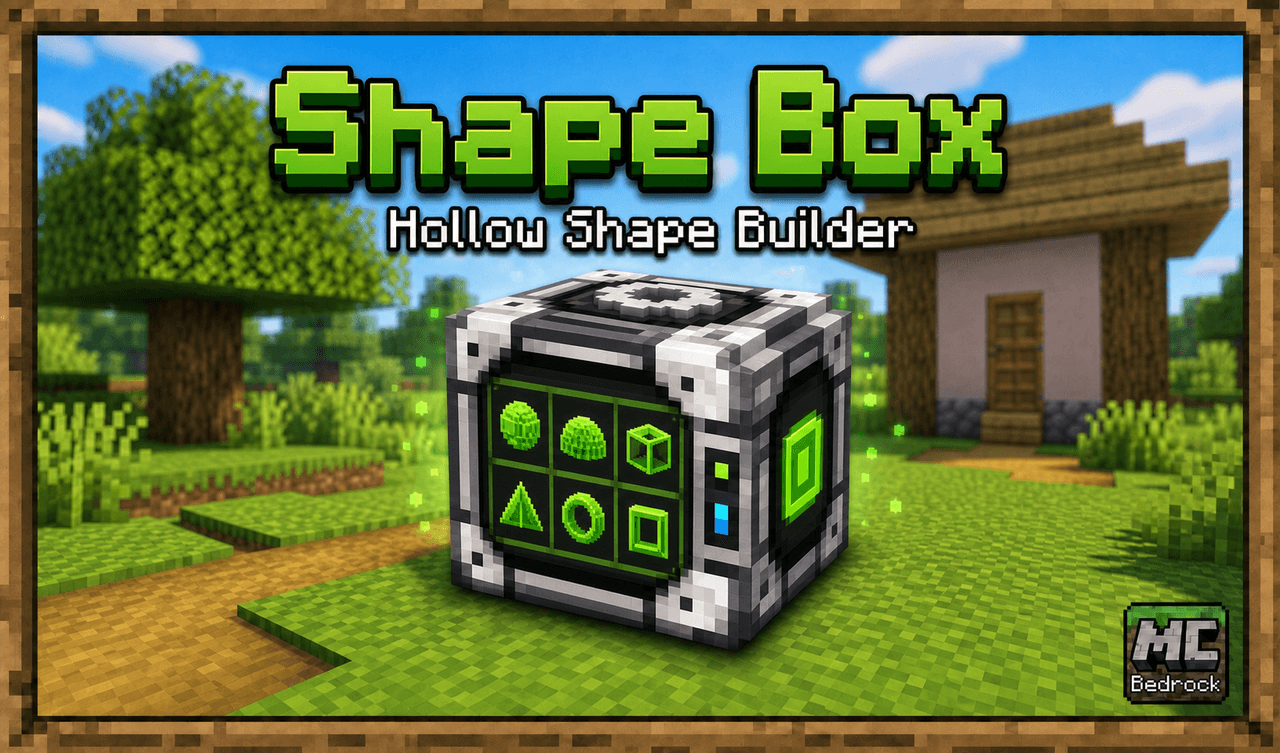
Shape Box
Mark your center point, choose your material, choose the geometric shape, choose the size in blocks, and submit. A 15 sec delay allows you time to move away and then Shape Box delivers exactly what you asked for! Sphere, Dome, Cube, Horizontal and Vertical: Cylinders and Squares…
Lost Wizards Satchel
Wield Merlins Lost satchel with powerful charms, tools, and weapons... some bearing unexpected side effects. Beware! Includes: Tome of Poseidon’s Blessing — Creates a purple-glass, air-filled shelter underwater so you can safely explore and mine. Break one glass block and use it…
Demon speech mask

Wield cursed speech, command nearby foes, and endure the devastating recoil.
This mod is licensed under the CreativeMode Mods License.