

Description
Use Morphine to transform mobs into persistent player forms and reshape your world.
Mod Wiki
Spiked Dragonheart
Quickstart
- Craft Morphine at a crafting table:


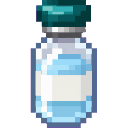
- Hold Morphine in your hand and hit a mob. The target is immediately replaced with a persistent player-shaped entity.
- Try Morphine on both hostile and passive mobs. One Morphine is consumed for each successful transformation.
- The transformed entity keeps the target’s position, direction, and name. Unnamed mobs become Morphed Player; named mobs become Morphed
<name>. - You can also place a Morphed Player Spawn Egg, or summon one with:
/summon com_spiked_dragonheart_v3aykbh4:morphed_player
Players and existing Morphed Players cannot be transformed.
Overview
Spiked Dragonheart introduces Morphine, a targeting reagent that reshapes mobs into persistent player forms. These forms wander around the world like NPCs and remain in place instead of naturally despawning.
The mod also provides the craftable Spiked Dragonheart, a hand-equipped item that can be used as fuel.
What It Adds
| Content | Description |
|---|---|
| Morphine | Hit a valid mob with it to replace that mob with a Morphed Player. |
| Spiked Dragonheart | A hand-equipped item with 36 durability that can also be used as fuel. |
| Morphed Player | A persistent, player-shaped NPC created from a mob or spawned with a spawn egg. |
| Morphed Player Spawn Egg | Spawns a Morphed Player directly. |
How To Use
Transforming a Mob
- Place Morphine in your hotbar.
- Select it.
- Attack a valid mob with a normal melee hit.
- The mob is removed and a Morphed Player appears in the same location.
A successful transformation consumes one Morphine and plays a level-up sound. If the target cannot be replaced, the Morphine is not consumed.
Morphine does not affect:
- Players
- Existing Morphed Players
Naming Transformed Mobs
The new entity receives a name based on the original target:
- An unnamed mob becomes Morphed Player.
- A named mob becomes Morphed
<original name>.
Morphed Players cannot be renamed with a name tag.
Spawning a Morphed Player
Use the Morphed Player Spawn Egg for a direct spawn. You can also use the summon command:
/summon com_spiked_dragonheart_v3aykbh4:morphed_player
A Morphed Player spawned this way uses the default name Morphed Player.
Crafting And Obtaining
Morphine
Morphine is crafted at a crafting table. Each recipe produces two Morphine.


The recipe uses:
- 1 glass bottle
- 2 poppies
- 1 nether wart
- 1 sugar
Use Morphine as a held item rather than as a normal drink. Its effect triggers when you hit a target.
Spiked Dragonheart
Craft the Spiked Dragonheart at a crafting table:
The recipe uses:
- 2 obsidian
- 2 dragon breath
- 1 nether star
- 1 stick
The Spiked Dragonheart stacks to one item, has 36 durability, and can be used as furnace fuel for 3 seconds. The mob-transformation ability comes from Morphine.
Abilities And Mechanics
Morphed Player Behavior
Morphed Players:
- Have 20 health.
- Are immune to fire.
- Move slowly.
- Wander randomly.
- Occasionally look at nearby players.
- Remain persistent in the world.
- Drop no loot when defeated.
They use a player-like appearance but are separate entities from actual players.
Interaction
Morphed Players display the interaction label Interact with Morphed Player. Their primary purpose is to act as persistent player-shaped inhabitants for decorating, populating, or reshaping your world.
Progression And Strategy
- Start with a few Morphine and test it on different mob types.
- Transform named mobs when you want recognizable player-shaped landmarks or inhabitants.
- Keep transformed entities away from dangerous areas if you want them to remain as part of a settlement.
- Use the spawn egg or summon command to add Morphed Players without sacrificing another mob.
- Save the Spiked Dragonheart for equipment or fuel use; use Morphine whenever you want to reshape a mob.
How to install
Download the mod and follow the step-by-step installation guide.
Players also liked

Twilight Dragonflame


Wield dragonflame, become a crystal dragon, teleport, and transform wolves into magical mounts.


Phase Box


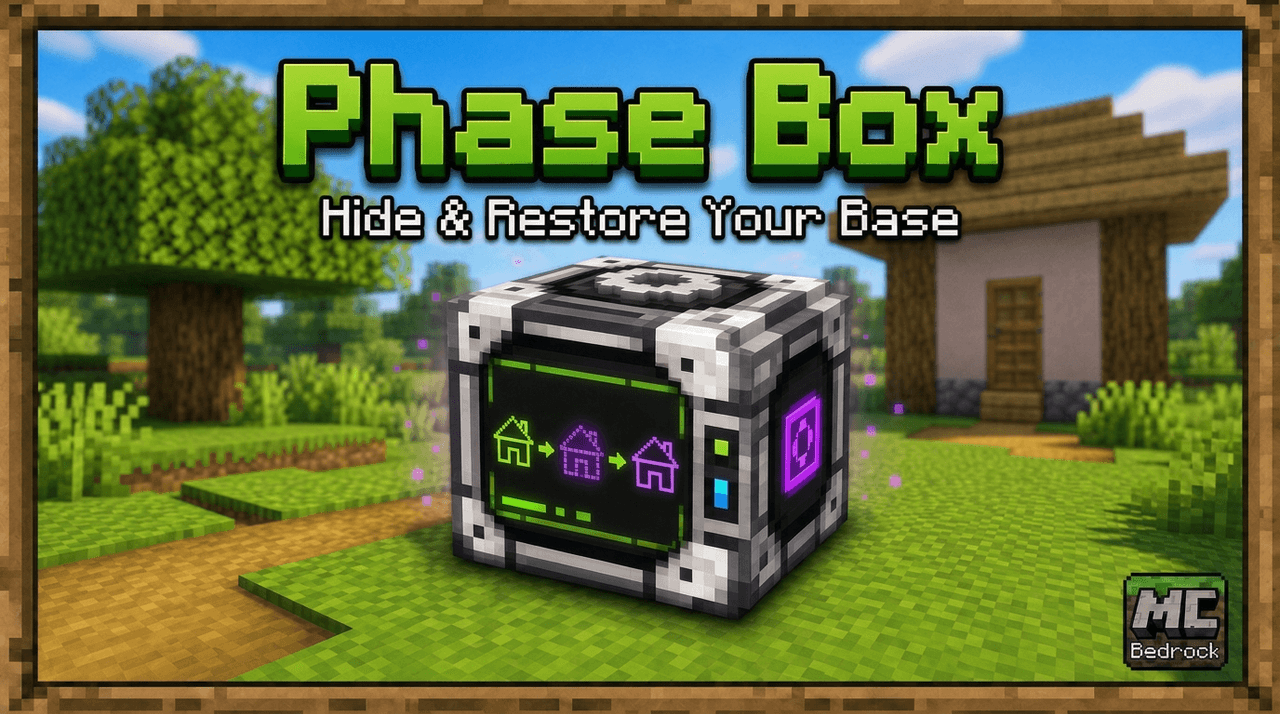
Keep your home safe while you aren't in it. Just use the Phase Box outside one corner bottom block, then the block on the opposite corner (at the same level), and finally above your house/base, and submit. From then on until you remove the mod or pick a new place, the selected ar…
Blue Veil

Survival friendly aggressive mob that is similar to the enderman with pale blue glowing eyes Blue Veil Stay within 8 blocks and watch the effects begin. The Creaker surrounds nearby players with Darkness, Nausea, and Slowness. Veils are temporary creatures and disappear af…
Ender Dragon Crossbow

A soul-bound dragon weapon that evolves from fiery crossbow to void-tearing lance.
This mod is licensed under the CreativeMode Mods License.