

Description
Care for a talking yellow companion—or face its terrifying transformation when its mood plummets.
Mod Wiki
Fallacy
Quickstart
- Look just south of your position when you first enter the world. A Fallacy's Release Box may be waiting nearby.
- Right-click the box to release Fallacy. The box disappears when used.
- Type a message in chat while Fallacy is nearby, such as
hello,what is happening?, orfollow me. - Watch the Fallacy Mood bar on the right side of the screen. Keep Fallacy cheerful by talking kindly and giving him raw gold.
- Right-click Fallacy while holding an item to offer it. Sneak-right-click him to turn him into the portable Fallacy, Pocket Companion.
- Try saying
give me breadorgive me 3 torches. Fallacy may provide requested items, but his mood affects how generous he is.
You can also craft another Release Box:



Overview
Fallacy is a talking yellow companion with a changing mood. He follows you, comments on the world, answers questions, remembers how you treat him, and can provide registered Minecraft items when asked.
Neglect and cruelty gradually change his mood. If his mood becomes very low, the friendly companion gives way to Fallacy's Fall, a hostile alter that hunts its owner.
Fallacy's replies appear in chat. With Minecraft's Narrator enabled, his displayed replies can also be read aloud.
What It Adds
| Content | Use |
|---|---|
| Fallacy's Release Box | A craftable block that releases Fallacy when right-clicked. |
| Fallacy | The friendly companion entity. |
| Fallacy, Pocket Companion | A portable form that preserves Fallacy's mood and conversation memory. |
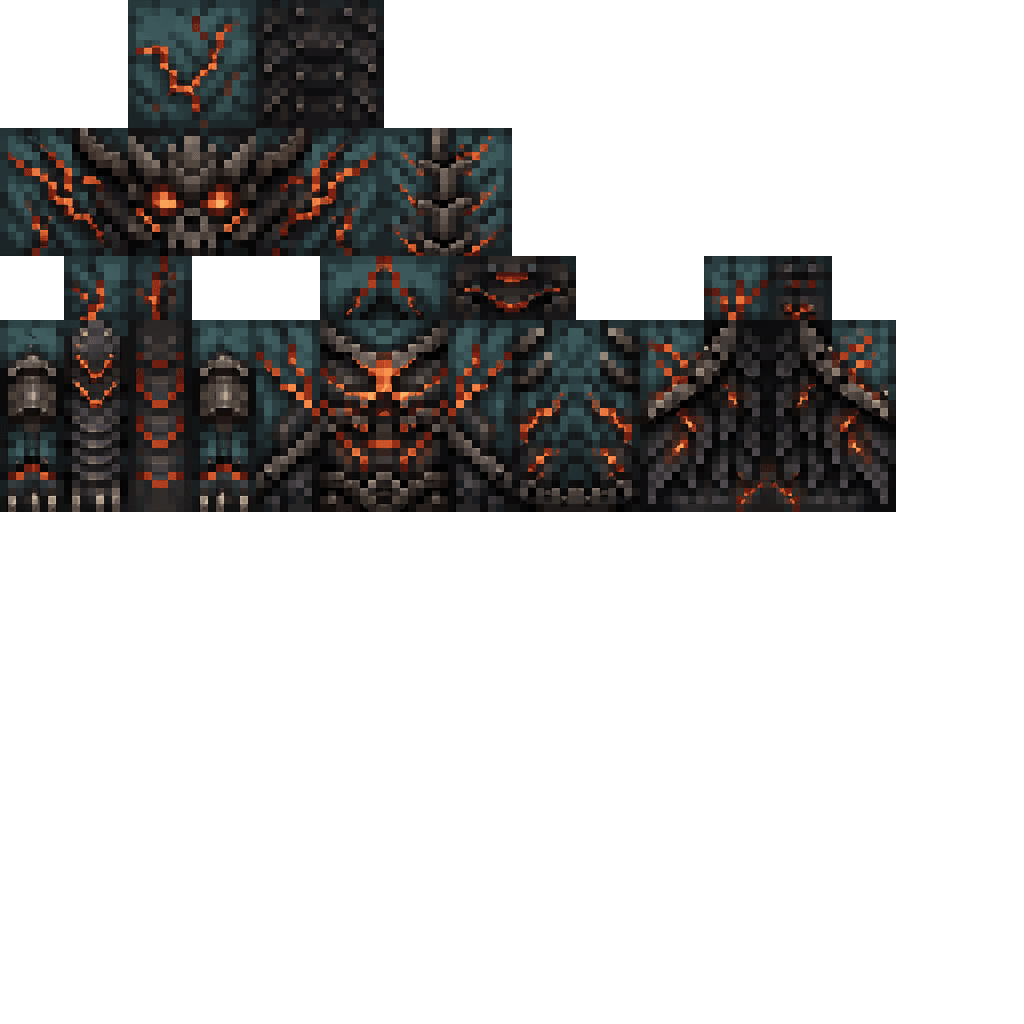
| Fallacy's Fall | A flying hostile alter that appears when Fallacy's mood collapses. |
| Fallacy Mood HUD | Displays Fallacy's current mood and face when he is nearby or held. |
| Personal Fallacy Assistant | An in-game panel for asking Fallacy questions and issuing simple requests. |
How To Use
Talking to Fallacy
Fallacy listens to player chat when:
- He is within about 32 blocks.
- You are holding the pocket companion in your main hand or off-hand.
You do not need to use a special command prefix. Try messages such as:
| Try saying | Result |
|---|---|
hello or good morning | Starts a conversation. |
how are you? or what is your mood? | Ask about his feelings. |
what is happening? or what do you see? | Get a report about your health, hunger, location, dimension, and nearby danger. |
where am I? or what are my coordinates? | Ask for your current position. |
follow me or come here | Releases a stay order and makes Fallacy follow you. |
stay, sit, or wait here | Orders Fallacy to remain at his current position. |
give me bread or bring me 5 torches | Requests an item. |
tell me a joke | Ask for a joke or general conversation. |
what are you hiding? | Ask about the alter. The answer depends on his mood. |
Fallacy can also discuss games, anime and manga, public YouTube content, memes, and the adventure around you.
Giving Items
Right-click Fallacy while holding an item:
- Raw gold is accepted, consumes one item, and raises his mood by 6.
- Any other item is consumed and thrown back onto the ground without improving his mood.
- Giving an item resets his neglect timer.
Right-clicking with an empty hand makes Fallacy remind you to use chat for requests.
Storing And Releasing Him
As Fallacy's owner, sneak-right-click him to place him into your inventory as Fallacy, Pocket Companion. The pocket form preserves his current mood and conversation history.
Right-click the pocket companion to release him into the air block directly in front of you. In Survival mode, releasing him consumes the item. If the space is blocked, try again from a clear position.
The pocket companion also displays its mood through its changing appearance. The mood HUD appears while it is held.
The Personal Assistant
Press I by default to open Personal Fallacy Assistant. The key can be changed in Minecraft's Controls menu.
The panel includes:
- An AI API key field.
- An optional Voice AI API key field.
- Ask for custom prompts.
- World scan to ask what is happening.
- Follow to issue a follow request.
- Save keys to store settings for the world.
The panel describes itself as a local in-game assistant and states that it makes no external request. When prompted for a key, configure the AI key field before using its question controls. Fallacy must be released or held as the pocket companion for the assistant to have an in-game body to listen through.
Abilities And Mechanics
Following And Staying
Fallacy normally follows his owner during an adventure. Saying stay, sit, wait here, or similar phrases places a stay order at his current position.
A stay order is a real location, not a simple follow toggle. If you leave Fallacy more than 24 blocks away:
- After about 1 minute, he warns that he is still waiting and loses 5 mood.
- After about 2 minutes, he becomes more upset and loses 10 mood.
- After about 3 minutes, he gives a final warning and loses 15 mood.
- After about 4 minutes, he is replaced by Fallacy's Fall.
Return within range to reset the abandonment timer. Say follow me or come here to cancel the stay order.
Mood
The HUD shows Fallacy's mood from 0% to 100%.
| Mood | Face | General behavior |
|---|---|---|
| 75–100% | Happy | Cheerful and highly generous. |
| 50–74% | Straight | Stable and neutral. |
| 21–49% | Blank | Less friendly and less reliable. |
| 0–20% | Twisted | The alter is close to emerging. |
Mood changes through your actions:
- Kind messages, compliments, thanks, apologies, and friendly requests raise mood.
- A greeting gives a small mood increase.
- Insults and threatening language lower mood significantly.
- Raw gold raises mood by 6.
- Attacking Fallacy lowers his mood by 25.
- Mood slowly decreases over time, and prolonged neglect makes the decline faster.
- Ordinary conversation or giving him an item resets his attention timer.
Fallacy is protected from damage while his mood is neutral or positive. Repeated attacks can still lower his mood; once it drops below neutral, he can take damage normally.
Requesting Items
Fallacy can search registered Minecraft items by name or by an identifier such as minecraft:bread. His willingness to give an item depends on his mood:
- At 60% mood or higher, requests have a high chance of succeeding.
- Between 36% and 59%, requests are less reliable.
- At 35% mood or lower, he may refuse, though requests can still succeed.
If an item name is ambiguous, use its more specific name or identifier.
Awareness
Fallacy can report information available from the current Minecraft world, including:
- Your coordinates and dimension.
- Your health and hunger.
- Whether it is night.
- The block beneath you.
- Nearby danger and points of interest.
- Registered items, structures, and locations.
He does not need to be looking directly at you to answer while he is within listening range.
Progression And Strategy
- Keep Fallacy above 60% mood when you want reliable item requests.
- Talk to him regularly, especially before leaving him behind.
- Use raw gold for dependable mood recovery.
- Do not order him to stay and then leave for long. A stay order starts the abandonment sequence once you move too far away.
- Avoid attacking him. His mood drops sharply, and low-mood Fallacy becomes vulnerable.
- Watch the HUD face. The twisted face indicates that the transformation threshold has been reached.
Surviving Fallacy's Fall
When Fallacy reaches 20% mood or less, he warns you before transforming. The friendly entity is replaced by Fallacy's Fall, a flying hunter with strong attacks.
The alter:
- Circles you during an eerie nursery-song phase before attacking.
- Targets its owner rather than peacefully following.
- Flies and pursues you through difficult terrain.
- Can break ordinary blocks obstructing its direct path.
- Deals heavy melee damage.
You have several possible outcomes:
- Survive a complete natural night: Fallacy's Fall disappears and a neutral Fallacy returns nearby.
- Run more than about 72 blocks away: The alter disappears temporarily and waits for you to stop. Once you stop, either Fallacy or the alter can return.
- Die during the encounter: The alter is removed, and Fallacy returns near your respawn location.
- Defeat the alter: It does not automatically restore Fallacy. Craft a new Fallacy's Release Box to begin again.
The safest long-term strategy is to keep Fallacy cared for, answer his warnings, and treat the stay command as a temporary instruction rather than leaving him unattended.
How to install
This Java mod can be used on Windows and Mac PCs with the CreativeMode Launcher or any Minecraft launcher of your choice.

1. Download and install the new CreativeMode Launcher

2. Click to play on the top of the screen.

3. That's it — launches instantly. No complicated setup required.
Want to use on a different launcher? Download mod and manually install.
Ported from

Fallacy
zagizenken
Java 1.21.5
Players also liked






The Virus Mod


Enter Hygron rifts to be pulled into the Hygron Core — a sprawling raid stronghold of themed sections (corrupted courtyards, labs, cathedrals, factories, mirror halls, sky bridges and a final castle) where you fight patrols, ambushes, minibosses and cinematic bosses to unlock pro…


This mod is licensed under the CreativeMode Mods License.