

Curse Breakers (Custom Submissions Accepted)
Description
Forge one personalized Curse by combining skills, mastering magic, and balancing power with fuel and weakness.
Mod Wiki
Curse Breakers (Custom Submissions Accepted)
Quickstart
- Open the Curse Creator:
- Join the world for the first time; the creator opens automatically.
- Use the Curse Creator Tome from the Creative inventory.
- With cheats or operator permission, use
/curse createor/curse create <player>.
- Enter a Curse name and choose four different skills:
- Main Element — what the Curse controls.
- Main Style — how it is expressed.
- Fuel Source — how Mana is restored.
- Weakness — the condition that drains Mana.
- Choose Easy for a guided Core Pair, or Advanced for a more open-ended interpretation.
- Confirm the Curse. Each player can forge only one Curse until it is reset.
- Aim at a target or location and press the numbered keypad keys:
- Keypad 1–4 cast the four ordinary Curse slots.
- Keypad 1 is the primary duo ability when your Main Element and Main Style form an implemented duo.
- H opens the special ability library for authored Curse variants.
- K opens your Curse's spell details.
- Watch the Mana bar above the hotbar. Ordinary spells cost 6 Curse Mana, while duo and authored variants use their own resources.
The Curse Creator Tome has no crafting recipe. It is available through Creative mode or the /give command:
/give @s curse-breakers-xkjajziz:curse_creator_tome
Overview
Curse Breakers lets every player forge a personalized four-part Curse. Your first two skills become the Curse's Core Pair. Your third skill supplies Mana, and your fourth skill creates a vulnerability.
Curse data and resource pools persist through death, dimensions, logouts, and server reloads.
The most reliable way to learn your current abilities is to press K after forging a Curse. The details screen shows your Curse name, selected skills, spell names, controls, and descriptions.
What It Adds
- A one-time Curse creation screen with 72 selectable skills.
- Ordinary Mana, Fuel, and Weakness mechanics.
- Numbered spell controls using the keypad.
- Implemented two-skill fusion abilities.
- Four authored Curse paths:
- The Runestone Architect
- Voxelmancer
- Studious Pixelnaut
- The Hollow Masquerade
- Persistent research, spirit archives, temporary structures, constructs, disguises, and resource reservoirs.
How To Use
Forging a Curse
The creator requires:
- A non-empty name of up to 32 characters.
- Four different skills.
- One skill in each of the four slots.
Drag skills from the library into the slots. Right-click a filled slot to remove its skill. You can also drag filled slots to swap their positions.
The Easy method gives the Core Pair a readable guided concept. The Advanced method describes the pair as a unified magical idea without assigning it a specific interpretation.
After confirmation, the Curse is saved permanently for that player. To start over, an operator can use:
/curse reset
or:
/curse reset <player>
Resetting removes the current Curse and opens the creator again.
Casting ordinary spells
For a normal Curse:
| Control | Slot |
|---|---|
| Keypad 1 | Main Element |
| Keypad 2 | Main Style |
| Keypad 3 | Fuel Source |
| Keypad 4 | Weakness |
Only the first four keypad slots are used by an ordinary Curse. The controls can be remapped in Minecraft's keybind settings.
Most direct elemental and movement abilities work within roughly eight blocks of the crosshair. Sneaking changes several abilities, usually reversing a push, lifting targets, stopping movement, or changing the direction of an effect.
Curse Details and Ability Library
- Press K to open the read-only spell guide for your current Curse.
- Press H to open the ability library for one of the authored Curse variants.
- The ability library is not a spell slot.
Abilities And Mechanics
Curse Mana
Ordinary Curses have a maximum of 100 Curse Mana. Each ordinary cast costs 6 Mana.
Mana is restored once per second according to the selected Fuel Source:
| Fuel Source | Mana condition |
|---|---|
| Flow, Depthcall, Undertow | Touching water |
| Frost | Touching water while it is raining or while in a cold biome |
| Fire, Storms | Near fire or lava |
| Plants | Standing on a fertilizable plant or crop block |
| Metal | Carrying iron, gold, or copper |
| Crystal | Carrying amethyst |
| Joy, Healing | Near another player |
| Dread, Fear | In darkness with light level 5 or lower |
| Any other skill | Restores slowly through ordinary time and focus |
The selected Weakness drains 1 Mana per second in its countering environment:
| Weakness | Mana drain condition |
|---|---|
| Flow, Depthcall | You are not touching water |
| Fire | You are touching water |
| Frost | You are in a hot biome |
| Radiance, Illumination | You are in very bright light |
| Gravity, Pressure | You are airborne |
| Plants | You are not standing on dirt |
| Other skills | No special environmental drain |
Implemented ordinary disciplines
These skills have direct working spells when used outside an authored path:
| Skill | Spell and effect |
|---|---|
| Flow | Current Lash pushes nearby entities and can redirect projectiles. Sneaking reverses the current. |
| Frost | Frostbind freezes nearby water, damages nearby creatures, and applies strong Slowness. |
| Depthcall | Depthcall Breath grants Water Breathing, faster swimming, and underwater vision; it also creates a brief air pocket and summons salmon. |
| Undertow | Undertow Pull creates a directional current. Sneaking pulls targets toward the aimed point. |
| Plants | Root Snare accelerates crops and other fertilizable plants while slowing nearby targets. |
| Stones | Stone Shaping raises temporary cobblestone cover and damages and launches nearby creatures. |
| Metal | Magnetic Ward grants resistance and moves nearby iron, gold, copper, and netherite items. Sneaking pulls them toward you. |
| Fossil | Bone Guard grants strong temporary resistance and summons a skeleton nearby. |
| Storms | Stormcall creates rain and thunder, summons lightning, and damages nearby targets. |
| Wind | Windburst launches nearby entities and grants Speed. |
| Levitation | Lift launches nearby entities and gives them Levitation. |
| Pressure | Pressure Crush pushes or pulls nearby entities depending on whether you are sneaking. |
| Gravity | Gravity Well pins targets down and damages them. Sneaking instead lifts them. |
| Shapeshift | Spirit Shift copies the basic traits of a living creature you are looking at, granting temporary speed and jumping ability. |
| Kinetic | Kinetic Burst releases stored energy built from movement and damage. The damage and knockback scale with your charge. |
| Momentum | Momentum Drive launches nearby entities in your facing direction. Sneaking stops their movement. |
| Impact | Impact Strike deals a heavy close-range hit with strong knockback. |
| Deflection | Deflective Ward redirects nearby arrows, fireballs, and other projectiles. |
| Shock | Shockwave damages and throws back nearby creatures around the aimed area. |
| Rebound | Rebound reverses nearby projectile paths and damages up to three living targets. |
Kinetic charge is stored separately from ordinary Mana. Move around or take damage to build it, then cast Kinetic Burst to release it.
Unawakened disciplines
The remaining skills appear in the Curse Creator and their descriptions can be viewed in the skill library, but their standalone spells currently report that the discipline has not awakened yet unless the skill is part of an authored path or an implemented duo.
These include:
- Illumination, Reflection, Radiance, Refraction
- Sound, Vision, Erasure, Imprint
- Fear, Joy, Rage, Dread
- Telepathy, Control, Clarity, Insight
- Cards, Keys, Scrolls, Tokens
- Angels, Demons, Spirits, Wisps
- Staff, Books, Crystal, Relics
- Fire, Venom, Decay, Ruin
- Shape, Color, Texture, Pattern
- Healing, Curing, Reviving, Stitching
- Replicate, Create, Transmutation, Blueprint
- Portals, Blink, Time Slip, Waypoint
- Luck, Prediction, Destiny, Omen
Their library descriptions are still useful when designing a custom Curse or selecting a fusion.
Core Pair Duos
If your Main Element and Main Style are one of the pairs below, Keypad 1 casts the fusion instead of the individual Main Element spell. The fusion uses a separate Duo Mana pool.
- Duo Mana starts at 100, restores by 1 per second, costs 12 per cast, and has a 1.5-second cooldown.
- Reversing the order of a pair does not create a second version of the ability.
- Keypad 2 is reserved by the duo and does not cast the individual Main Style spell.
- Fuel and Weakness remain in slots 3 and 4.
| Main Element + Main Style | Fusion | Effect |
|---|---|---|
| Flow + Frost | Rime Current | Freezes nearby water while slowing and sweeping targets toward the crosshair. |
| Flow + Depthcall | Depth Current | While in water, pushes targets, boosts swimming, and creates a brief breathable pocket. Sneaking pulls you through the water. |
| Flow + Undertow | Directional Undertow | Sends a current along your facing direction; sneaking reverses the pull toward the focus point. |
| Flow + Plants | Verdant Current | Fertilizes crops and plants along the path while shoving targets aside. |
| Flow + Stones | River of Stone | Sends a rock-filled current that damages and pushes targets, leaving temporary cobblestone cover. |
| Flow + Metal | Magnetic Tide | Moves nearby metal items and redirects ordinary projectiles through a water current. |
| Flow + Fossil | Fossilwash Guard | Grants temporary resistance and absorption through a protective fossil shell. |
| Flow + Storms | Thunderwater | Electrifies a water line, shocking and knocking back entities it reaches. |
| Flow + Wind | Waterjet | Launches the caster, pushes entities, extinguishes fire, and shoves boats. |
| Flow + Levitation | Suspension Sphere | Suspends a nearby target in a floating water sphere. |
| Flow + Pressure | Pressure Stream | Fires a narrow damaging water jet; sneaking creates a wider knockback blast. |
| Flow + Gravity | Tidal Gravity | Makes targets sink rapidly, or rise when you are sneaking. |
| Flow + Shapeshift | Fluid Form | While touching water, lets the caster pass through one-block gaps and move quickly through water for a short time. |
| Flow + Kinetic | Kinetic Torrent | Converts stored Kinetic energy into a powerful water blast. |
| Flow + Momentum | Current Momentum | Accelerates nearby allies and yourself, or steals enemy movement while sneaking. |
| Flow + Impact | Rushing Impact | Adds a directional knockback wave to a close rushing strike. |
| Flow + Deflection | Curved Waterwall | Redirects arrows and other ordinary projectiles around the caster. |
| Shape + Transmutation | Living Form Cycle | Cycles a compatible vanilla material through its block, slab, stair, wall, and fence forms. Sneaking cycles backward. |
| Vision + Sound | Resonant Sight | Reveals nearby creatures and projectiles while briefly disorienting living targets. |
| Fire + Wind | Ember Vortex | Creates a temporary hot vortex that damages and lifts nearby enemies without leaving permanent fire. |
| Gravity + Levitation | Orbital Lift | Suspends nearby targets in a tight orbit before releasing them downward. |
| Kinetic + Momentum | Stored Momentum | Stops nearby motion and launches living targets in the direction you face. |
| Healing + Curing | Restorative Pulse | Heals allies and removes poison, Wither, Weakness, Slowness, and Blindness. |
| Create + Replicate | Pattern Manifest | Creates a short-lived copy pattern from a targeted non-valuable block without duplicating inventory items. |
| Reflection + Refraction | Prismatic Reversal | Reverses incoming projectiles and briefly blinds nearby enemies. |
| Plants + Stones | Rootstone Bastion | Raises temporary roots and a three-block protective stone arc. |
| Portals + Blink | Gate-step | Blinks along a short line to the last safe block before an obstruction. |
Authored Curse Paths
These paths activate when both the exact Curse name and the four skills are used. Select the skills in the listed order.
The Runestone Architect
Forge:
- Curse name: The Runestone Architect
- Main Element: Stones
- Main Style: Blueprint
- Fuel Source: Crystal
- Weakness: Undertow
This path uses Crystal Mana, capped at 100.
- While dry, compatible crystal items in your inventory are consumed automatically to restore Crystal Mana.
- While touching water, Crystal Mana drains over time.
- Crystal Mana costs 6 per spell.
- Look at vanilla stone, cobblestone, deepslate, tuff, calcite, or sandstone and press H to scan it as your construction material.
- Temporary structures use the scanned material and disappear after their duration.
- Press K to see the current spell selection and resource status.
| Control | Spell |
|---|---|
| Keypad 1 | Stone Shot — Launches a stone projectile and damages and knocks back a targeted mob. |
| Keypad 2 | Builder Wall — Projects a temporary 3×3 stone wall. |
| Keypad 3 | Stepping Stones — Creates up to five temporary blocks ahead of you. |
| Keypad 4 | Quarry Spike — Raises a stone spike beneath a target, damaging and launching it. |
| Keypad 5 | Stone Shield — Raises three temporary blocks in front and to the sides. |
| Keypad 6 | Mason's Stairway — Creates temporary stone steps as you walk for a short time. |
| Keypad 7 | Boulder Drop — Drops a temporary boulder above a target or aimed location. |
| Keypad 8 | Pillar Lift — Raises a temporary pillar beneath you or a targeted entity. |
| Keypad 9 | Quarry Grip — Pulls a nearby stone block into a floating grip that can be released or launched through the displayed interaction prompt. |
Water can rapidly wear down temporary Architect constructs. The H utility also shows a blueprint preview at the block under your crosshair.
Voxelmancer
Forge:
- Curse name: Voxelmancer
- Main Element: Create
- Main Style: Shape
- Fuel Source: Color
- Weakness: Flow
Press H to open the Voxelmancer Creation Console.
The console records items you carry in your main inventory. Use its search field to find a recorded item:
- Left-click an item to save it to the Left Hand creation slot.
- Right-click an item to save it to the Right Hand creation slot.
- The two slots must contain different items.
- Press Make Left or Make Right to create the saved item directly into your inventory.
Voxelmancer uses three Brixel reservoirs:
- Red grows while carrying rare materials such as iron, gold, emerald, diamond, netherite, or ancient debris.
- Green grows while carrying emeralds.
- Blue grows when you craft items.
- Wet conditions stop normal Brixel regeneration.
- Creating an item consumes an equal amount from all three reservoirs. Creation costs increase for valuable, rare, and damageable items.
- Water doubles creation costs, and touching water prevents spell casting.
| Control | Spell |
|---|---|
| Keypad 1 | Brixel Block — Places a temporary white-concrete block. |
| Keypad 2 | Tool Manifest — Creates a temporary stone pickaxe or axe suited to what you are holding. |
| Keypad 3 | Brixel Line — Builds a temporary line of Brixels in front of you. |
| Keypad 4 | Brixel Wall — Raises a temporary Brixel wall. |
| Keypad 5 | Tool Repair — Repairs a held, unenchanted damageable item. |
| Keypad 6 | Item Pull — Pulls nearby dropped items toward you. |
| Keypad 7 | Voxelsight — Highlights nearby blocks matching the block held in your main hand. |
| Keypad 8 | Brixel Beam — Creates a longer temporary line of Brixels. |
| Keypad 9 | Decoy — Places a temporary decoy that attracts nearby mobs. |
The path records and stores researched patterns, so exploring items and crafting steadily expands your creation library.
Studious Pixelnaut
Forge:
- Curse name: Studious Pixelnaut
- Main Element: Create
- Main Style: Shape
- Fuel Source: Color
- Weakness: Flow
Press H to open the Pixelnaut Creation Console.
Pixelnaut research works by discovering items:
- Carrying a new item in your main inventory records its pattern.
- Energy starts at 100 and has a maximum of 100.
- While dry, Energy slowly regenerates.
- Use the console to save two different researched items to the Left Hand and Right Hand slots.
- Press Make Left or Make Right to create a saved item.
- More valuable items cost more Energy and produce smaller quantities.
The default form is Red Combat. Water and rain are dangerous to this path:
- Touching water blocks Pixelnaut spells.
- Water washes away active Pixel Clouds.
- Red Combat takes drowning damage while wet.
- Heavy damage also dismisses a Pixel Cloud.
| Control | Spell |
|---|---|
| Keypad 1 | Pixel Cloud — Enter or dismiss a cloud that lets you swim through the air. |
| Keypad 2 | Red Pixel Wall — Creates a temporary red stained-glass wall. |
| Keypad 3 | Pixel Bridge — Lays a temporary light-blue bridge ahead. |
| Keypad 4 | Item Magnet — Pulls nearby dropped items toward you. |
| Keypad 5 | Green Pixel Block — Places a temporary green stained-glass block. |
| Keypad 6 | Pixel Highlight — Highlights nearby dropped items. |
| Keypad 7 | White Pixel Block — Places a temporary white stained-glass block. |
| Keypad 8 | Pixel Ladder — Creates a temporary ladder. |
| Keypad 9 | Pixel Shelter — Builds a temporary white-glass shelter. |
While Pixel Cloud is active:
- Use normal movement keys to swim forward and sideways.
- Hold Jump to rise.
- Hold Sneak to descend.
- The cloud continuously consumes Energy.
The Hollow Masquerade
Forge:
- Curse name: The Hollow Masquerade
- Main Element: Shapeshift
- Main Style: Spirits
- Fuel Source: Dread
- Weakness: Radiance
Press H to open the Spirit Archive.
Collecting spirits
When a nearby non-boss mob dies, it has a chance to leave a glowing Spirit Echo. Echoes appear as unusual amethyst-shard-like drops and are collected by touching them.
The archive records the creature and lets you select an active spirit. Use its search field to find creatures, then click a creature icon to select it.
Dread and Radiance
- Dread Mana has a maximum of 100.
- Dread builds in darkness, around hostile mobs, and during raids.
- Hostile creatures that are targeting you generate Dread more reliably.
- Wearing a mask drains Dread continuously.
- Strong creatures such as ravagers, iron golems, and wardens consume Dread faster.
- Slimes and magma cubes also have an increased transformation cost.
- Radiance means very bright light. It doubles most Dread costs, doubles transformation drain, damages a transformed player periodically, and dissolves the Legion of Masks.
The archive also provides two direct action buttons:
- Trait uses the selected spirit's special trait.
- Mask puts on or removes the selected spirit.
| Control | Spell |
|---|---|
| Keypad 1 | Spirit Sight — Reveals nearby living creatures with glowing outlines. |
| Keypad 2 | Mask Transformation — Wears or removes the selected spirit mask. |
| Keypad 3 | Predator's Mask — Makes identical nearby predators hesitate while transformed. |
| Keypad 4 | Wraith Step — Grants invisibility, speed, and safe falling. |
| Keypad 5 | Echo Voice — Projects the selected spirit's characteristic sound several blocks ahead. |
| Keypad 6 | Dreadful Howl — Pushes nearby hostile mobs away. |
| Keypad 7 | Spirit Claw — Strikes a nearby target and applies Slowness. |
| Keypad 8 | Phantom Scout — Sends a glowing, invulnerable scout forward to reveal threats. |
| Keypad 9 | Spectral Shell — Grants two layers that absorb incoming damage. |
The archive's additional actions are:
- Dread Feast — Restores Dread from hostile mobs that are focused on you.
- Shared Mask — Shares the selected spirit's presence with nearby allies.
- Legion — Grants a temporary group of effects including Speed, Strength, Night Vision, and Slow Falling. Radiance ends it early.
Archived spirits also influence your appearance and basic movement family. Some spirits grant specialized traits, such as wall climbing, stronger jumps, fireballs, or a harmless creeper-like knockback burst.
Progression And Strategy
- Choose a Fuel Source that matches where you normally play. Water, darkness, nearby allies, and mineral-rich inventories all support different playstyles.
- Choose a Weakness you can avoid. For example, a Flow Weakness makes dry land dangerous, while a Radiance Weakness makes bright bases costly.
- Keep Mana above zero before entering combat; ordinary spells cannot be cast while depleted.
- Use Kinetic with a mobile combat style so movement and incoming damage charge your next burst.
- Use implemented duos when you want a single strong action rather than two separate spells. Duo Mana is independent of ordinary Curse Mana.
- Sneaking is important for Flow, Pressure, Gravity, Momentum, and several duo abilities.
- Temporary stone, Brixel, pixel, and fusion structures are intended for short-term cover, bridges, traps, and traversal.
- Authored paths reward a focused playstyle:
- The Runestone Architect favors stone, building, and careful Crystal Mana management.
- Voxelmancer favors item discovery, crafting, and dry construction.
- Studious Pixelnaut rewards collecting items and staying away from water.
- The Hollow Masquerade rewards fighting or stalking hostile creatures in darkness and collecting Spirit Echoes.
- Press K whenever you forget a spell's control or want to check which special path your Curse is using.
How to install
This Java mod can be used on Windows and Mac PCs with the CreativeMode Launcher or any Minecraft launcher of your choice.

1. Download and install the new CreativeMode Launcher

2. Click to play on the top of the screen.
3. That's it — launches instantly. No complicated setup required.
Want to use on a different launcher? Download mod and manually install.
Players also liked
The Virus Mod


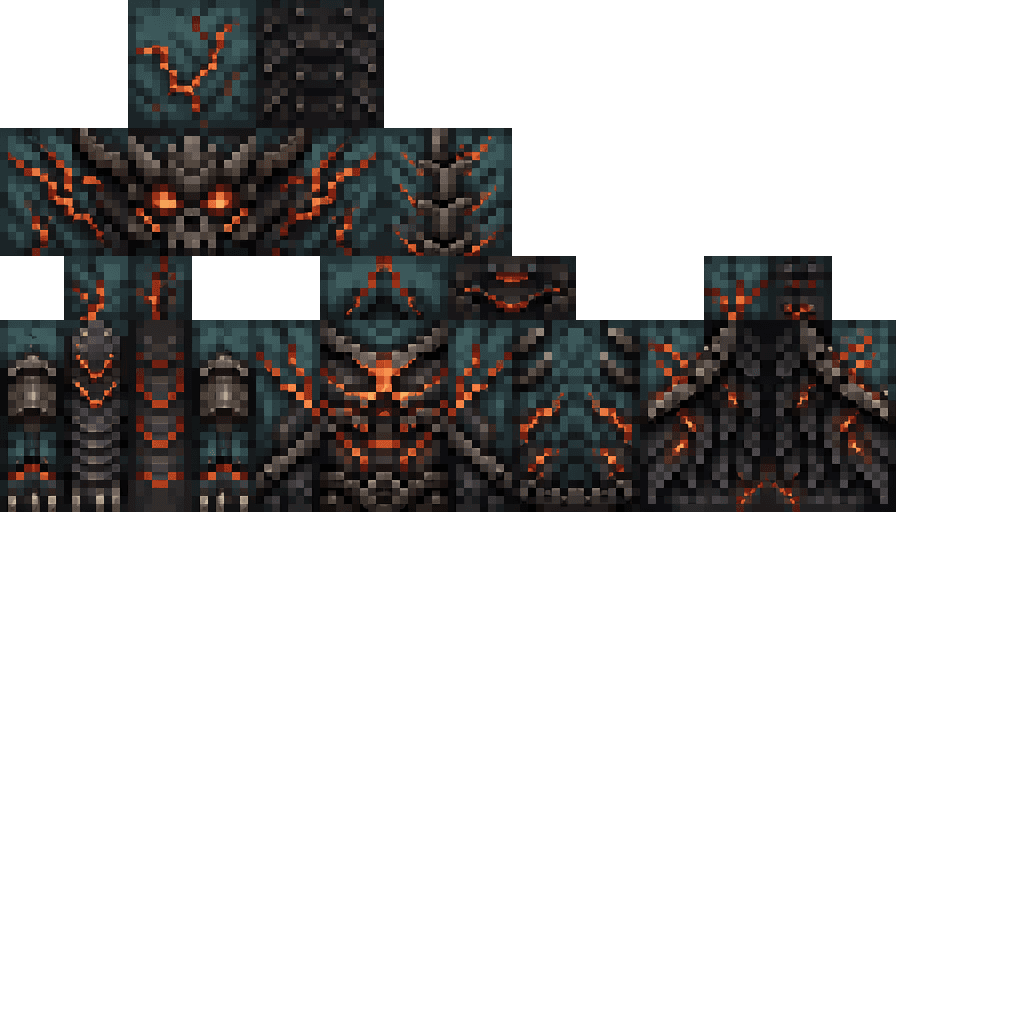
Enter Hygron rifts to be pulled into the Hygron Core — a sprawling raid stronghold of themed sections (corrupted courtyards, labs, cathedrals, factories, mirror halls, sky bridges and a final castle) where you fight patrols, ambushes, minibosses and cinematic bosses to unlock pro…
Devil Lucky Block

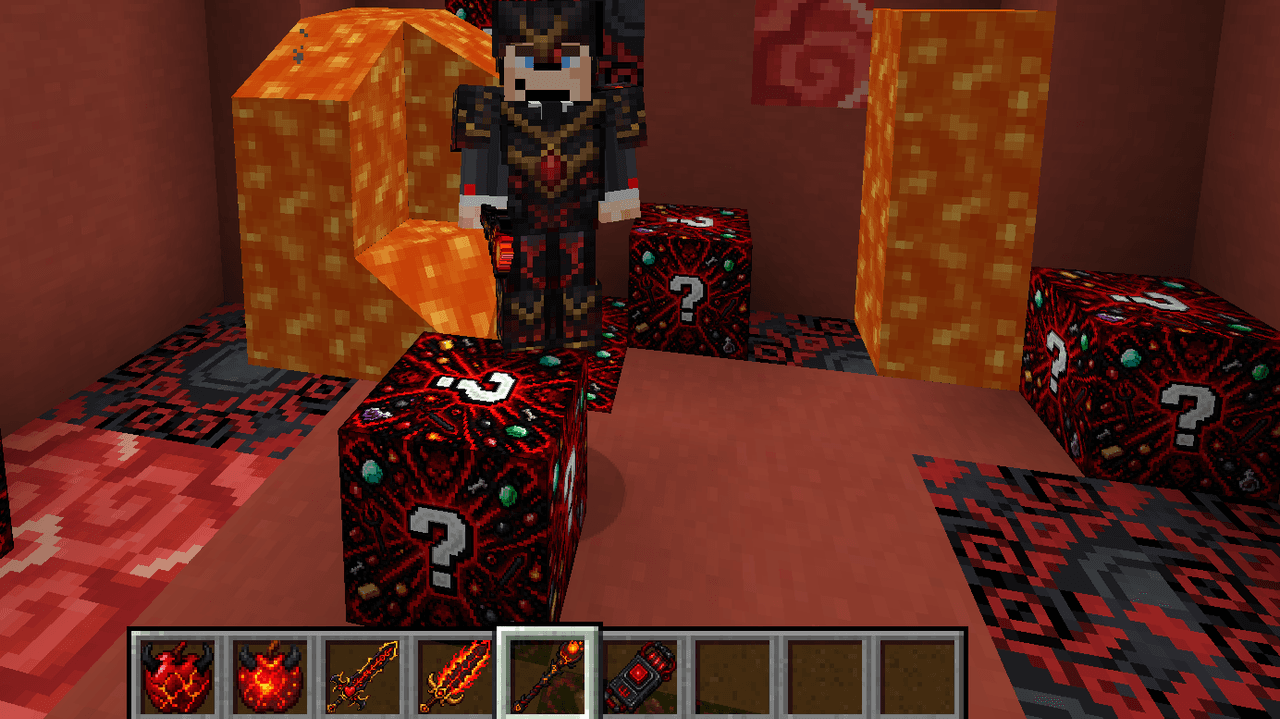
Punch the Devil Lucky Block for cursed loot, Devil Apples, and fireball-spitting power!
Crynet Phantom Suit


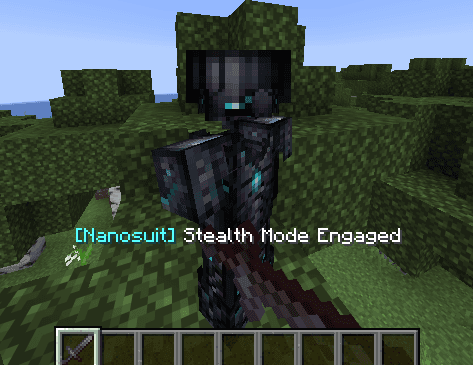
Sneak to toggle invincible defense or vanish—armor never breaks. Inspired in Cysis Armor




Paxels (1.20.1)

This mod adds six multi-tools—the Wooden, Stone, Iron, Gold, Diamond, and Netherite Paxels—that combine pickaxe, axe, and shovel functions so you can mine, chop, and dig without swapping tools; equip and left-click to break appropriate blocks (stone, ores, wood, dirt, sand, grave…
This mod is licensed under the CreativeMode Mods License.