

Description
Build a copper-powered lift that raises or lowers platforms and carries you along.
Mod Wiki
Copper Lift Core
Quickstart
- Craft a Lift Core at a crafting table using the recipe below.
- Place it as part of a flat, connected floor of solid blocks. The floor must include at least one block besides the core and fit within a 7×7 area.
- Interact with the core while not sneaking to raise the platform. Sneak and interact to lower it.
- Stand on the platform to ride along. Interact with a moving core again to brake.


Overview
The Lift Core moves the solid platform connected to it up or down and carries players standing on that platform. Keep the shaft clear between stops so the lift can travel.
What It Adds
- Lift Core: A placeable block that controls a connected platform.
- Lift Manual: An item that displays instructions when used.
How To Use
The platform must be a flat, horizontally connected floor with the Lift Core in it. Blocks joined only at their corners are not connected. Keep the platform within a 7×7 footprint around the core.
Interact with the core without sneaking to move up, or while sneaking to move down. The platform advances one block about every half-second, for up to 64 blocks per run. It stops if its next step is obstructed, it reaches a world-height limit, or it reaches its travel limit. Interact with the core while it is moving to stop it early.
For planned stops, arrange obsidian so it blocks the platform’s next step at the desired height. Leave the shaft clear between stopping points.
Crafting And Obtaining
Craft the Lift Core using the recipe in Quickstart. Breaking a Lift Core drops one Lift Core.
The Lift Manual is crafted shapelessly from a book and a copper ingot. Use it to display the lift instructions in chat:
Progression And Strategy
For a doorway, place a core at the platform’s edge and attach a second core as a one-block tab in a wall slot. The connected cores move together, and either can be used to brake the lift. Set the obsidian stops along the tab to keep the doorway clear.
How to install
Download the mod and follow the step-by-step installation guide.
Players also liked

Fortune Block


create a minecraft item that has the following description: Lucky Block that drops random items when broken Edit v2: Make the crafting recipe 8 gold ingots and 1 chest Edit v3: Block can drop up to 20 items
Tsunami Bucket


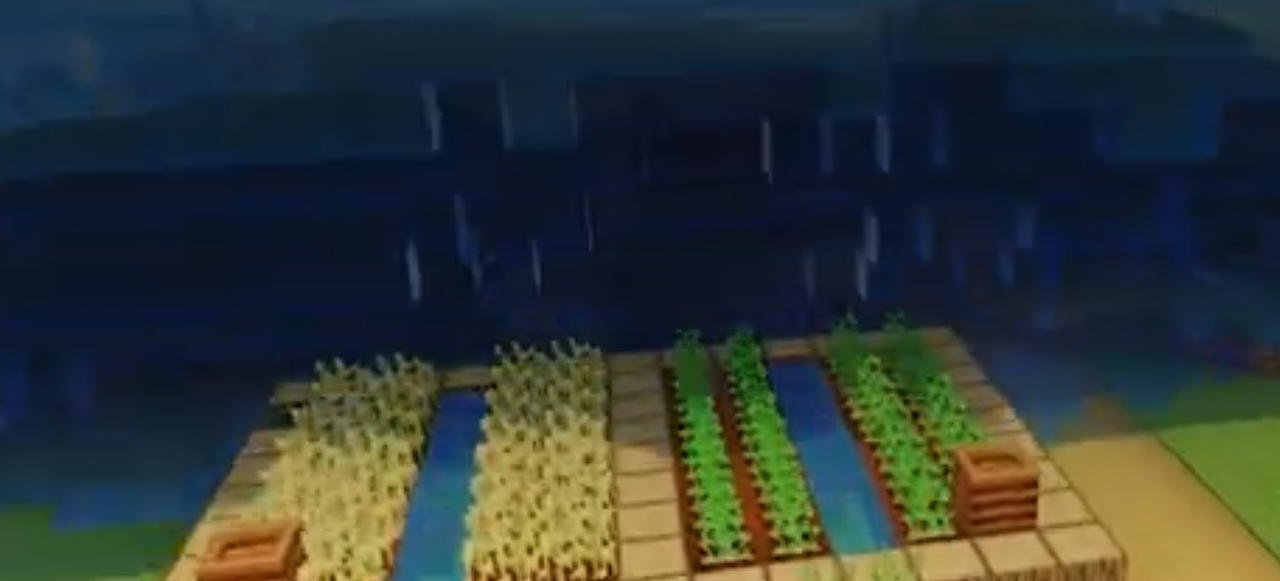
Tsunami Bucket - place to create a 10-block-tall water tsunami that radiates outward in all directions; removing or breaking the source block stops and removes the tsunami.
Floatater Block

Place the Floatater Block under any connected structure to lift and move the entire attached build; single-click the block to activate or deactivate. While active, use quick multi-clicks to set direction: 2 quick clicks = Forward (+X/east), 3 quick clicks = Backward (-X/west), 4…

1 Block+

This addon preserves and restores the arena’s original creatures by temporarily moving them out of harm’s way, captures living entities inside the arena bounds (while excluding nearby out‑of‑bounds tamed pets), clears arena‑spawned mobs and waits a short delay after rebuild so bl…

HERRSCHER'S ARMORY

Craft Mythic Cards to upgrade your rifle, unleash ten-heart shots, and unlock powerful effects.
This mod is licensed under the CreativeMode Mods License.