

Description
I always have trouble finding specific animals that I need when in survival and got tired of not being able to make a bed because I can't find sheep.. So! IF you have the same problem, I developed this one to solve that problem! It shows you what animal is in what direction and tells you which way to go. You can select all animals so it shows you what's closest or you can select specific animals so it'll help you figure out when one is close by and which way the animal is. If there are none nearby it'll state that there is not. This is my first ever mod, so if you have an recommendations or suggestions, please don't hesitate to send it my way! Hopefully this helps some people! Enjoy!
Mod Wiki
Beastfinder Satellite
Quickstart
- Craft the Beastfinder Satellite at a crafting table:



- Hold the Beastfinder Satellite in your main hand.
- Right-click (or tap on touch devices) to open the selector menu.
- Choose All Animals or a specific species and the scanner activates immediately.
- Watch the action bar (above your hotbar) for direction prompts like "Go forward to Cow" or "turn left to Sheep" — follow them to reach your target.
Overview
The Beastfinder Satellite is a handheld animal-detection device. While you hold it, the scanner periodically checks the area around you for animals within 32 blocks, identifies the closest matching creature, and displays a simple navigation instruction on your screen. No chat messages are ever posted — all feedback appears exclusively in the action bar.
What It Adds
- Beastfinder Satellite — a single uncommon handheld item that acts as a portable animal scanner and compass.
How To Use
Opening the Menu
With the Beastfinder Satellite in your main hand, right-click (or tap). A menu titled Beastfinder Satellite opens and shows:
- Your current target (highlighted in yellow)
- The scanner's detection range (32 blocks)
- Buttons to select All Animals or any individual species
- A Stop Scanner button when the scanner is already running
Scanning
After selecting a target the scanner starts automatically. Every 2 seconds it:
- Searches within 32 blocks for the chosen animal type.
- Finds the closest match.
- Displays a direction prompt in the action bar, for example:
- Go forward to Pig
- Go back to Chicken
- turn left to Horse
- turn right to Sheep
If no matching animal is within range the action bar shows No Animal Nearby.
Stopping the Scanner
Open the menu again (right-click/tap) while scanning and press Stop Scanner, or simply switch away from the Beastfinder Satellite in your hotbar — scanning stops as soon as the item leaves your main hand.
Abilities And Mechanics
| Property | Value |
|---|---|
| Detection radius | 32 blocks |
| Scan interval | Every 2 seconds (40 ticks) |
| Direction phrases | Go forward, Go back, turn left, turn right |
| Output location | Action bar only (no chat messages) |
| Out-of-range message | "No Animal Nearby" |
The scanner targets the single closest matching animal and gives directions relative to the direction you are currently facing, so turn your character to update the guidance in real time.
Supported Animal Types
The scanner can search for common passive and neutral animals including cows, pigs, sheep, chickens, rabbits, and horses, as well as an All Animals option that detects any of the supported species at once.
Crafting And Obtaining
Craft the Beastfinder Satellite at any crafting table using glass, cobblestone, a compass, and a stick:
The item stacks to 1 and has 384 durability. It takes a small random amount of durability damage each time it is used (10–25 per use). Repair it with iron ingots at an anvil (each ingot restores 96 durability).
Progression And Strategy
- Early game: Craft the satellite as soon as you have cobblestone, glass, a compass, and a stick. It is especially useful for locating sheep or cows quickly when you need wool or leather.
- Targeted hunting: Use the species-specific filter to zero in on a single animal type rather than being led toward the nearest unrelated creature.
- Orientation tip: The directions are relative to where you are looking, not a fixed compass point. Spin in place after receiving a prompt to confirm the correct direction before walking.
- Repair with iron: Keep a few iron ingots on hand for longer exploration trips; durability drains with each activation of the menu.
How to install
Download the mod and follow the step-by-step installation guide.
Players also liked



Allay Guardian


A loyal crimson allay guardian follows you and fights anything threatening its master. it takes one Red-stone powder to tame. it has 300 health and it does 15 damage .
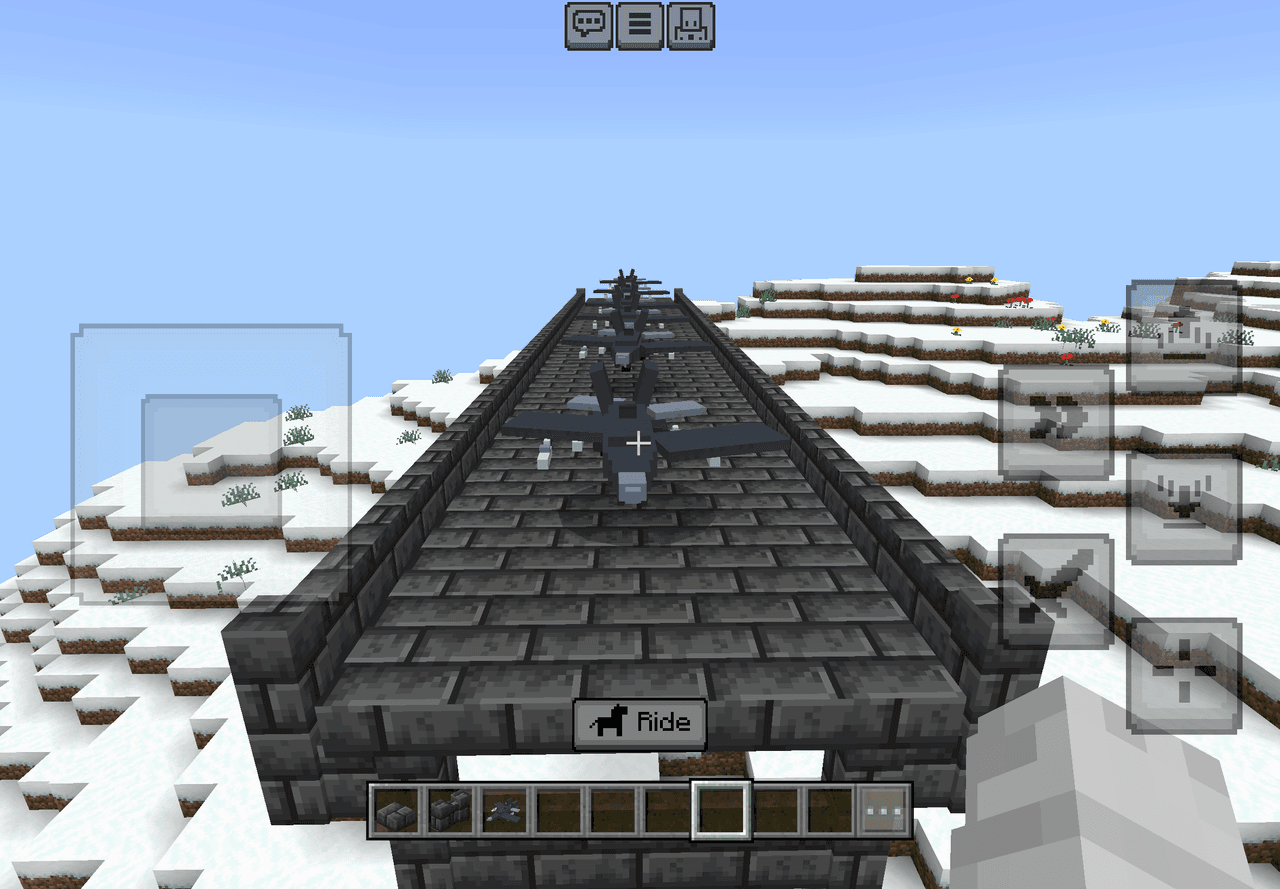
Thunderwing Fighter


Take to the skies in a fighter jet armed with missiles, bombs, and heavy firepower.
Adminbed

Admin Panel is a handheld admin tool that opens a two-tab UI: Moderation (kick a selected player; ban a username; unban by typing a Minecraft username) and Fun (fling a player, kill a player, toggle fly for a selected player). Hold the Admin Panel and use the in-game action to op…
This mod is licensed under the CreativeMode Mods License.