

Wildpeak Mountain Hammer
Description
Minecraft Bedrock – Realistic Random Mountain Generator Add-on Create a fully functional Minecraft Bedrock Edition Add-on that allows players to generate realistic, naturally shaped mountains using a special Wooden Hammer. 1. Random Mountain Generation - Every hammer use must generate a completely different, randomly shaped mountain. - Mountains must look natural, like real-world randomly generated terrain, not artificial pyramids or simple block piles. - Generate different mountain shapes, including: - Rocky mountains - Sharp mountain peaks - Rounded mountains - Multiple connected peaks - Steep cliffs and slopes - Uneven and irregular mountain ranges - Mountain height must be randomly selected between 20 and 300 blocks. - Minimum mountain height: 20 blocks. - Maximum mountain height: 300 blocks. - Never generate mountains shorter than 20 blocks or taller than 300 blocks. - Use realistic terrain shaping with irregular slopes, different elevations, natural edges and varied peak structures. 2. Mountain Preview System - Before generating a mountain, show a preview of the selected mountain at the targeted location. - The preview should look like a transparent, blurry or ghost-like version of the mountain. - The player must be able to see the approximate mountain shape, height, width and position before confirming generation. - The preview must not permanently place blocks. - Provide Confirm and Cancel options. - Generate the actual mountain only after confirmation. 3. Undo and Redo System - Add an Undo feature to remove the last generated mountain and restore the original terrain. - Add a Redo feature to restore the previously undone mountain. - Preserve the original blocks that existed before mountain generation. - Undo and Redo must work reliably without damaging surrounding terrain. - Allow multiple undo/redo operations if technically possible. 4. Special Wooden Hammer Create a special custom Wooden Hammer item. Hammer functionality: - The hammer must work from up to 50 blocks away. - The player should be able to aim at the ground from a distance. - Detect the exact block or ground position the player is looking at. - Generate the mountain at the targeted location. - The player should not need to physically touch or stand near the target location. - The hammer should have a unique name and custom texture. 5. Natural Mountain Appearance - Use realistic combinations of stone, cobblestone, gravel, dirt, grass and other suitable natural blocks. - Use snow and ice on appropriate high-altitude mountain peaks when suitable. - Avoid repetitive patterns. - Make the mountains look like naturally generated Minecraft terrain. - Create irregular mountain silhouettes with realistic slopes and multiple height variations. 6. Performance and Compatibility - Must work on Minecraft Bedrock Edition. - Must be compatible with mobile devices and Windows Bedrock. - Optimize block generation to reduce lag. - Avoid unnecessary entities and heavy background processes. - Make sure generated mountains do not cause game crashes. - Provide easy-to-use controls and a simple interface. Final Goal Create a realistic, random and interactive Mountain Generator Add-on for Minecraft Bedrock Edition. The player should be able to hold a Wooden Hammer, aim at the ground from up to 50 blocks away, preview a randomly generated natural mountain, confirm its placement, and use Undo or Redo whenever needed. All features must be functional, not just visual demonstrations.
Mod Wiki
Wildpeak Mountain Hammer
Quickstart
Craft a Mountain Hammer at a crafting table:


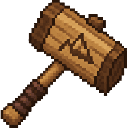
Hold the hammer and use it to open its menu. Choose Generate Mountain, select a mountain style, and set its height from 20 to 300 blocks. Aim at solid ground within 50 blocks, then submit the height setting. Review the ghost-particle preview and choose Generate or Cancel.
For a range, choose Mountain Range Mode and use the hammer on two ground locations in turn. Sneak-use the hammer to reset the range selection.
Overview
The Mountain Hammer lets you shape terrain through menus: choose a style and size, preview its approximate position and shape, then generate it. Mountains are built over time; the action bar shows progress.
What It Adds
The mod includes 12 mountain styles:
| Style | Character |
|---|---|
| Volcanic Mountain | Cratered basalt cone, lava flows, magma seams, and dark caves |
| Sharp Peak Mountain | Irregular alpine spires, steep faces, and a cleft watercourse |
| Flat Top Mountain | Broad grassy summit, layered cliffs, and a small spring |
| Rocky Plateau Mountain | Terraced stone shelves, cracks, and cave mouths |
| Flower & Green Mountain | Green ridges with flowers, trees, streams, and moss |
| Snow & Ice Mountain | Icy spires, snowy caps, and frozen waterfalls |
| Forest Mountain | Tree groves and clearings across slopes and valleys |
| Village & Structures Mountain | Small huts, a watchtower, and a ruined portal-style frame |
| Jungle Mountain | Dense tropical ridges and lush valleys |
| Lava & Magma Mountain | Rugged volcanic slopes with lava channels, seams, and pools |
| Snow Mountain | Snowy peaks, powder-snow pockets, and frozen shelves |
| Savanna & Baobab Mountain | Dry golden slopes with acacia and broad-canopy trees |
A Custom Mountain Creator offers six terrain shapes, adjustable height and width, and optional style blending. Mountain Range Mode connects two selected ground points with a range of peaks.
How To Use
- Generate a single mountain: Open Generate Mountain, use your preferred style or choose from the 12 styles, then set its height. Aim at solid ground within 50 blocks when submitting the height setting.
- Preview: Ghost particles mark an approximate outline and height without placing blocks. Choose Generate to begin or Cancel to leave the terrain unchanged.
- Generate a range: Select Mountain Range Mode, then use the hammer on Point A and Point B. Choose the mountain style, width, and minimum and maximum peak heights. The points must be 10–800 blocks apart; sneak-use the hammer to clear the selection.
- Undo or redo: Sneak-use the hammer outside range selection to open Undo / Redo. The history menu tracks up to four recent mountains. Keep the affected area loaded when using history.
- Stop generation: Sneak-use the hammer while a mountain is generating to request cancellation and rollback.
Crafting And Obtaining
The Mountain Hammer is a single-stack item with 256 durability. Craft it using the recipe in Quickstart, or obtain it from the Creative inventory.
Abilities And Mechanics
Generation supports terrain and style features such as stone, gravel, and other selected materials, with themed options including snow, ice, vegetation, water, caves, ores, and lava. Use Block Settings to adjust the material selection and More Settings to configure optional generation features and presets.
Undo removes generated blocks that still match the mountain; it leaves original terrain and blocks you have since changed alone. Redo restores the last undone mountain where its blocks can be placed.
Progression And Strategy
Try a single mountain first to learn how its height and footprint fit the surrounding terrain. Use open ground with room above it, especially for taller peaks. Preview before generating near builds, and choose a lower height if the selected location does not have enough vertical room. For a broad landscape, use two-point Range Mode and adjust its width and peak-height limits before confirming.
How to install
Download the mod and follow the step-by-step installation guide.
Players also liked

Wemmbu orbital strike cannon


Call down orbital strikes, unleash 1,000 wither skulls, and fire a brutal arrow volley
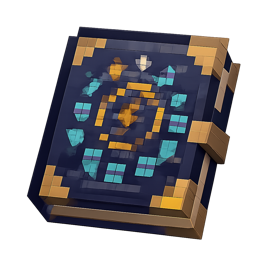
Spellstorm Grimoire

Spellstorm Grimoire is a mystical book that gives you a huge arsenal of castable spells — lightning, fireball (and huge fireball), water surge, a visible black hole vortex, earth pillar, deflect, light, heavy, time stop, gravity, a floating sword attack, high velocity, heal, shie…
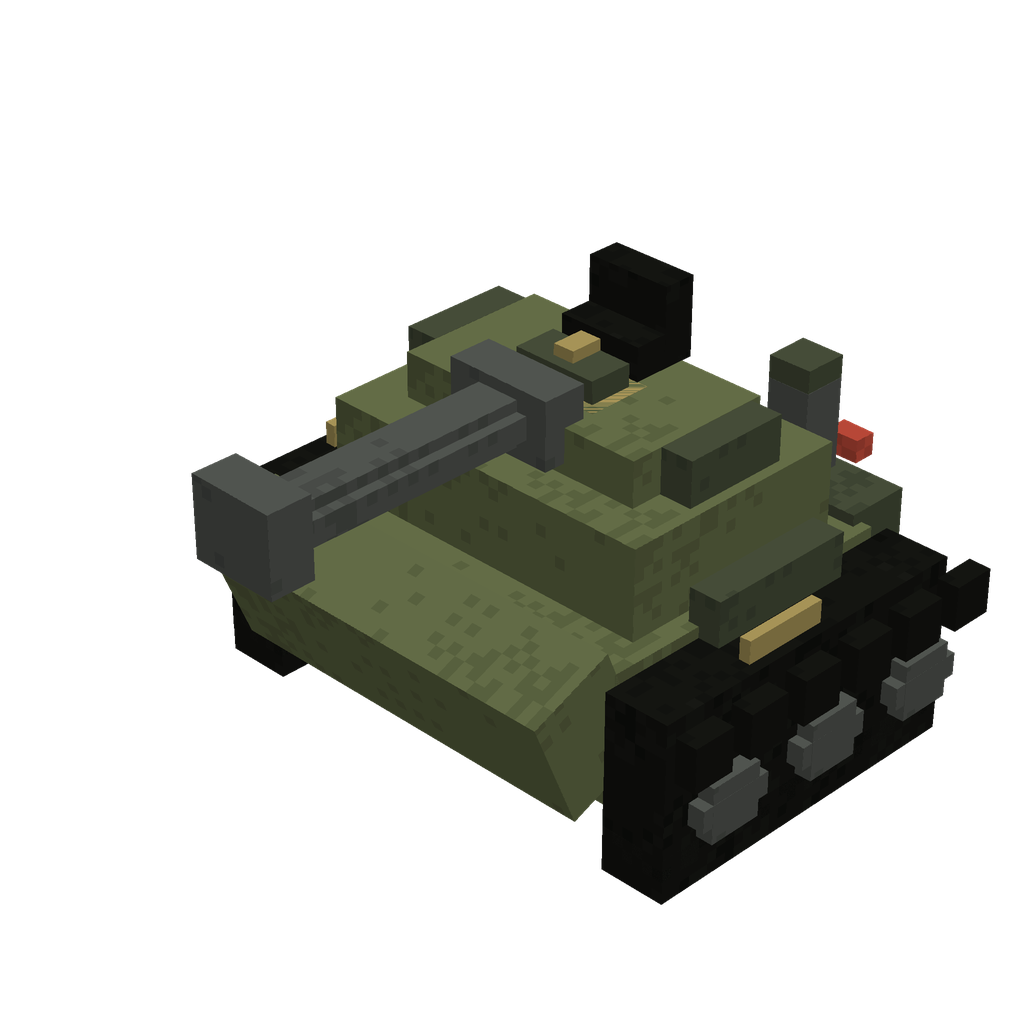
Fire arms Arsenal

Gear up with guns, camo armor, precision sniping, visible rockets, C4 bombs, and nukes for explosive battlefield chaos.

X-Ray Device

The X-Ray Device scans a 15‑block horizontal radius (Y -64 to Y 16) for diamond_ore and deepslate_diamond_ore and then opens a simple UI listing exact x y z coordinates for every ore found (no blocks are changed), finishing with a subtle glass sound. Equip the X‑Ray Device and us…
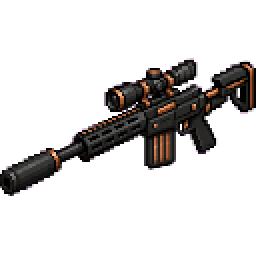
Copperstrike Longshot


Copperstrike Longshot — a black, scoped sniper rifle with suppressor, extended stock and a 6-round detachable magazine that fires high-velocity Copperstrike Bullets (craftable from iron + copper); headshots or critical hits instantly kill while body shots deal about half damage.…
This mod is licensed under the CreativeMode Mods License.