
Description
Build believable Minecraft cities with modern roads, sidewalks, storefronts, interior flooring, stocked shop fixtures, and street furniture. Urban Blockworks includes road lanes, curbs, flooring walls, and directional city props for creating detailed streets, shops, apartments, offices, pharmacies, markets, and more.
Mod Wiki
Urban Blockworks
Quickstart
- In Creative, find the Urban Blockworks pieces in the inventory and place them to start a street or storefront. In Survival, craft fixture placers from the recipes below, then use each placer to set down its matching fixture.
- Build a straight, three-block-wide road: place Left Lane Asphalt, Center Line Asphalt, and Right Lane Asphalt side by side, in that order when viewed along the road. The center block has the painted road lines; the outer lanes are plain asphalt. Face the direction you want the road to run as you place the road blocks. Roads are horizontal—do not place the trio diagonally.
- Add sidewalks and curbs beside the road, then use the storefront and interior blocks to make a shop. Directional pieces face the direction you are facing when you place them. Leave clear space for counters and benches, which take up more than one block.
Overview
Urban Blockworks is a set of grid-aligned building blocks and placeable models for creating modern city streets and interiors. Use the road, sidewalk, and exterior pieces to lay out a street, then furnish stores and other city spaces with floors, shelves, counters, signs, and street furniture.
The pieces are decorative building materials and fixtures; they do not create complete buildings or working businesses.
What It Adds
| Use | Pieces |
|---|---|
| Roads | Left Lane Asphalt, Center Line Asphalt, Right Lane Asphalt |
| Sidewalks and street edges | Plain Sidewalk, Curb Block, Corner Curb Block, Crosswalk Block, Parking-Lot Stripe |
| Building exteriors | Brick Building Front, Stone Building Front, Glass Storefront, Shop Window, Awning Block, Concrete Wall, Concrete Pillar |
| Interior floors | Parquet Wood Floor, Black-and-White Tile Floor, Plain Gray Tile Floor, Clean Retail Floor |
| Shop fixtures | Food Shelf, Book Shelf, Medicine Shelf, Checkout Counter, Cash Register Counter, Wall Menu Sign |
| Street and public-space fixtures | Newspaper Stand, Vending Machine, Large Potted Plant, Street Trash Can, Street Bench, Traffic Bollard, Streetlight, Bus-Stop Sign, Ceiling Light Fixture |
How To Use
- Roads: Lay the three asphalt blocks across the road’s width, keeping the center-line block between the plain lane blocks. Place each block facing the same direction so the markings align. The road pieces support straight horizontal layouts, not diagonal roads.
- Sidewalks and exteriors: Run Plain Sidewalk beside the curb, use Corner Curb Blocks to shape street corners, and place Crosswalk Blocks where pedestrians cross. Use Parking-Lot Stripes to mark parking spaces.
- Storefronts: Combine building-front blocks, glass storefronts, shop windows, and awnings to give a building a street-facing entrance and display area. Concrete Walls and Pillars work for additional structure.
- Interiors: Choose a floor to set the room’s look, then place shelves and counters to arrange the space. Shelves are visibly stocked by category: groceries, books and magazines, or pharmacy goods.
- Street furniture: Place benches, newspaper stands, vending machines, signs, bollards, plants, and trash cans along sidewalks or in public spaces. Directional fixtures face the direction you are facing when placed.
- Clearance: Place counters and benches where their surrounding ground space is open so their full models can fit.
Crafting And Obtaining
The fixture recipes below make placer items. Use the matching item to place the fixture. Recipe shortcodes show the full crafting recipe when opened.
| Fixture | Recipe |
|---|---|
| Awning Block | |
| Book Shelf | |
| Bus-Stop Sign | |
| Cash Register Counter | |
| Ceiling Light Fixture | |
| Checkout Counter | |
| Food Shelf | |
| Large Potted Plant | |
| Medicine Shelf | |
| Newspaper Stand | |
| Street Bench | |
| Street Trash Can | |
| Streetlight | |
| Traffic Bollard | |
| Vending Machine | |
| Wall Menu Sign |
For a quick build, use the Creative inventory to browse the road, surface, and fixture pieces. The recipes listed here cover the fixtures above; they do not list recipes for the road, sidewalk, exterior, or floor blocks.
Abilities And Mechanics
- Road blocks and directional fixtures orient horizontally to the direction you face when placing them.
- The three road blocks form a straight road when arranged side by side, with Center Line Asphalt between the two plain asphalt lanes.
- Placer items set down the matching fixture model. The shelves provide visual stock, while the counters, signs, and other fixtures furnish a scene; they are not described as storage or shop-interaction blocks.
Progression And Strategy
Start with a short road and sidewalk, then build out a storefront and furnish its interior. Repeat the road-and-sidewalk pattern to form longer streets, and use crosswalks, parking stripes, streetlights, benches, and bus-stop signs to distinguish public areas. For interiors, choose one floor style per space and group the stocked shelves and counters to make the intended shop clear.
How to install
Download the mod and follow the step-by-step installation guide.
Players also liked
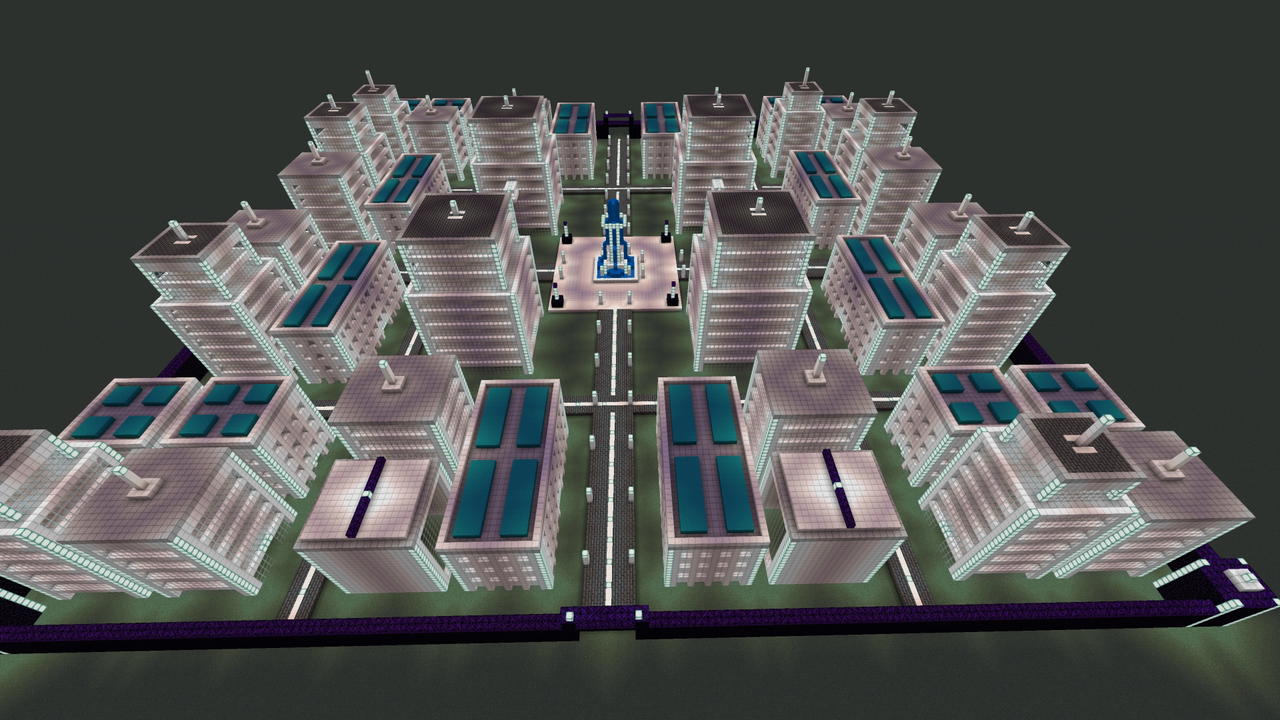
Ironlight Megacity


I made this for myself originally, but you can use my 201 block wide x 201 block long high-tech futuristic city built primarily with iron-based materials and illuminated to keep the high tech boogey men away. PS... the obsidian wall is great for repelling creeper hordes.
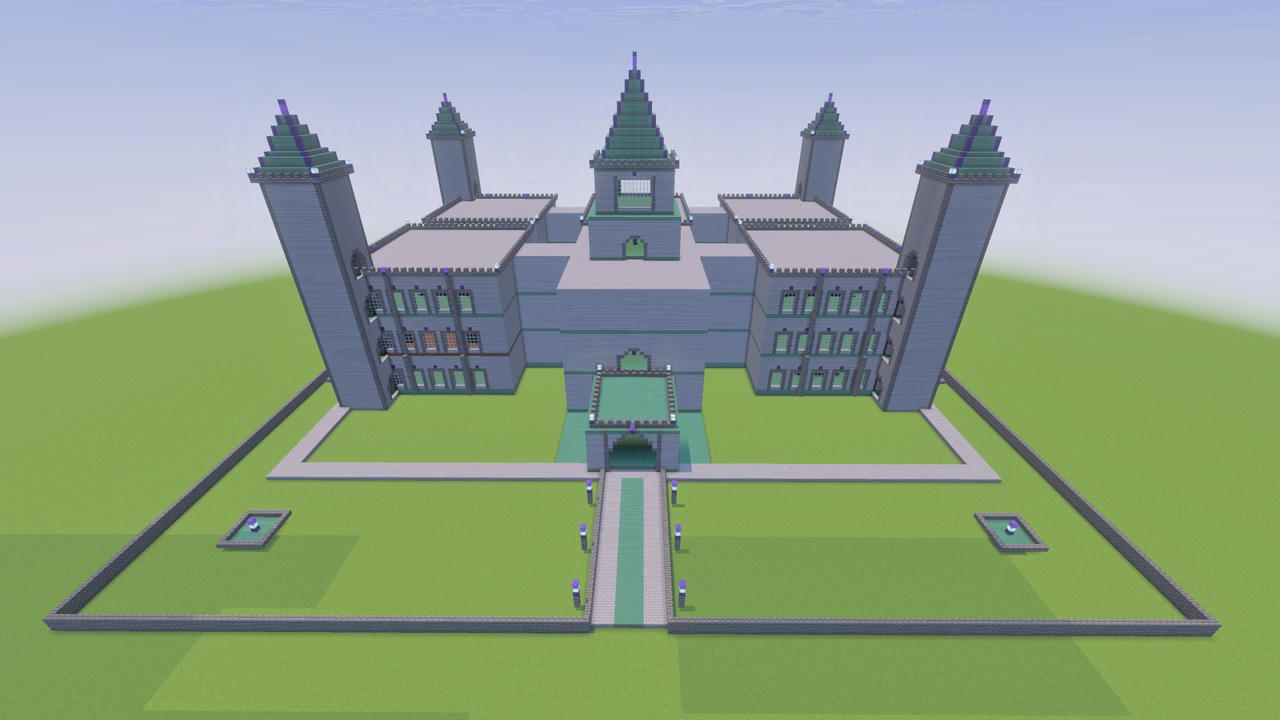
Nightthorn Manor
Welcome to your Winter palace! Having been left abandoned by the previous owners it is a bit of a fixer upper, but in that you can customize to your hearts content! There are grand staircases that need a tiny bit of a repair, towers with openings in places they don't need to be,…
Hellfire Rider

Create a Minecraft addon featuring a customizable supernatural character called The Rider. THE DEVIL’S CONTRACT Add a unique item called The Devil’s Contract. When held, the player can interact with it. The player performs an animation of running their hand across the contract…

Ember Rift Depths


A new dimension inside of it is a ever genrateing cracking void depths main colors:pink purple black. Hard to find because rare are trees with dead wood and leaves and are burned. Also has a new fire ore and firewood void lord boss
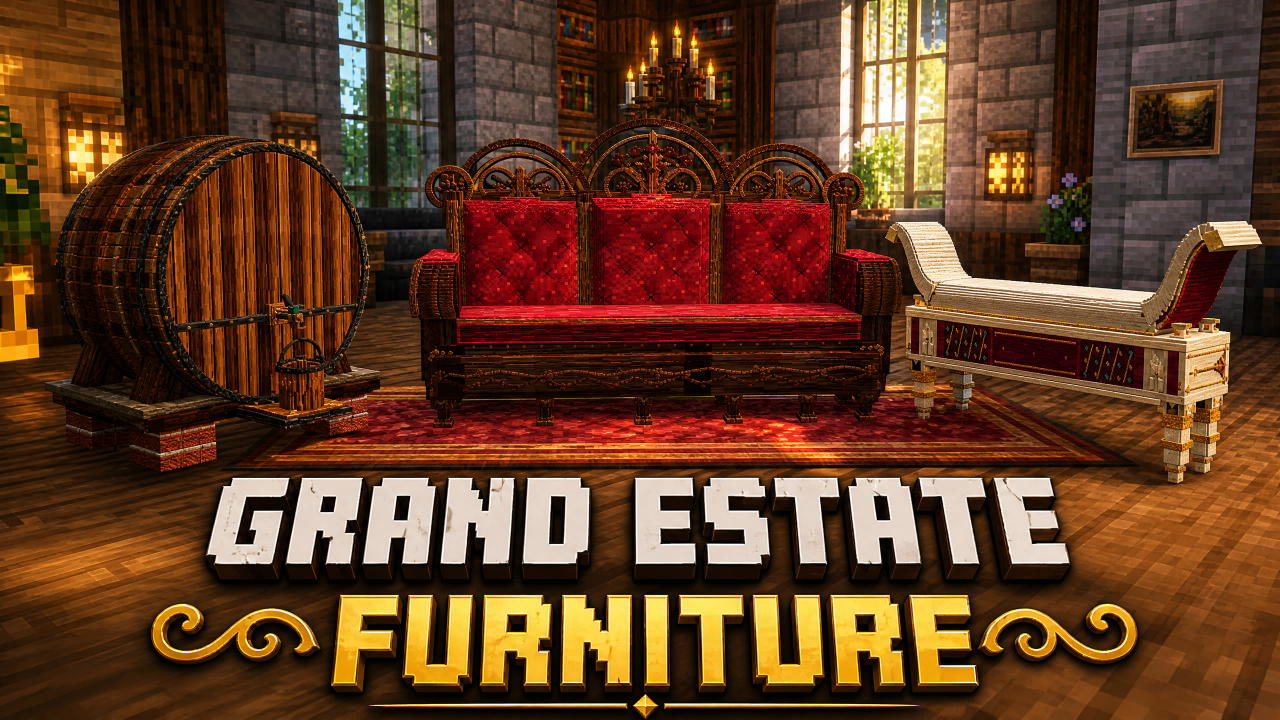
Grand Estate Furniture (BETA)

Comment your furniture ideas! Ill make god-tier pieces and add them to the mod! Craft carved Renaissance and Gothic furniture for your grand estate. Furniture cannot be used to sit in just yet. These features depend on further advancements in Creativemode's infrastructure in the…
This mod is licensed under the CreativeMode Mods License.