
Description
Rewind your steps, freeze nearby foes, and strike with the Time Splitter.
Mod Wiki
Time Splitter
Quickstart
- Craft the Time Splitter using its recipe, or find it in the Combat tab of the Creative inventory. Its recipe is unlocked automatically when you join.
- Hold it and right-click to rewind to a recent safe position. The rewind also resets your health to the amount recorded at that position.
- Hold Sneak and right-click to stop time around you. After about 3 seconds, the trapped creatures are hit by a burst of strikes.
Overview
The Time Splitter is a sword with two time-bending abilities: rewind your own recent movement, or freeze nearby non-player creatures before striking them.
How To Use
Use the Time Splitter in either hand:
- Right-click: Rewind your position and recorded health.
- Sneak + right-click: Freeze nearby non-player living creatures, then strike them when the time stop ends.
- Attack: Use it as a sword in melee combat.
Crafting And Obtaining
The recipe is available in your recipe book after joining. Craft the Time Splitter at a crafting table:



In Creative mode, you can also take it from the Combat inventory tab.
Abilities And Mechanics
Rewind
Rewind returns you to a recorded position from roughly the last 2.5 seconds, if that spot is still safe and within 18 blocks. Your health is set to the amount recorded there, up to your maximum health. The ability may fail if you haven’t been in the world long enough to build up a movement history, or if no suitable safe position is available.
Time stop
Sneak-right-click stops non-player living creatures within 8 blocks of where you activate the ability. Players are not frozen. After about 3 seconds, each living creature caught when you activate it receives 12 damage (6 hearts) in a coordinated burst.
The effect can catch friendly creatures as well as hostile mobs, so keep livestock and pets clear of the area.
Progression And Strategy
Use Rewind to retreat from danger or undo recent damage, and use the time stop when several creatures are close together. Check that the area around you is safe before activating it, especially if friendly creatures are nearby.
How to install
This Java mod can be used on Windows and Mac PCs with the CreativeMode Launcher or any Minecraft launcher of your choice.

1. Download and install the new CreativeMode Launcher

2. Click to play on the top of the screen.
3. That's it — launches instantly. No complicated setup required.
Want to use on a different launcher? Download mod and manually install.
Players also liked

Netherite Friendmaker Blade

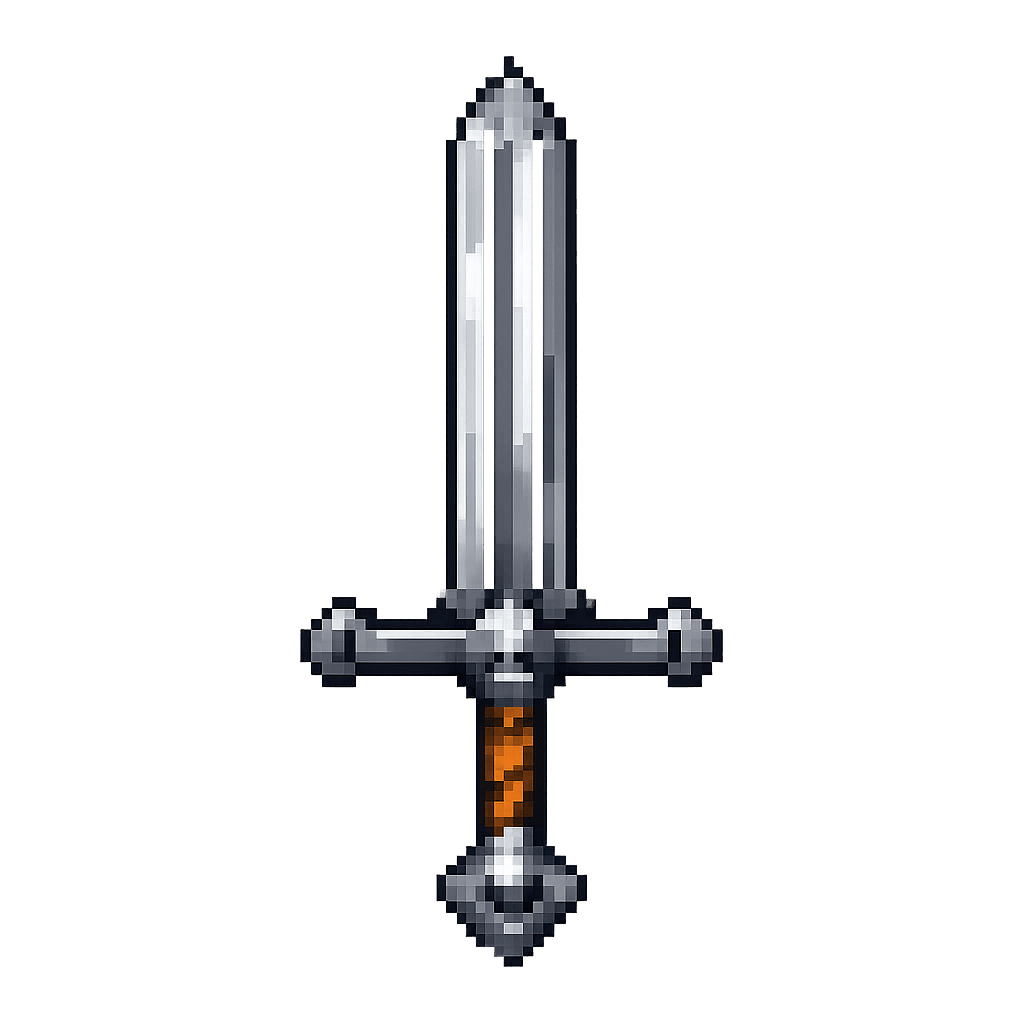
Tame hostile mobs with the Netherite Friendmaker Blade, then heal, equip, and fight beside them.
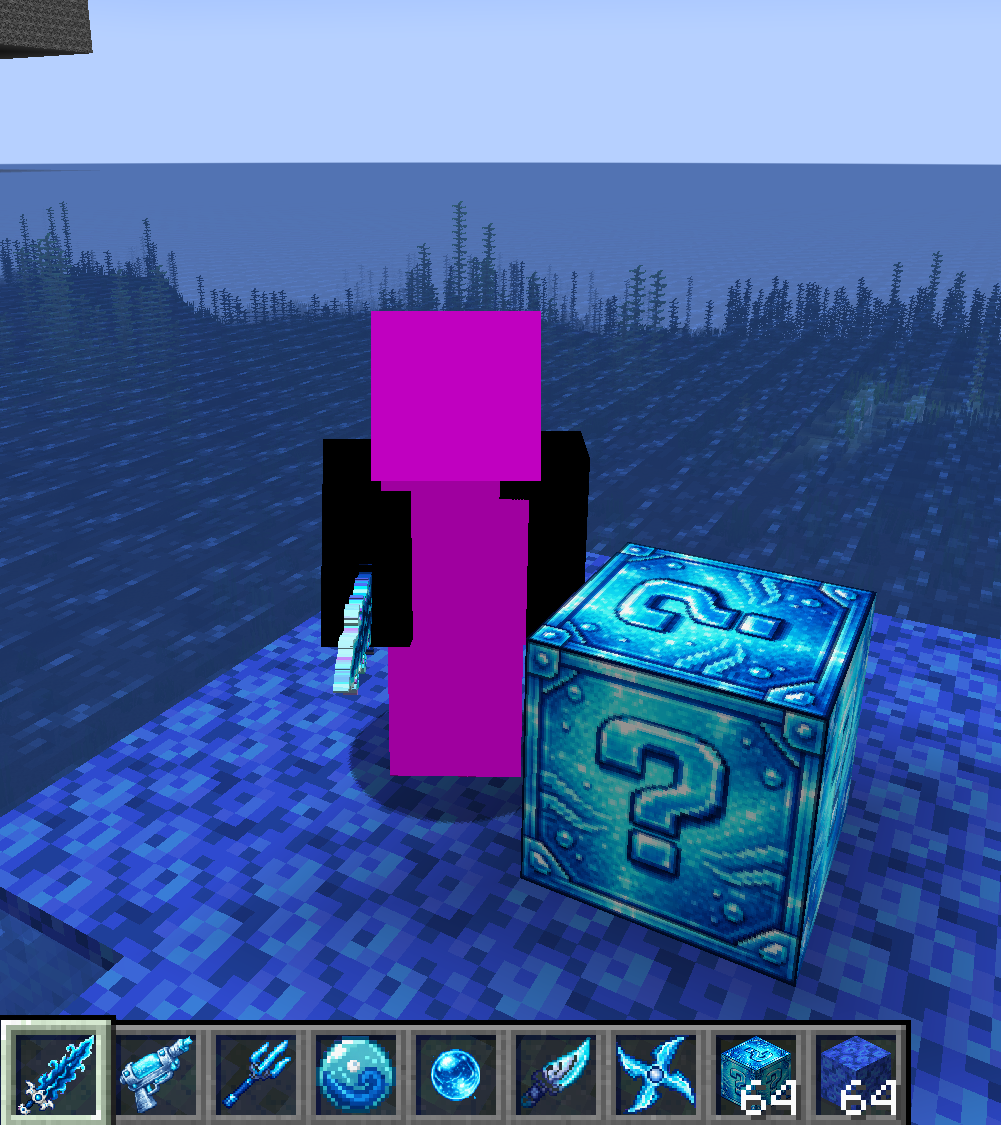
Water Lucky Block


Ocean loot, insane weapons, and prison tricks from Water Lucky Blocks

Bond of Flame


Wield the Emberlight Totem to unleash a blazing ring that scorches nearby mobs and blasts them away in Minecraft 1.20.1.
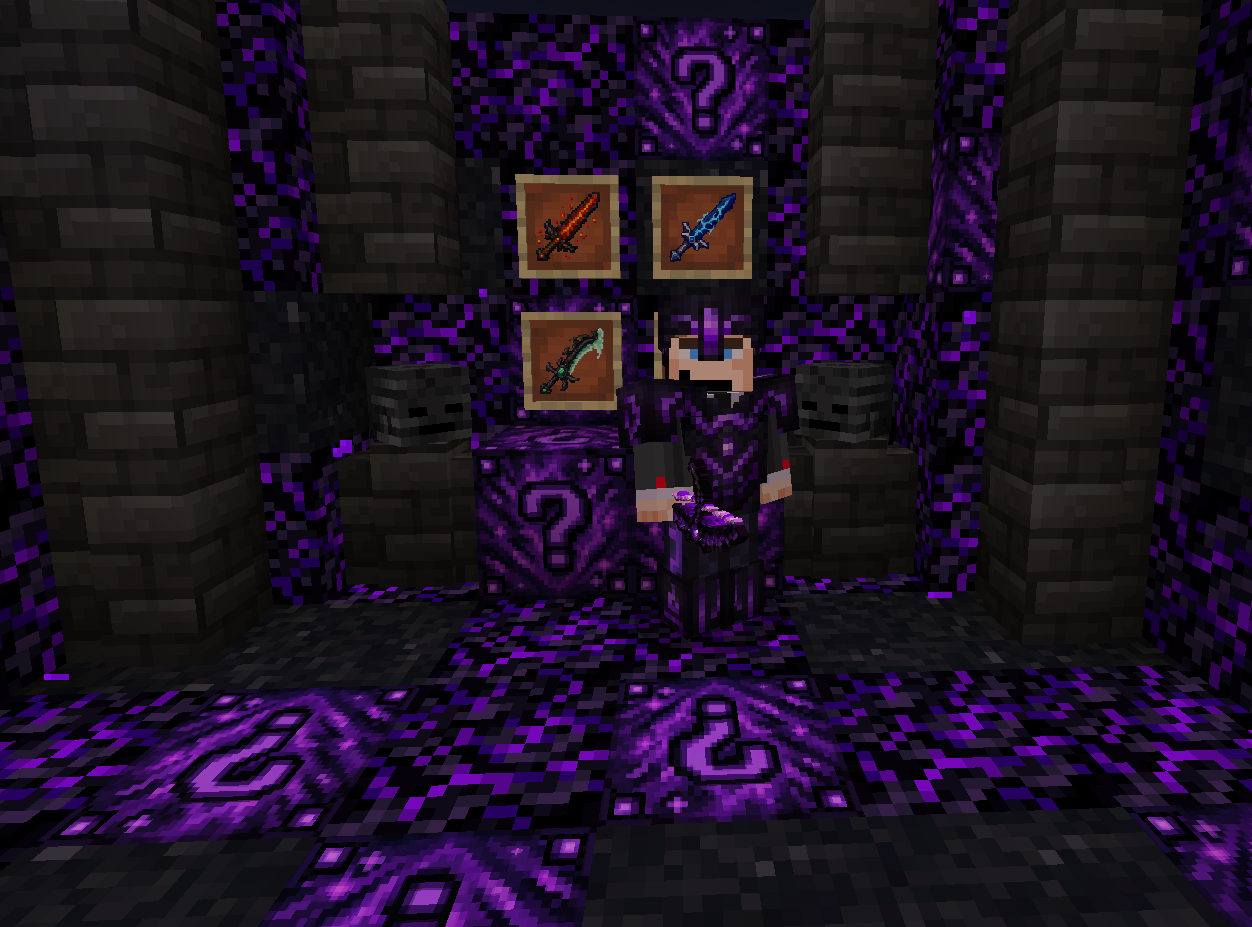
Shadow Lucky Block
Break the Shadow Lucky Block for deadly loot and five cursed swords dealing 180 damage

Cobblestone Watering Can


The Cobblestone Watering Can is an unbreakable magical tool that combines bone-meal-style growth and automated harvesting into one handy item. Simply hold it and right-click to instantly boost growth and harvest in a 3×3 area—ripening wheat, carrots, potatoes, beetroot, nether wa…
This mod is licensed under the CreativeMode Mods License.