

Description
A SANDSTONE ARENA what else is there :3
Mod Wiki
Sandstone Void Coliseum
Quickstart
- In Creative mode, search the equipment tab for Sandstone Void Coliseum Wand and place it in your hotbar.
- Alternatively, obtain it with:
/give @s com_sandstone_void_coliseum_dn5z66ig:structure_wand - Choose a clear location with enough room for an arena roughly 120 blocks across and 40 blocks tall. Aim at a solid block at the height where you want the arena center, then use the wand.
- The wand launches a placement projectile. When it hits, the coliseum is built around the impact point.
- Enter through the outer arches, inspect the central combat floor, and use the 7×7 center pad as a starting point for your first battle.
- The wand has a short cooldown of about 2 seconds. Use it again after the cooldown to place another arena.
Because the coliseum is suspended in the void, use Creative flight or prepare barrier blocks and a return system before walking beyond its edges.
Overview
Sandstone Void Coliseum is a large circular arena designed for multiplayer battles, boss encounters, tournaments, and custom events. The structure has:
- A diameter of approximately 120 blocks
- A radius of approximately 60 blocks
- A total height of about 40 blocks
- A central combat floor with a radius of 40 blocks
- Tiered seating, outer arches, and a decorative crown ring
- Optional space below the arena for event controls and teleport systems
The arena is a stage for player-created events. Populate it with mobs, bosses, redstone mechanisms, command blocks, traps, or other challenges as desired.
What It Adds
| Area | Features |
|---|---|
| Combat floor | A patterned floor of smooth sandstone, sandstone, and cut sandstone |
| Center pad | A 7×7 smooth sandstone starting area bordered by chiseled sandstone |
| Inner wall | An 8-block-tall curved wall separating the combat floor from the audience |
| Seating tiers | Five stepped seating layers across a 15-block-wide section |
| Outer wall | A 20-block-tall, 5-block-thick circular wall |
| Giant arches | Twelve evenly spaced arches, each about 7 blocks wide and 10 blocks tall |
| Crown ring | A 10-block-tall upper ring with concealed glowstone lighting |
| Lower level | Optional underground space for command blocks, mob controls, teleport hubs, and safety floors |
| Void setting | An empty void surrounding the arena, with optional barrier or teleport protection |
How To Use
Placing the Coliseum
The Sandstone Void Coliseum Wand is the main interaction item. It fires a placement projectile rather than acting as a normal weapon. Aim at the intended center location and use the wand. The projectile must hit a target, so place a temporary block if you are building in an otherwise empty void.
Choose the placement height carefully:
- The impact point determines the arena’s center area.
- Leave clear space around the target for the circular structure.
- Avoid placing it inside another large build unless you intend to merge the two structures.
- Use separate locations for multiple arenas.
Starting an Event
The central floor is the main battle area. Use the center pad for:
- Player spawn points
- Boss introductions
- Duel starting positions
- Team staging
- Wave-based combat
The inner wall provides a visual boundary around the combat zone. The seating tiers are suitable for spectators, judges, or team staging areas.
Moving Around the Arena
The twelve large arches provide dramatic entrances around the outer wall. Use the seating tiers to reach higher viewpoints, and use the upper crown ring for elevated observation or decorative additions.
The void outside the structure has no natural ground. Keep players inside the arena unless you have added a safety system.
Creating Custom Add-Ons
The coliseum is designed to support custom event features, including:
- Boss gates
- Spectator balconies
- Trap pits
- Redstone event triggers
- Mob-wave staging areas
- Teleport hubs
- Sandstone banner displays
- Command-block-controlled encounters
These features can be added to the arena’s open spaces and lower control areas to create your own game modes.
Crafting And Obtaining
The wand has no crafting recipe. Obtain Sandstone Void Coliseum Wand from the Creative inventory under equipment, or use:
/give @s com_sandstone_void_coliseum_dn5z66ig:structure_wand
The coliseum itself is placed directly by using the wand; it is not crafted as a separate block or item.
Abilities And Mechanics
Placement Projectile
Using the wand launches a visible projectile toward the point you are targeting. When it impacts, the arena is placed at that location. The projectile does not deal combat damage.
The wand has a brief cooldown, preventing immediate repeated use. Wait approximately 2 seconds between placements.
Combat Floor
The central floor extends to a radius of about 40 blocks. Its pattern uses:
- 70% smooth sandstone
- 20% sandstone
- 10% cut sandstone
At the exact center is a 7×7 smooth sandstone pad with a chiseled sandstone border. Glowstone beneath the center provides hidden illumination.
Inner Wall
An 8-block-tall wall surrounds the combat floor:
- Bottom 3 layers: sandstone
- Next 3 layers: smooth sandstone
- Top 2 layers: chiseled sandstone
- Inward-facing sandstone stairs along the top create a curved finish
This wall separates fighters from the seating area and gives the arena a more enclosed coliseum feel.
Seating Tiers
Beyond the inner wall is a 15-block-wide seating section rising 10 blocks high. It contains five stepped layers of smooth sandstone slabs, sandstone backrests, and cut sandstone support pillars spaced around the arena.
Decorative sandstone stair and slab arches separate seating sections.
Outer Wall And Crown
The outer wall is built from alternating sandstone and smooth sandstone columns with chiseled sandstone trim. Twelve large sandstone arches are spaced evenly around it.
Above the wall, the crown ring uses smooth sandstone slabs and chiseled sandstone accents. Glowstone hidden beneath the slabs creates a nighttime glow without exposed light sources.
Lower Control Level
The optional underground level extends about 10 blocks below the arena. It is made from smooth sandstone and illuminated with glowstone. Its spaces are intended for:
- Command block rooms
- Mob control rooms
- Teleport hubs
- Event management
- Barrier-block safety floors
Add your own controls and mechanisms to turn the arena into a repeatable event venue.
Void Safety
The area outside the coliseum is intentionally empty. For safer multiplayer events, add one or more of the following:
- Barrier blocks at Y-level −1
- Teleport-back systems
- Controlled entrances and exits
- A protected staging area below the arena
- Creative flight for builders and moderators
Do not assume the surrounding void will catch a falling player unless you add a safety system.
Progression And Strategy
The arena has no fixed progression path, so create an event structure that suits your world:
- Place the coliseum in a clear location.
- Mark the center pad as the starting or respawn area.
- Assign the combat floor to fighters and the seating tiers to spectators.
- Use the arches as entrances, team gates, or boss entrances.
- Add mobs, bosses, traps, or redstone triggers to build the encounter.
- Store command controls and teleport functions in the lower level.
- Add barriers or return teleportation before inviting players into the arena.
- Use the crown ring and seating tiers for lighting, banners, viewing platforms, or administrator areas.
The sandstone-only palette makes the structure easy to decorate consistently with sandstone banners, stairs, slabs, walls, and additional arena details.
How to install
Download the mod and follow the step-by-step installation guide.
Players also liked
UFO


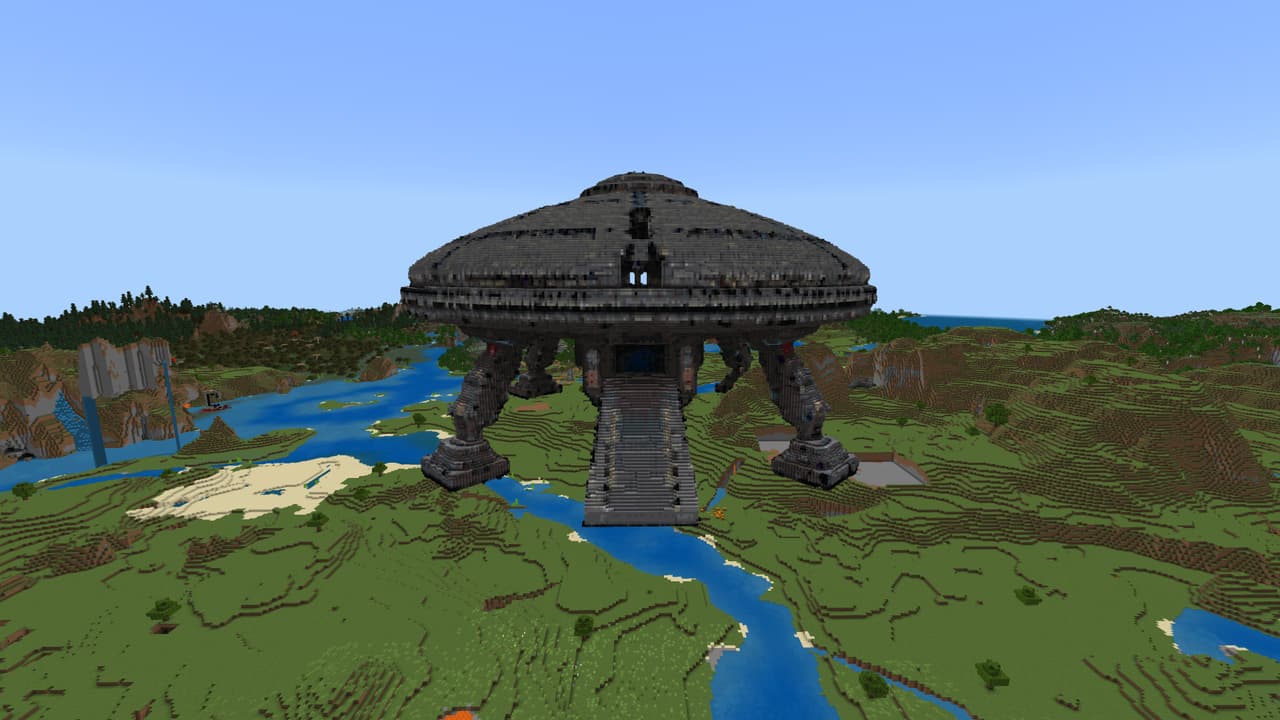
Ever wanted to live in a UFO? Well, this one is so big that you can build a city inside! Lots to do with this massive structure!!! Also I have created a block pack to help you in decorating your new Flying Saucer home... https://creativemode.net/mod/sci-fi-block-expansion-pack-df…
Sunspire Sandstone City
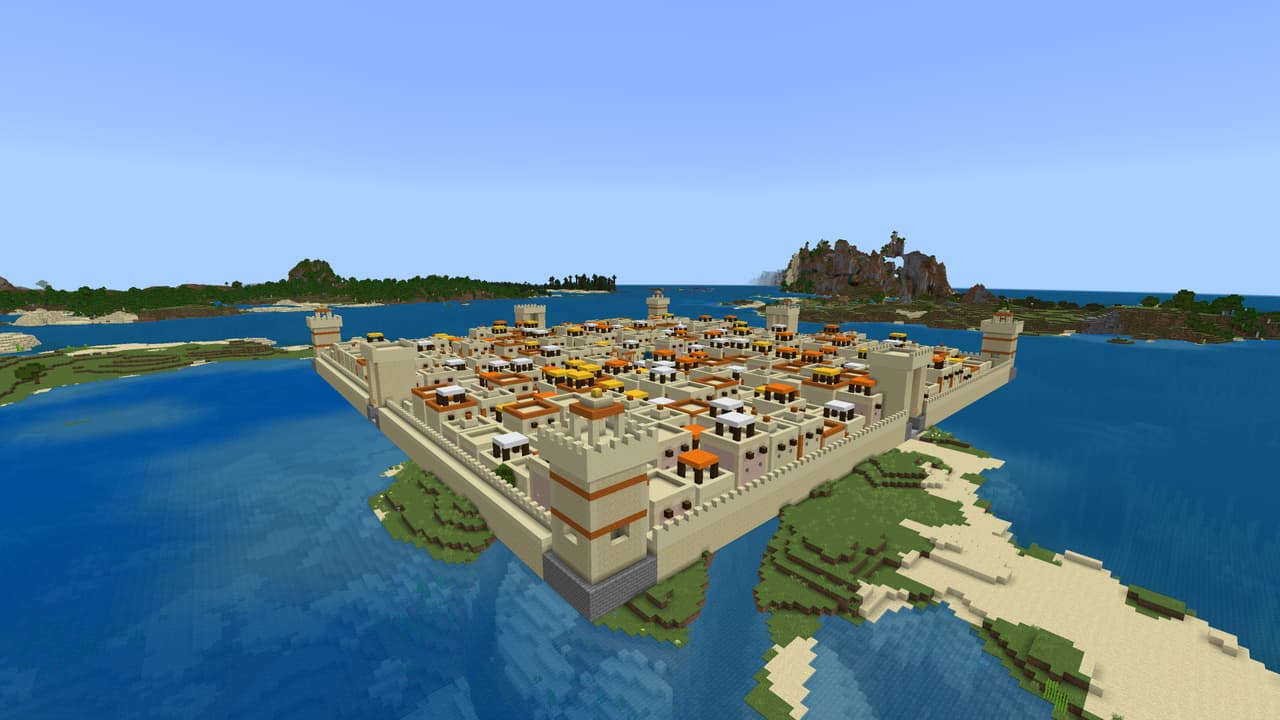
A 201 x 201 block Egyptian style city with narrow streets, a central fountain, and guard towers. Every house has a door, and 2 windows in each wall. It is HUGE, the pictures don't do it justice! Can you fill this city with villagers? Can you make it into a even greater build than…
This mod is licensed under the CreativeMode Mods License.