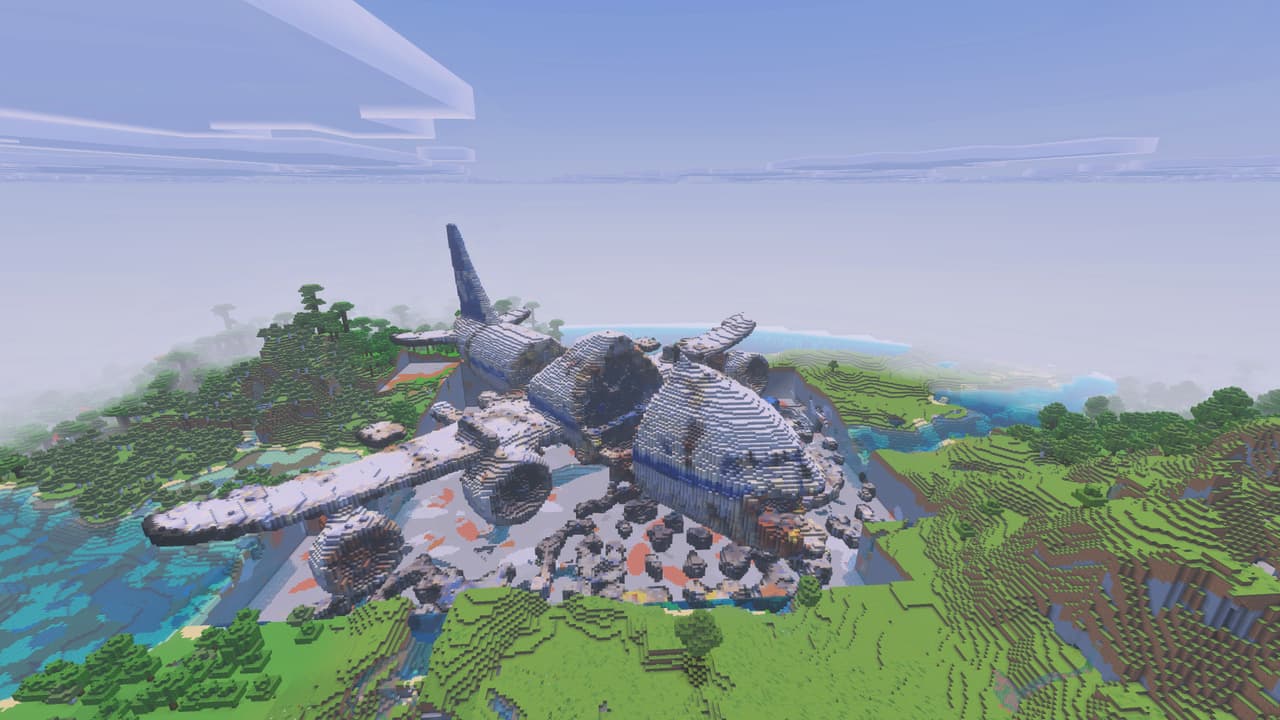
Description
You can also obtain the wand with:
/give @s com_ufo_6bsg3wm3:structure_wand
Leave plenty of open space around the target. The UFO is very large and can overwrite terrain where it is placed.
Ufo is a large exploration structure centered around a landed flying saucer. The Ufo Wand provides the main way to place it in your world: fire the wand at a location and the UFO is assembled around the projectile’s impact point.
The wand’s projectile does not deal damage. Its impact instead triggers the UFO placement, accompanied by a particle effect.
Hold the Ufo Wand and aim at the ground or another suitable target. Use the wand to launch its projectile. The UFO is placed when the projectile hits.
The wand has a short cooldown of about 2 seconds between shots. The structure loads block by block, so give it a moment to finish appearing before exploring or firing the wand again.
For the best results:
The UFO is positioned relative to the projectile’s impact point, so aim at the area where you want its landing zone to be.
After placement, walk around the hull and look for entrances or accessible sections. Explore both the exterior and interior, and check elevated areas and unusual sections of the ship for hidden details.
There are no crafting recipes for the Ufo Wand or the UFO structure.
In Creative mode, find Ufo Wand in the equipment section of the inventory. For command-based use, run:
/give @s com_ufo_6bsg3wm3:structure_wand
The wand supplies its own projectile while used in Creative mode, so no separate ammunition setup is required.
Ufo has no item-based progression system. Your main objective is to choose a safe landing site and investigate the ship.
For a good exploration setup:
Keep additional wand shots spaced well apart so multiple enormous structures do not overlap.
Download the mod and follow the step-by-step installation guide.
This mod is licensed under the CreativeMode Mods License.