
Description
Explore a massive airplane wreck and uncover the secrets buried beneath The Crash.
Mod Wiki
The Crash
Quickstart
- Enter Creative mode and find The Crash Wand in the Equipment section of the Creative inventory.
- Hold the wand and aim at an open area where you want to build the wreck.
- Press your use/interact button to fire the wand’s projectile.
- When the projectile hits, The Crash loads around the impact location. Because the wreck is very large, allow a moment for the structure to finish appearing before exploring it.
- Walk through the airplane wreck, search its visible sections, and investigate the ground and spaces beneath it for hidden secrets.
You can also obtain the wand with:
/give @s com_the_crash_2yggc7od:structure_wand 1
The wand has a short cooldown, so wait briefly between shots. Aim at the ground or another suitable surface and leave plenty of open space around the target.
Overview
The Crash is a large airplane-wreck structure designed for exploration. Use the Crash Wand to place it in your world, then explore the wreckage and uncover what lies beneath it.
The structure occupies a substantial area and includes sections at different heights. Approach it from the outside first, then work your way through the wreck and inspect areas below the main body.
What It Adds
- The Crash Wand — a Creative-mode placement tool.
- Wand projectile — fired when the wand is used and responsible for placing the wreck.
- The Crash airplane wreck — a massive structure assembled around the projectile’s impact point.
- Custom wreck blocks — blocks used throughout the structure that can be mined when you need to clear a path.
How To Use
Place the wreck
Equip The Crash Wand and use it while aiming at the location where you want the wreck to appear. The projectile travels forward with a small amount of drop and places the structure when it hits.
For the best results:
- Choose a large, open area.
- Aim at the ground near the intended center of the build.
- Keep nearby builds, farms, and terrain clear of the placement area.
- Wait for the block-by-block construction to finish before entering.
- Use the wand again only after its cooldown has ended.
Explore the wreck
Once placed, begin outside the airplane and look for accessible entrances and openings. Move through the wreck section by section, checking both upper areas and spaces beneath the main structure.
If a passage is blocked, mine through the custom wreck blocks to open it. Bring ordinary tools if you want to explore or modify the structure efficiently.
Wand behavior
The Crash Wand fires a projectile rather than placing blocks directly at the player’s feet. It is intended for structure placement, not combat. The projectile does not deal damage, though its impact can knock entities back.
Crafting And Obtaining
There is no crafting recipe for the wand. Obtain The Crash Wand from the Creative inventory’s Equipment category, or use:
/give @s com_the_crash_2yggc7od:structure_wand 1
In Creative mode, the wand can be used without separately collecting ammunition.
Abilities And Mechanics
- Impact placement: The wreck is placed when the wand’s projectile hits a target.
- Large placement area: The Crash extends well beyond the exact impact block, so select the location carefully.
- Vertical sections: Parts of the structure are positioned above and below the main level.
- Block-by-block loading: Placement may take a short time because the structure appears in sections.
- Two-second cooldown: The wand cannot be fired continuously.
- No projectile damage: The projectile is a building trigger, not an attack.
Progression And Strategy
The Crash has no item-based progression. Your progress comes from uncovering the structure:
- Place the wreck in a safe, open location.
- Circle the outside to find entrances and damaged sections.
- Explore the airplane’s upper and interior areas.
- Mine through obstructed corridors when necessary.
- Search beneath the wreck and investigate concealed spaces.
- Mark explored areas so you can distinguish them from places you have not yet checked.
For a more challenging expedition, place the wreck away from your main base and explore it with limited supplies. For building or adventure maps, use the wand to create a dramatic crash site, dungeon entrance, or discovery location.
How to install
Download the mod and follow the step-by-step installation guide.
Players also liked
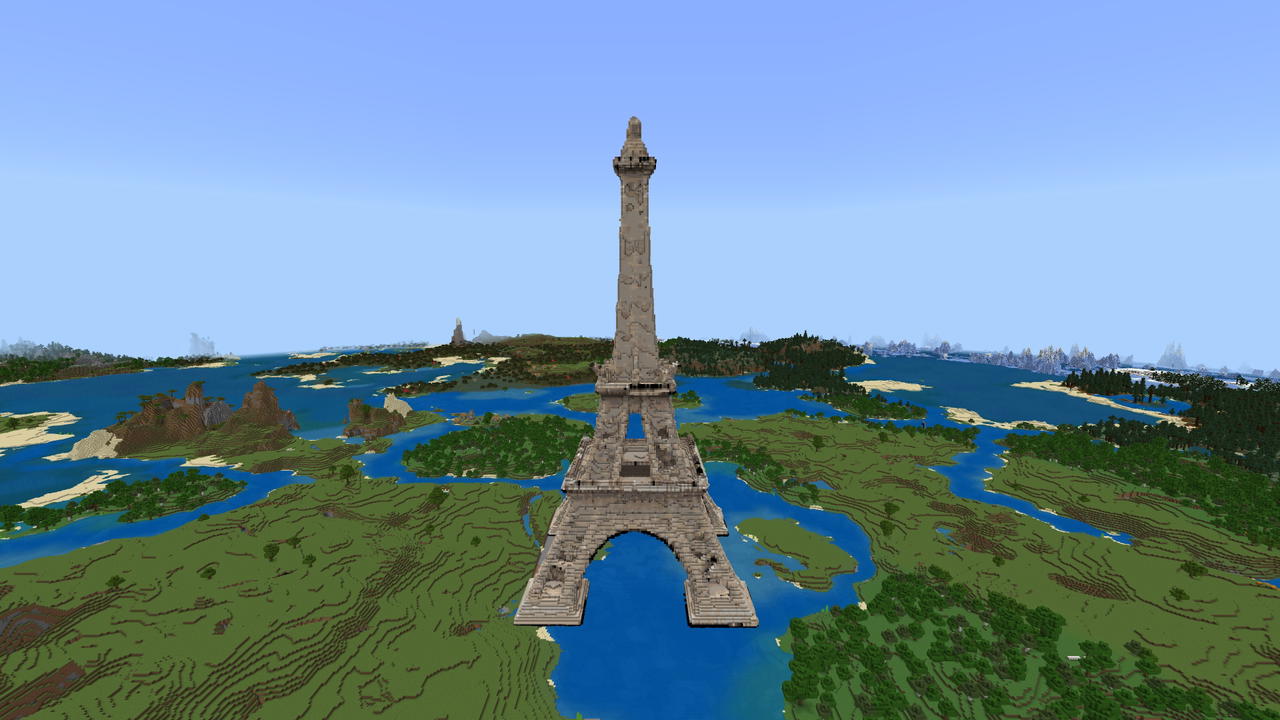
Eiffel Tower


Build a massive Eiffel Tower replica and transform your world with an iconic Parisian landmark.
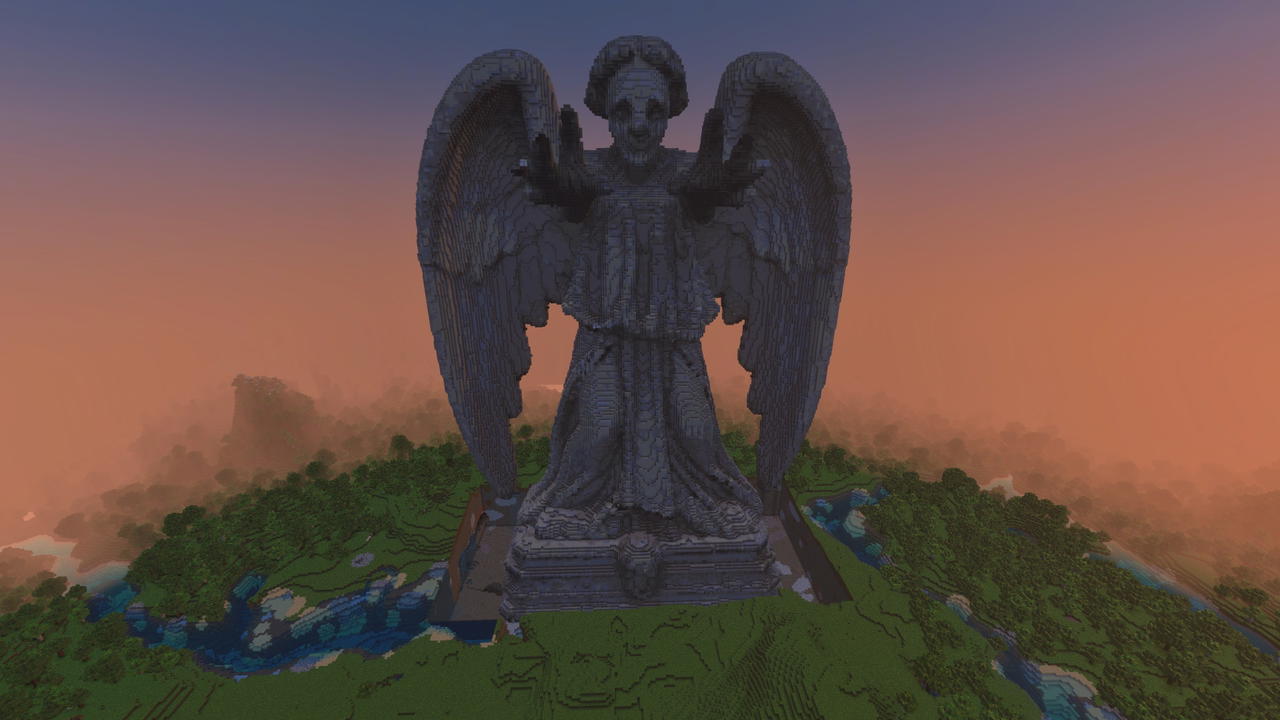
Weeping Angel
Build a terrifying giant stone angel that watches every step you take.
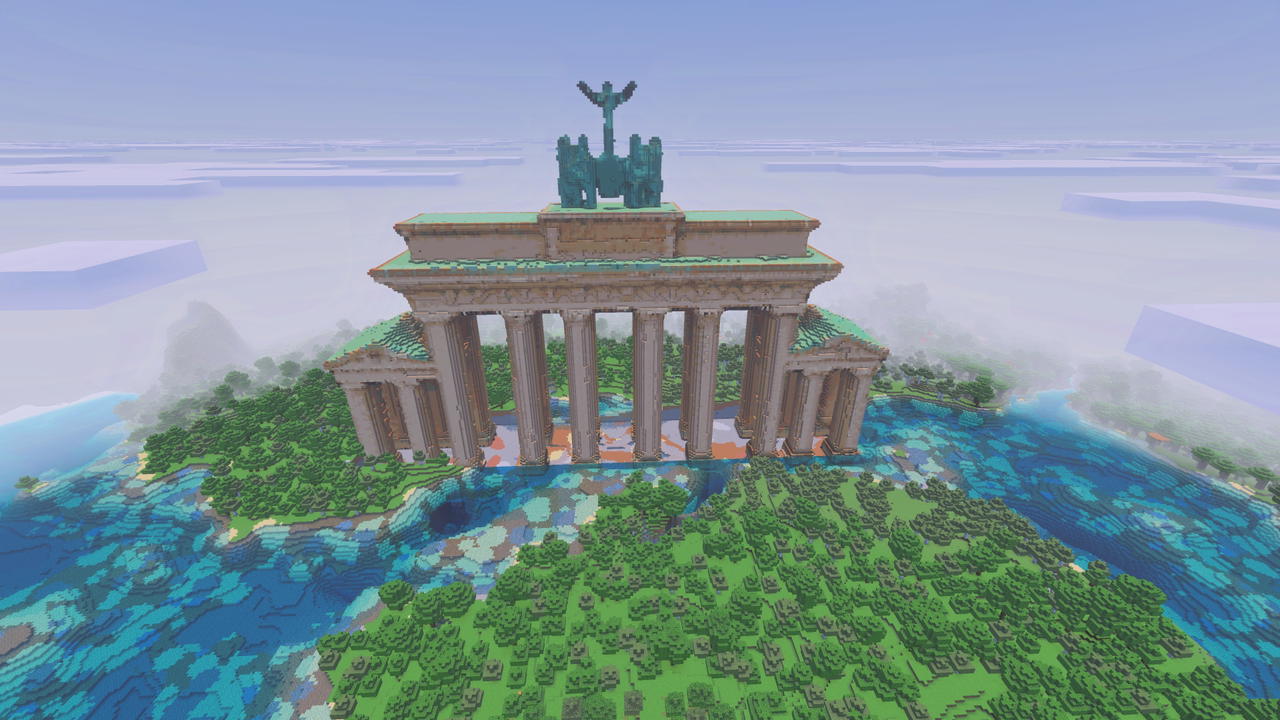
The Brandenburg Gate
Rebuild Berlin's iconic Brandenburg Gate and bring a historic landmark to life.
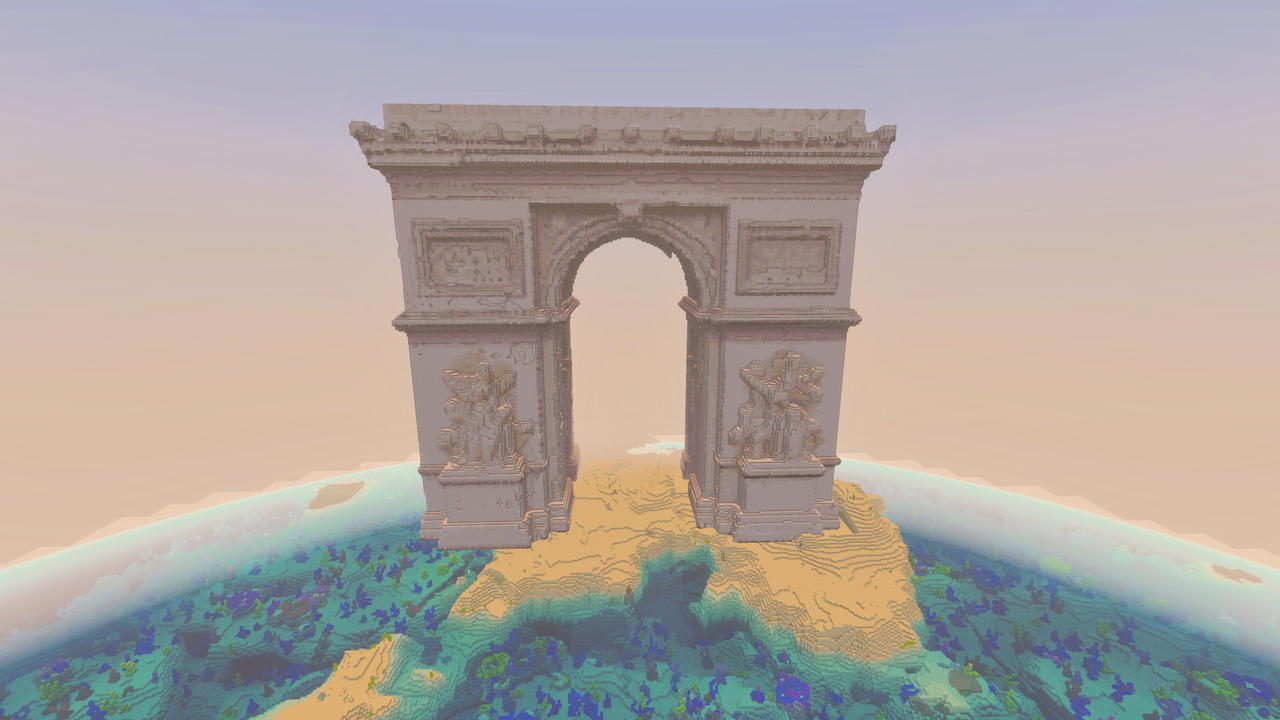
Arc De Triomphe
Bring Parisian grandeur to your world with a massive Arc de Triomphe replica.
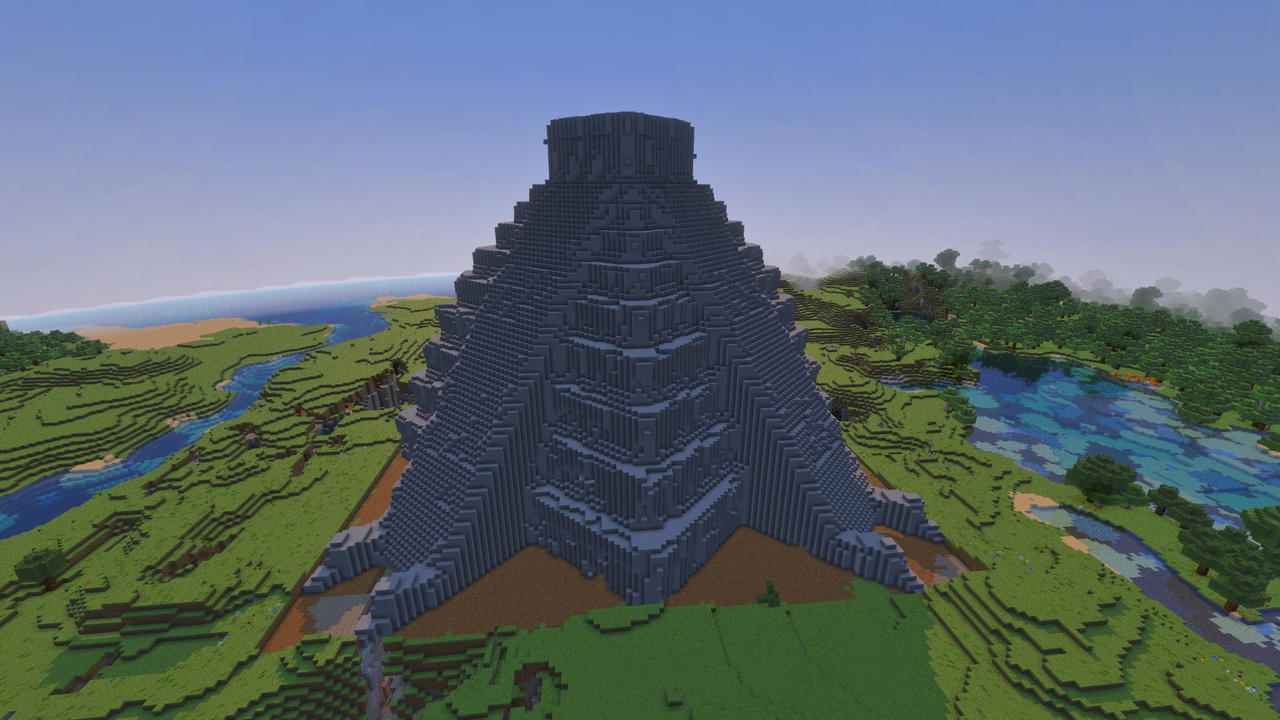
El Castillo
A monumental structure to accent your skyline with. This is a rendering of a 3D model of the famous step pyramid El Castillo at Chichen Itza.
This mod is licensed under the CreativeMode Mods License.