

Description
The Realmshift Atlas is a mystical item that automatically records every chunk you visit in the Overworld, Nether, and The End, tracking biome details and exploration progress so you can inspect a crisp, live map of any recorded dimension. Right‑click the atlas to cycle the selected dimension and Sneak (Shift) + Right‑click to open the map; while open use the mouse wheel to zoom, left‑click and drag to pan, and right‑click a location to place a labeled marker, edit an existing marker’s name, or delete a placed marker (markers are saved per dimension on the atlas). The map overlays helpful feature hints—water, lava, trees, villages, ruined portals, and common structures—highlights your current chunk, and includes an on‑screen legend to explain the symbols.
Mod Wiki
Realmshift Atlas
Quickstart
- Craft a Realmshift Atlas and keep it in your inventory while exploring.


- Travel through the Overworld, Nether, and The End. The atlas automatically records the chunks you visit, along with terrain and biome information.
- Right-click the atlas without sneaking to cycle the selected dimension.
- Sneak and right-click to open the map for the selected dimension.
- Try the map controls:
- Mouse wheel: Zoom in or out.
- Left-click and drag: Pan across the map.
- Right-click a location: Create a labeled marker.
- Right-click an existing marker: Edit its name or delete it.
- Done or Escape: Close the map.
Overview
The Realmshift Atlas is a single, permanently enchanted-glinting exploration item. It creates a separate live map for each tracked dimension and stores your exploration data and markers on the atlas itself.
The map shows:
- Recorded chunks and detailed terrain colors.
- Your current chunk and facing direction.
- Biome and tree information for the current area.
- Water, lava, trees, villages, ruined portals, and other structures.
- Live creature and threat information near your current location.
- A built-in legend explaining map colors and symbols.
What It Adds
Automatic exploration mapping
The atlas records exploration automatically while it is in your inventory. As you travel, newly encountered chunks are added to the appropriate dimension map.
Unvisited or distant terrain is not revealed simply by opening the atlas. Explore the area first to fill in its map.
Three separate dimension maps
The atlas keeps exploration data separate for:
- Overworld
- Nether
- The End
Right-clicking without Shift cycles the dimension currently selected by the atlas. The selected dimension is shown in the action-bar message and at the top of the map screen.
Terrain and field information
Recorded map areas use terrain colors to make coastlines, lava, vegetation, paths, caves, and other terrain easier to recognize. The field-notes panel can show information such as:
- Current chunk coordinates.
- Current biome.
- Nearby biomes.
- Tree types.
- Water, lava, trees, villages, portals, and structures.
- Passive creatures, villagers, and hostile creatures.
When exploring underground, the atlas can display an underground slice at your current Y level. The map panel identifies whether the displayed layer is the surface or an underground level.
How To Use
Selecting a dimension
Hold the atlas in either hand and right-click without sneaking. Each use advances the selected dimension:
Overworld → Nether → The End → Overworld
The atlas displays the selected dimension even when you are inspecting another recorded map. Your player arrow appears when the selected map matches the dimension you are currently in.
Opening the map
Sneak and right-click while holding the atlas. This opens the map for the currently selected dimension.
The map centers on your current area when opened. Use the mouse wheel to change the zoom level, from a broad regional view to a close terrain view. Left-click and drag to move the map.
Press Escape or select Done to return to the game.
Creating and managing markers
- Open the atlas map.
- Right-click the location you want to mark.
- Enter a label in the marker field.
- Select Save.
To rename a marker, right-click its location again, edit the existing label, and save it. The Delete button appears while editing an existing marker.
Markers are stored separately for each dimension on the atlas. A marker created in the Overworld will not appear on the Nether or End map.
Crafting And Obtaining
The recipe becomes available in the recipe book after entering a world. Craft the atlas at a crafting table:
In Creative mode, the Realmshift Atlas is available in the Tools item group. It does not stack, so each atlas is an individual exploration record.
Abilities And Mechanics
Map legend
The on-screen legend explains the map symbols and colors. Common hints include:
| Map hint | Meaning |
|---|---|
| Blue | Water |
| Orange | Lava |
| Green | Trees or canopy |
| Yellow | Village or structure |
| Gray | Common structure |
| Purple | Ruined portal |
| Red | Hostile creatures |
| Orange creature markers | Passive creatures and villagers |
The exact terrain shading also helps distinguish materials such as stone, dirt, sand, snow, Nether blocks, End stone, crops, and ice.
Current-location tracking
When viewing your current dimension, an arrow marks your position and facing direction. The current chunk is updated as you move, and the map can continue refreshing while it is open.
Dimension-specific records
Exploration progress, terrain snapshots, and markers are kept separately for each dimension. Use the dimension cycle before opening the map to inspect a different realm.
Progression And Strategy
- Craft the atlas early and leave it in your inventory during expeditions.
- Explore around new bases, villages, portals, and resource areas so they become visible on the map.
- Place labeled markers for bases, important structures, portals, farms, and safe routes.
- Zoom out to plan a journey, then zoom in to follow terrain and landmarks.
- Revisit underground areas at different heights when you want the atlas to record a more useful cave or mining-level view.
- Before entering the Nether or The End, right-click to select that dimension and open its map afterward to review your progress.
How to install
This Java mod can be used on Windows and Mac PCs with the CreativeMode Launcher or any Minecraft launcher of your choice.

1. Download and install the new CreativeMode Launcher

2. Click to play on the top of the screen.
3. That's it — launches instantly. No complicated setup required.
Want to use on a different launcher? Download mod and manually install.
Ported from
Realmshift Atlas
zagizenken
Java 1.21.5
Players also liked
Olympus

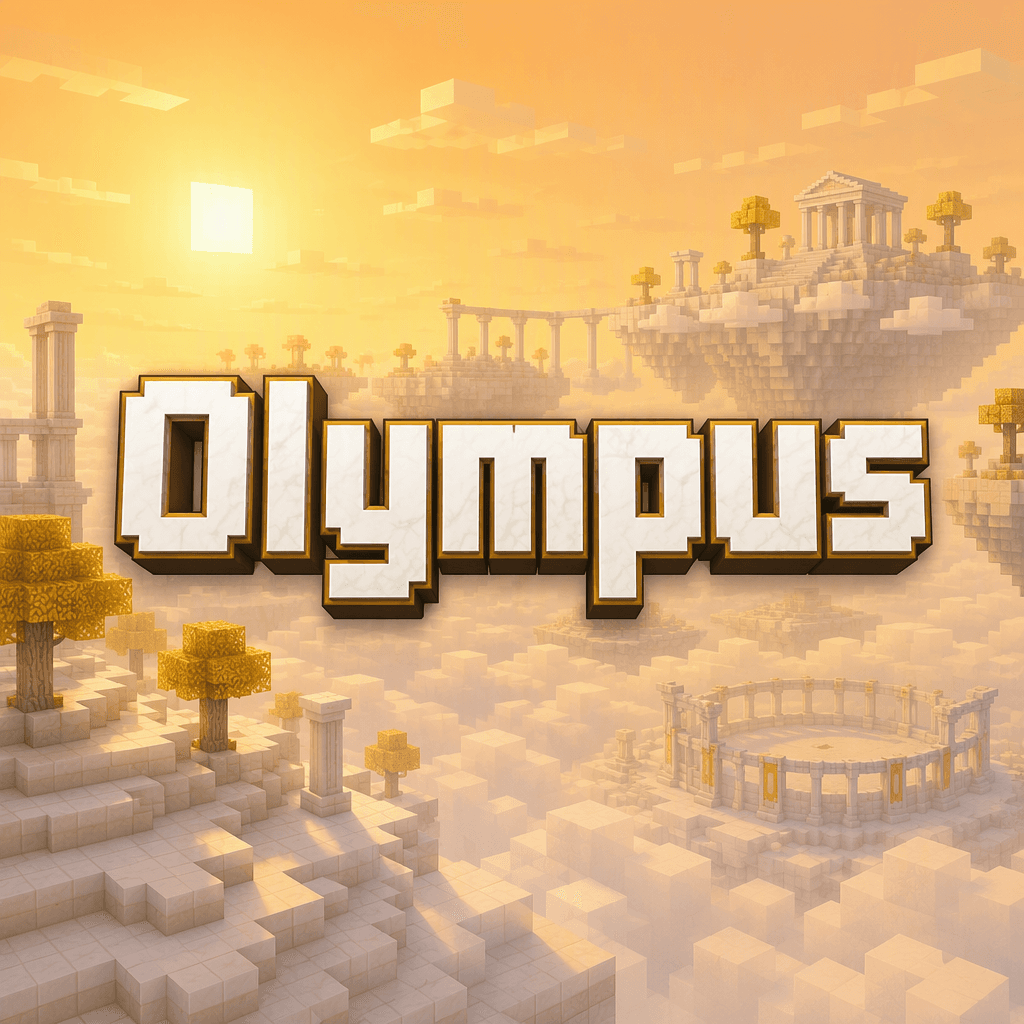
Hey y'all! Explore Olympus, a majestic, golden sky-world composed entirely of sweeping, floating quartz islands and solid, walk-on cloud blocks suspended high above the mortal realm. Heavily based on Rick Riordan's legendary book series, this divine dimension is bathed in an eter…
The Virus Mod


Enter Hygron rifts to be pulled into the Hygron Core — a sprawling raid stronghold of themed sections (corrupted courtyards, labs, cathedrals, factories, mirror halls, sky bridges and a final castle) where you fight patrols, ambushes, minibosses and cinematic bosses to unlock pro…
This mod is licensed under the CreativeMode Mods License.