

Description
Ravenous Chunk Eater transforms the Chunk Breaker into an unstoppable world-eating machine. Activate it once, then run as it devours an entire chunk every 20 seconds, destroying terrain down to bedrock and collecting valuable resources along the way. Keep moving, because the eater never stops and the next chunk is always its next meal. Your challenge is to try to finish the game with the Chunk Eater nipping at your heels, as a bonus difficulty, the Chunk Eater will be depositing all of the ores it gets straight into your inventory... sometimes faster than you can empty it. Good luck!
Mod Wiki
Ravenous Chunk Eater
Quickstart
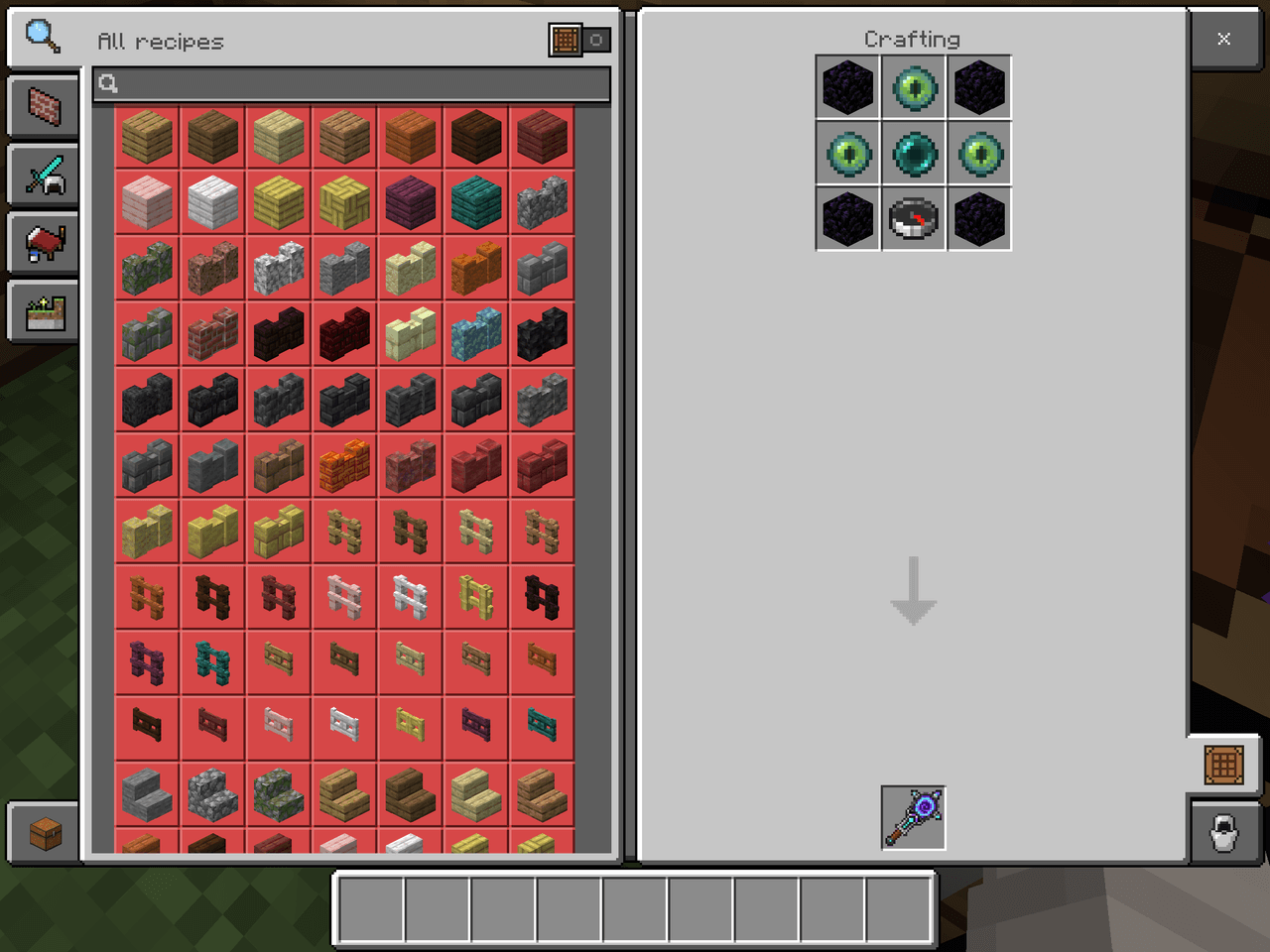
- Craft the Ravenous Chunk Eater at a crafting table:


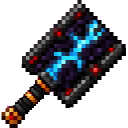
- Select it in your hotbar and use it once. It activates in the chunk containing your current position.
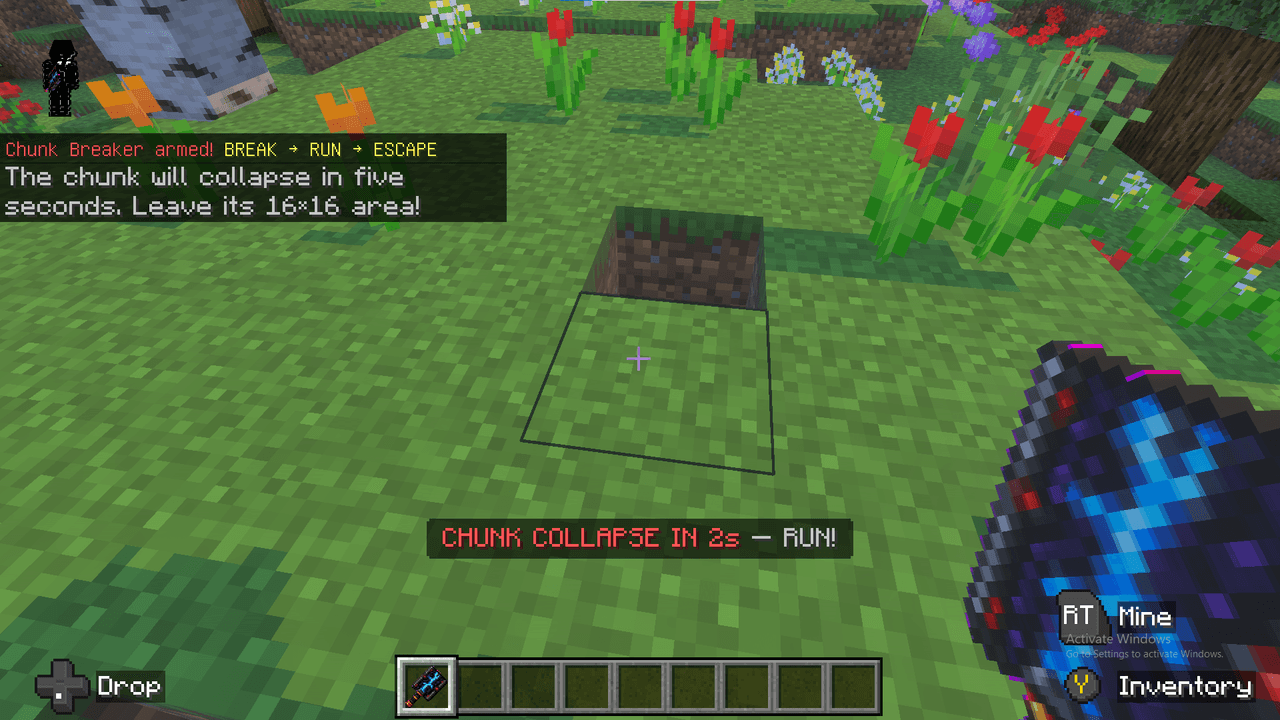
- After a five-second countdown, move away immediately. The eater consumes the starting chunk and continues searching for its next meal.
- Keep moving and watch the action bar for its current target, eating progress, and countdown to the next chunk.
You can also obtain one in Creative or with:
/give @s com_ravenous_chunk_eater_reyjyvnj:chunk_breaker 1
Overview
The Ravenous Chunk Eater is a powerful tool that turns an entire Minecraft world into a moving mining zone. Once activated, it destroys complete chunks from the top of the dimension down through its full vertical range, collecting valuable resource rewards as it works.
Activation is effectively permanent for the world. The eater does not pause when you stop looking at it, and it continues running if you leave and rejoin the world.
What It Adds
- The Ravenous Chunk Eater hand-held tool
- Automatic 16×16 chunk destruction
- Five-second startup countdown
- Directional chunk selection based on your movement
- Progress updates while a chunk is being consumed
- Resource rewards after each completed chunk
- A single autonomous eater per world
How To Use
Activate the Eater
Hold the Ravenous Chunk Eater and use it once. The chunk containing your current position becomes the starting point.
The game displays:
- A five-second countdown before eating begins
- The current meal chunk coordinates
- The eater's movement mode
- The percentage and number of blocks processed
- The number of chunks consumed
- The time until its next meal
Escape
Move away as soon as the countdown starts. The eater follows your general direction as it chooses new chunks.
Its behavior depends on how far away you are:
- Within 30 blocks: It works around you in an expanding perimeter.
- At medium distance: It tracks toward your direction.
- Beyond 60 blocks: It closes in using the most direct route available.
The eater continues advancing even if you stop moving, so maintain a safe distance.
Recover Your Rewards
When a chunk is finished, its recognized resources are delivered to the activating player. Keep open inventory space; if your inventory cannot hold everything, some rewards are lost and a warning is displayed.
Do Not Activate Another Eater
Only one Ravenous Chunk Eater can be loose in a world at a time. Using another one while an eater is active does not create a second eater.
There is no normal stop interaction. Activate it only when you are ready for an ongoing world-destruction challenge.
Crafting And Obtaining
Craft the Ravenous Chunk Eater at a crafting table using:
- Obsidian
- Diamonds
- Redstone blocks
- A Netherite ingot
The item is also available from the Creative inventory under equipment.
Abilities And Mechanics
Chunk Consumption
Each meal is a complete 16×16 chunk. The eater processes the chunk through the dimension's entire vertical height, destroying terrain down to bedrock and gathering supported resource rewards.
The next target is selected according to your position and direction, causing the eaten area to spread as you run.
Progress Display
While a chunk is being consumed, the action bar shows the target chunk and processing progress. After completion, it announces the total number of chunks eaten and begins the next cycle.
Messages such as LEASH BREAK, HUNTING RING, and TRACKING indicate how the eater is approaching its next target.
Normal Tool Functions
Before activation, the item also works as a fast mining tool for blocks normally broken with pickaxes, shovels, and axes.
- Durability: 4,096
- Attack damage: 8
- Mining speed: 24 for supported tool blocks
Its normal mining ability does not replace the world-eating effect: using the item activates the eater.
Progression And Strategy
- Prepare a large storage area before starting so resource rewards have somewhere to go.
- Activate the eater away from bases, farms, villages, portals, and other structures you want to keep.
- Start in an area with clear paths so you can escape quickly.
- Keep moving rather than circling near the eater; close-range hunting behavior can bring the next meal toward you.
- Watch the action bar instead of returning to inspect the active chunk.
- Treat every activation as a world-scale challenge, since the eater continues consuming chunks until it has no more scheduled meals.
How to install
Download the mod and follow the step-by-step installation guide.
Remixed from
Chunk Breaker
ronin2015
Bedrock 1.21.93
Players also liked



Sculk Lifeblade


Wield the Sculk Lifeblade and become an unstoppable, lightning-fast powerhouse.
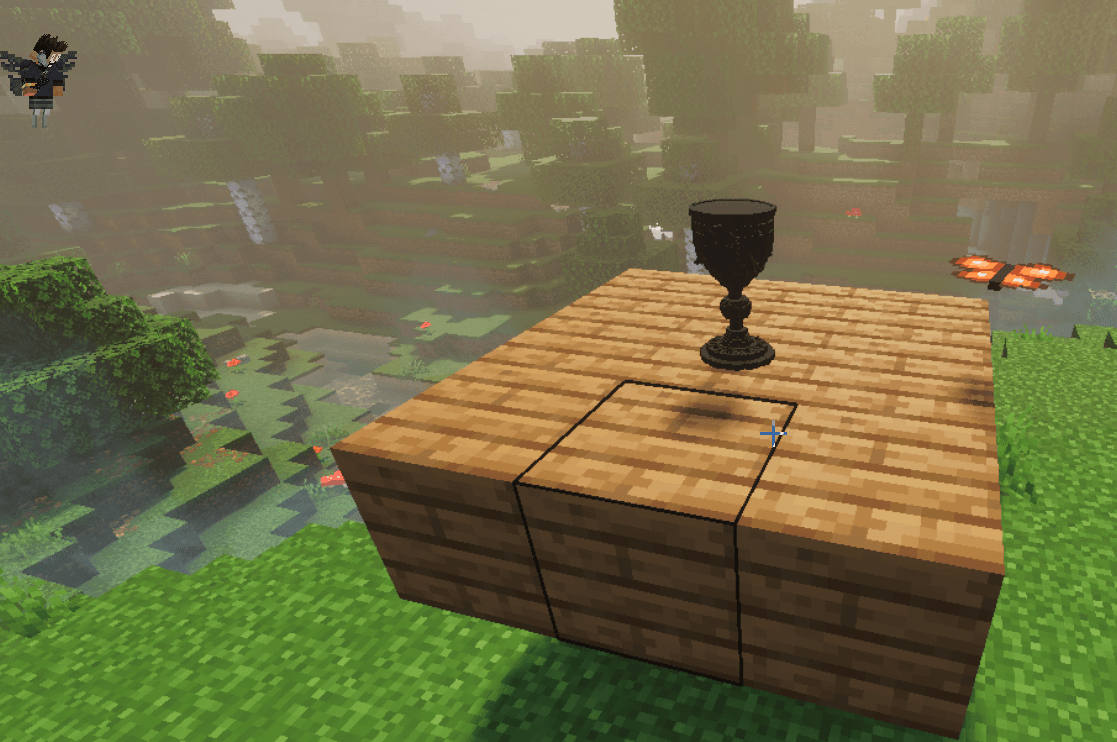
Obsidian Goblet


A goblet made of obsidian. My 5/10 Furniture model I am sharing here on creativemode from my portfolio! :)


This mod is licensed under the CreativeMode Mods License.