

Description
# ⛏️ Chunk Breaker **Chunk Breaker** is a powerful Minecraft Bedrock add-on that allows you to completely destroy an entire chunk by breaking just **one block** with the Chunk Breaker. ## 💥 Complete Chunk Destruction When you break a block inside a chunk using the **Chunk Breaker**, the entire chunk is destroyed all the way down to **Bedrock**. Every block and material inside the chunk is processed automatically. ## 💎 Automatic Resource Collection Any valuable resources found inside the destroyed chunk are automatically collected and transferred directly into your inventory. This includes: * Iron * Gold * Diamonds * And other valuable materials You don't have to run around collecting the drops yourself. ## 🔥 Automatic Smelting Any materials that can be smelted are **automatically smelted** during the chunk-breaking process. The finished materials are then sent directly into your inventory. No furnace is needed. ## ⏱️ Five-Second Escape The moment you break the first block, a **5-second countdown** begins. You have five seconds to escape the chunk before it is completely deleted. If you're still inside when the chunk disappears, the ground beneath you is gone. **You fall straight into the void.** So when you activate the Chunk Breaker: **BREAK → RUN → ESCAPE** ## ✅ Chunk Break Complete Once the chunk has been completely destroyed and its resources have been processed, the system displays: > **Chunk Break Complete** This confirms that the entire chunk has finished breaking. # ☠️ One Block. One Chunk. Five Seconds. Break one block. Collect the resources. Get out before the chunk disappears. **Because if you're still inside when the Chunk Breaker finishes... you're going straight down.**
Mod Wiki
Chunk Breaker
Quickstart
- Craft a Chunk Breaker at a crafting table:


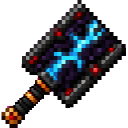
- Place the Chunk Breaker in your hotbar and select it.
- Stand inside the chunk you want to clear.
- Break one block with the Chunk Breaker.
- Immediately leave that chunk’s entire 16×16 area before the five-second countdown ends.
- Wait for the collapse to finish. Valuable resources are smelted and delivered automatically, followed by the “Chunk Break Complete” message.
Remember:
BREAK → RUN → ESCAPE
Do not remain over the chunk while it is being cleared.
Overview
Chunk Breaker turns one block break into a complete chunk-clearing operation. The chunk containing the broken block is processed from the bottom of the dimension’s vertical range to the top.
All non-air, non-bedrock blocks in the 16×16 chunk are removed. Bedrock remains in place.
The Chunk Breaker can be used in the dimension where you activate it, including the Overworld, Nether, and End.
What It Adds
- The craftable Chunk Breaker tool
- One-block activation for clearing a full chunk
- A five-second escape countdown
- Automatic processing of valuable ores and resource blocks
- Automatic smelting of applicable resources
- Automatic reward delivery to the player’s inventory
- Breaking progress shown in the action bar
- A completion message when the chunk is finished
How To Use
Activate a Chunk
Hold the Chunk Breaker in your selected hotbar slot and break any suitable block. The chunk is determined by the position of the block you break, not by your exact position afterward.
After activation, you will see:
- “Chunk Breaker armed!”
- A warning to leave the chunk’s 16×16 area
- An action-bar countdown beginning at five seconds
The Chunk Breaker activates when a block is successfully broken. It is not activated by merely holding the item or attacking.
Escape the Chunk
Run outside the complete 16×16 area of the target chunk before the countdown reaches zero. Leaving only the block you originally broke is not enough—the whole chunk area must be clear of your position.
When the countdown ends, the chunk begins collapsing. The action bar displays the breaking progress while the chunk is processed.
Collect the Rewards
When processing finishes, the game displays:
Chunk Break Complete
The qualifying resources are automatically smelted or converted and then added to your inventory. If your inventory cannot hold everything, leftover rewards may appear at your location instead.
Crafting And Obtaining
The Chunk Breaker is crafted at a crafting table using:
- Obsidian
- Diamonds
- Redstone blocks
- A Netherite ingot
It is also available in the Creative inventory under the equipment category.
Abilities And Mechanics
Full-Chunk Clearing
One activation processes a complete 16×16 chunk, across the dimension’s available vertical range. Ordinary blocks such as stone and dirt are cleared but are not dumped into your inventory.
Bedrock is not removed.
Automatic Resource Processing
The following resources are collected and converted automatically when found in the chunk:
| Blocks found | Reward |
|---|---|
| Iron ore, deepslate iron ore, raw iron | Iron ingots |
| Iron blocks | 9 iron ingots |
| Gold ore, deepslate gold ore, raw gold | Gold ingots |
| Gold blocks | 9 gold ingots |
| Copper ore, deepslate copper ore, raw copper | Copper ingots |
| Copper blocks | 9 copper ingots |
| Ancient debris | Netherite scraps |
| Diamond ore and deepslate diamond ore | Diamonds |
| Diamond blocks | 9 diamonds |
| Emerald ore and deepslate emerald ore | Emeralds |
| Emerald blocks | 9 emeralds |
| Coal ore and deepslate coal ore | Coal |
| Coal blocks | 9 coal |
| Redstone ore and deepslate redstone ore | 4 redstone |
| Redstone blocks | 9 redstone |
| Lapis ore and deepslate lapis ore | 4 lapis lazuli |
| Lapis blocks | 9 lapis lazuli |
| Nether quartz ore | Quartz |
| Glowstone | 4 glowstone dust |
The rewards are delivered when the chunk finishes processing. Keep free inventory space available, especially when clearing ore-rich areas.
Countdown And Progress
The five-second countdown begins immediately after activation. During it, the action bar warns you how much time remains.
Afterward, messages indicate that the chunk is collapsing and show the clearing percentage. Large vertical areas may take longer to finish processing than smaller ones.
Tool Performance
The Chunk Breaker functions as a tool for blocks normally suitable for pickaxes, shovels, and axes. It has:
- Mining speed: 24
- Durability: 4096
- Attack damage: 8
These tool properties are separate from its chunk-clearing ability: breaking one block successfully with the item starts the chunk operation.
One Active Chunk Per Player
A player can have only one chunk being processed at a time. A chunk already being processed cannot be claimed again until its operation finishes.
Progression And Strategy
- Craft the Chunk Breaker only after preparing a reliable escape route.
- Clear chunks from a safe platform or elevated position so you can move away quickly.
- Mark the chunk boundaries before activating the tool; chunks are 16×16 blocks wide.
- Keep your inventory partly empty before starting an operation.
- In the Nether, prepare for lava and hostile terrain around the target area.
- Avoid activating it near builds, farms, storage, or other structures you want to keep.
- Watch the action bar and continue moving until you are fully outside the target chunk.
- Use the completion message as confirmation that the resources have been processed and the operation is over.
How to install
Download the mod and follow the step-by-step installation guide.
Players also liked




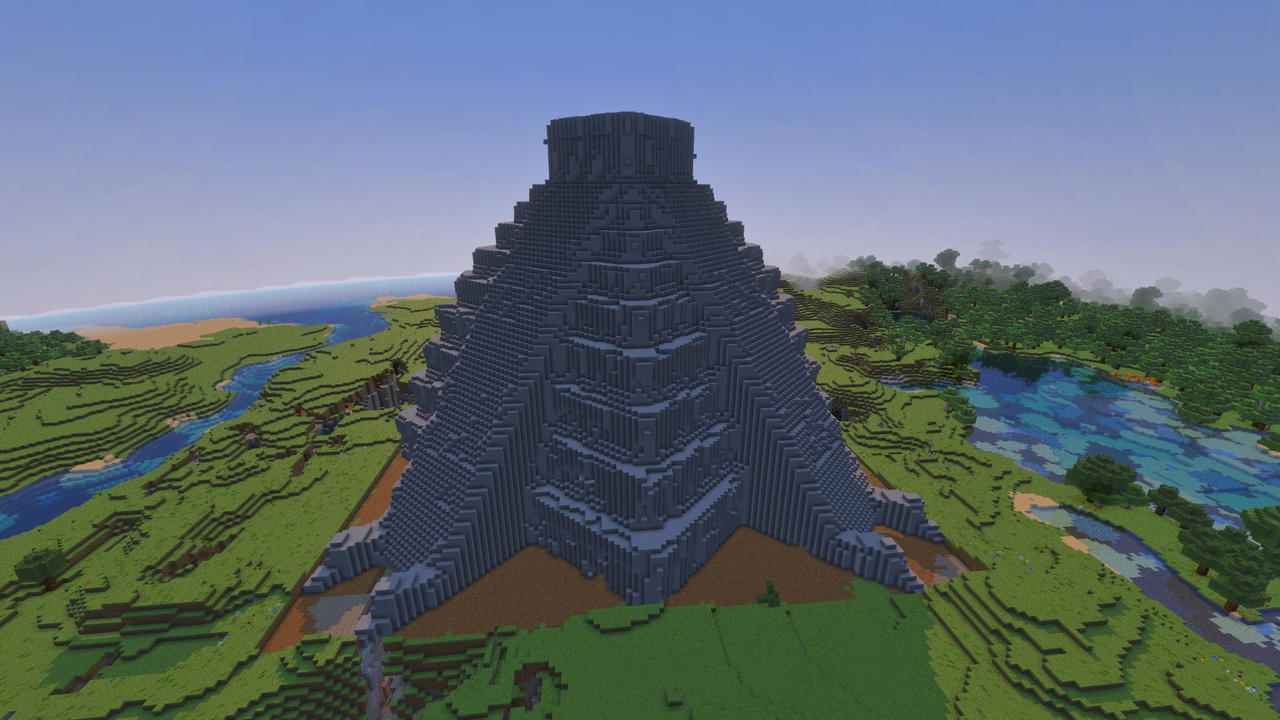
El Castillo


A monumental structure to accent your skyline with. This is a rendering of a 3D model of the famous step pyramid El Castillo at Chichen Itza.
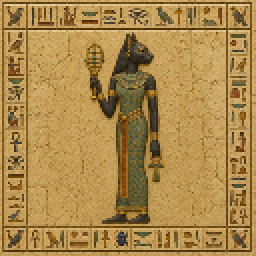
Bastet
Bastet: a placeable decorative block with an Egyptian-themed texture for use in themed builds.
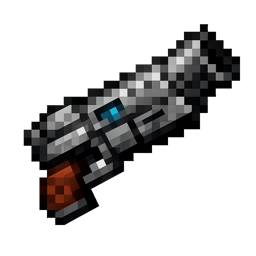
Shotgun

The Scattershot Blaster fires rapid, short-range multi-pellet shotgun bursts after a short charge with strong knockback; right-click to fire (consumes arrows or compatible ammo) and left-click for a weaker melee strike. Each pellet now deals 7 damage (14 when the blaster has Powe…
This mod is licensed under the CreativeMode Mods License.