

Description
Pocket Arena: a compact, Pokémon Stadium–inspired circular arena with tiered spectator seating, a central raised battle platform, surrounding concourse and entrance arches, decorative lighting and scoreboard elements, colored seating bands, and a partial glass skylight. Purely decorative and non-functional—meant as a small stadium feature for builds and scenes.
Mod Wiki
Pocket Arena
Quickstart
- Install the
.mcaddonfile — both the behavior and resource packs will be applied to your world automatically. - Open your inventory (Creative mode) and find the Pocket Arena Wand in the Equipment tab.
- Pick a flat, open area at least ~130 × 130 blocks wide with plenty of vertical clearance (~65 blocks tall).
- Use (hold) the Wand — it fires a projectile in the direction you're aiming. Where the projectile lands, the full arena structure is placed block-by-block around that impact point.
- Stand back and watch the stadium assemble itself!
Tip: Aim at ground level in the center of your intended build site. The arena is placed relative to the projectile's landing position, so precision pays off.
Overview
Pocket Arena is a purely decorative stadium structure inspired by Pokémon Stadium. It generates a compact circular arena complete with:
- A central raised battle platform
- Tiered spectator seating with colored seating bands
- A surrounding concourse and entrance arches
- Decorative lighting and scoreboard elements
- A partial glass skylight overhead
There are no functional game mechanics — no battles, no NPCs, no loot. It is a scene-building and creative-build asset designed to drop a polished stadium into any world instantly.
What It Adds
| Item | Description |
|---|---|
| Pocket Arena Wand | Hand-held tool that fires a placement projectile to spawn the arena |
| Arena Structure | ~128 × 128 footprint, ~64 blocks tall, assembled from custom-colored blocks |
The arena uses a large set of custom solid blocks in precise colors to achieve its stadium aesthetic. These blocks are part of the structure and are not individually obtainable through normal means — they exist solely to make up the arena's appearance.
How To Use
Placing the Arena
- Equip the Pocket Arena Wand from the Equipment section of the Creative inventory.
- Look toward the ground where you want the center of the arena to appear.
- Hold Use (right-click / hold the interact button) to fire the wand projectile.
- The wand has a 2-second cooldown between shots — you cannot accidentally double-place.
- A particle effect appears at the impact point as the structure loads in.
Placement Tips
- The structure extends roughly 64 blocks in each horizontal direction from the impact point, and ~64 blocks upward from one block above the ground.
- Place on a flat surface — the arena does not conform to terrain. Uneven ground will leave gaps beneath the structure.
- Undo is not built in. Before placing, consider making a copy of your world or using a backup, as removing the arena requires manually deleting hundreds of custom blocks.
Removing the Arena
There is no "remove" wand. To clear the arena:
- Use
/fillcommands to replace the area with air, or - Break blocks manually (each custom block takes about 1.5 seconds to mine by hand and has zero explosion resistance, so TNT or other explosions will clear them instantly).
Abilities And Mechanics
- The Pocket Arena Wand behaves like a ranged launcher — it shoots a slow-arc projectile (similar to a snowball trajectory) that triggers the structure placement on impact with any block or entity.
- The placement itself is block-by-block, meaning you'll see the arena "build itself" visually over a short time rather than appearing all at once.
- The projectile deals no damage but does apply a small knockback on hit, so aim away from other players or mobs.
- The wand has a 2-second cooldown after each shot to prevent accidental duplicate placements.
Progression And Strategy
Because Pocket Arena is a creative/decorative mod, there is no progression system. Here are some scene-building suggestions:
- Center it on a megabuild — the arena works well as a focal feature in adventure maps, hub worlds, or Pokémon-themed worlds.
- Surround it with pathways — the entrance arches on the concourse level are great anchor points for roads or plazas leading out into your world.
- Light the interior — the existing decorative lighting sets the mood, but you can supplement with additional light sources inside the battle platform area.
- Combine with custom NPCs or command blocks — since the arena is purely decorative, you can add your own battle or event logic on top of it.
How to install
Download the mod and follow the step-by-step installation guide.
Players also liked
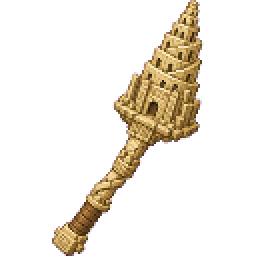
Tower Of Babel


Enormous ziggurat-style Tower of Babel modeled in sandstone and going from ground level to Y-300. Takes about 45 seconds to generate due to it's size.
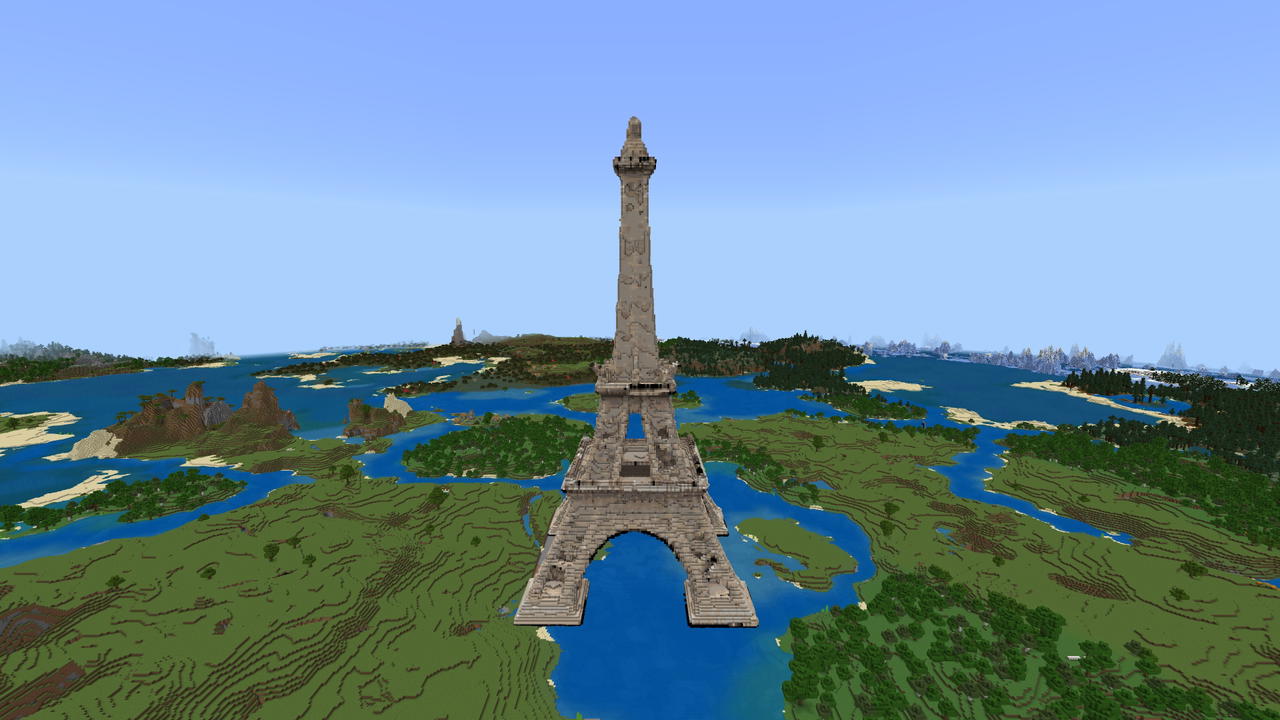
Eiffel Tower
Build a massive Eiffel Tower replica and transform your world with an iconic Parisian landmark.
petite base


The Voidbound Stone Vault is a single‑use Stone Void Cube that creates and permanently force‑loads a five‑room stone-and-sea‑lantern vault at X=50,000 Y=200 Z=50,000 — a central 32×32 chamber with four attached 32×32 rooms; all stone and sea‑lantern blocks are protected from brea…
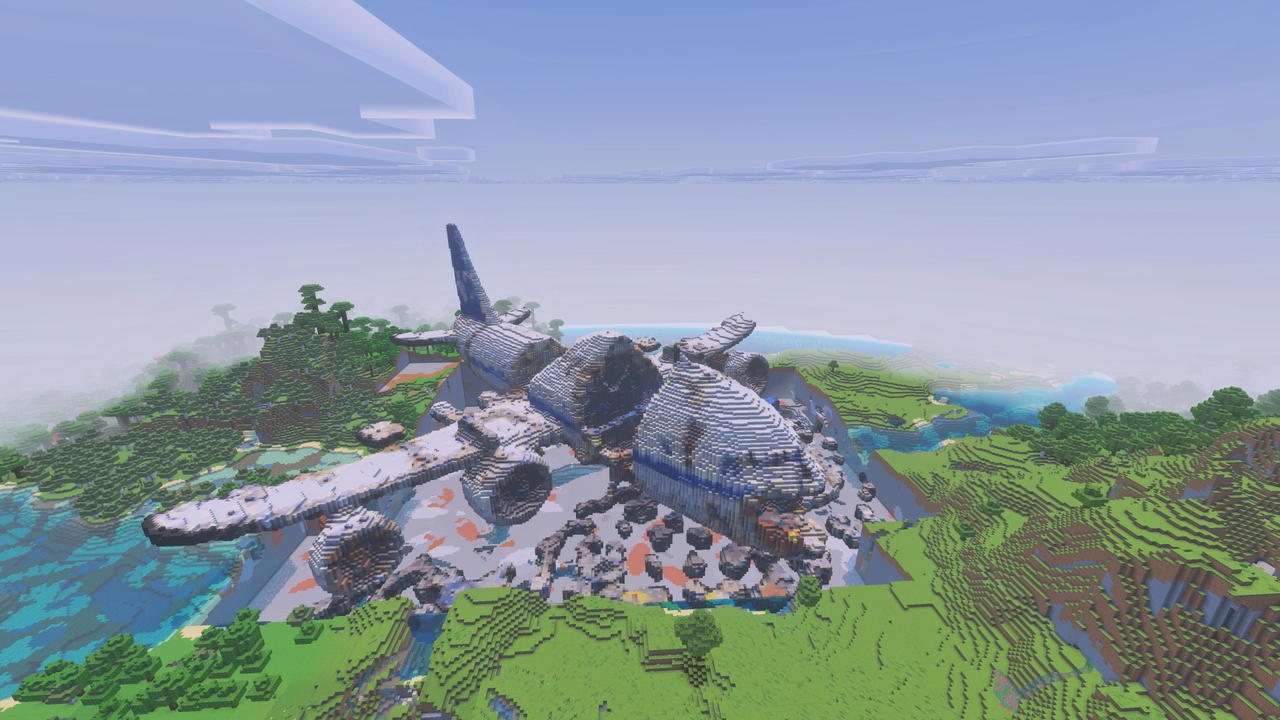
The Crash
Explore a massive airplane wreck and uncover the secrets buried beneath The Crash.
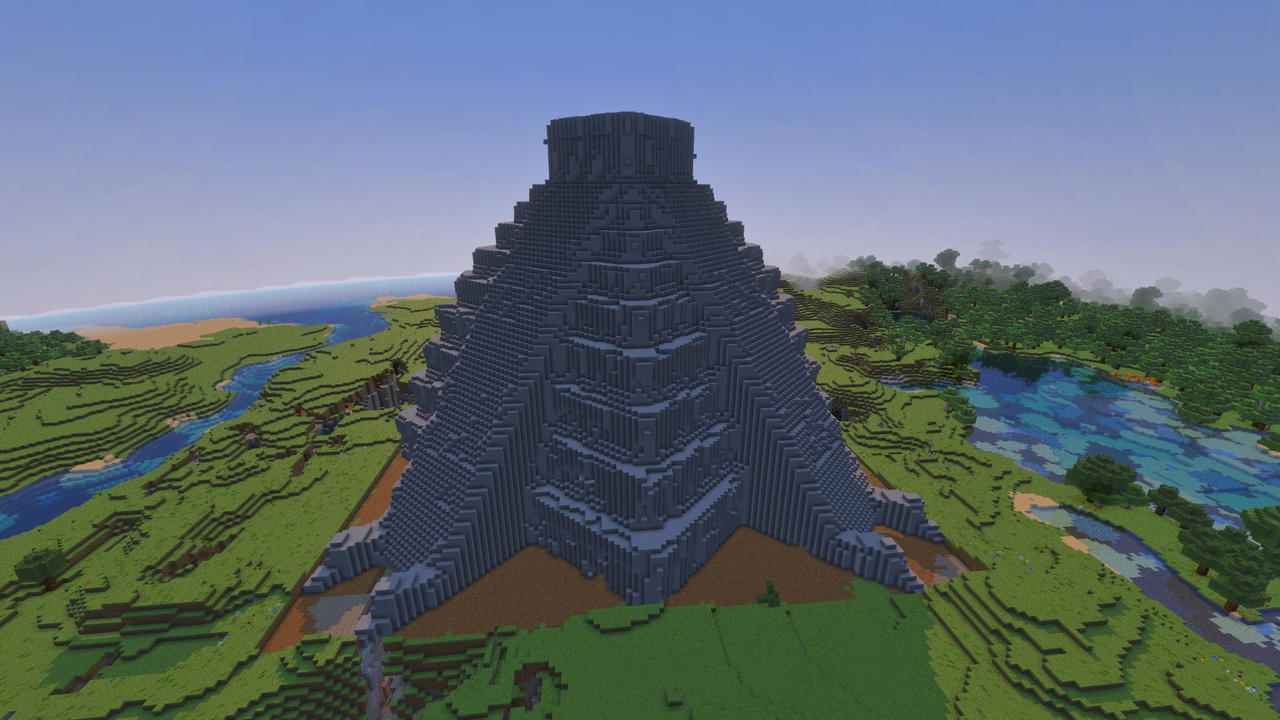
El Castillo
A monumental structure to accent your skyline with. This is a rendering of a 3D model of the famous step pyramid El Castillo at Chichen Itza.
This mod is licensed under the CreativeMode Mods License.