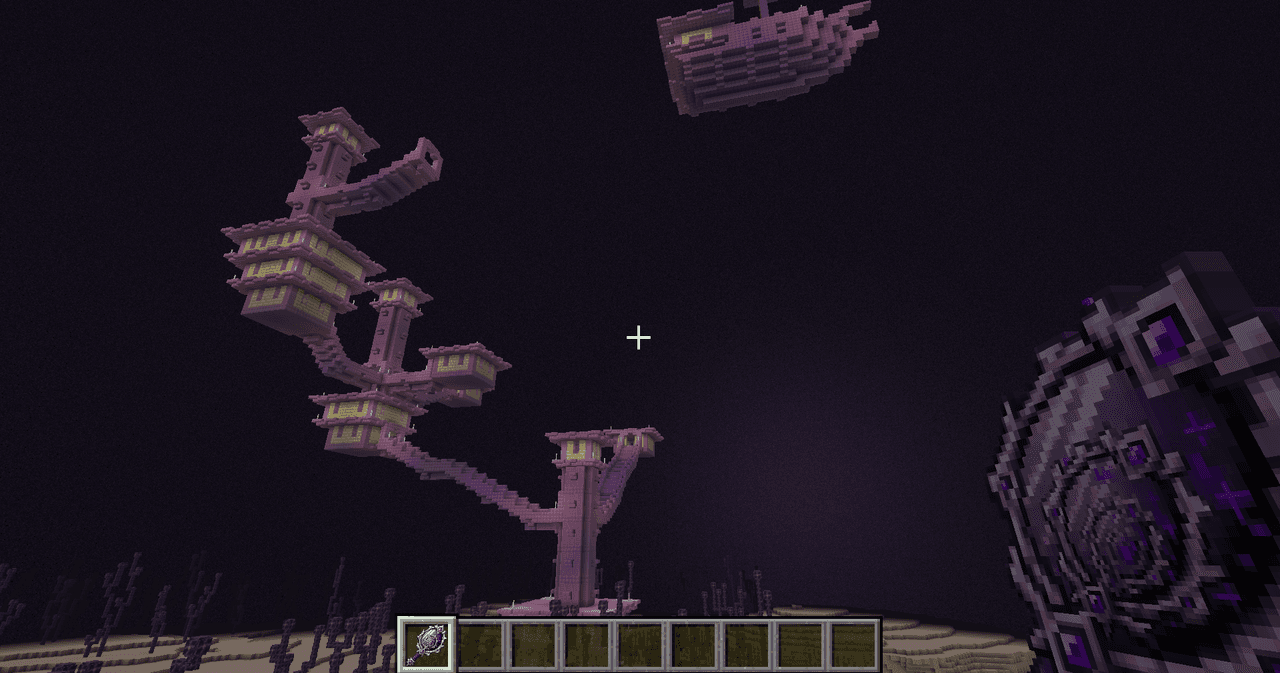
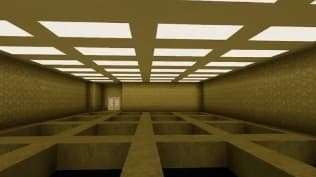
Description
Panorama Shuffle is a client-side mod that replaces Minecraft's static title screen background with a randomized selection from any complete panorama sets found in your loaded resource packs. Fully configurable via Mod Menu, it allows you to curate your favorite backgrounds, adjust rotation speeds, and toggle transition behaviors—all seamlessly saved between sessions.
R): Instantly reroll the panorama while on the title screen.F): Accelerate the panorama rotation speed while the key is held.Control how and when the mod picks a new background. You can change this by clicking Shuffle Mode in the config screen.
| Mode | Behavior |
|---|---|
| Automatic & Manual (Default) | A new panorama is quietly pre-selected every time you return to the title screen or reload resources. Manual shuffling with R is also enabled. |
| Manual Only | The current panorama is locked in place across world loads and menu transitions. It will only change if you explicitly press R. |
Control how the accelerated spinning behaves. Spin speed is adjustable in 0.1 increments using the − and + buttons in the config. Click the speed display label to reset it to the default.
| Mode | Behavior |
|---|---|
| Keybind (Default) | Hold F on the title screen to spin faster; returns to normal vanilla speed when released. |
| Continuous | The panorama always spins at your configured fast speed automatically. The keybind is disabled. |
The mod automatically detects custom panorama sets added through standard resource packs. You do not need to write any code to add new backgrounds.
File Requirements & Formatting: For the mod to recognize a panorama, you must include a complete set of exactly six images formatted for a standard skybox cube.
assets/minecraft/textures/gui/title/background/_0.png through _5.png.Example Directory Structure: If you are creating a "nether" themed panorama, your files must be named exactly as follows:
nether_0.png (Front)nether_1.png (Right)nether_2.png (Back)nether_3.png (Left)nether_4.png (Top)nether_5.png (Bottom)Once your resource pack is enabled in-game, the mod will instantly detect the nether prefix and add it to your shuffle pool. You can verify it loaded by checking the Mod Menu configuration screen.
F3 + T) to prevent visual glitches or crashes.This Java mod can be used on Windows and Mac PCs with the CreativeMode Launcher or any Minecraft launcher of your choice.

1. Download and install the new CreativeMode Launcher

2. Click to play on the top of the screen.
3. That's it — launches instantly. No complicated setup required.
Want to use on a different launcher? Download mod and manually install.


Press Shift+M to open the Super Duper Stuff Menu — a sleek item browser that hides vanilla items and creates alphabetically sorted tabs for each installed mod while still offering smart categories like Building Blocks, Cool Weapons, Tasty Treats, Wacky Mobs, and Magical Stuff; cl…
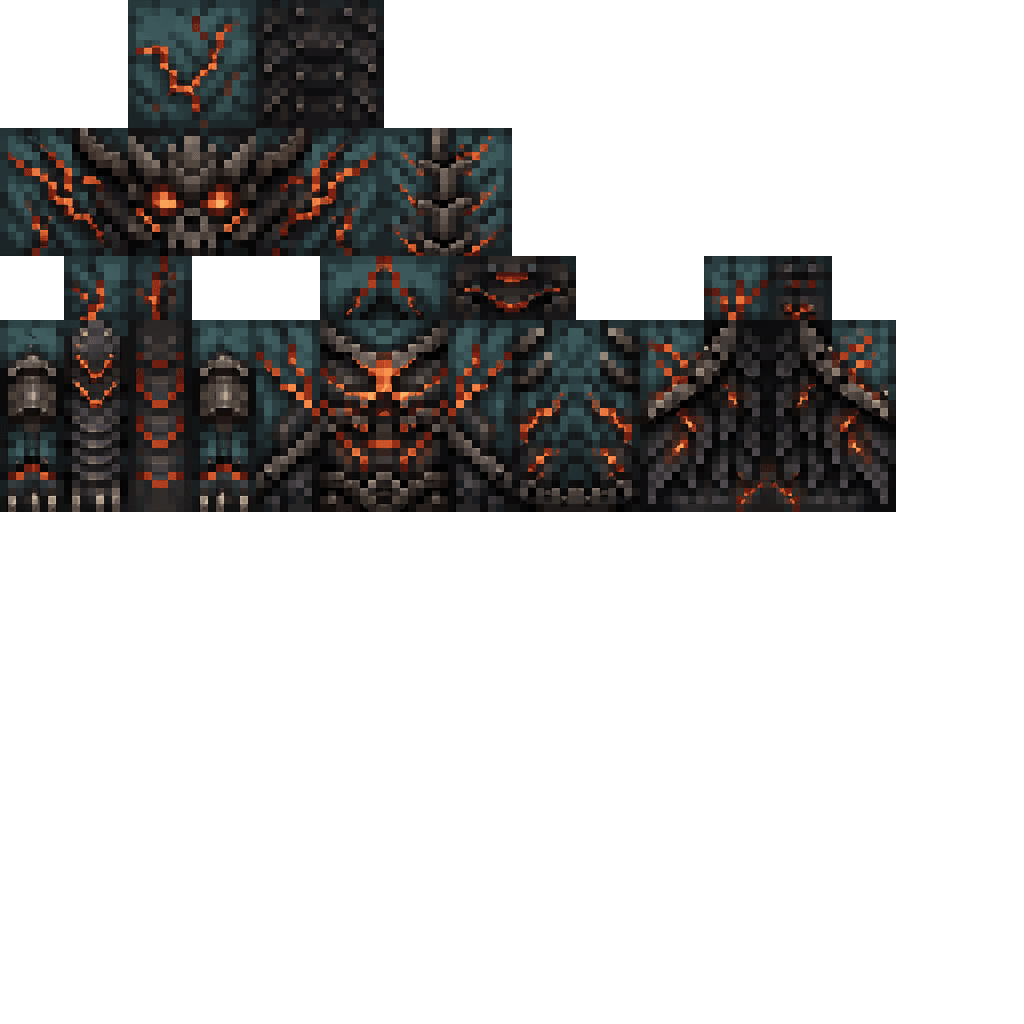


Enter Hygron rifts to be pulled into the Hygron Core — a sprawling raid stronghold of themed sections (corrupted courtyards, labs, cathedrals, factories, mirror halls, sky bridges and a final castle) where you fight patrols, ambushes, minibosses and cinematic bosses to unlock pro…
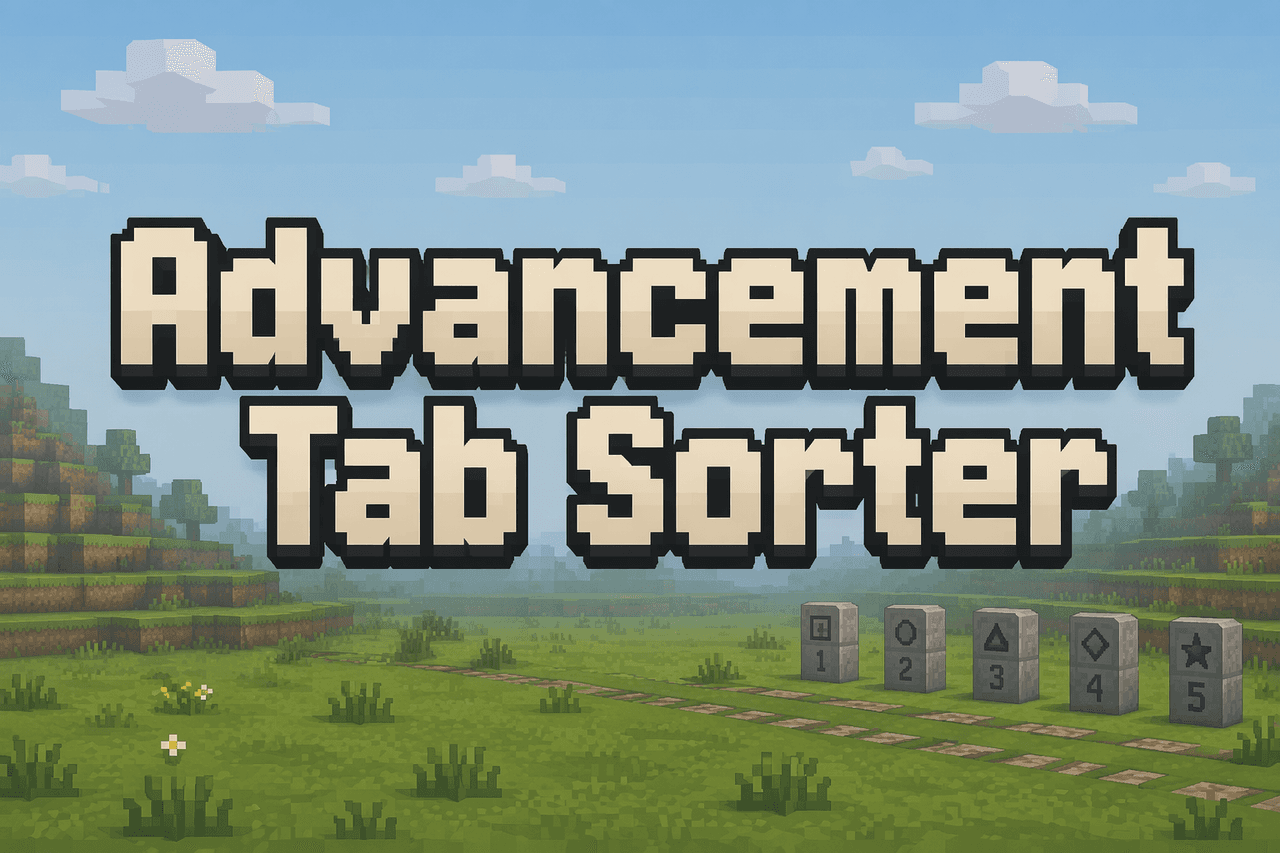

This is the first fully functional, bug free version. Advancement Tab Sorter v7 lets you reorder the tabs on the vanilla Advancements screen by holding a configurable Pick Up Advancement Tab key (default: Left Shift; rebind it in Options → Controls → Key Binds) and dragging a tab…
This mod is licensed under the CreativeMode Mods License.