Description:


Fetch is a placeable skull that acts as a world oracle. Place it down, feed it gems to charge it with questions, then use it to locate the nearest entity, block, ore, biome, structure, or dropped item stack — anywhere in your current dimension. The coordinates are reported directly in chat, making it a powerful navigation and exploration tool.
Fetch adds a single craftable block — the Fetch skull — which also appears in the Functional blocks creative tab. It has no moving parts beyond its question counter, which is stored on the placed block and visible in the item tooltip before placement.
Place the skull on any solid surface. It faces toward you when placed, just like a carved pumpkin or player head.
Right-click the placed skull while holding one of the following items. The item is consumed immediately and questions are added to that skull's counter:
| Item | Questions Added |
|---|---|
| Diamond | +20 |
| Gold Ingot | +10 |
| Emerald | +1 |
You can charge it as many times as you like to stockpile questions.
Right-click the skull with an empty hand while questions remain. This opens the Fetch selection screen, which has five category tabs across the top:
Use the search field to filter the list by name, scroll with the ▲ Up and ▼ Down buttons, and click any entry to select it. Then click >> LOCATE << to send the query. The nearest match's coordinates are printed in chat. One question is consumed per locate.
While holding a Fetch item (before placing), the tooltip shows:
Craft Fetch with four Bones surrounding a central Ender Pearl in a cross/plus pattern. The recipe is automatically unlocked for all players when they join the world, so it appears in your recipe book immediately.
Tunnel Runner is a self-contained tunneling vehicle with a three‑lane furnace, a 54‑slot cargo hold, an automatic rear rail layer, an active drill that damages and knocks back mobs, seating for two, engine/wheel sounds with speed‑based pitch, and placement/occupant protections. While riding, press E to open the Tunnel Runner menu (it overrides your inventory key) to access your player inventory, the vehicle’s cargo, smelter, and track/support compartments, and shift‑click the rear model to open the rear utility bay — it defaults to drive mode (Space = forward 4‑block diagonal jump, Shift = forward 4‑block diagonal dive, Ctrl = exit) and the on‑screen hint telling you to press Shift to unmount has been removed so Shift is kept for dive behavior. Either rider can steer and use HUD/menus; hold left mouse to enter mining mode (HUD shows level, diagonal, and shallow behaviors), hold right mouse while moving forward to place from the utility bay (placement now works outside tunnels and can be used simultaneously with mining), manual placement runs at the same slower speed as mining for precision, Auto Place will automatically place supports and the current grid layer when a 3x3 space is detected, the utility bay’s +1/+10/+32/+64 buttons refill and craft from your inventory and the Runner’s cargo and Clear returns real items, and opening the smelter no longer causes a network error.
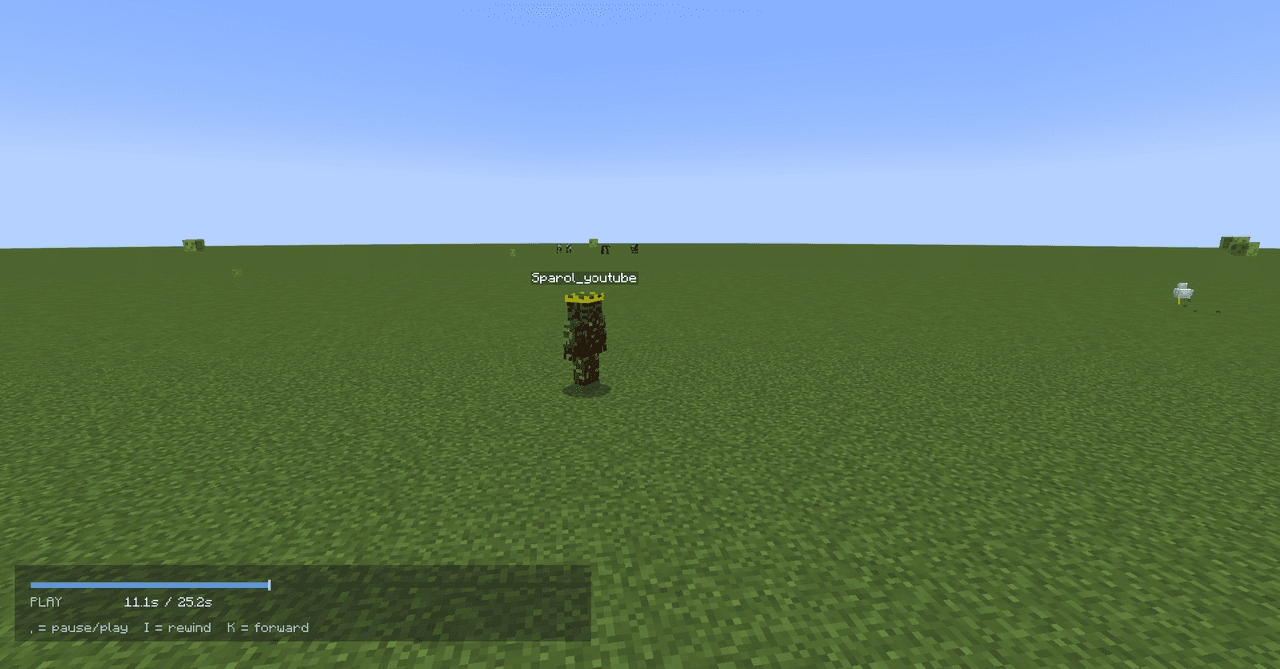
Record your sessions and play them back with actors that preserve each player’s exact skin, model, overlays and natural movement — just record as usual and open your replay from the in-game browser to watch, scrub and export sessions. The system is built for stability and scale: it concentrates recording on nearby entities, snapshots terrain gradually, deduplicates repeated block-state changes, ignores synthetic neighbor updates, enforces memory and per-tick limits, and flushes saves asynchronously so big fights, farms and long timelines replay reliably; visual fidelity during playback is improved for held and ranged items and item ghosts are rendered safely with restored shader state. If the Epic Fight mod is present, an optional lightweight compatibility bridge records and replays first-stage combat states (battle mode on/off, combat locomotion and idle/walk/run flags, combat pose, weapon category and transition state) and routes replay actors through Epic Fight’s renderer when available, otherwise it falls back to a stable basic holding pose; advanced Epic Fight skills, combos and special abilities are intentionally not recorded, and debug logs report detection and sync status.

Equip the full Prime Commander armor set to replace your third-person player model with a large, fully animated Optimus-style mech; when the full set is worn and you are not in truck mode the mech renderer takes over and the camera automatically switches to a backed-up third-person back view while first-person still hides the empty hand for immersion. The robot features the new reference-matching blue helmet, black visor with cyan eyes, silver faceplate and crest, intact transformation and movement animations, and updated armor/item icons to match the red, blue and silver look; remove any piece or switch to truck mode to return to the normal player render, and truck mode now reliably spawns only one truck shell per player. Truck-mode ramming now knocks targets back harder with a slight lift and plays a new truck crash sound on impact (with a short cooldown to prevent audio spam), and the truck’s engine start, drive, idle and rev noises have been revamped to a raw, high-power diesel sound layered with the existing road hiss for a more visceral vehicle experience.

The Everburn Cauldron is a magical 4x4 multiblock structure that functions as a perpetual furnace, smelting any item without ever needing fuel. Simply place it down and right-click to open the familiar furnace interface, where you can insert items into the input slot and collect your smelted results from the output slot. The structure also supports hoppers for automation, accepting items from the top and outputting results from the bottom, all while radiating mystical black and purple particles to show its eternal flame is burning.

Right-click the single full-cube stone-disguised hideout block to be teleported into your own private, persistent pocket-dimension base—now a 13x13x7 interior with clearly zoned living, storage, crafting, and enchanting areas, fully furnished with vanilla-style utilities and decorations. Stand on the glowing exit portal to return to the exact world position and view you entered from, or sneak as a backup; the exterior behaves and looks like vanilla stone (stone sounds/mining, 64 stack size, drops cobblestone) so it blends into builds, and each player gets a stable personal room that persists across restarts. The block and item textures have been cosmetically updated to a custom rough grey rock that better matches the intended large-rock proportions, while all hideout mechanics remain unchanged (mod updated to version 4.0.0).
This mod is licensed under the CreativeMode Mods License.