

Description
Launch a devastating nuke and reshape the Minecraft world.
Mod Wiki
Nuke Launcher
Quickstart
- Craft the Nuke Launcher at a crafting table:


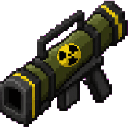
- Hold the launcher in your hand.
- Aim where you want the payload to travel.
- Use the launcher to fire a massive TNT barrage.
- Move away and give the TNT time to detonate.
The launcher has a two-second cooldown between uses. Test it in an isolated area—the blast can drastically reshape the terrain and destroy nearby builds.
Overview
The Nuke Launcher is a powerful single-use-at-a-time weapon that launches a concentrated payload of TNT in the direction you are looking. Each activation releases 640 TNT entities, creating a devastating explosion zone wherever the payload lands.
What It Adds
- Nuke Launcher — A non-stackable equipment item.
- TNT payload — Each use launches 640 TNT entities.
- Directional firing — The payload travels along your view direction.
- Two-second cooldown — Prevents immediate repeated firing.
How To Use
Equip the Nuke Launcher and use it while looking toward your target.
- Aim horizontally to send the payload across the landscape.
- Aim upward to launch the payload into the air.
- Aim downward to concentrate the blast near the ground.
- Keep some distance from the launch point, as the payload begins just ahead of you.
- Wait for the two-second cooldown before firing again.
The launcher does not require ammunition after it has been crafted. Every activation creates its full TNT payload automatically.
Crafting And Obtaining
Craft the launcher at a crafting table using iron ingots, TNT, a bow, and a stick:
It can also be obtained from the Creative inventory under the equipment category.
Abilities And Mechanics
TNT Barrage
Every use releases 640 TNT entities at once. They are propelled forward in the direction you are facing, producing a broad and highly destructive blast when they detonate.
Aiming
Your camera direction controls the launch direction. The launcher supports aiming in all directions, allowing you to target distant areas, fire over obstacles, or send the payload downward into a mine or crater.
Cooldown
The launcher has a 2-second cooldown after firing. It cannot be fired continuously without pauses.
Item Limits
- The launcher has a maximum stack size of one.
- The launcher itself does not consume TNT, bows, iron, or sticks when fired.
- The TNT payload is created automatically on each use.
Progression And Strategy
The Nuke Launcher has no separate upgrade path. Its main challenge is choosing where and when to fire it.
- Create a backup of important worlds before testing it.
- Use it far from bases, villages, farms, and other structures you want to keep.
- Fire from a safe position with a clear line toward the target.
- Use elevated terrain or long-range positions to avoid being caught in the blast.
- Aim downward when you want to excavate a large area.
- Space out repeated shots to observe the damage before firing again.
How to install
Download the mod and follow the step-by-step installation guide.
Players also liked
Power Miner


A handheld cannon/drill that carves huge tunnels in seconds, leaving behind the broken blocks for you to collect.

Black Ember Chainsaw Blade


Wield the Black Ember Chainsaw Blade and carve through anything in your path.
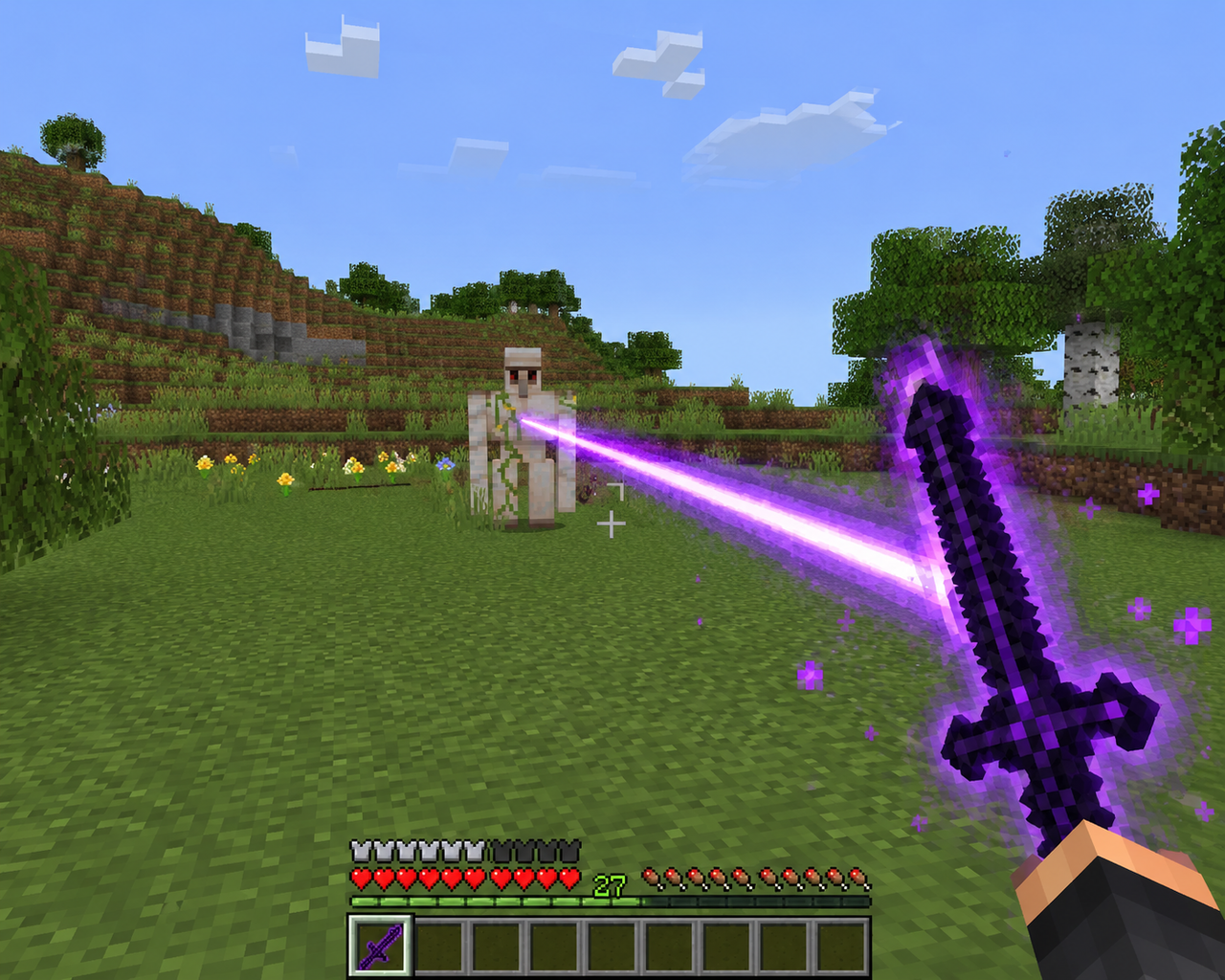
Ender Eclipse Blade

Wield the Ender Eclipse Blade, summon the dragon, and unlock a 16-block one-shot ability.
Throwable TNT

Throw a dynamite stick that packs the explosive punch of four TNT blocks.
This mod is licensed under the CreativeMode Mods License.