

Description
Track nearby mobs, inspect their IDs, and remove threats from a handheld terminal.
Mod Wiki
Mob Control Terminal
Quickstart
Craft the terminal, then hold it in either hand and use it to open its command screen. Try Get-Command to see the command list, then run Get-Process to list loaded mobs in your current dimension. Use a mob’s numeric ID with Get-Mob -Id <id> to inspect it, or Stop-Process -Id <id> to remove it.
Type a command and press Enter or click Execute. Use Tab for suggestions, Up/Down to browse command history, and Escape or Close to exit. Keep the terminal in a hand while running commands.



Overview
The handheld terminal, named pwsh.exe, provides a command interface for inspecting and controlling loaded mobs, checking player and world information, and changing several gameplay values.
Commands apply to the current dimension. Mob listings include loaded mobs, not just mobs close to you, and show up to 150 matching targets. Entity IDs can change when entities unload or the world restarts, so use a current listing to get an ID.
How To Use
Type commands into the PS> prompt. Command names and options are case-insensitive. Use Get-Help <command> for details on a specific command, or Get-Command for the full command list. Tab completion can suggest commands, options, and common values.
Get-Process adds visible ID labels to listed mobs. Use Clear-ProcessIdTags to remove terminal ID labels from loaded mobs in the current dimension.
Abilities And Mechanics
Inspect and manage mobs
| Command | What it does |
|---|---|
Get-Process [-Name <text>] [-Id <id>] | Lists loaded mobs with IDs, types, and positions. Filter by a name fragment or ID. |
Get-Mob -Id <id> | Shows one loaded mob’s type, health, position, and current target. |
Stop-Process -Id <id> | Removes the mob with that ID. |
Start-Process -Mob <mobname> | Summons one registered mob near you, such as Start-Process -Mob minecraft:cow. |
Start-Sleep -Id <id|*> | Disables AI and freezes one mob, or all loaded mobs in the dimension. |
Start-Resume [-Id <id|*>] | Resumes a frozen mob; omitting -Id resumes all loaded mobs frozen by the terminal. |
Start-Glow -Id <id|*> / Stop-Glow -Id <id|*> | Turns the glowing outline on or off for one mob or all loaded mobs. |
Player targets are excluded by default. Add -IncludePlayers True to commands that support player targets. Stop-Process can remove another player when this option is enabled, but cannot target yourself. Players cannot be frozen with Start-Sleep.
Player and world information
Get-Playerreports your health, food, position, and dimension;Get-Locationreports your position and dimension.Get-World,Get-Time, andGet-Weatherreport world conditions.Get-EntityCountcounts loaded mobs in the current dimension.Get-Health,Get-Armor,Get-Experience,Get-Inventory, andGet-Effectsinspect your player status.Get-Block -At <x> <y> <z>checks a block at coordinates in the current dimension.Get-Biomechecks the biome at your position.
Change player and world values
| Command | Effect |
|---|---|
Set-Time -Time <0-23999> | Sets the time of day in the current dimension. |
Set-Weather -Weather <clear|rain|thunder> | Sets the weather in the current dimension. |
Set-Health -Value <amount> | Sets your health from 1 up to your maximum. |
Set-Food -Value <0-20> | Sets your food level. |
Set-Experience -Level <0-21863> | Sets your experience level. |
Give-Item -Item <id> [-Count <1-64>] | Adds a registered item to your inventory; use an item ID such as minecraft:torch. |
Progression And Strategy
Start with Get-Process, then use Get-Mob -Id <id> to confirm a target before acting. For a temporary pause, freeze mobs with Start-Sleep -Id * and restore them with Start-Resume. Use Start-Glow -Id * to make loaded mobs easier to spot, and Stop-Glow -Id * to turn their outlines off.
How to install
This Java mod can be used on Windows and Mac PCs with the CreativeMode Launcher or any Minecraft launcher of your choice.

1. Download and install the new CreativeMode Launcher

2. Click to play on the top of the screen.
3. That's it — launches instantly. No complicated setup required.
Want to use on a different launcher? Download mod and manually install.
Players also liked
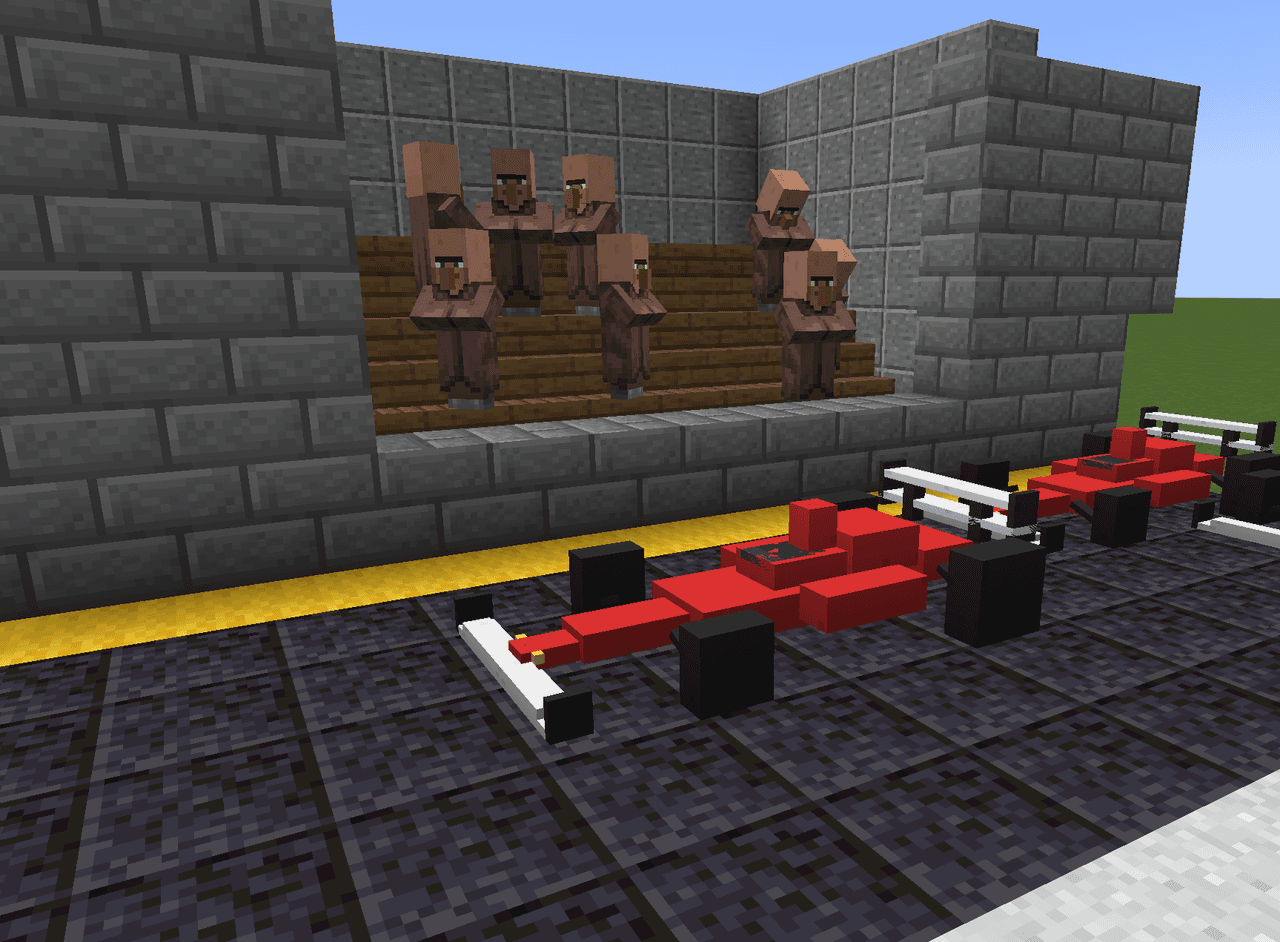
Formula Racer


The F1 Car is a large multiblock structure that you can place in your world as a decorative racing car. Once placed, right-clicking any part of the car revs the engine, producing a thunderous roar accompanied by bursts of flame, billowing smoke plumes rising from the exhaust, and…

Mob Carrier


The Mob Carrier lets you capture and relocate multiple mobs, storing them in grouped stacks by type (for example, Goat x4) so you can carry many of the same mob at once; sneak (hold Left Shift) and right-click a mob to capture it—non-sneak interactions are passed through, but sne…

Stygian Orebreaker


Unearth the Stygian Orebreaker, a shadow-forged pickaxe that turns iron, gold, and copper ores into ingots.

The Death Note


The Death Note is a powerful book that lets you inflict deadly effects on players, mobs, bosses, and other entities by writing their display name. Hold the Death Note and press N to open its interface, type the target name and choose a death type (1: lightning, 2: fire, 3: poison…
The Virus Mod


Enter Hygron rifts to be pulled into the Hygron Core — a sprawling raid stronghold of themed sections (corrupted courtyards, labs, cathedrals, factories, mirror halls, sky bridges and a final castle) where you fight patrols, ambushes, minibosses and cinematic bosses to unlock pro…
This mod is licensed under the CreativeMode Mods License.