

Description
Take to the skies and rain missiles from your own rideable jet!
Mod Wiki
Missile Skyfighter
Quickstart
- Craft the Missile Skyfighter at a crafting table:


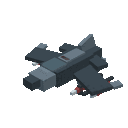
- Select the crafted item and use it on the side of a block to deploy the jet. The item is not consumed.
- You automatically mount the one-seat jet. Look and move normally to fly.
- While riding, tap/use, attack, or press Jump to fire. The action-bar prompt shows “Tap: Drop Missiles” when the weapon is ready.
- Aim at your target before firing. The jet launches TNT missiles in the direction you are looking.
Overview
Missile Skyfighter adds a rideable, free-flying jet equipped with a missile launcher. It has one passenger seat and is designed for aerial movement and bombing runs.
The jet has 40 health, no gravity, and can fly over land and water. Its flight is air-controlled, allowing you to steer while airborne.
What It Adds
- Missile Skyfighter rideable jet
- One driver seat
- Free flight without gravity
- TNT missile launcher
- Third-person vehicle camera while mounted
- Craftable deployment item
How To Use
Deploying the Jet
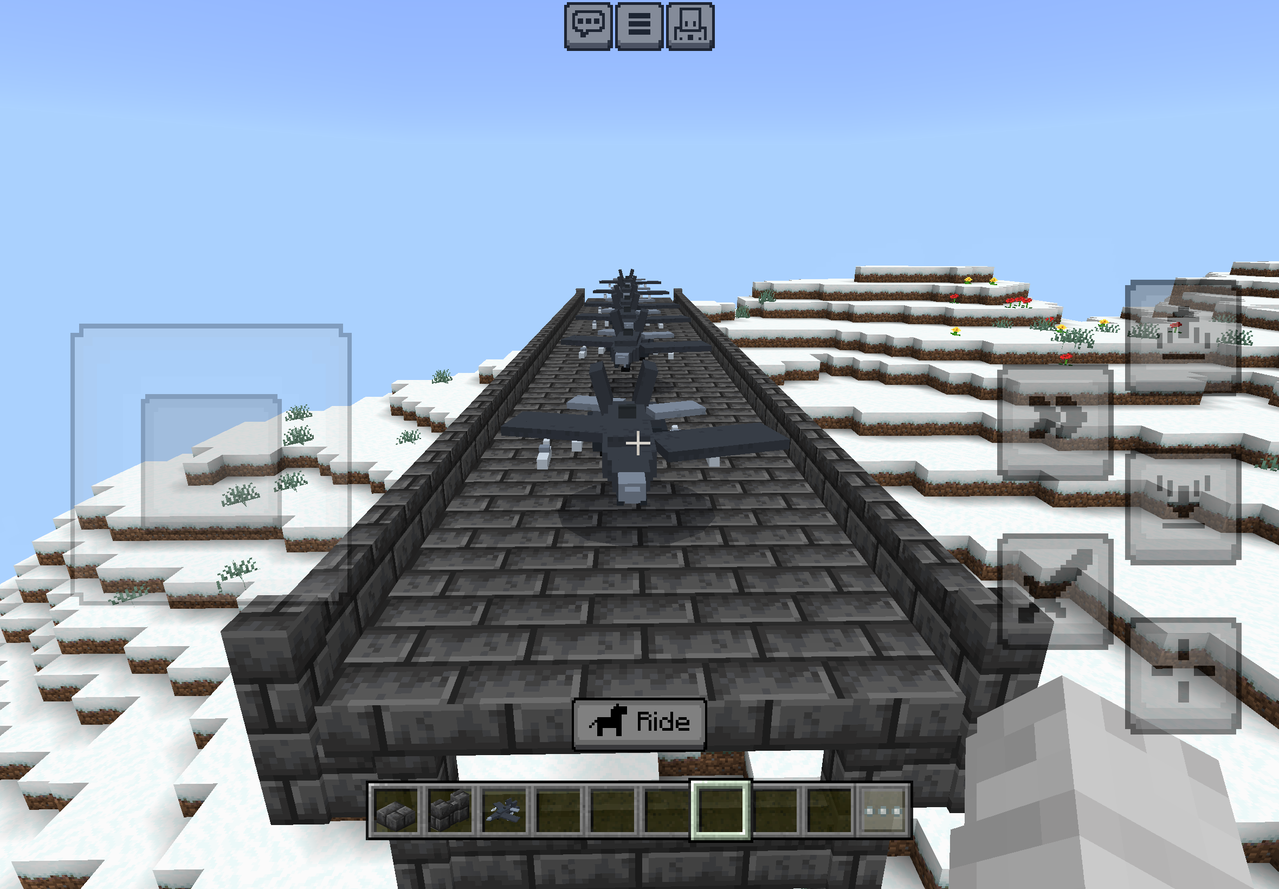
Hold the Missile Skyfighter item and use it on a block. The jet appears beside the targeted block, faces the direction you are looking, and mounts you automatically.
You can deploy multiple jets by crafting or obtaining additional Missile Skyfighter items.
Flying
Use Minecraft’s normal movement and view controls to pilot the jet:
- Move and look to steer through the air.
- Forward movement provides the best flight speed.
- Backward movement is slower than forward movement.
- The jet can pass over water and does not fall because it has no gravity.
Firing Missiles
The launcher fires a TNT projectile from in front of the rider’s view.
Use any of these controls while you are the driver:
- Tap or use the mounted vehicle.
- Press the attack button.
- Press Jump.
Missiles travel in the direction you are looking. The launcher has a short cooldown of about 1.5 seconds between shots. The action bar displays the weapon prompt and cooldown.
The missiles are TNT and can explode after being launched, making the jet effective for attacking targets or bombing areas from above.
Dismounting
Use Minecraft’s normal dismount control to leave the jet. Your camera, equipment, and held item return to normal after you dismount.
Crafting And Obtaining
The Missile Skyfighter is crafted at a crafting table using iron, a firework rocket, redstone, TNT, and glass.
In Creative mode, look for Missile Skyfighter in the Items category.
Abilities And Mechanics
| Feature | Details |
|---|---|
| Seats | One driver |
| Health | 40 |
| Movement | Free flight with no gravity |
| Flight speed | 1.75 movement value |
| Missile type | TNT |
| Missile speed | 12.5 projectile impulse |
| Firing cooldown | 30 ticks, or about 1.5 seconds |
| Passenger restrictions | Players can ride the jet |
| Water flight | The jet can fly over water |
The jet automatically tracks its driver while mounted. Its missile launcher only activates for the player in the driver seat.
Progression And Strategy
- Build the jet early when you want a fast way to explore large areas from the air.
- Use elevated flight paths to keep a clear view of targets.
- Aim slightly ahead of moving targets because missiles travel forward after launch.
- Wait for the cooldown prompt to clear before attempting another shot.
- Keep spare Missile Skyfighter items available if you are using the jet for repeated bombing runs.
How to install
Download the mod and follow the step-by-step installation guide.
Players also liked

Void Knight Warpjet


Ride the Void Knight Warpjet, blast enemies with explosive hearts, and warp across dimensions.


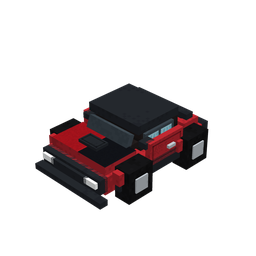
Infernal Nitro Demon

Drive the Infernal Nitro Demon and unleash blazing nitro-fueled speed with the tap of a button. Note: nitro option is not fully functional yet.
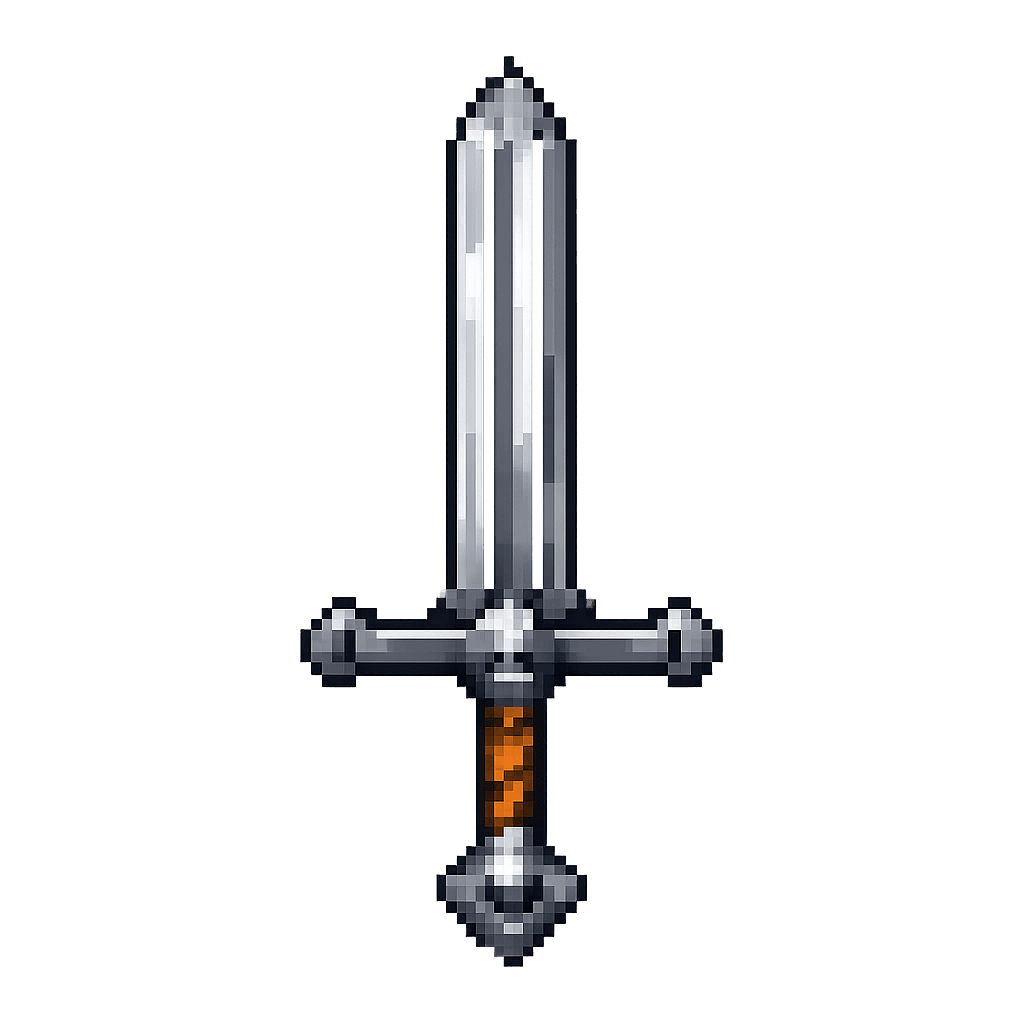
Thunderwing Fighter

Take to the skies in a fighter jet armed with missiles, bombs, and heavy firepower.
This mod is licensed under the CreativeMode Mods License.