

Description
Drive the Infernal Nitro Demon and unleash blazing nitro-fueled speed with the tap of a button. Note: nitro option is not fully functional yet.
Mod Wiki
Infernal Nitro Demon
Quickstart
- Obtain the Infernal Nitro Demon placer from the Creative inventory, or craft one at a crafting table.
- Hold the placer and use it on a block face to spawn the Dodge Challenger SRT Demon. The vehicle faces the direction you are looking.
- You are mounted automatically. Use your normal movement controls to drive.
- Tap the Use button or press Jump to activate Nitro. The action bar displays the Nitro control and its cooldown.
- Use the Sneak button while interacting if you want to avoid mounting the vehicle.
The placer is reusable and is not consumed when the car is spawned.
Overview
Infernal Nitro Demon adds a drivable Dodge Challenger SRT Demon with a single driver seat and a temporary nitro boost. The vehicle can be placed in the world, driven across terrain, and accelerated with Nitro for short bursts of speed.
While driving:
- The camera switches to third person.
- Only one player can ride as the driver.
- Your armor, offhand item, and held item are temporarily hidden and restored after dismounting.
- The vehicle is facing the direction you were looking when placed.
What It Adds
| Content | Details |
|---|---|
| Infernal Nitro Demon | A drivable, single-seat vehicle |
| Nitro | A temporary speed boost activated while driving |
| Vehicle placer | A reusable item for spawning the car |
| Vehicle health | 40 health |
How To Use
Place the Vehicle
Hold the Infernal Nitro Demon placer and use it on a block face. The vehicle appears next to the selected face, and you are automatically placed in the driver’s seat.
The vehicle can be placed on ordinary terrain. Leave enough room around the selected block for the car to appear.
Drive
Use the standard movement controls while mounted:
- Move forward, backward, and sideways with your movement controls.
- Look around to control your view.
- Dismount using the normal sneak or dismount control.
The vehicle has one seat, so additional players cannot ride as passengers.
Activate Nitro
While seated in the vehicle, use either of these controls:
- Tap the Use button or right-click.
- Press Jump.
Nitro applies a strong speed boost to the vehicle for 40 ticks, or 2 seconds. It then has a 2-second cooldown. The action bar shows Tap: Nitro when it is ready and displays the remaining cooldown while it recharges.
Nitro can be activated again as soon as the cooldown ends.
Crafting And Obtaining
The vehicle placer appears in the Creative inventory. It can also be crafted at a crafting table using iron blocks, redstone, glass, and a furnace.


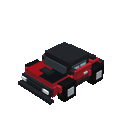
The placer remains in your inventory after use, allowing you to spawn the vehicle repeatedly.
Commands
To obtain the placer directly:
/give @s com_infernal_nitro_demon_jxvm3yga:my_vehicle_placer
To summon the vehicle directly:
/summon com_infernal_nitro_demon_jxvm3yga:my_vehicle
A vehicle summoned by command can be mounted by interacting with it, but using the placer automatically spawns the car and seats the player.
Abilities And Mechanics
Nitro Boost
Nitro gives the car a temporary high-level Speed effect:
- Duration: 40 ticks, or 2 seconds
- Cooldown: 40 ticks, or 2 seconds
- Activation: Use button or Jump while driving
- Availability: Driver only
The vehicle must have a player in the driver’s seat for Nitro to activate. Pressing the control while standing beside the vehicle does not trigger the boost.
Vehicle Handling
The Infernal Nitro Demon is ground-controlled and can travel over water. It has a 1.5-block-wide collision box and can be pushed by entities and pistons.
Progression And Strategy
- Craft or obtain the placer early if you want a reusable vehicle for exploration.
- Build a clear driving area before placing the car, especially when using side faces of blocks.
- Use Nitro for open stretches rather than tight spaces.
- Watch the action bar so you know when the boost is ready again.
- Place the car with your view aligned to your intended starting direction.
- Remember that the vehicle has a single seat, making it best suited for solo travel or timed driving challenges.
How to install
Download the mod and follow the step-by-step installation guide.
Players also liked
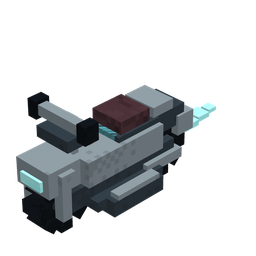
Skyshift Hoverbike


Ride the Skyshift Hoverbike from ground roads to blazing-fast flights above the clouds.
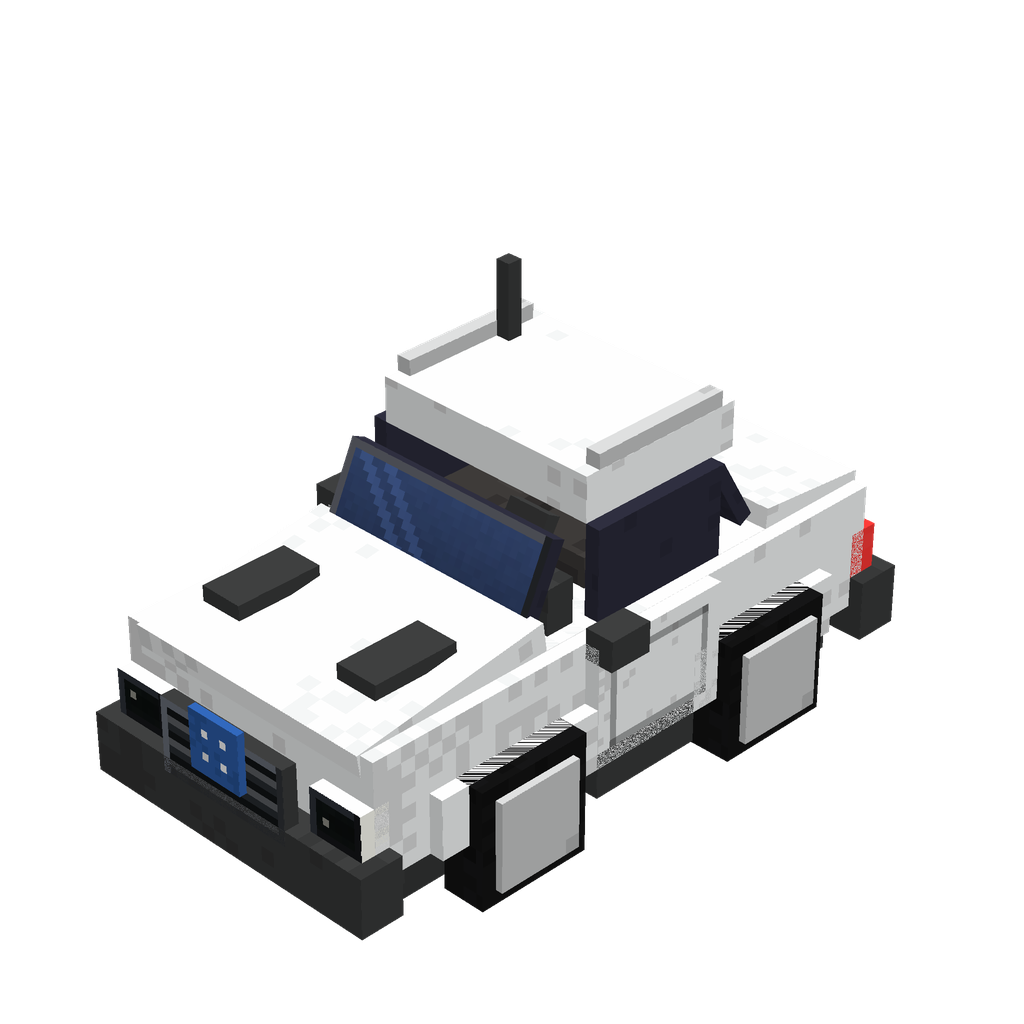
Crafted Bavarian Cruiser

Craft a Bavarian cruiser and drive your custom car across Minecraft.
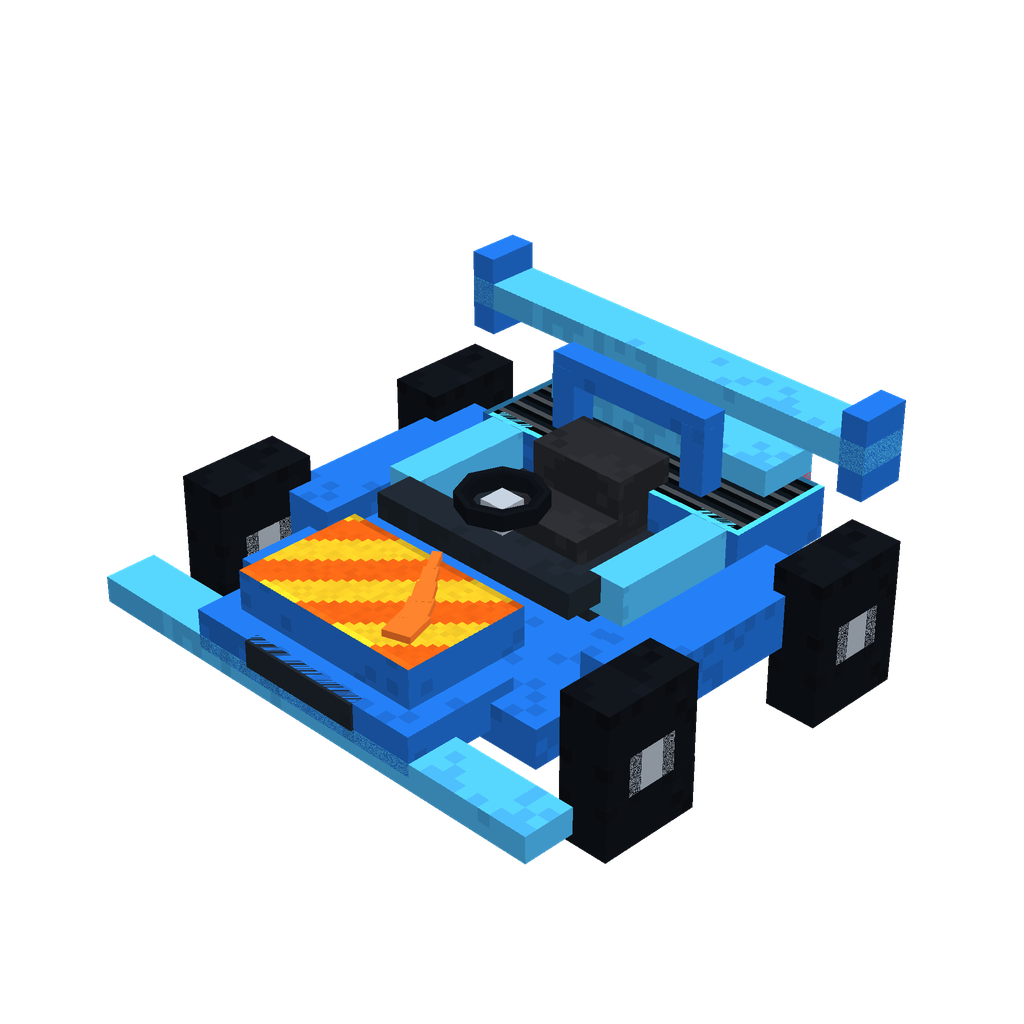
Blue Blaze Racer
 anon
Race across your world in a blazing blue car you can drive and steer!


This mod is licensed under the CreativeMode Mods License.