
- Select the hover bike item and use it on a suitable spot to place the vehicle.
- Interact with the placed hoverbike to mount it. Only one player can ride at a time.
- Fly using your normal movement controls. Look in the direction you want to travel.
- While mounted, tap the vehicle action/use control or press Jump to activate Boost. Look toward your destination before triggering it.
- Press the boost control repeatedly for stronger successive boosts. Three boost stages are available; pausing for about five seconds resets the sequence.
- Use the normal dismount control to leave the hoverbike.
You can also spawn one with:
/summon com_skyshift_hoverbike_u3s7i3te:my_vehicle
Overview
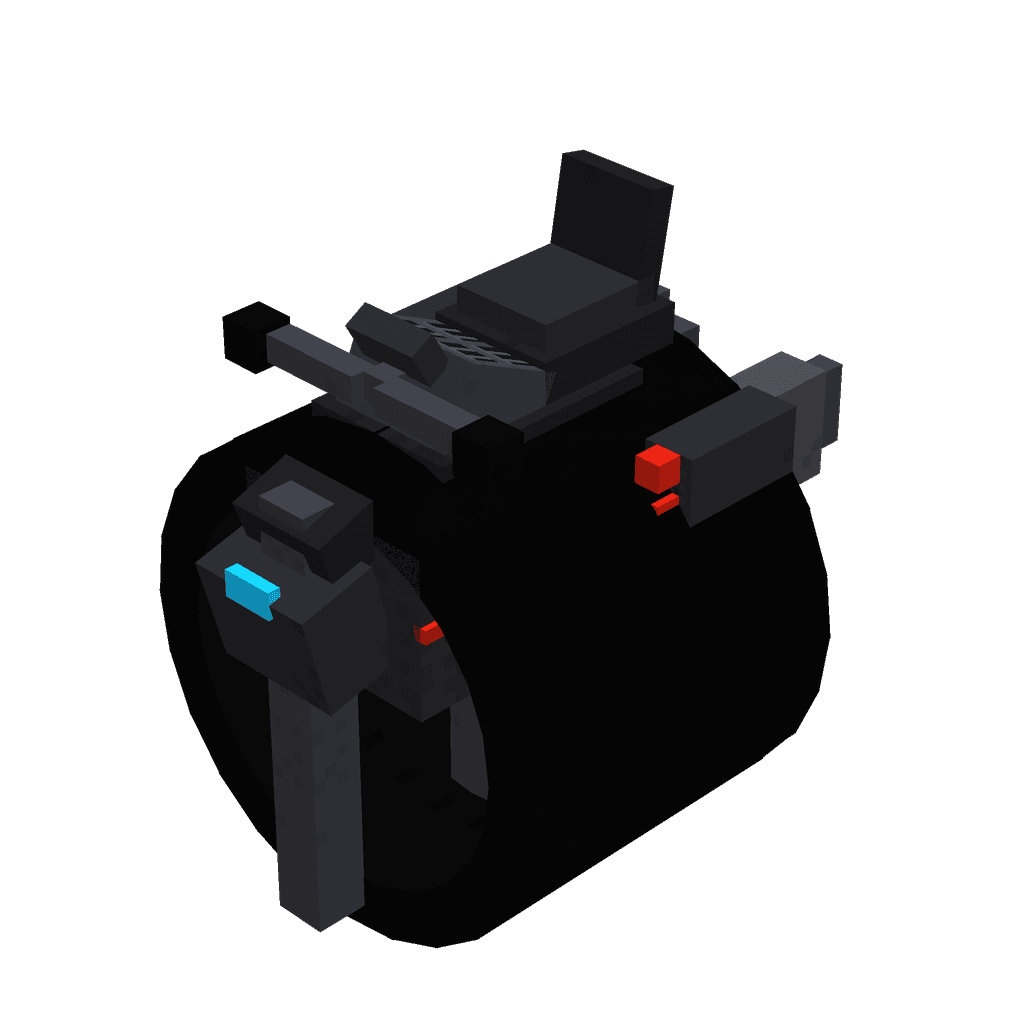
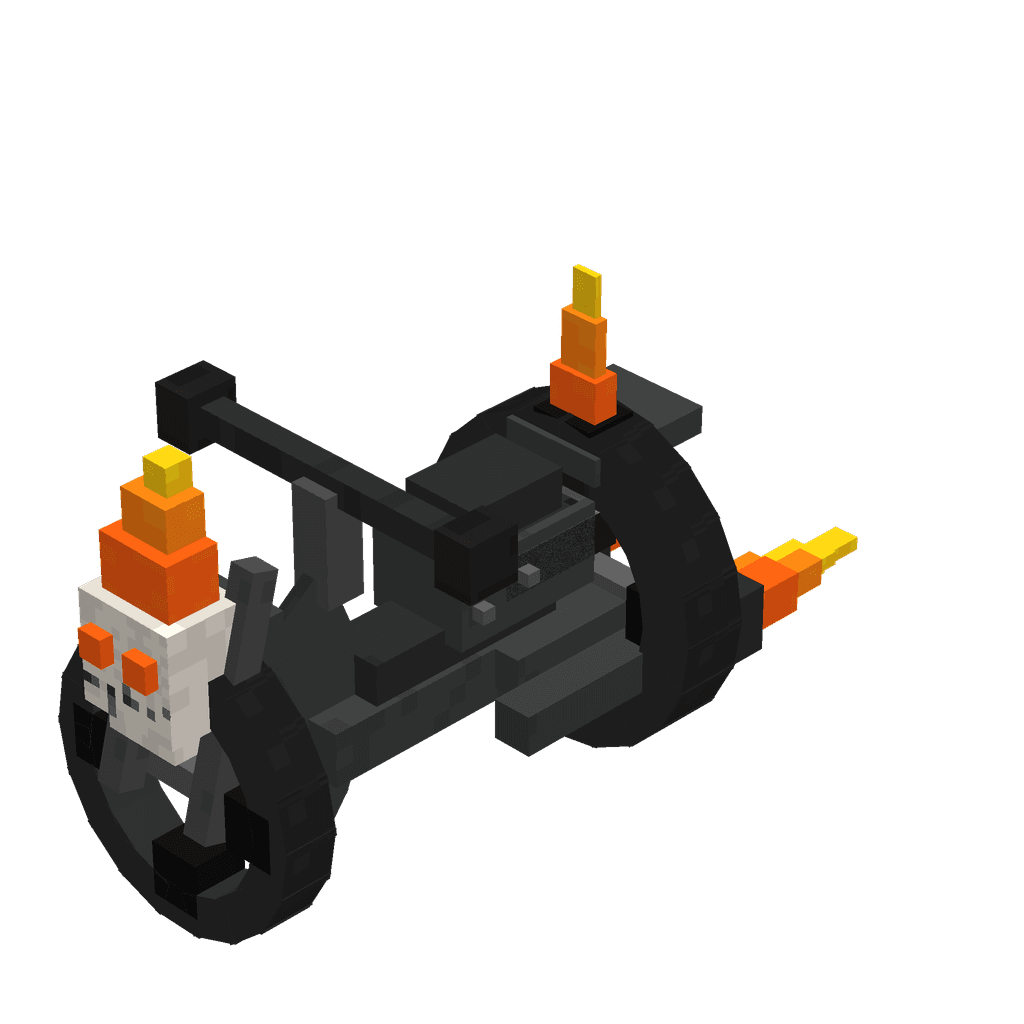
The Skyshift Hoverbike is a single-seat flying vehicle for fast travel across the Overworld and above it. It hovers freely instead of following terrain, allowing you to travel over roads, water, mountains, and clouds.
What It Adds
- Skyshift Hoverbike vehicle
- Craftable placement item
- One player-controlled seat
- Free flight with no gravity
- Three-stage forward boost
- Air steering and elevated third-person riding view
How To Use
Placing the Hoverbike
Hold the Skyshift Hoverbike item and use it where you want the vehicle to appear. The item is consumed when the vehicle is placed.
The hoverbike can also be created with the summon command:
/summon com_skyshift_hoverbike_u3s7i3te:my_vehicle
Mounting And Dismounting
Interact with the placed hoverbike to ride it. It has one seat and accepts players as riders. Sneaking while interacting skips the normal mount interaction.
Dismount using your usual riding dismount control. You leave the vehicle above its position rather than being dropped beneath it.
Flying
While riding:
- Use movement controls to steer through the air.
- Look toward the direction you want to fly.
- The hoverbike has no gravity, so it remains airborne.
- It can travel over water and other terrain without needing a road.
- It automatically uses a third-person riding camera with a wide view around the vehicle.
Abilities And Mechanics
Boost
The primary vehicle action is Boost. Trigger it by tapping or using the vehicle action control while mounted, or by pressing Jump.
- The first press gives a forward impulse.
- The second consecutive press gives a stronger impulse.
- The third consecutive press gives the strongest impulse.
- The boost follows your current view direction, including upward or downward aim.
- Boosts have a short delay between uses, so allow a moment between presses.
- After roughly five seconds without another boost, the sequence returns to stage one.
Aim upward for a rapid climb, forward for high-speed travel, or downward when descending toward a landing area.
Vehicle Capacity
The hoverbike has a single seat for one player. Its substantial health lets it withstand damage, but it can still be pushed by entities and pistons.
Crafting And Obtaining
The standard way to obtain the vehicle is to craft its placement item at a crafting table. The recipe uses iron and a diamond:
In Creative play, the placement item is available in the Items category. The vehicle itself can also be spawned with:
/summon com_skyshift_hoverbike_u3s7i3te:my_vehicle
Progression And Strategy
- Gather iron and a diamond early if you want a reusable long-distance travel option.
- Place the hoverbike in an open area so you have room to mount and accelerate.
- Practice short, level boosts before attempting steep climbs.
- Chain all three boost stages for maximum speed across open skies.
- Aim carefully before boosting, since the impulse follows your view direction.
- Use the hoverbike to cross oceans, bypass cliffs, and reach high locations quickly.