
Description
Adds simple waypoint creation and deletion that integrates directly with vanilla filled maps: use /waypoint <name> to create a named waypoint at your current location and it will be written as a map marker onto any filled maps you are carrying (including offhand), and use /dwaypoint <name> to remove that named marker. Waypoints are now saved to the world linked to the map, so they persist when you exit and return to the game, travel with the map item, and can be shared in singleplayer or on servers; deleting a waypoint removes it from both the visible map and the saved data. The server also refreshes carried filled maps from saved waypoint data after reloads or reconnects so your saved markers reliably reappear.
Mod Wiki
Mapmark Waypoints
Quickstart
- Craft or obtain a filled map (a map that has been used and contains world data).
- Hold the filled map in your main hand or offhand, or keep it anywhere in your inventory.
- Stand at a location you want to mark and run:
/waypoint <name> - A named marker instantly appears on every filled map you are currently carrying.
- To remove a marker, run:
/dwaypoint <name>
That's all there is to it — no extra items, no crafting, just commands and a filled map.
Overview
Mapmark Waypoints lets you pin named markers directly onto vanilla filled maps. Waypoints appear as map decorations visible whenever you view a marked map, and they are saved to the world so they survive session restarts, server restarts, and reconnects. Any filled map you carry automatically shows all waypoints that have been saved to it.
What It Adds
/waypoint <name>— Creates a named waypoint at your current position and writes it as a visible marker onto every filled map in your inventory (main inventory and offhand)./dwaypoint <name>— Removes a named waypoint from every filled map you are carrying and deletes it from saved data.- Persistent waypoint storage — Waypoints are tied to individual map items and saved with the world. They reappear automatically after you reload, respawn, or reconnect to a server.
How To Use
Adding a Waypoint
Stand exactly where you want the marker placed, then run:
/waypoint My Base
The name can contain spaces. The marker is added to every filled map currently in your inventory. If you are not carrying any filled map, the command will tell you to equip one first.
Removing a Waypoint
/dwaypoint My Base
This removes the marker from all carried filled maps and wipes it from the saved data attached to those maps. If none of your carried maps contain that waypoint name, you will see an error message.
Sharing Waypoints
Because waypoints are stored with the map item itself, you can hand a marked map to another player and they will see all the same markers. This works in both singleplayer and on multiplayer servers.
Abilities And Mechanics
- Inventory-wide application — When you run
/waypoint, the mod checks your entire main inventory as well as your offhand for filled maps and marks all of them simultaneously. - Automatic restoration — Every two seconds the server checks each online player's carried maps and restores any saved waypoints that may be missing (for example, after a reload or reconnect). You do not need to do anything for this to happen.
- Per-map storage — Waypoints are linked to the specific numeric ID of each map. Two different map items will each have their own independent set of waypoints.
- Name sanitization — Waypoint names are cleaned of characters that would conflict with internal map decoration IDs, so unusual characters are automatically stripped.
Progression And Strategy
- Mark key locations early — your spawn, base, villages, strongholds, and farms — so you always have a visual reference when holding your map.
- Carry multiple maps covering different regions and mark each one independently to build a comprehensive atlas of named locations.
- On a server, hand out pre-marked maps to teammates so everyone shares the same set of waypoints without needing to run the commands themselves.
- Use
/dwaypointto clean up temporary markers (like a surface mine entrance or a meeting point) once they are no longer needed, keeping your maps readable.
How to install
This Java mod can be used on Windows and Mac PCs with the CreativeMode Launcher or any Minecraft launcher of your choice.

1. Download and install the new CreativeMode Launcher

2. Click to play on the top of the screen.
3. That's it — launches instantly. No complicated setup required.
Want to use on a different launcher? Download mod and manually install.
Players also liked

Catalyst Astrolabe


Use catalysts to make your astrolabe point like a compass to villages, dungeons, and mineshafts. V2 displays coordinates right now, working on making it work like a real compass.
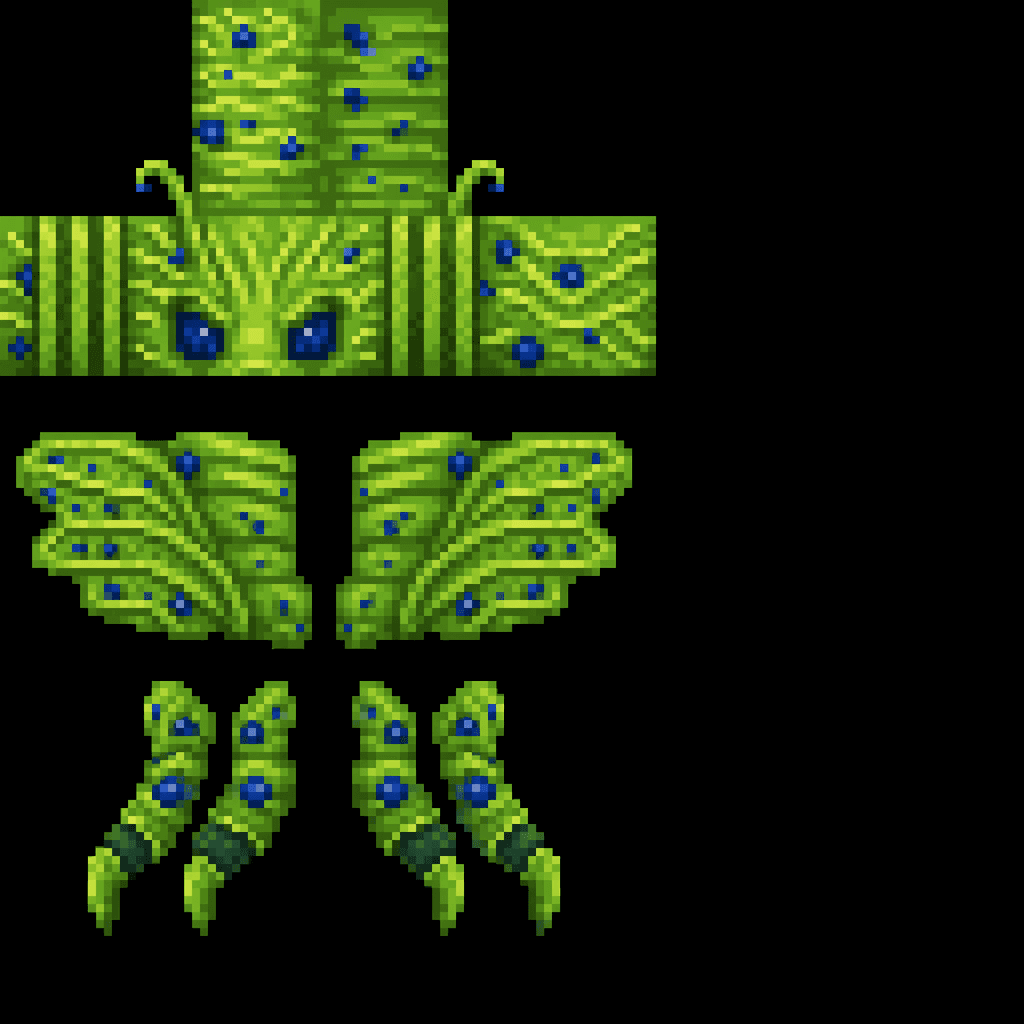
E-Bola

The E-Bola Cell is a plankton-green, bee-like flying monster with a solid, opaque texture that glides low to the ground (staying within about 8 blocks) and spawns in small groups only in savanna biomes (Savanna, Savanna Plateau, and Windswept Savanna) in the Overworld — it never…

Hotbar Timekeeper


The Hotbar Timekeeper is a mystical watch that displays the current in-game time above your hotbar when held in either hand. Simply hold the item in your main hand or offhand to see a live time display showing the hour, minute, and time of day (Morning, Afternoon, Evening, or Nig…

Tidebound Net


The Fishing Net is a 2x2x2 multiblock structure that automatically catches fish when placed near water. Every 5 seconds, it has a 40% chance to reel in a Cod, Salmon, Tropical Fish, or Pufferfish, complete with splash particles and sounds. Right-clicking any part of the net displ…
This mod is licensed under the CreativeMode Mods License.