

Description
Adds craftable Glowing Teleport Blocks and a Linker tool so you can build paired teleporters: craft a Teleport Block and a Linker using the included recipes and place your pads in the world with the provided textures, names, and teleport sound. Use the Linker on one Teleport Block to select it and then on a second block to connect them, and activating (use/attack) either connected pad instantly teleports you to its pair; links are saved with the world and a glow plus a clear sound indicate when teleports are used. The Linker now reliably creates connections even when item-on-block interactions are routed differently by the game, while normal interaction with a Teleport Block (when not holding the Linker) still performs a direct teleport.
Mod Wiki
Linked Teleport Block
Quickstart
- Gather Obsidian, Ender Pearls, and an Amethyst Block, then craft a Teleport Block at a Crafting Table.
- Craft a Linker using an Amethyst Shard, Copper Ingot, and Breeze Rod.
- Place two Teleport Blocks anywhere in your world (even in different dimensions).
- Hold the Linker and use it on the first Teleport Block — you'll hear a chime and see a confirmation message.
- Use the Linker on the second Teleport Block — they are now linked.
- Put away the Linker and interact with either pad to instantly teleport to the other.
Overview
Linked Teleport Block lets you build pairs of instant teleporters anywhere in your world. Each pair consists of two glowing Teleport Blocks connected by the Linker tool. Once linked, stepping up to either block and interacting with it whisks you to its partner — complete with a chime sound on both ends. Links persist through world saves and work across dimensions.
What It Adds
| Item / Block | Description |
|---|---|
| Teleport Block | A glowing, placeable block that acts as a teleport pad. Emits light level 9. |
| Linker | A hand-held tool used to create connections between two Teleport Blocks. |
Crafting And Obtaining
Teleport Block


Linker


The Linker has a stack size of 1 and is held like a tool.
How To Use
Linking Two Teleport Blocks
- Hold the Linker in your hand.
- Use (right-click / tap) the Linker on the first Teleport Block. A blue message confirms the first block is selected and a soft chime plays.
- Use the Linker on a second, different Teleport Block. A green message confirms the link, and a chime plays at the second block.
The two blocks are now permanently paired. The link is saved with your world — you do not need to re-link after reloading.
Tip: Each player tracks their own pending first selection independently, so multiple players can link their own pairs at the same time without interfering with each other.
Teleporting
- Put away or switch off the Linker, then walk up to a linked Teleport Block and interact with it (right-click / tap / press the use button).
- You are instantly moved to stand on top of the paired block, even if it is in a different dimension.
- A low chime plays at your departure point, and a higher chime plays at your arrival point a moment later.
- Interacting with an unlinked Teleport Block displays a yellow reminder message — use the Linker to connect it first.
Abilities And Mechanics
- Glowing pads — Teleport Blocks emit light (level 9), making them easy to spot in dark areas.
- Cross-dimension travel — Links work between the Overworld, Nether, and End.
- Persistent links — All connections are stored with the world data and survive restarts.
- Linker dual-mode — Using the Linker while holding it always triggers the link workflow, whether the game processes the action through the item or through the block. You never need to crouch or use a special mode.
- Mining — Teleport Blocks can be broken with a pickaxe (about 2 seconds). Breaking a linked block does not automatically destroy the link record, so re-placing a block at the exact same coordinates will restore the connection.
- Blast resistance — Teleport Blocks have moderate explosion resistance and will survive most ordinary blasts.
Progression And Strategy
- Early fast travel — As soon as you have Obsidian, Ender Pearls, and an Amethyst Block you can establish your first teleport pair. Place one pad at your base and one at a distant mine or farm for instant commuting.
- Nether highway alternative — Link an Overworld pad to a Nether pad to skip the portal animation and travel time entirely.
- Multi-pair networks — Craft additional Teleport Blocks and use the Linker to create as many separate pairs as you need. Each block can only be linked to one partner at a time; using the Linker to re-link a block replaces its previous connection.
- Marking pads — Because the blocks glow, placing them in distinctive locations (e.g., at the top of a staircase or inside a dedicated teleport room) makes navigation intuitive for you and other players on the world.
How to install
Download the mod and follow the step-by-step installation guide.
Players also liked
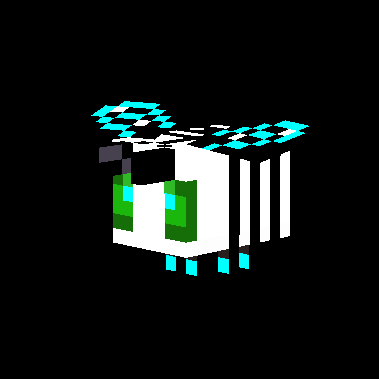
Loot Bee


A rare, neutral bee that wanders aimlessly throughout the Overworld. The Loot Bee does not belong to a hive and never sleeps. It is non-aggressive but will flee quickly if attacked. Upon death, it drops high-tier Nether loot including Netherite Scraps, Ghast Tears, and a 5 percen…

LAVA BOOTS (BETA version 0.1


Wield a lightning-forged katana that strikes enemies and empowers you with overwhelming strength.
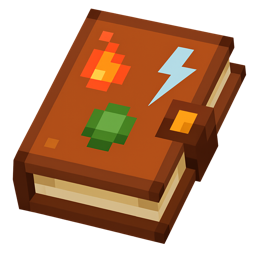
Elemental Spell Book


Elemental Spell Book A single-slot tome that lets you wield four elemental attacks—Fire, Lightning, Earth, and Water—in one item. Sneak + Right-Click to cycle through your loaded spell, then Left-Click on an enemy to cast Fire (ignites), Lightning (summons thunder), or Earth (t…


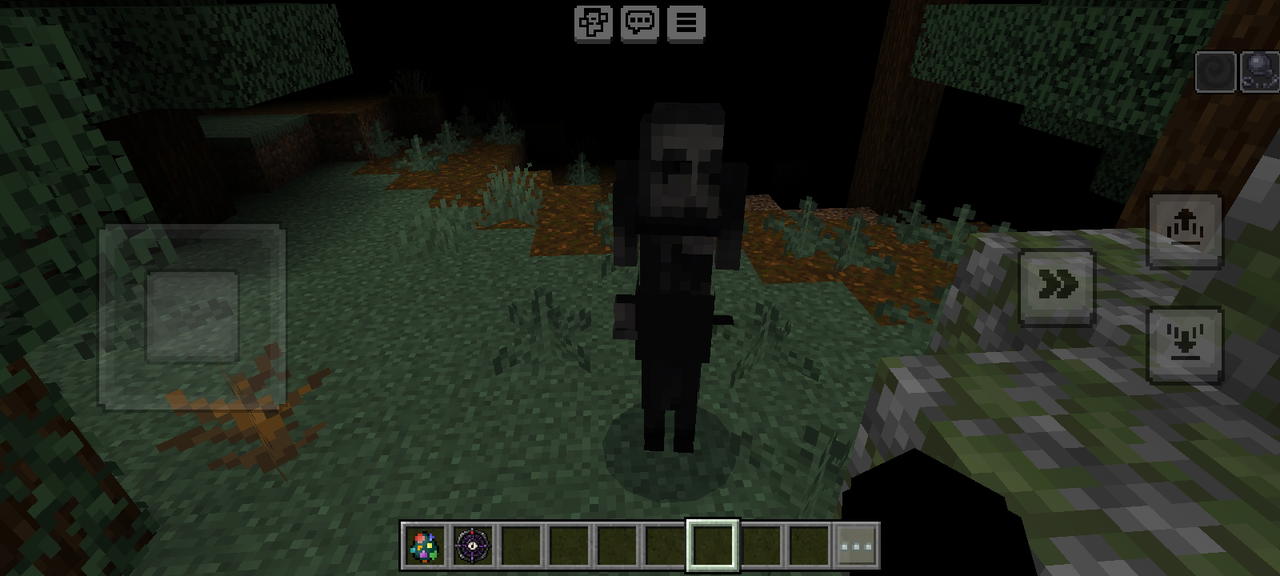
O Observador

Crie um add-on completo de terror para Minecraft Bedrock Mobile, chamado “Atael: O Observador”. PERSONAGEM PRINCIPAL Crie uma entidade chamada Atael: - Muito alto, magro e extremamente fino. - Braços e pernas longos e desproporcionais. - Aparência assustadora e feia. - Rosto páli…
This mod is licensed under the CreativeMode Mods License.