

Description
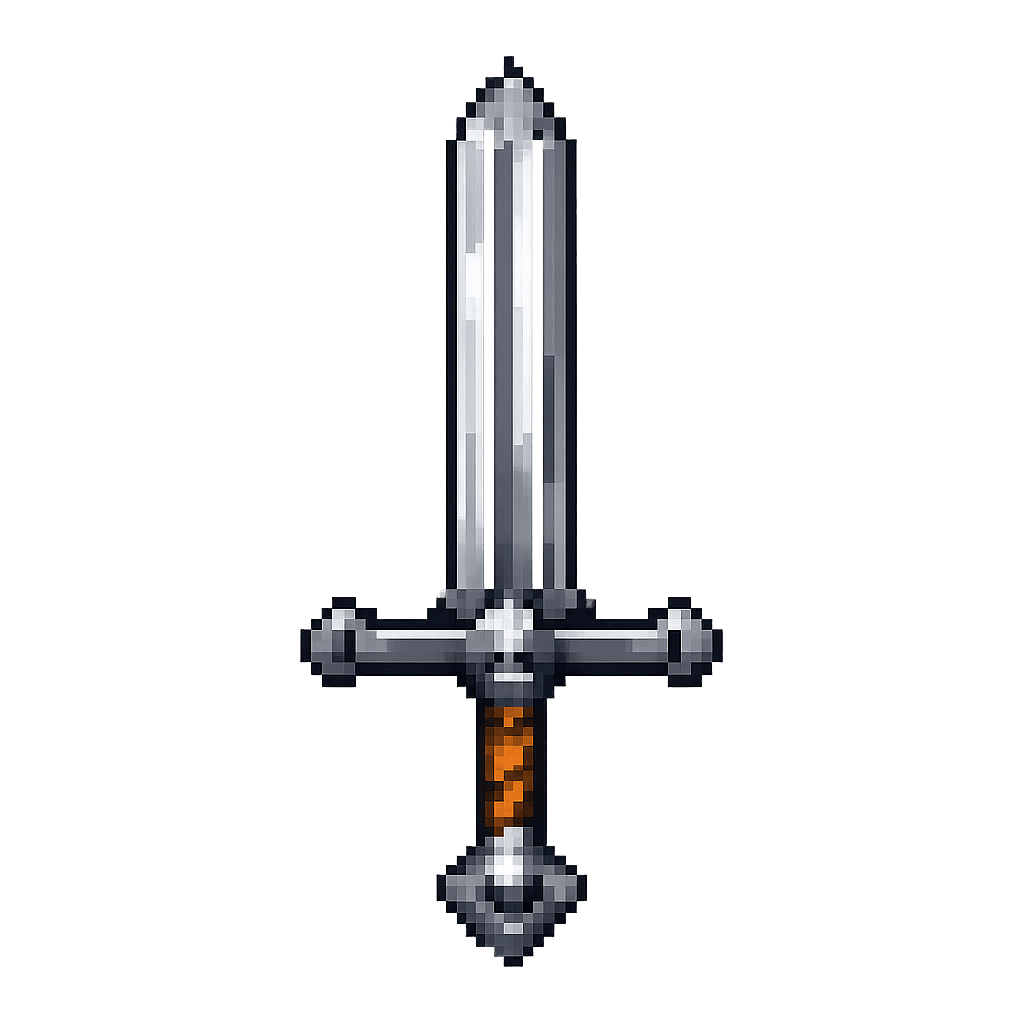
Unearth the Java Edition Relic, a durable obsidian-like treasure you can place and display.
Mod Wiki
Java Edition Relic
Quickstart
- Open the Ingredients tab in the Creative inventory and search for Java Edition Relic.
- Place the relic in your hotbar and use it on the side of a suitable block to place it.
- Display it as a durable, obsidian-like decorative block. Break it normally to collect the relic again.
In Survival, craft the relic with iron ingots, redstone, and a book:
Overview
The Java Edition Relic is a durable treasure with both an inventory form and a placed block form. It is designed for displaying in builds, museums, treasure rooms, and other decorative spaces.
The relic:
- Is named Java Edition Relic in the inventory and when placed.
- Can be placed as a block.
- Is durable like an obsidian-based block.
- Stacks to one item.
How To Use
Place the Relic
Hold the relic and use it on the face of an existing block. It behaves like a normal placeable block item.
Display the Relic
Use the placed relic as a centerpiece or treasure display. Its durable construction makes it suitable for permanent decorations and protected builds.
Pick It Up
Break the placed relic to return it to item form, then place it somewhere else or store it for later.
Crafting And Obtaining
The relic can be crafted at a crafting table:



The recipe requires:
- 4 iron ingots
- 4 redstone
- 1 book
You can also obtain it directly from the Ingredients tab in Creative mode.
Abilities And Mechanics
The relic has a straightforward purpose:
- Placeable: The inventory item places the Java Edition Relic block.
- Durable: The placed relic has obsidian-like durability.
- Decorative: It has no additional combat, movement, or activation ability.
- Single-item stack: Each inventory slot holds one relic.
Progression And Strategy
Craft the relic when you have a book, redstone, and iron available. Consider using it as a landmark for an important location, a centerpiece in a trophy room, or a durable accent in an obsidian-themed build.
How to install
This Java mod can be used on Windows and Mac PCs with the CreativeMode Launcher or any Minecraft launcher of your choice.

1. Download and install the new CreativeMode Launcher

2. Click to play on the top of the screen.

3. That's it — launches instantly. No complicated setup required.
Want to use on a different launcher? Download mod and manually install.
Players also liked
The valley civilization {horror}

Explore the Pool Rooms, Backrooms, and an impossible resort—then find the door home.
Netherite Shard Transmuter


Turn diamond ore into Netherite Scrap with a mighty transmuting pickaxe.
The Virus Mod


Enter Hygron rifts to be pulled into the Hygron Core — a sprawling raid stronghold of themed sections (corrupted courtyards, labs, cathedrals, factories, mirror halls, sky bridges and a final castle) where you fight patrols, ambushes, minibosses and cinematic bosses to unlock pro…
Hermtic door and bunker decorations mod


Adds eastern european bunker doors and decorations
Eightfold Blocks


See if a tiny stone block appears inside an invisible microblock container.
This mod is licensed under the CreativeMode Mods License.