

Eightfold Blocks
Description
See if a tiny stone block appears inside an invisible microblock container.
Mod Wiki
Eightfold Blocks
Quickstart
- Open the Eightfold Blocks creative inventory tab and take Small Stone.
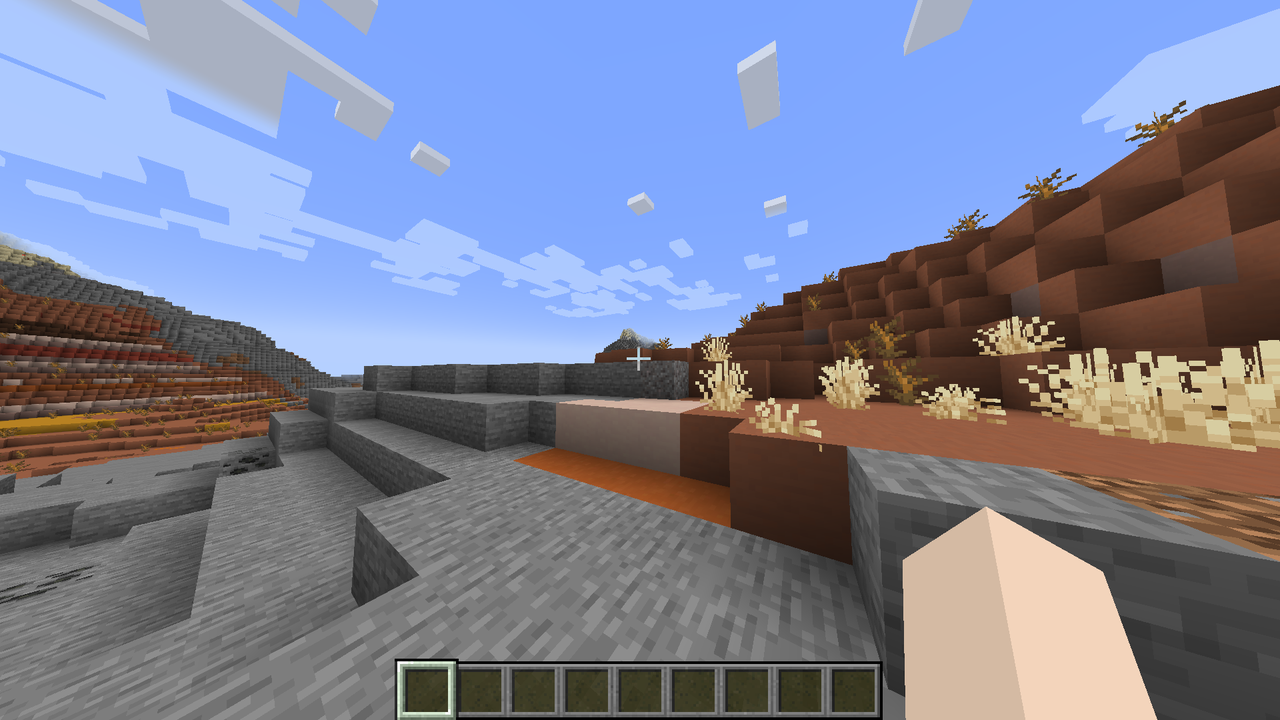
- Place it as you would a normal block, then look closely: the stone is tiny, while its surrounding microblock container is invisible.
- To make more small blocks in Survival, try a stonecutter with a vanilla block as input. Many stonecutter recipes produce 8 small versions.
Overview
Eightfold Blocks is a miniature building set: it provides small versions of familiar Minecraft materials, designed to look like tiny blocks within an invisible container. It is useful for adding fine details to builds or experimenting with small-scale arrangements.
What It Adds
The small-block selection includes:
- Terrain and stone: stone, cobblestone, dirt, grass, sand, gravel, deepslate, clay, snow and ice.
- Wood: logs, wood, planks and stripped variants from several Overworld and Nether wood types.
- Building materials: bricks, stone bricks, sandstone, glass, leaves, and many stair styles.
- Colored blocks: wool, concrete, concrete powder, terracotta, glazed terracotta and stained glass in a range of colors.
How To Use
- Place Small Stone normally to see the tiny stone form.
- Use the small materials as miniature building pieces and combine styles to add detail.
- The container around the tiny stone is invisible; the small block itself is the feature to look for.
Crafting And Obtaining
Small-block recipes are available through the stonecutter. Put a matching standard block in the input slot and choose its small version where offered. Many recipes yield eight small blocks per input; check the stonecutter’s displayed output for the exact result.
Progression And Strategy
There is no required progression. Start with Small Stone, then try small versions of materials already in your inventory. Stonecutting is a convenient way to explore the available styles and build up a set for decorating.
Recipes


How to install
This Java mod can be used on Windows and Mac PCs with the CreativeMode Launcher or any Minecraft launcher of your choice.

1. Download and install the new CreativeMode Launcher

2. Click to play on the top of the screen.
3. That's it — launches instantly. No complicated setup required.
Want to use on a different launcher? Download mod and manually install.
Players also liked
The valley civilization {horror}

Explore the Pool Rooms, Backrooms, and an impossible resort—then find the door home.
Hell and Heaven


Use a crying obsidian portal to enter a fiery Nether beneath the Nether, full of volcanoes, meteors, and monsters.
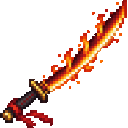
Crimson Flame Katana

Wield a magma-edged katana and unleash fiery bursts that briefly ignite nearby foes.
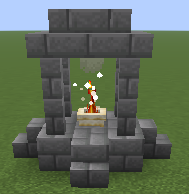
Sacred Fire Ward

Place a sacred fire, destroy nearby unholy monsters, and gain holy protection through offerings so you can build your farm, village, city or town in peace. Purify zombie villagers instantly and cure them. It works almost like a mega-torch but more, with holy magic and holy prote…


This mod is licensed under the CreativeMode Mods License.